
If you render, compile, or encode for a living, buy the Ryzen 9 9950X; if you want most of that multi-core muscle for less money, the Core i7-14700K is the value pick. The 9950X is about 18% faster in Cinebench R23 multi-core (42,871 vs 36,245) and runs far more efficiently, but it costs $239.28 more at TechCortex — $696.10 against $456.82 (cpu-monkey). In games the two are close, and that's the twist: at this price neither is the right chip for a gaming-first build.
Both are high-end all-rounders, not gaming specialists. The 9950X is a 16-core Zen 5 part on the current AM5 socket; the 14700K is a 20-core Raptor Lake part on the retired LGA1700 socket. The decision comes down to how much multi-threaded work you actually do, how much you care about power and heat, and whether you want a platform you can upgrade later.
Multi-core and productivity: the 9950X earns its price here
This is the one place the 9950X clearly justifies the premium. Its 16 Zen 5 cores (32 threads) posted 42,871 in Cinebench R23 multi-core against the 14700K's 36,245 — about 18% more throughput (cpu-monkey). It also holds roughly a 7% single-core edge, so it's faster in both the lightly-threaded and the all-core cases.
If you export 4K video, render in Blender, compile large projects, or run simulations, that 18% is time saved on every single job, and the 9950X's much larger 64MB L3 cache helps some of those workloads further. For a daily workstation, it's the better tool.
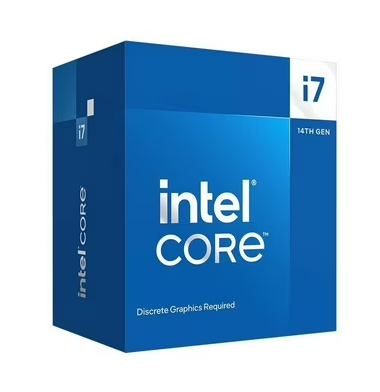
But read the price-to-performance honestly. The 14700K's 20 cores (8 performance + 12 efficiency, 28 threads) still deliver about 85% of the 9950X's multi-core score for 34% less money. For most people who "sometimes" render or encode, the 14700K is the smarter spend — you'd pay $239 extra for the last sliver of throughput. The 9950X makes sense when those jobs are your work, not your hobby.
Gaming: close to a tie, and the wrong fight for both
For gaming, these two land close together, and the exact winner barely matters. The 9950X's ~7% single-thread lead (cpu-monkey) is only visible in a CPU-limited scenario — 1080p with a top-tier GPU. Move to 1440p or 4K, where anyone spending $450–700 on a CPU is realistically playing, and the graphics card sets the frame rate. There the two are indistinguishable.
The honest part: at this money, both are the wrong gaming chip. AMD's 3D V-Cache parts own gaming, and even the previous-generation Ryzen 7 7800X3D beats the 9950X — TechPowerUp flatly notes the 9950X is "slower than the 7800X3D and 7950X3D in gaming" (TechPowerUp), and Tom's Hardware measures the 7800X3D ahead by about 7.5% at 1080p (Tom's Hardware). Tom's 14th-gen review makes the same point about Intel from the other side — it's subtitled "Ryzen X3D Stays On Top" (Tom's Hardware).
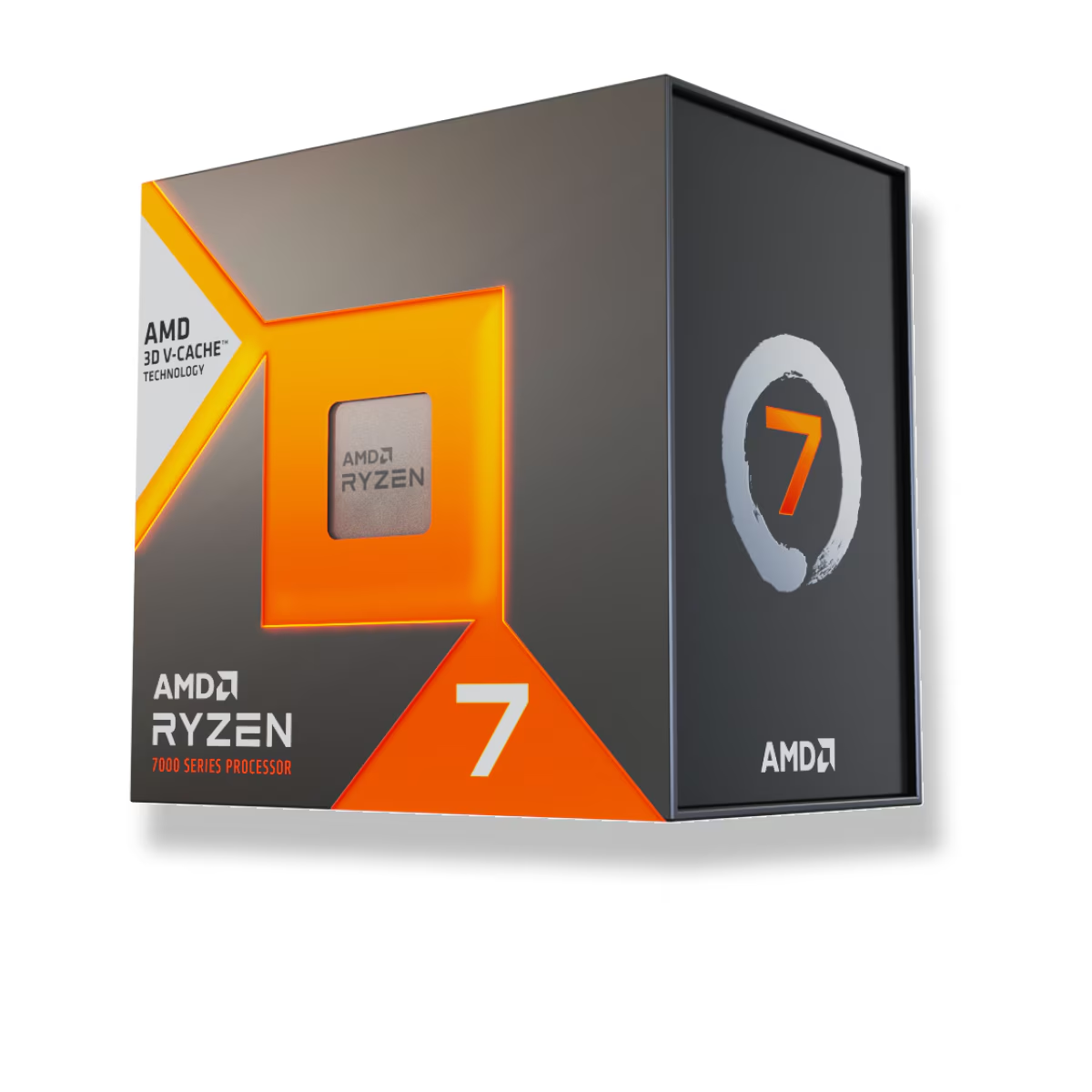
The 7800X3D costs $415.41 — $280 less than the 9950X and $41 less than the 14700K — and gives higher frame rates than either. If the machine is for gaming, that's the chip to compare them against; we put the Intel side of that fight in Ryzen 7 7800X3D vs Core i7-14700K and the AMD side in Ryzen 7 7800X3D vs Ryzen 9 9950X.
Power, heat, and the cooler each one needs
The efficiency gap is large and it costs real money in cooling. The 9950X carries a 170W TDP (230W package power ceiling) but rarely runs that high in practice — TechPowerUp measured about 135 W on average across its test mix and roughly 50 W less than the 14900K in both gaming and applications (TechPowerUp). Even a 30-minute all-core Cinebench grind pulled around 202 W.
The 14700K is the hungrier chip. Its max turbo power (PL2) is 253W, and in XDA's testing it peaked at 279 W during Cinebench R23 multi-core and reached its 100°C throttle point even on an NZXT Kraken 240mm AIO at full fan speed — the reviewer called it "thermally prohibitive for many people" (XDA). Neither chip is a light cooling job under sustained load, but the 14700K is the one that wants a 280–360mm AIO or a top-tier dual-tower air cooler to hold its clocks. Factor that cooler into its real cost; our air cooler vs AIO breakdown covers what each actually buys you.
Specs and price side by side
| Ryzen 9 9950X | Core i7-14700K | |
|---|---|---|
| Cores / threads | 16 / 32 | 20 (8P + 12E) / 28 |
| Architecture | Zen 5 (4 nm) | Raptor Lake Refresh (10 nm) |
| Max boost | 5.7 GHz | 5.6 GHz |
| L3 cache | 64 MB | 33 MB |
| Power ceiling | 230 W (PPT) | 253 W (PL2) |
| Cinebench R23 multi | 42,871 | 36,245 |
| Gaming | near-tie (both behind 7800X3D) | near-tie (both behind 7800X3D) |
| Socket | AM5 (current) | LGA1700 (retired) |
| TechCortex price | $696.10 | $456.82 |
The platform line matters for a build you want to keep. AM5 is a live socket — the Ryzen 9000 series drops into the same boards as the 7000 series, so a 9950X system can take a future AMD CPU with a BIOS update. LGA1700 is done: 14th Gen is the last generation Intel shipped for it, and newer Core Ultra chips moved to LGA1851. Either way, check that the board posts the CPU on its current firmware first — see do you need to update BIOS for a new CPU.
Who should buy which
- Buy the Ryzen 9 9950X if heavy multi-threaded work is your actual job — rendering, video export, compiling, simulation. You get ~18% more throughput, much better efficiency and heat, and an AM5 platform you can upgrade later. The $239 premium pays back in time saved and lower power only if those jobs are frequent.
- Buy the Core i7-14700K if you want strong multi-core on a budget. It delivers about 85% of the 9950X's throughput for 34% less money, which is the better deal for anyone who renders occasionally rather than daily. Just plan for a serious cooler.
- Buy neither if the build is for gaming. The Ryzen 7 7800X3D beats both in games and costs $280 less than the 9950X. Spend the difference on a better GPU.
Not sure how either fits the rest of your parts? Plan the whole system with compatibility checks in our PC Builder, compare the 9950X against Intel's own flagship in Ryzen 9 9950X vs Core i9-14900K, and if gaming is the priority, start with our best CPU for 1440p gaming guide.