
If you are building a PC mainly to game, buy the AMD Ryzen 7 7800X3D over the Intel Core i7-14700K. It's the faster chip in CPU-bound games, it draws a fraction of the power, and at TechCortex it's the cheaper of the two. The 14700K only wins one fight — heavy multi-core work like rendering, compiling, and encoding — where its 20 cores leave the 8-core 7800X3D far behind. So the real question isn't "which is faster," it's "what do you actually do with the machine."
The comparison comes up because these two look like natural rivals: similar price, both aimed at enthusiasts, both needing a cooler you buy separately. But they're built for opposite jobs. The 7800X3D stacks 64 MB of extra L3 cache on top of an 8-core die to feed games; the 14700K throws 20 cores at throughput. Marketing shows you core counts. Frame rates and power meters tell a different story.
Gaming: the 7800X3D wins, and it's the cheaper chip here
This is the headline, and it's not subtle. AMD's 3D V-Cache — 96 MB of total L3 on the 7800X3D, most of it stacked vertically on the compute die — keeps game data close to the cores, and in the CPU-bound scenarios that decide frame rate, cache beats clock speed and core count. Tom's Hardware's launch review put the 7800X3D ahead of Intel's then-flagship 13900K by 12% on average and up to 40% in cache-sensitive games. The 14700K lands below the 13900K/14900K tier in gaming, so against it the 7800X3D's lead holds or widens.
TechSpot's 14th Gen review makes the same point from Intel's side: the best case for Intel is the 14900K merely matching the 7800X3D in a broad game suite — and to reach that parity "the Intel system consumes around 30% more power." The 14700K is a step below the 14900K, so it doesn't get even that far in games.
Here's the honest limit, though: this is a 1080p, high-refresh story. Test at 1440p or 4K with a normal GPU and both chips run into the graphics card long before the CPU matters — the gap between them shrinks toward nothing. If you game at 4K/60 on a mid-range GPU, either chip is fine, and the decision comes down to the other work you do.
Productivity: where the 14700K earns its price
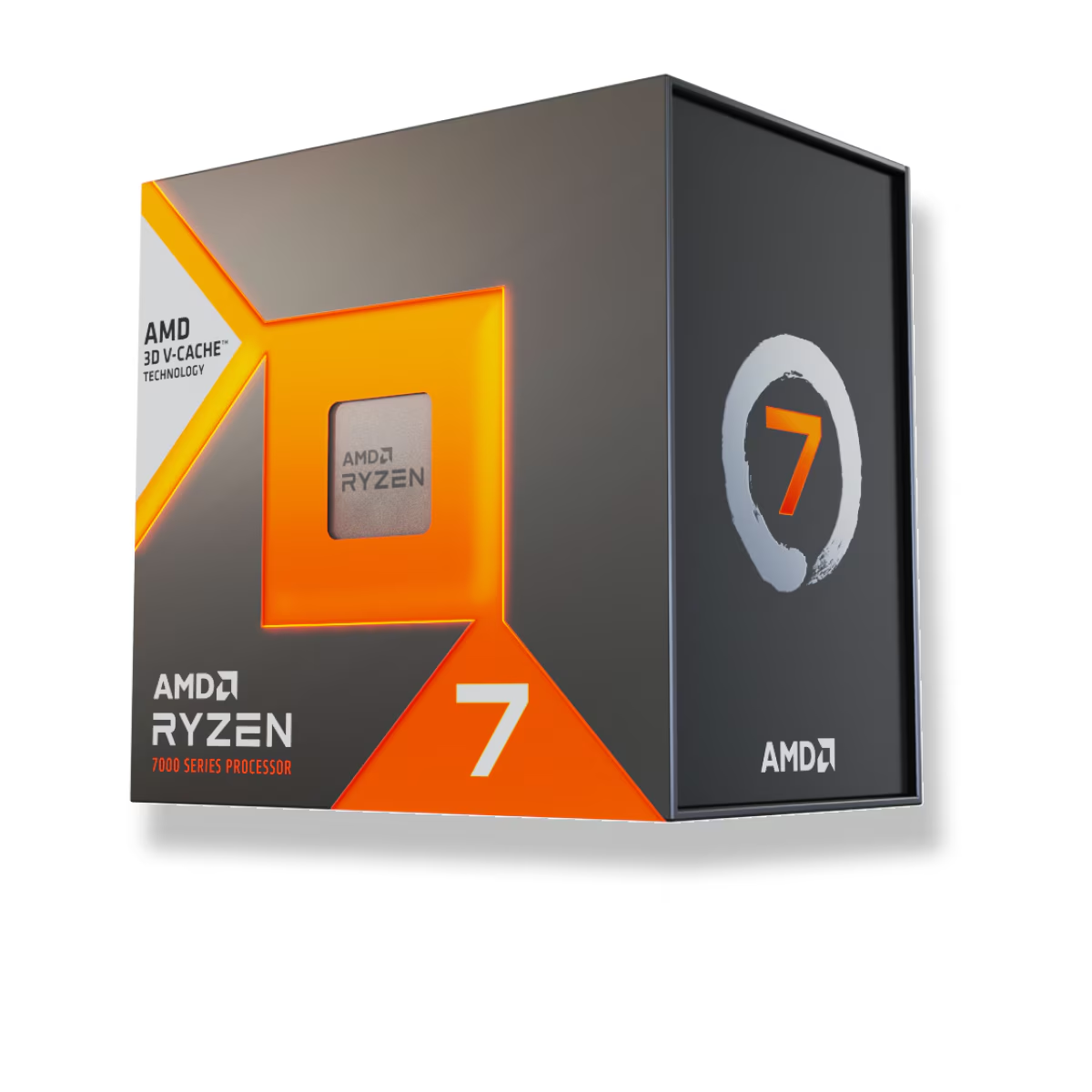
Flip the workload and the result flips with it. The Core i7-14700K ($448.97) has 20 cores — 8 performance plus 12 efficiency — and 28 threads. The 7800X3D has 8 cores and 16 threads, full stop. In anything that scales across threads — Blender renders, Handbrake exports, code compiles, running a game and a stream and a wall of browser tabs at once — the 14700K pulls decisively ahead, and the gap grows with the thread count of the job.
The 3D V-Cache that makes the 7800X3D a gaming monster does nothing for these workloads; it's an 8-core chip carrying a cache it can't use here. If your machine spends real hours rendering or exporting, the 14700K's cores are worth paying for, and this is the scenario where you should ignore the gaming charts entirely.
| Ryzen 7 7800X3D | Core i7-14700K | |
|---|---|---|
| Cores / threads | 8C / 16T | 20C / 28T (8P + 12E) |
| L3 cache | 96 MB (3D V-Cache) | 33 MB |
| Socket / platform | AM5 — supported to 2029 | LGA1700 — last generation |
| Memory support | DDR5 only | DDR4 or DDR5 |
| Rated max power | 120W TDP (~89W in games) | 253W max turbo |
| Price at TechCortex | $409.99 | $448.97 |
Power, heat, and the cooler the 14700K demands
The efficiency gap is as wide as the gaming gap, just pointed the other way. The 7800X3D is one of the most efficient desktop chips you can buy — TechSpot measured it sipping power in games, typically well under 90W, and it runs cool enough that a good air cooler handles it comfortably.
The 14700K is the opposite story. It's rated for up to 253W of turbo power, and GamersNexus has documented how much heat 14th Gen dumps to hold its clocks under load. That's a real cost: to keep a 14700K from throttling in sustained multi-core work, you want a large dual-tower air cooler or a 240–360 mm AIO like the MSI MAG Coreliquid A13 360 ($125.04). Add that to the 14700K's price and its small sticker gap over the 7800X3D disappears.
There's also the history every 13th- and 14th-Gen buyer should know: the Vmin Shift instability that hit these chips. Intel traced it to elevated voltages and shipped microcode fixes and extended the warranty on affected CPUs to five years. A 14700K on current BIOS is protected — but keeping your board firmware up to date is not optional on this platform.
Platform and upgrade path
The last real difference is the socket, and it favors AMD. The 7800X3D sits on AM5, which AMD has committed to supporting through 2029. A B650 board like the ASRock B650 PG Lightning ($189.77) bought today should take multiple future Ryzen generations with a BIOS update — you can drop in a faster chip in two years without replacing the motherboard or memory.
The 14700K is on LGA1700, and 14th Gen is the final generation for that socket; Intel moved to LGA1851 for everything after it. A B760 board like the Asus TUF Gaming B760-Plus WiFi ($226.64) is perfectly good, but it's the end of the line — your only in-socket "upgrade" later is a used 14900K. The one upside is DDR4 support: if you already own a DDR4 kit, the 14700K lets you keep it and save on memory, while the 7800X3D forces a move to DDR5.
Price and value at TechCortex
At TechCortex the 7800X3D is $409.99 and the 14700K is $448.97. For a gaming-first build, the cheaper chip is also the faster one, runs cooler, and rides a socket with years of upgrades left — there's no argument to make for the 14700K there. For a build that leans on heavy multi-core work, the 14700K's 20 cores justify the premium and the extra cooling, and this is the one case where it's the right buy.
If you're torn because you both game and grind through renders, the deciding question is which one you do more. Pure gamers who occasionally edit should take the 7800X3D; creators who game after work should take the 14700K. And if you're weighing the Intel side more broadly, our Ryzen 9 7900X vs Core i7-14700K and 7800X3D vs Core i9-14900K breakdowns cover the neighboring matchups.
Who should buy which
- Buy the Ryzen 7 7800X3D if gaming is the point. It's faster in CPU-bound games, draws far less power, costs less here, and sits on a socket that takes future upgrades. An occasional render or export won't change that call.
- Buy the Core i7-14700K if heavy multithreaded work — rendering, compiling, encoding, or streaming while you play — is a real part of your week, or you're reusing a DDR4 kit. Pair it with a large air cooler or a 360 mm AIO.
- Skip the debate if you game at 4K on a mid-range GPU — you'll be GPU-limited, the CPU gap nearly vanishes, and you can buy on price and platform instead.
Building the whole system? Drop either CPU into a compatibility-checked build in our PC Builder and it will flag the board, cooler, and memory that fit.