
If you already own a Ryzen 7 7800X3D, keep it. If you are building a new high-refresh gaming PC with a flagship GPU, the Ryzen 7 9800X3D is the faster chip — roughly 8–15% ahead at 1080p depending on the game and the reviewer — and it adds overclocking and productivity headroom the 7800X3D never had. But that lead is a CPU-bound, 1080p number. At 1440p on most cards and at 4K on nearly all of them, the two land within a few frames of each other, and the 7800X3D costs $128 less in our catalog.
Both are 8-core, 16-thread chips carrying 96MB of L3 cache on the same AM5 socket, so the spec sheets look almost identical. What changed is underneath. AMD moved the 3D V-Cache below the cores on the 9800X3D, and that one structural change is why it clocks higher, ships as a fully unlocked overclocking part, and still pulls ahead in the games that actually lean on cache.
Gaming performance at 1080p
The X3D family's whole point is cache, and the 9800X3D keeps the same 96MB the 7800X3D had. So the gaming gain here does not come from more cache — it comes from Zen 5's higher instructions-per-clock and the 200 MHz clock bump. How big that gain looks depends entirely on where the bottleneck sits.
The numbers below come from reviews run at 1080p on an RTX 4090 — a deliberately GPU-unbottlenecked setup that isolates the processor. TechSpot measured the 9800X3D about 8% faster on average across 45 games, with the biggest wins (near 20%) in titles that hammer the memory subsystem and near-ties in GPU-leaning games. Tom's Hardware ran a different game selection and landed at 14.7%. The spread between those two honest reviews is the real story: your mileage depends on which games you play, not on a single headline percentage.
| Ryzen 7 9800X3D | Ryzen 7 7800X3D | |
|---|---|---|
| Architecture | Zen 5 | Zen 4 |
| Boost clock | up to 5.2 GHz | up to 5.0 GHz |
| L3 cache | 96 MB | 96 MB |
| 3D V-Cache placement | Below cores (2nd gen) | Above cores (1st gen) |
| 1080p gaming (avg) | ~8–15% faster | baseline |
| Overclocking | Fully unlocked | Locked |
| TDP | 120 W | 120 W |
| Catalog price | $568.12 | $439.77 |
Why the flipped cache matters more than the clock bump
On the 7800X3D, the 3D V-Cache sat on top of the cores, acting as a thermal blanket. To protect it, AMD capped voltage and clocks — which is why the first-gen X3D chips always clocked lower than their non-X3D siblings and could not be overclocked.
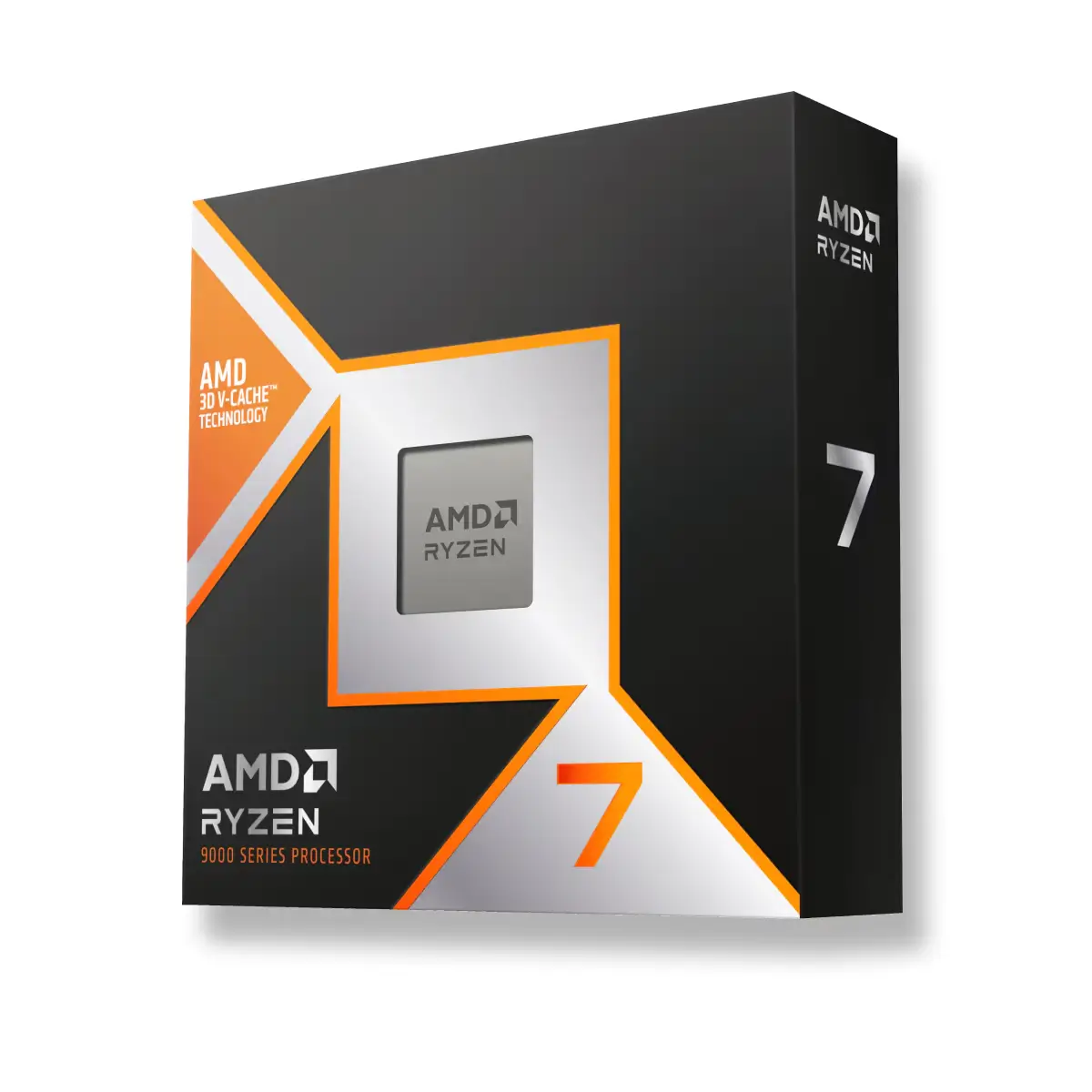
The 9800X3D inverts that stack: the cores sit on top, in direct contact with the heat spreader, and the cache moves underneath (Digital Trends). That lets the cores shed heat normally, so AMD could raise the clocks and unlock the chip for manual overclocking — the first time any 3D V-Cache part has allowed it. Practically, it means the 9800X3D no longer pays a clock-speed tax for its cache, which is where most of its everyday lead comes from.
Where the gap disappears
Every number above assumes the CPU is the limiting factor. Move to a resolution or a graphics card where it isn't, and the comparison collapses.
At 1440p the gap narrows, and at 4K it is usually low single digits because the GPU is maxed out long before either CPU breaks a sweat. The same thing happens at any resolution if you pair these chips with a mid-range card: an RTX 5060 or 5070-class GPU will cap your frame rate before a 7800X3D runs out of headroom, so the 9800X3D's extra frames simply never appear on screen. If you are picking a processor around a specific resolution, our guide to the best CPU for 1440p gaming in 2026 walks through where extra CPU power stops translating into frames.
This is the honest core of the matchup: for a large share of buyers — 4K gamers, 1440p gamers on mainstream GPUs, anyone not chasing 200+ FPS — the 9800X3D's gaming advantage is money spent on frames you will not see.
Productivity and overclocking
Where the 9800X3D does pull clearly ahead is outside games. The 7800X3D was deliberately held back on clocks, so it trailed even cheaper non-X3D chips in rendering, encoding, and compiling. The 9800X3D's Zen 5 cores and higher clocks erase that handicap, so it is both a top gaming CPU and a competent productivity chip — useful if you stream, edit, or run heavy multitasking alongside play. Add the overclocking headroom and it is the more flexible part for tinkerers.
For a pure gamer who never touches Blender or OBS, none of this changes the recommendation. It is a reason to pay the premium only if your workload actually uses it.
Price and platform
Both chips drop into the same AM5 boards — B650, X670, B850, X870 — and both run DDR5, so the platform cost is identical. You are only choosing the processor. Neither includes a boxed cooler, so budget for cooling either way; a solid air tower handles both, since their 120W rating is modest in practice.
Memory is one place not to overspend with either. The X3D's huge cache makes it less sensitive to RAM speed than normal chips, so a tuned DDR5-6000 CL30 kit is the sweet spot rather than an exotic high-frequency set — see does the Ryzen 7 7800X3D need fast RAM for the numbers. You can check either CPU against a full parts list in our PC Builder, which flags socket and memory mismatches before you buy.
Who should buy which
- Buy the Ryzen 7 9800X3D if you are building fresh, game at 1080p or 1440p high-refresh on a flagship GPU (RTX 5080/5090 tier), also do rendering, encoding, or streaming, and want overclocking headroom and the longest runway.
- Buy the Ryzen 7 7800X3D if you game at 4K or on a mid-range card, play only (no heavy production work), or simply want to put the $128 you save toward a faster GPU — which will move your frame rate more than the CPU swap ever will.
The honest version: if you already run a 7800X3D, there is no upgrade case here — you would spend $568 to move frames you are probably GPU-limited out of seeing anyway. If you are choosing between the two for a new build and your GPU is the fast part, the 9800X3D is the better chip. If your GPU is the bottleneck, the 7800X3D is still one of the best gaming CPUs you can buy, for $128 less.