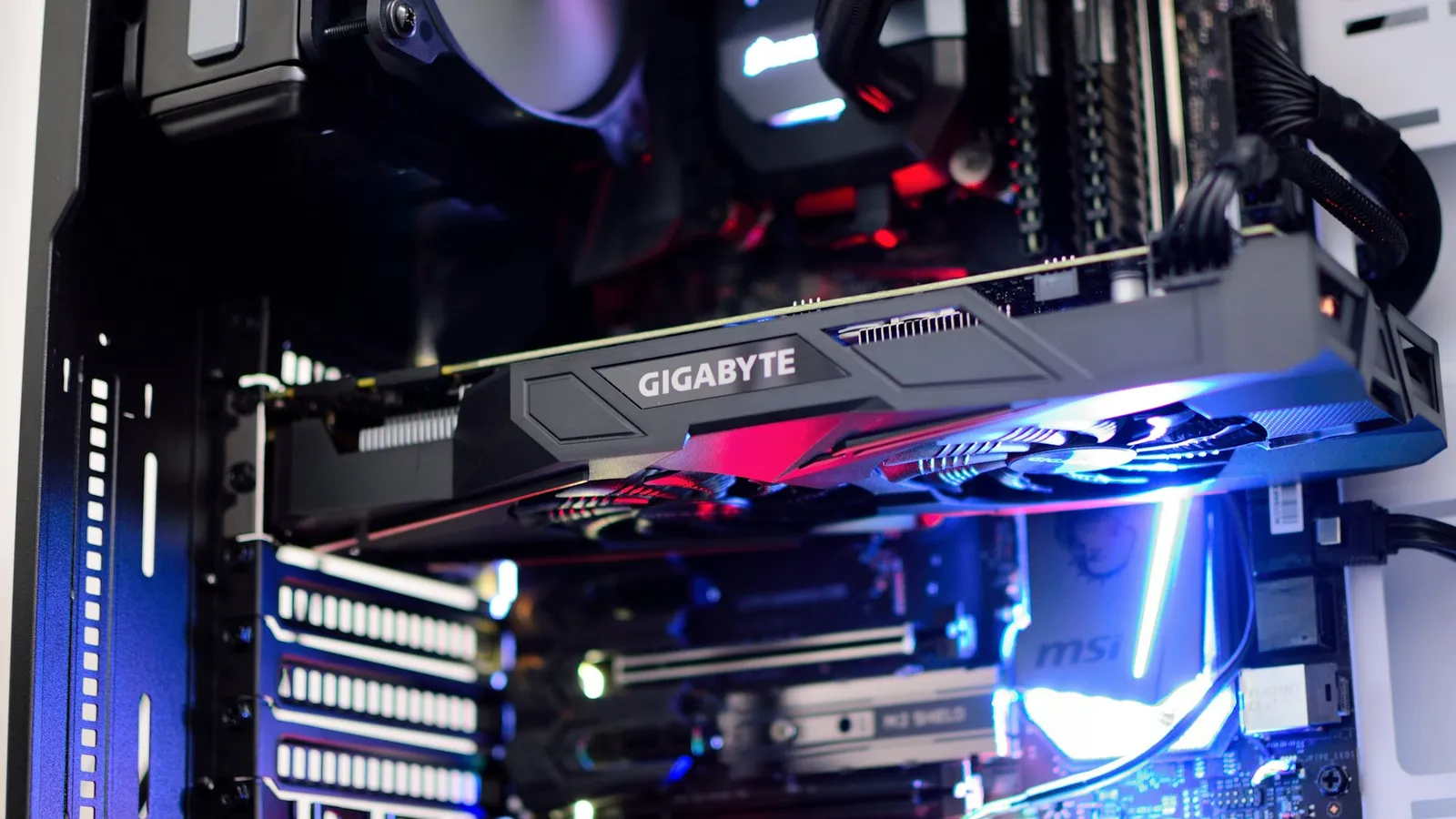

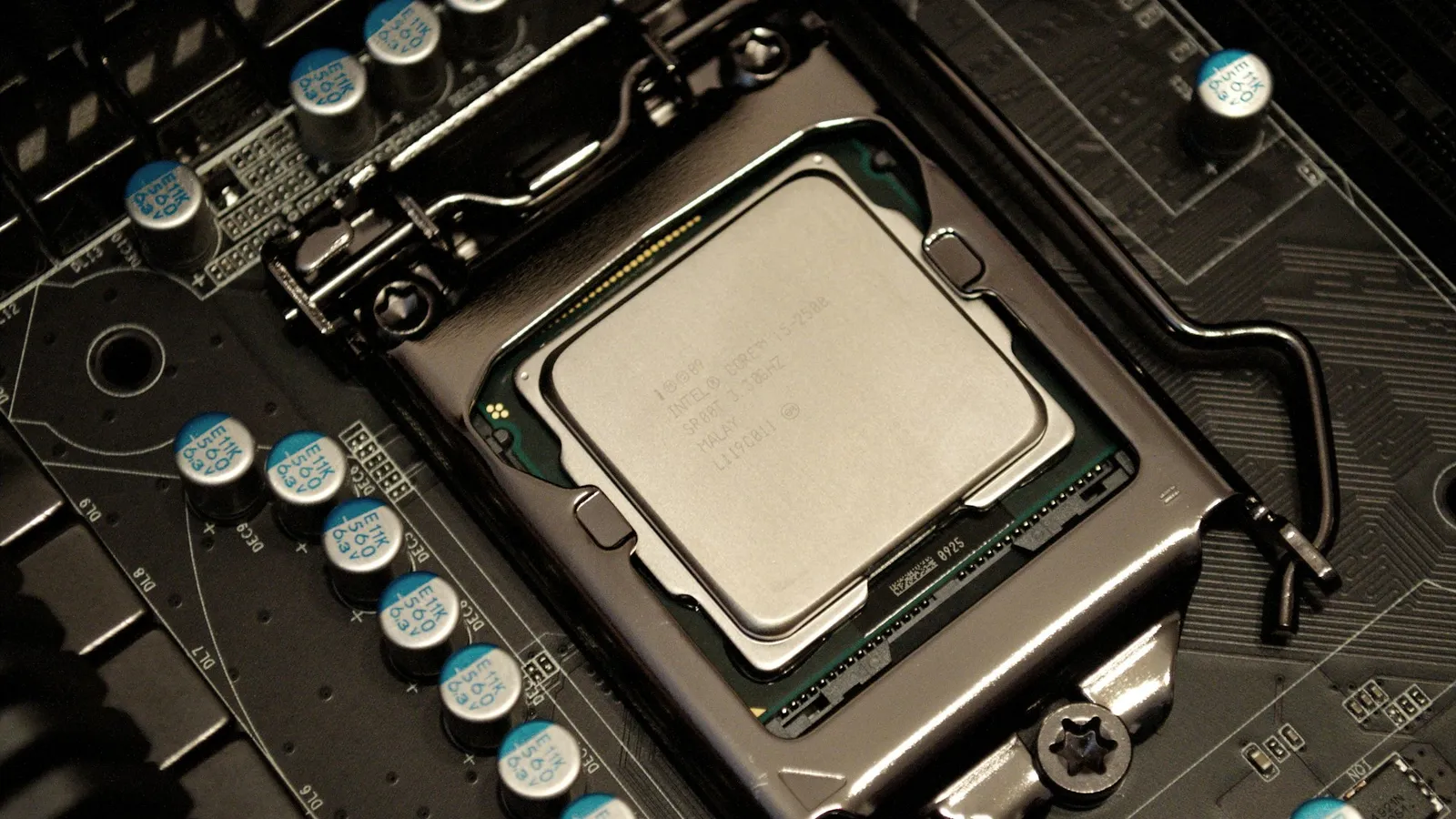
For a standard gaming build on Intel's Core Ultra 200S platform, a B860 board does everything you need, and Z890 is worth the extra money only in three cases: you plan to manually overclock an unlocked K-series CPU, you want to run a lot of drives and expansion cards at once, or you need the wider chipset-to-CPU link for heavy simultaneous I/O. Both chipsets use the same LGA-1851 socket, run the same processors at the same stock speeds, and both let you enable your DDR5 memory's XMP profile.
The confusion comes from the old Intel rule that "unlocked CPU needs a Z board." That is still true for CPU overclocking, but memory overclocking — the part that actually moves gaming frame rates — now works on B860 too. So the question is no longer "locked or unlocked memory," it is "will I ever touch the CPU multiplier, and do I need the extra ports?"
What the two chipsets share
Everything that feeds your graphics card and primary SSD comes from the CPU, not the chipset, and that part is identical on both boards. A Core Ultra 200S processor provides a PCIe 5.0 x16 link for the GPU and a PCIe 5.0 x4 link for the main M.2 slot whether you drop it into a B860 or a Z890 (Puget Systems). Your RTX 50-series card and your Gen5 SSD run at full speed either way.
Both chipsets also support Thunderbolt 4, and — the part people get wrong — both support memory overclocking. Loading the XMP profile on a DDR5-6000 CL30 kit works on B860 exactly as it does on Z890. Since memory tuning is where DDR5 actually buys frames in CPU-bound games, this removes the main performance argument for Z890. If you want the detail on why memory speed matters more than the chipset, see our DDR5-6000 vs DDR5-8000 performance difference breakdown.
Where Z890 pulls ahead
Z890 is the enthusiast chipset, and the differences are real — they just aren't about frame rate. Here is where the two diverge:
| B860 | Z890 | |
|---|---|---|
| CPU core / BCLK overclocking | No | Yes |
| Memory (XMP) overclocking | Yes | Yes |
| Chipset PCIe 4.0 lanes | 14 | 24 |
| SATA ports | 4 | 8 |
| Link to CPU (DMI) | 4× PCIe 4.0 | 8× PCIe 4.0 |
| GPU + primary M.2 (from CPU) | PCIe 5.0 x16 + 5.0 x4 | PCIe 5.0 x16 + 5.0 x4 |
Source: Puget Systems chipset comparison.
The headline is overclocking. Only an unlocked K-series chip — a Core Ultra 9 285K, Ultra 7 265K, or Ultra 5 245K — can have its cores overclocked at all, and only a Z890 board lets you do it. Drop a K chip into a B860 and it still runs at its full rated boost; you just can't push it past that.
The rest is I/O headroom. Those 24 versus 14 chipset lanes and the wider CPU link decide how many extra M.2 drives, SATA disks, capture cards, and 20 Gbps USB ports you can run before you start sharing bandwidth. A single GPU plus one or two SSDs never gets close to that ceiling. A workstation with four drives, a 10GbE card, and a wall of USB devices can.
Does CPU overclocking even help in games?
This is the honest part. The one thing Z890 unlocks that B860 can't touch — manual CPU overclocking — barely moves gaming performance for most people. At 1440p and 4K, where the majority of buyers actually play, frame rates are limited by the graphics card, not by a few hundred extra MHz on the CPU. The overclock costs you power, heat, and a louder cooler, and hands back a difference you mostly can't feel in games.
Core Ultra 200S also already boosts aggressively out of the box. The practical gain from a manual all-core overclock is small, and it shrinks further the higher your resolution. If your reason for eyeing Z890 is "I want more FPS," the honest answer is that a faster GPU or a tuned memory kit — both available on B860 — will do more for you than a CPU overclock. CPU overclocking on this platform is a hobby, not a performance upgrade.
Where it does pay off is sustained all-core work: rendering, compiling, heavy simulation. If that is your workload and you bought a K chip specifically to push it, Z890 is the board that lets you.
Price and availability
The gap in our catalog is wide. A solid B860 board like the Asus TUF Gaming B860M-PLUS WIFI is $254.37, while a mainstream enthusiast Z890 board like the Asus ROG Strix Z890-E Gaming WIFI is $499.99 — close to double.


That ~$245 difference buys overclocking you probably won't use and I/O headroom you probably won't fill. Put it toward a tier-up GPU instead and your games will thank you. If you want to check the full match against a specific CPU and cooler, build it out in our PC Builder — it flags socket and chipset mismatches before you buy.
For the previous Intel generation, the same logic held between B760 vs Z790 for the i5-14600K: the cheaper chipset ran the chip at full stock speed, and only the Z board added overclocking.
Who should buy which
- Buy B860 if you're building a single-GPU gaming PC, you'll run one or two SSDs, and you have no plans to manually overclock the CPU. This is most people. You still get PCIe 5.0 for the GPU and main SSD, and XMP for your memory.
- Buy Z890 if you bought an unlocked K chip to overclock it, you need many drives, add-in cards, or high-speed USB ports running at once, or your workload is sustained all-core rendering and compiling where the CPU headroom is worth the heat.