

For fast, competitive gaming, buy an IPS panel; for dark-room, single-player immersion, VA's deeper blacks are the better pick. The split comes down to two numbers that pull in opposite directions: VA panels carry roughly 3x the contrast of IPS — about 3000:1 versus 1000:1 — so black looks black instead of dark gray, while IPS panels respond faster and hold color steady across the whole screen, which matters more in fast motion and off-center viewing. If you mostly play shooters and racers, IPS. If you mostly play story games in a dark room and watch movies on the same screen, VA.
The question comes up because panel type is buried in a spec sheet while brands lead with refresh rate and resolution. Two monitors can both be "27-inch 1440p 165Hz" and still look very different in a dark scene or a fast pan, and that difference is almost entirely the panel.
Contrast and black levels: VA's real win
Contrast ratio is the gap between the darkest black and the brightest white a panel can show at once, and it is the one area where VA clearly beats IPS. Tom's Hardware pegs a good VA panel at a static contrast ratio of 2000:1 to 3000:1, with the best reaching 4000:1 and beyond, while the best IPS panels hover around 1000:1.
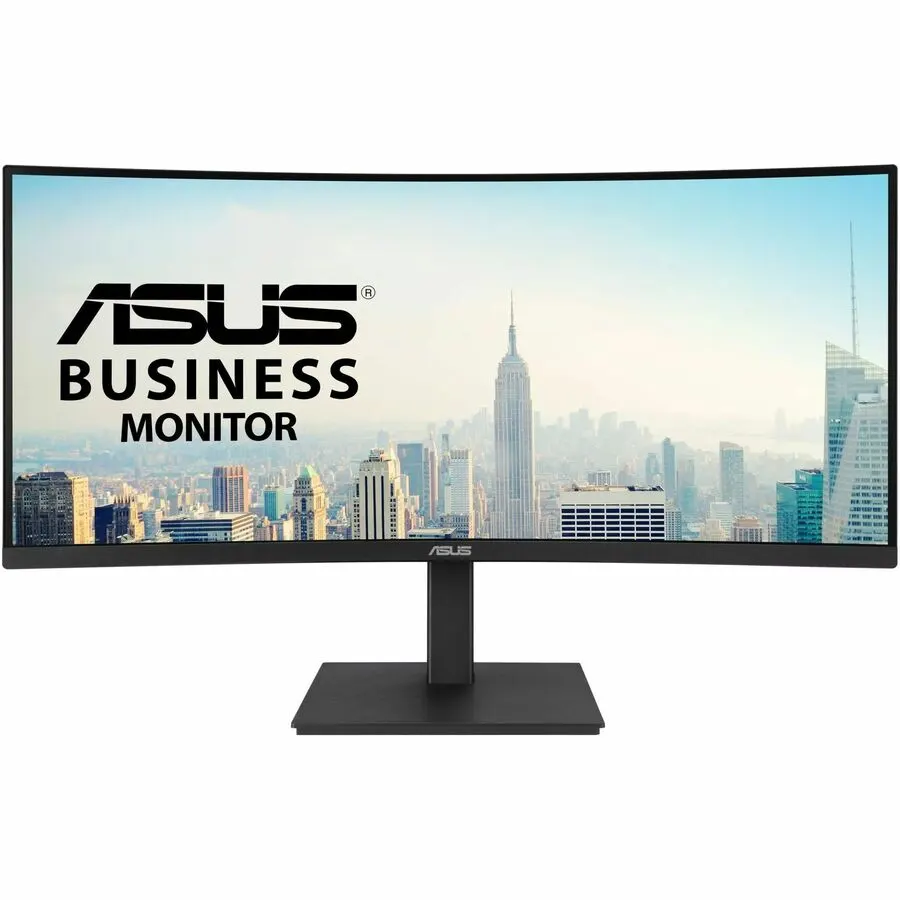
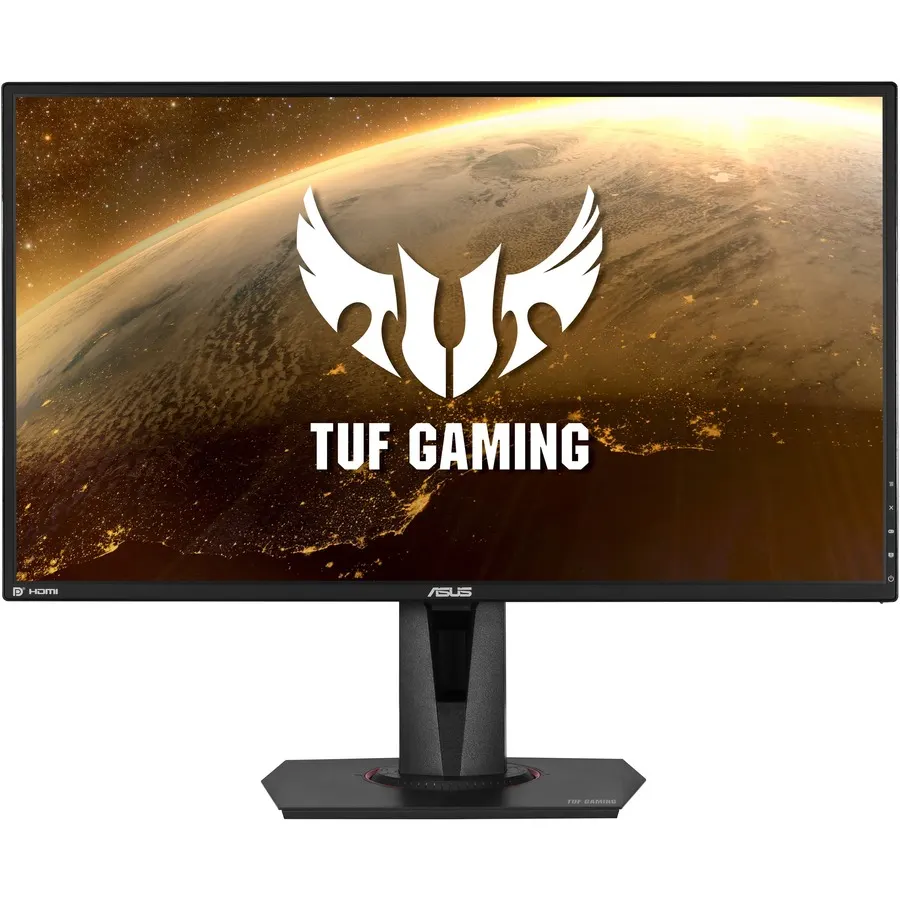
You can see that split in our own lineup. The IPS Asus TUF VG27AQ is rated 1000:1; the VA Asus VA34VCPSR is rated 3000:1. In a bright room with mixed content you may never notice. In a dark room playing a night level or watching a film, the 1000:1 IPS black looks like dark gray with a faint backlight glow, while the 3000:1 VA black reads as actual black. That is why VA dominates large curved panels sold for immersion — the contrast is doing the heavy lifting.
Motion and response: where IPS pulls ahead
Flip to a fast shooter and the advantage flips too. Tom's Hardware notes IPS panels tend to have the lower response times, typically 1 to 3ms on the fastest panels. VA gaming monitors are often rated 4ms or lower and some reach 1ms with aggressive overdrive — but that overdrive can introduce inverse ghosting (a bright trail) instead of fixing the problem.
VA's specific weakness is dark-to-dark transitions. RTINGS describes the result as "black smear": on fast-moving dark objects, the pixels take longer to change shade, leaving a visible trail. In a slow story game you will not see it; in a dark competitive map with quick camera movement, you will. The IPS VG27AQ's rated 1ms response and the VA34VCPSR's 4ms line up with that general pattern — the IPS panel is the one built for twitch gameplay here. This is the honest limit of VA for gaming: you trade motion clarity for contrast, and in fast dark scenes you pay for it.
Viewing angles and color consistency
IPS earns its name — In-Plane Switching — from how stable it stays off-axis. RTINGS calls wider viewing angles IPS's main advantage: color and brightness hold as you move off-center. VA sits between TN and IPS here, and on a large or curved screen viewed up close the edges can look darker than the center because you are already seeing them at an angle.
For a single person sitting dead center, this is minor. It matters if you sit close to a big panel, if two people watch the same screen, or if you do color work (photo and video editing) where even shifts across the panel are a problem. For mixed use — gaming plus creative work — IPS is the safer default.
What our catalog actually stocks
Panel type rarely ships on its own; it comes bundled with a size, a resolution and a refresh rate. In our lineup the practical choice looks like this:
- The IPS Asus TUF VG27AQ — 27" 1440p, 165Hz, 1ms, 100% sRGB, G-Sync Compatible — is $329.74. It is the straightforward fast-gaming monitor: high refresh, quick response, consistent color.
- The VA Asus VA34VCPSR — 34" ultrawide 1440p (3440x1440), 100Hz, 4ms, 1500R curve, 3000:1 — is $464.99. It is the immersion monitor: more screen, deeper blacks, a curve that wraps single-player and cinematic content.
Notice that these are not the same monitor with a different panel. Our VA option is a curved ultrawide at 100Hz, tuned for immersion, not a 240Hz esports screen. That reflects the wider market: VA shows up most on large curved panels, IPS on flat high-refresh gaming displays. So in practice you are choosing a whole monitor, and the panel is one reason among several.
Who should buy which
- Buy IPS if you play fast, competitive games (shooters, racers, fighters), you sit close or share the screen, or you also edit photos and video. You give up some contrast — 1000:1 blacks look grayish in a dark room — but you get cleaner motion, faster response, and color that holds across the panel.
- Buy VA if you mostly play single-player and story-driven games in a dim room, watch a lot of movies on the same screen, and want the most immersive picture for the money. Accept the trade: black smear can show up in fast dark scenes, and the image shifts more at the edges of a big curved panel.
If OLED is also on your shortlist, see our breakdown of IPS vs OLED for gaming before you spend more. Still deciding on resolution and refresh rate? Our 1440p 144Hz vs 4K 60Hz comparison covers the other half of the decision.