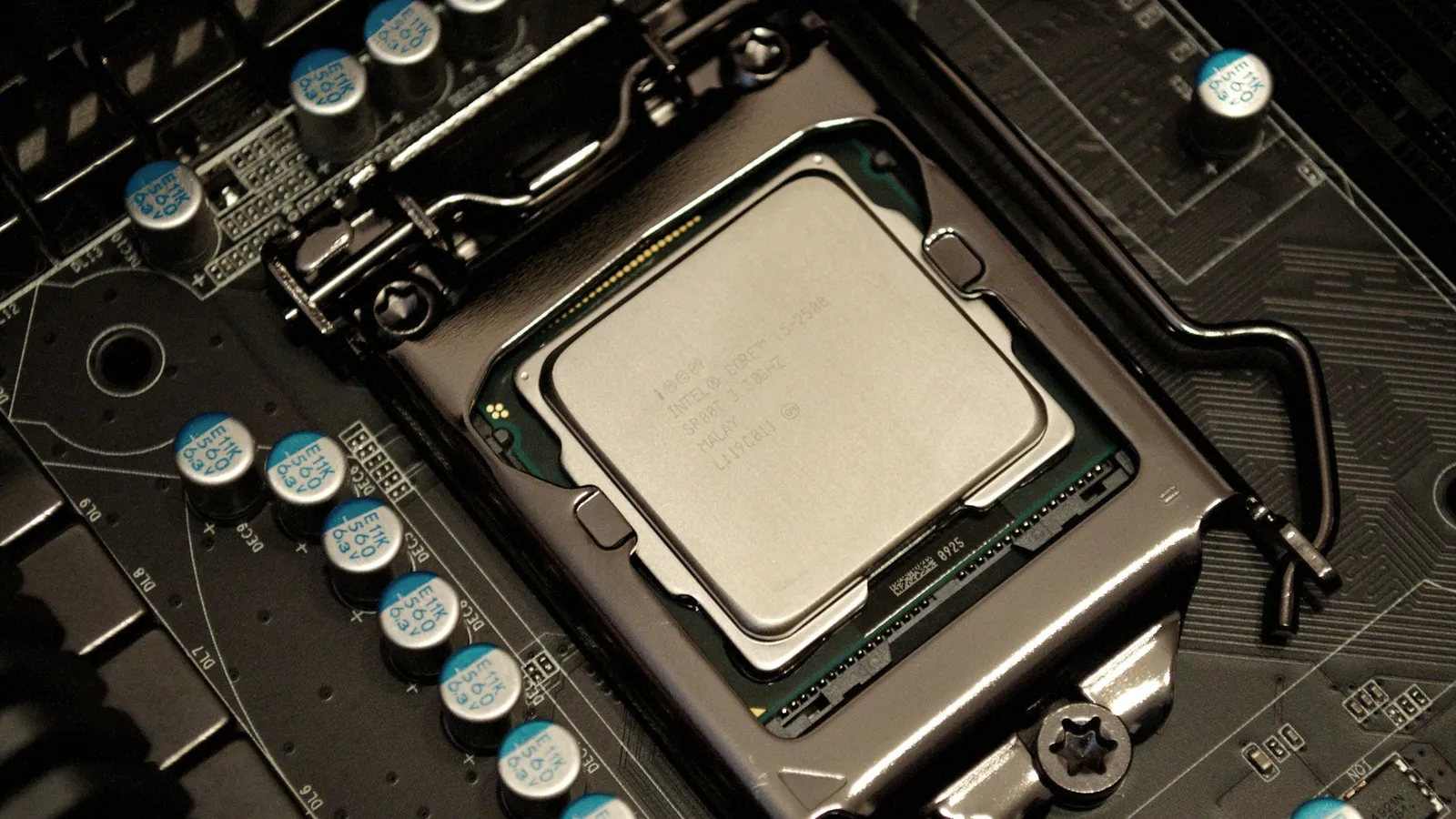

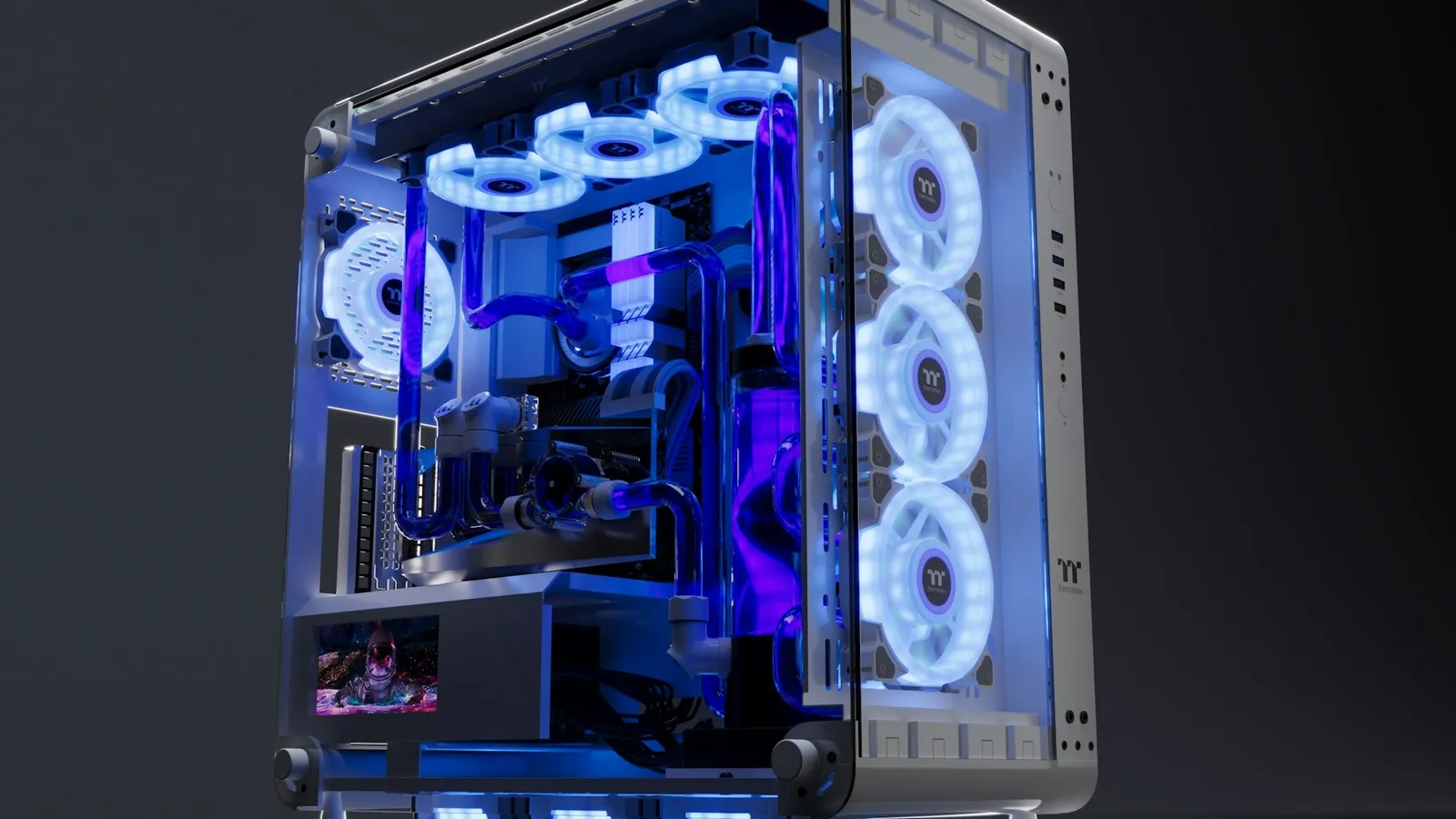
For a gaming PC, buy a good tower air cooler and skip the AIO. A quality air cooler holds a modern CPU within about two degrees of a 240mm liquid cooler, and a 360mm AIO only pulls meaningfully ahead — roughly 5–10°C — under sustained all-core loads that most gamers never run (XDA). Buy an AIO for the looks, for radiator clearance in a case a tall tower won't fit, or for hours-long rendering and compile jobs. For frames, it changes nothing you can feel.
The confusion comes from the assumption that liquid is simply the higher tier — quieter, cooler, more premium. Sometimes it is. But an AIO adds a pump, and a pump is one more thing to hear, one more thing to fail, and on cheaper units the first part to go. The question is not "which cools better in a lab," it's "which is better for what you actually do with the machine."
Cooling performance: where the gap is real and where it isn't
Start with the honest part for the liquid side: under a heavy, sustained, all-core load, a 360mm AIO does cool better. XDA puts a good 360mm unit around 5–10°C ahead of a comparable air cooler when the CPU is pinned at full power for a long stretch (XDA). Three 120mm fans over a large radiator move more heat than a metal tower can, and on a high-wattage chip running a render or a long compile, that headroom is real.
The catch is that gaming is not that workload. A game loads a handful of CPU cores in short bursts, not all of them at 100% for an hour. On that kind of load the air cooler's big heatsink soaks the spikes and the temperature difference shrinks to a degree or two — inside the range where fan curves and case airflow matter more than the cooler class. This is why affordable dual-tower air coolers are widely measured trading blows with 240mm AIOs, within a couple of degrees (XDA, Laptop Mag).
| Good tower air cooler | 360mm AIO | |
|---|---|---|
| Sustained all-core load | baseline | ~5–10°C cooler (XDA) |
| Gaming (bursty load) | baseline | ~1–2°C cooler |
| vs 240mm AIO | within ~2°C | — |
| Moving parts | fans only | fans + pump |
| Catalog price | $58.99–$83.99 | $109.99–$489.99 |
Noise: the AIO's quietest myth
The idea that liquid is silent is half-true. At idle an AIO is fine. Under load the pump has to run, and that pump adds a hum a heatsink simply doesn't have. One reviewer who switched back to air put it bluntly: at 75% pump and fan speed the AIO was loud enough that he couldn't stand it, while a single-fan air cooler stayed nearly inaudible under the same load (Laptop Mag).
A big tower air cooler is quieter than it looks because the heatsink does most of the work — the fans don't have to spin up hard to keep temperatures in check. If a silent machine is the goal, air is the safer default, not the compromise.
Reliability: a pump is a part that can fail
This is the argument that gets skipped and shouldn't. An air cooler is a block of metal and one or two fans. Nothing pumps, nothing is sealed, and a worn fan costs $10–$20 to swap — the cooler is good for another decade. An AIO is a sealed liquid loop with a pump, and that pump is a mechanical wear item. Cheap 360mm units are the ones most likely to fail early (XDA), and when an AIO leaks or the pump dies, you replace the entire cooler, not a $15 fan — the same reviewer above lost a first AIO to a leak (Laptop Mag).
For a machine you plan to keep for years, that difference in failure mode matters more than a couple of degrees on a chart.
What it costs in our catalog
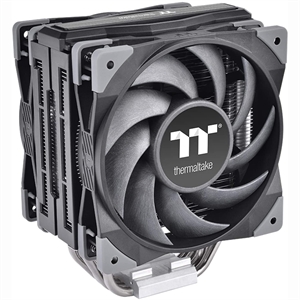
Here is the money, straight from the catalog. A capable tower air cooler like the Thermaltake TOUGHAIR 510 is $83.99, and the budget staple Cooler Master Hyper 212 Pro ARGB is $58.99 — enough for any mainstream gaming CPU.
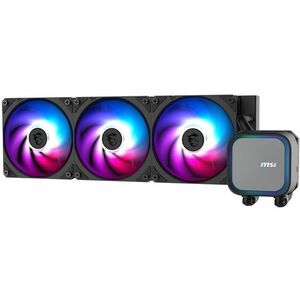
Step up to liquid and the MSI MAG Coreliquid A13 360 is a genuine 360mm AIO at $125.04. That's roughly $40–$65 more than the air options, and in games it buys a degree or two. Spend that saved money on the GPU instead and you'll feel it every frame.
And to be straight about the top of the range: the Asus ROG Ryujin III 360 is $489.99, and most of that premium over a $125 AIO is the display, the pump aesthetics, and build quality — not cooling you can measure in a game. It's a beautiful part. It is not a way to raise your frame rate.
Who should buy which
- Buy a tower air cooler if you're building a gaming PC, want a quiet machine, or want the parts budget going where frames come from. It handles mainstream and most high-end gaming CPUs with room to spare and has nothing to leak.
- Buy a 360mm AIO if you run sustained all-core work — video rendering, 3D, long compiles — where the extra sustained headroom shows up, or a tall air tower won't clear your RAM or side panel. Clearance is a real reason; frame rate is not.
- Skip the cheap 360mm AIO as a "free upgrade" over a good air cooler. You're trading a maintenance-free heatsink for a pump that can fail, to gain a degree or two you'll never notice in a game.
Whichever way you go, drop the CPU and cooler into our PC Builder and it checks socket support and case clearance against the rest of your parts before you buy — the two ways a cooler choice actually goes wrong. Building the whole machine? Start with how to build a gaming PC in 2025 and treat the cooler as a solved problem, not an upgrade to agonize over.