
Buy the Ryzen 9 9950X if you render, compile, or encode; buy the Core i9-14900K only if you want the last few frames in CPU-bound games and can live on a dead-end socket. In Tom's Hardware's faceoff, the 14900K led 1080p gaming by roughly 6% on average, while the 9950X pulled ahead by about a quarter in multi-threaded work and did it drawing far less power. If your PC mostly games, the honest answer is to buy neither of these two.
The question exists because both chips wear the "flagship" badge and land within about $30 of each other in our catalog, so it looks like a coin flip. It isn't. These are two processors tuned for opposite priorities, and picking the wrong one means paying flagship money for strengths you never use.
Gaming performance: a few frames, and only at 1080p
At 1080p with a top-tier GPU (the resolution where the CPU, not the graphics card, sets the ceiling), the 14900K is a little quicker. Tom's Hardware put it about 6% ahead of the 9950X on average. GamersNexus saw the same shape in individual titles: in Baldur's Gate 3 at 1080p the 9950X managed 111 FPS average against roughly 116 FPS for the 14900K.
Move to 1440p or 4K and that lead evaporates. Your graphics card becomes the bottleneck, both CPUs feed it the same frames, and the difference lands inside margin of error. If you game at 1440p or higher, treat these two as tied.
Here is the part that matters more than either number above: neither of these is the fastest gaming chip you can buy. AMD's 3D V-Cache changes the math. In GamersNexus testing the 7800X3D outran the 9950X by about 19% in Baldur's Gate 3, and it leads the broader gaming charts against the 14900K too.
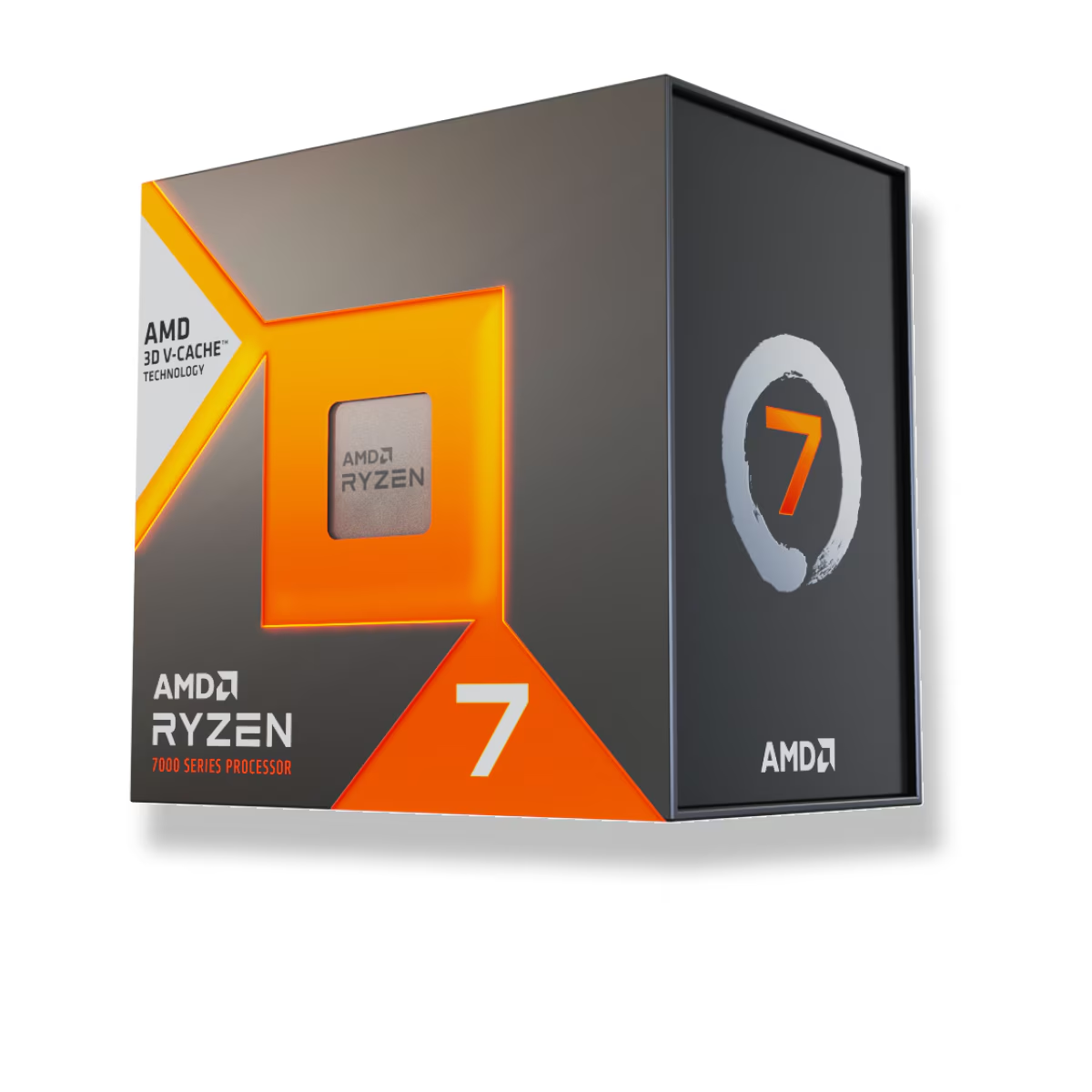
The 7800X3D is an 8-core chip that costs less than either flagship and wins the one job flagships are supposed to be bought for. If frames per second is your metric, that is the chip, and it frees your budget for a better GPU.
Productivity and multi-core work: the 9950X's home turf
This is where the 9950X earns its price. Sixteen full Zen 5 cores chew through rendering, code compiles, video exports, and simulation. In Blender it finished the same render in about 5.75 minutes where the 14900K needed 7.9 (GamersNexus), and Tom's Hardware measured a multi-threaded lead in the low-20s percent overall.
The 14900K isn't slow here. Its 8 performance cores plus 16 efficiency cores post strong multi-threaded scores, and for lighter mixed workloads the two trade blows. But when the whole chip is pinned for minutes at a time, the 9950X finishes first and consistently.
If you never run those workloads, this entire section is moot. A CPU that renders 25% faster does nothing for a machine that browses, games, and opens Discord.
Power, heat, and the cooler you'll need
Efficiency is the quiet decider. Under an all-core Blender load, GamersNexus measured about 223W on the 9950X's power rails versus roughly 293W for the 14900K. Across a 49-application average, TechPowerUp logged the 9950X at about 135W, calling its 170W TDP "very reasonable."
That ~70W gap is real money and real heat. The 14900K wants a strong 360mm AIO or a top-end air tower to hold clocks without throttling; the 9950X is easier to cool and quieter for the same work. Budget the cooler into the Intel side of the ledger before you decide the two chips cost the same.
Platform: which socket has a future
The 9950X drops into AM5, and AMD has committed to supporting that socket through 2029 (Tom's Hardware). Buy an AM5 board today and a future Zen 6 chip can likely drop in with a BIOS update.
The 14900K uses LGA1700, and that road ends here. Intel moved to the new LGA1851 socket for its Core Ultra 200S generation, so the 14900K is the last CPU an LGA1700 board will ever accept. There is no upgrade path.
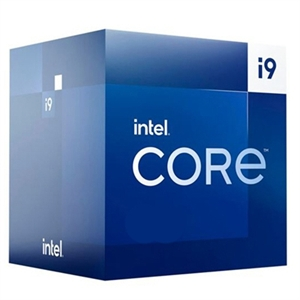
One more thing to weigh on the Intel side: 13th and 14th Gen K-series chips were hit by a Vmin Shift instability problem, which Intel traced and mitigated with a microcode update (0x12B). That fix is preventative, not a cure for damage already done, so a 14900K build needs an up-to-date BIOS from day one. It is manageable, but it is a box AMD buyers simply do not have to tick.
Price and availability
Prices from our live catalog at the time of writing, and all three are in stock:
| CPU | Cores / Threads | Our price |
|---|---|---|
| Ryzen 9 9950X | 16C / 32T | $696.10 |
| Core i9-14900K | 8P + 16E / 32T | $665.09 |
| Ryzen 7 7800X3D | 8C / 16T | $415.41 |
The two flagships sit about $30 apart, close enough that price shouldn't decide it. The 7800X3D undercuts both by roughly $250, which is the real story on this table for anyone whose priority is gaming.
Who should buy which
- Buy the Ryzen 9 9950X if you render, compile, encode video, or run simulations, and you want that power in a cooler, quieter, upgradeable AM5 system. It games well; it just isn't why you'd buy it.
- Buy the Core i9-14900K if you specifically want the top 1080p frame rate on a Team Blue build, you already own an LGA1700 board, and you'll keep the BIOS current. Accept that the socket is a dead end.
- Buy neither, get the Ryzen 7 7800X3D, if gaming is the point. It beats both in games, costs less, and leaves more budget for the GPU that actually drives your frame rate.
You can spec any of these into a compatibility-checked system in our PC Builder, and it's worth reading our Ryzen 7 7800X3D vs Core i9-14900K gaming comparison if the 1080p frame chase is what brought you here.