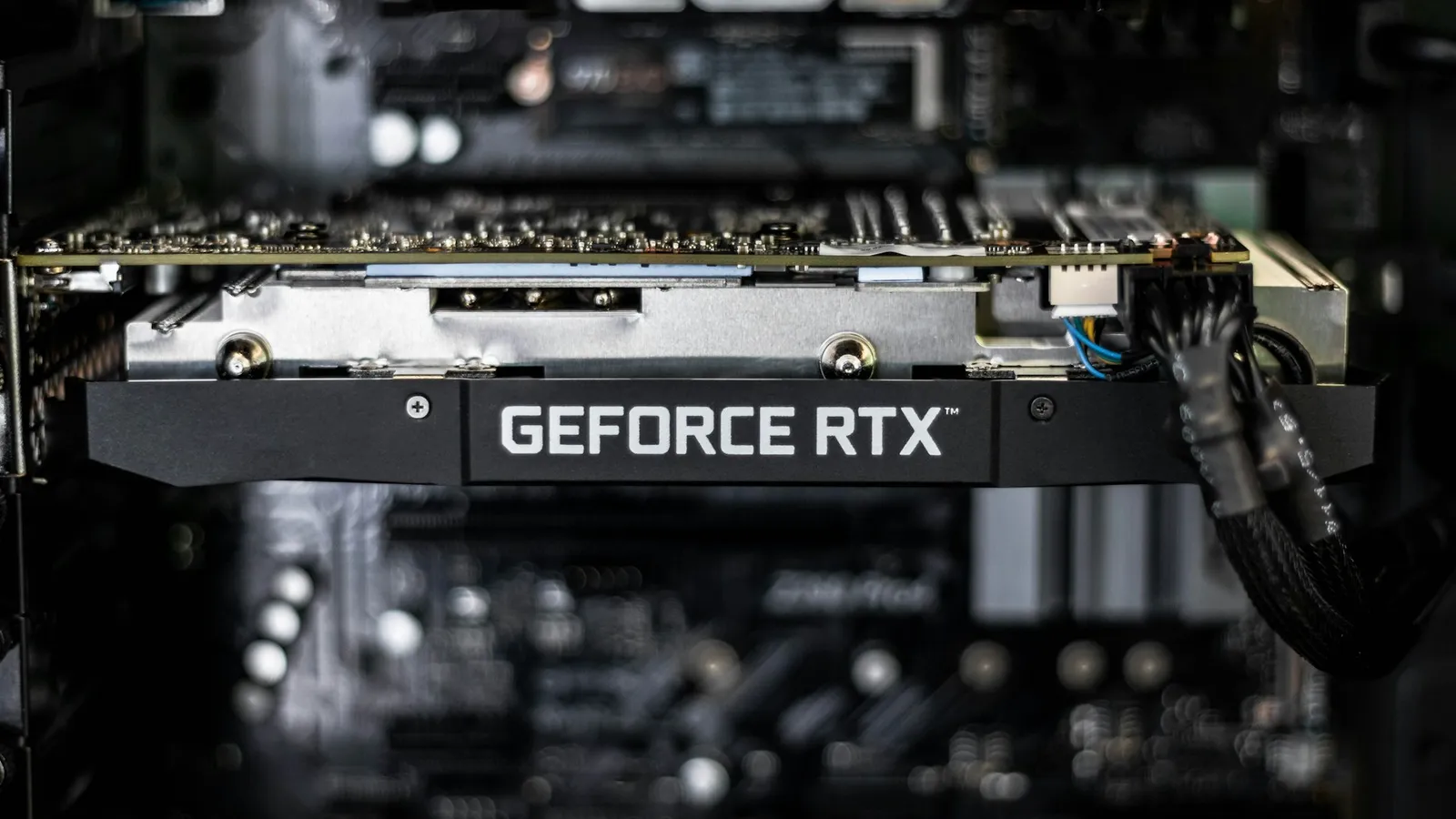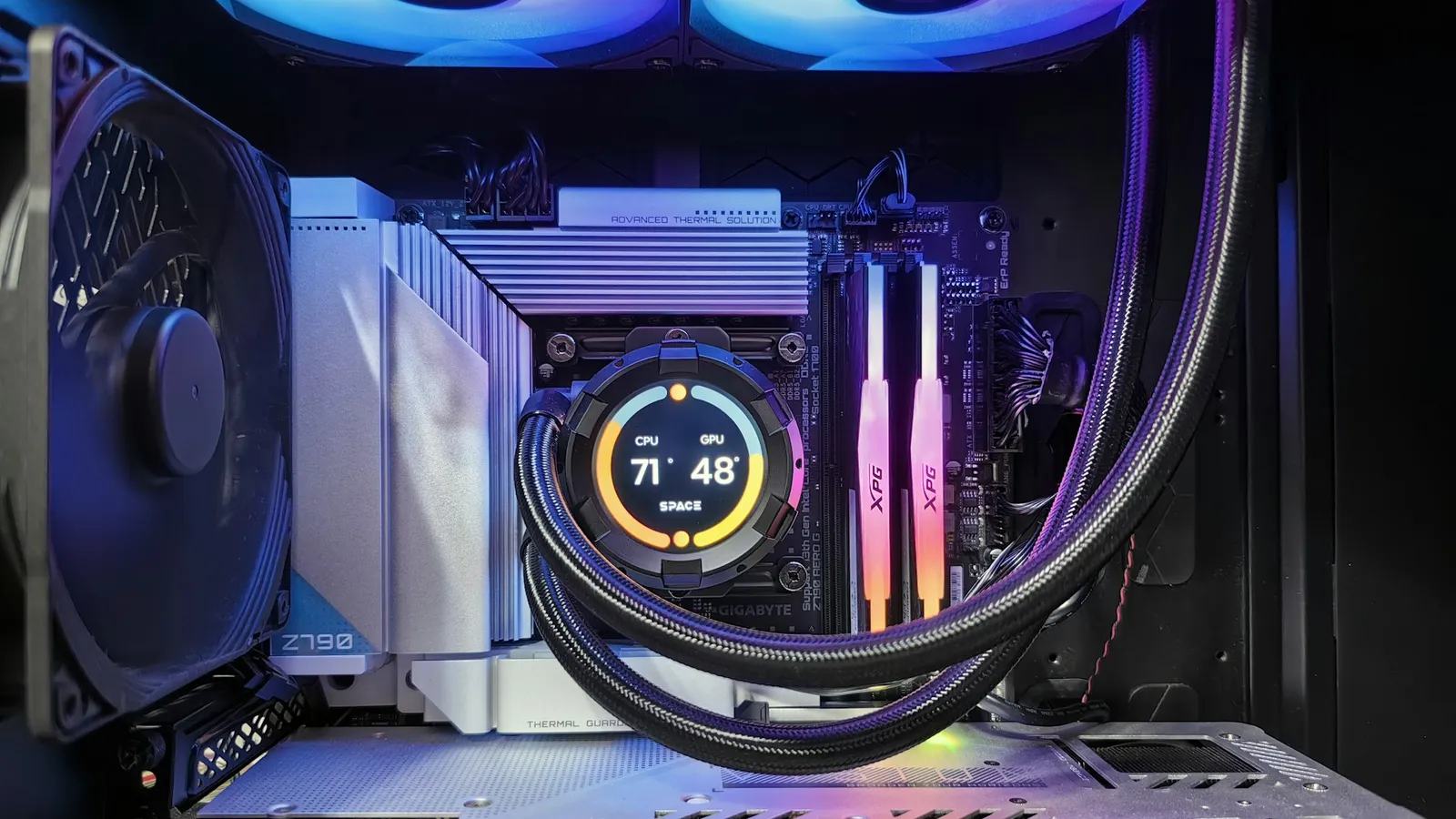

The costliest first-build mistakes aren't the dramatic ones. Nothing dies, nothing smokes. They're quiet: a power supply you overpaid for, a motherboard loaded with features you'll never touch, RAM that never runs at its rated speed. Individually they cost $30 to $130 each. Stacked across one build, they add up to a better GPU you could have bought instead.
Spec sheets and box art push you toward "more" — more watts, a higher chipset, more RAM slots filled. On a first build, "more" usually just means "more expensive," not "faster." Here are the mistakes that waste the most money, and the fix for each.
Buying more power supply than the build can use
NVIDIA lists a 550W recommended system power for the RTX 5060 (145W board power) and 600W for the RTX 5060 Ti (180W), and those numbers already assume a heavy 16-core CPU alongside the card (NVIDIA). A quality 650W unit like the MSI MAG A650GLS PCIE5 ($129.99) covers a 5060- or 5070-class build with room to spare. Buying a 1000W unit for that same system spends $50–$80 on watts the build cannot draw.
The mistake cuts both ways, and the cheap end is the dangerous one. A no-name 500W unit that hits its rating only on paper will trip under a GPU's transient power spikes and reset your PC mid-game — that failure looks exactly like a bad graphics card. Size to the card, buy a known brand, and stop there. Our full PSU wattage guide works through the math per GPU tier.
Filling all four RAM slots
Two 8GB sticks and two 16GB sticks look like the same 32GB. They are not the same to the memory controller. Loading all four DIMM slots puts two ranks on each channel, and the platform answers by dropping the supported speed hard: Puget Systems measured a Ryzen 9000 system falling from 5,600 MT/s on two sticks to 3,600 MT/s on four, and an Intel Core Ultra 285K dropping from 6,400 to 4,400 (Puget Systems).
Overall that landed around a 4% loss on AMD, but shader-heavy and game-development workloads lost 8–13%, and four-stick kits are also the ones that fail memory training and refuse to boot at their rated profile. Buy one 2×16GB kit, not two 2×8GB kits. You keep the higher speed, the second pair of slots stays open for a future capacity bump, and you often pay less for the single kit.
Overspending on the motherboard
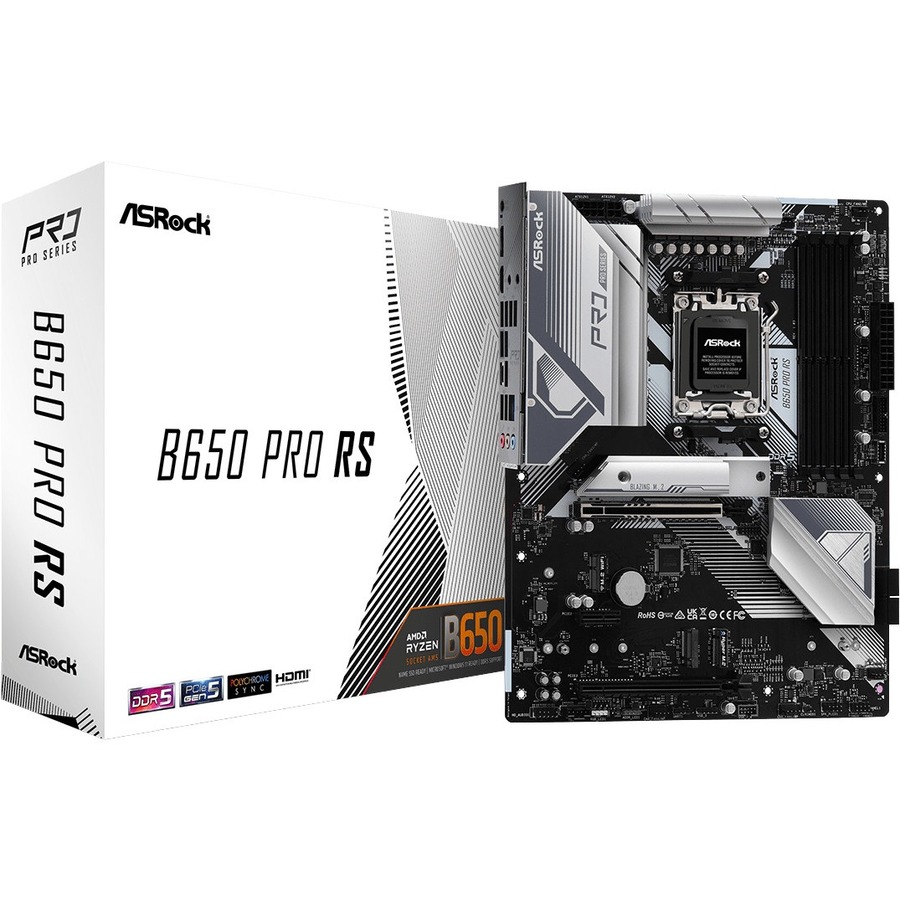
A motherboard does not add frames. For a single-GPU gaming build, an ASRock B650 PRO RS ($206.99) runs the same Ryzen chip at the same clocks as an MSI MAG X870E Tomahawk ($339.99). That $133 buys USB4, extra PCIe 5.0 M.2 slots, and beefier VRMs — real features, but ones a first gaming build almost never uses.
The honest exception: if you're running a 16-core chip, want USB4 for an external enclosure, or plan to stack two Gen5 SSDs, the higher chipset earns its price. If you're pairing a 6- or 8-core CPU with one GPU and one SSD, it doesn't. We break the tiers down in B650 vs X870.
Overspending — or underspending — on cooling
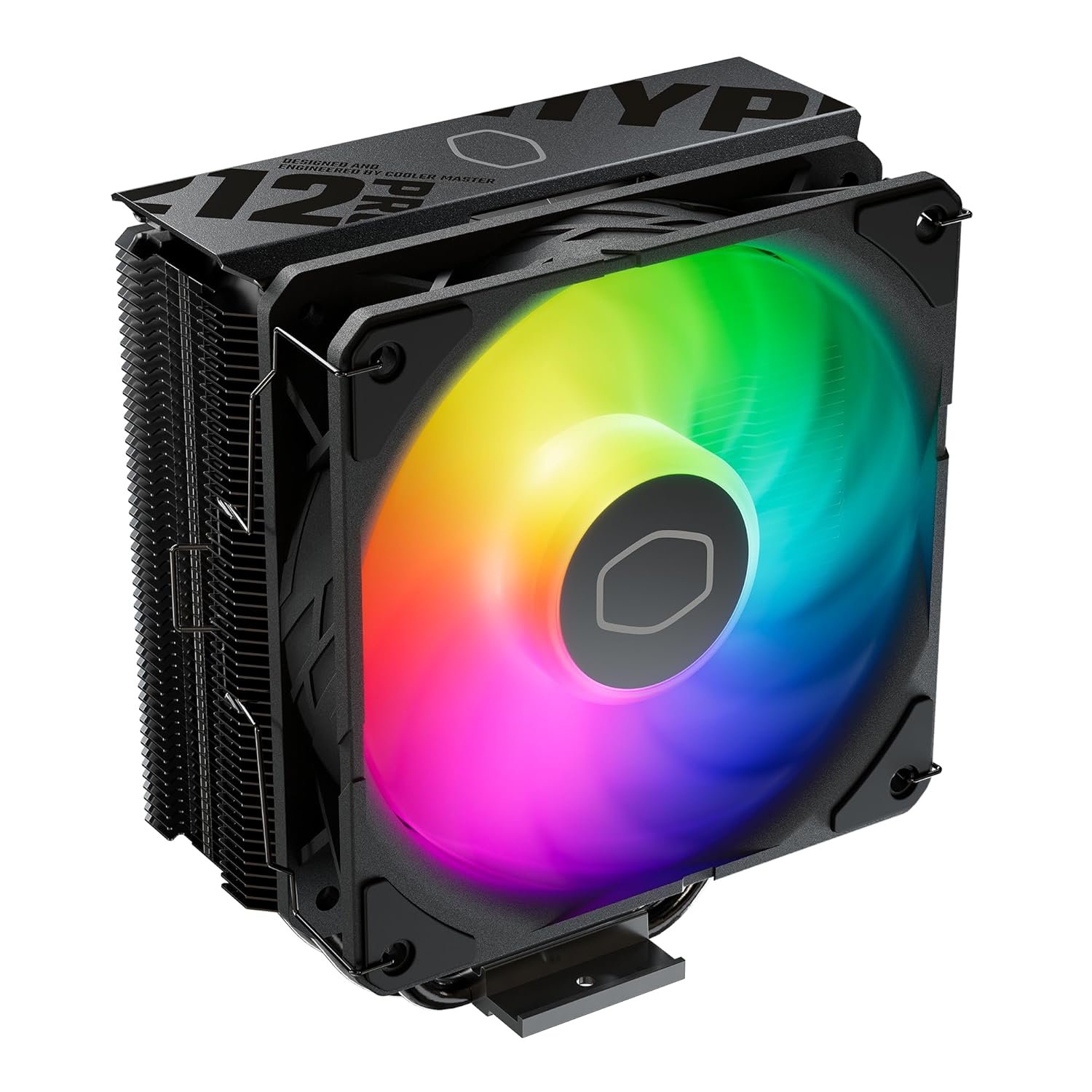
A $58.99 Cooler Master Hyper 212 Pro ARGB keeps a mainstream 6–8 core CPU well inside its thermal limits. Spending $149.99 on a 360mm AIO like the Thermaltake TH360 V2 does not raise your frame rate — it moves heat for a 200W-plus processor, or it looks good behind glass. On a first build with a 7600X- or 7700-class chip, that's a mistake in the expensive direction.
It flips at the top of the stack. A high-core or heavily boosting CPU genuinely wants a large air tower or a 240/360mm AIO, and pairing one with a bundled or bargain cooler throttles the chip you paid for. Match the cooler to the CPU's power draw, not to the case window. Our air cooler vs AIO breakdown covers where the line actually falls.
Ignoring clearance before you buy
The parts that don't fit are the ones that cost you a shipping trip. Modern GPUs run past 300mm long and tall air coolers push 160mm-plus in height; a compact case can refuse either. A roomy case like the Fractal Design North XL ($238.63) swallows both, but a mini-tower may not — and you won't know until the side panel won't close.
Check two numbers on the case spec sheet before checkout: maximum GPU length and maximum CPU cooler height. Then check them against your card and cooler. Get it wrong and you're returning a part inside a 14-day window and waiting on the swap. Will my GPU fit in my case walks through exactly where to find each measurement.
Buying into a dead-end platform
A cheaper board today can be the more expensive choice in two years. An AM4 board like the Asus B550M-A WIFI II ($144.68) undercuts an AM5 B650, and for a build you will never touch again it's still fair value paired with a last-gen Ryzen. But AM4's upgrade path is essentially closed, while AM5 carries forward to future Ryzen chips on the same socket.
If there's any chance you'll drop in a faster CPU down the line, the $60 you saved on the older board is $60 you'll spend again — plus a new board — when you upgrade. Decide up front whether this is a one-and-done build or a platform you'll grow, and buy the socket that matches. If you're weighing the memory side of that jump, will DDR5 work on a DDR4 motherboard clears up the part most people get wrong.
Skipping the small stuff that stops the build
The cheapest mistakes still cost you a night. Most coolers include thermal paste, but a few don't — check before you're mid-install with a bare CPU. Budget for a Windows license instead of discovering it at the finish line. And confirm your PSU actually ships with the GPU power cable your card needs, because a missing 12V-2×6 or 8-pin adapter halts everything.
None of these are expensive on their own; together they're the difference between finishing tonight and finishing next weekend. If your build powers on but shows no display, our PC won't POST checklist finds the cause in order.
How to avoid most of this at once
Notice the pattern: PSU sizing, RAM slot count, clearance, and socket choice are all compatibility calls, and they're exactly what a build tool checks as you add parts. Our PC Builder flags an undersized power supply or a cooler that won't fit before you pay, not after the box arrives. It also carries the $1 professional build-and-test option if you'd rather someone else torque the cooler and confirm it posts.
You can still build entirely on your own — this is a knowledge problem, not a skill problem. But the money-losing mistakes here are the ones a compatibility check catches for free, and free is the right price for avoiding a return.