
No. DDR5 will not work in a DDR4 motherboard, and it will not even physically seat in the slot. The two standards use a different keying notch, a different electrical design, and a different voltage, so a DDR5 module cannot install in a DDR4 board and a DDR4 module cannot install in a DDR5 board (Kingston). If you want DDR5, you need a motherboard built for DDR5 — and on most upgrade paths, a new CPU to go with it.
People ask this because they are mid-upgrade and hoping to save money: keep the board, drop in faster memory, done. It does not work that way. The memory generation is tied to the platform, not just the RAM slot, so the real question is not "will the stick fit" but "what does moving to DDR5 actually cost me." That answer is below.
Why DDR5 physically won't fit a DDR4 slot
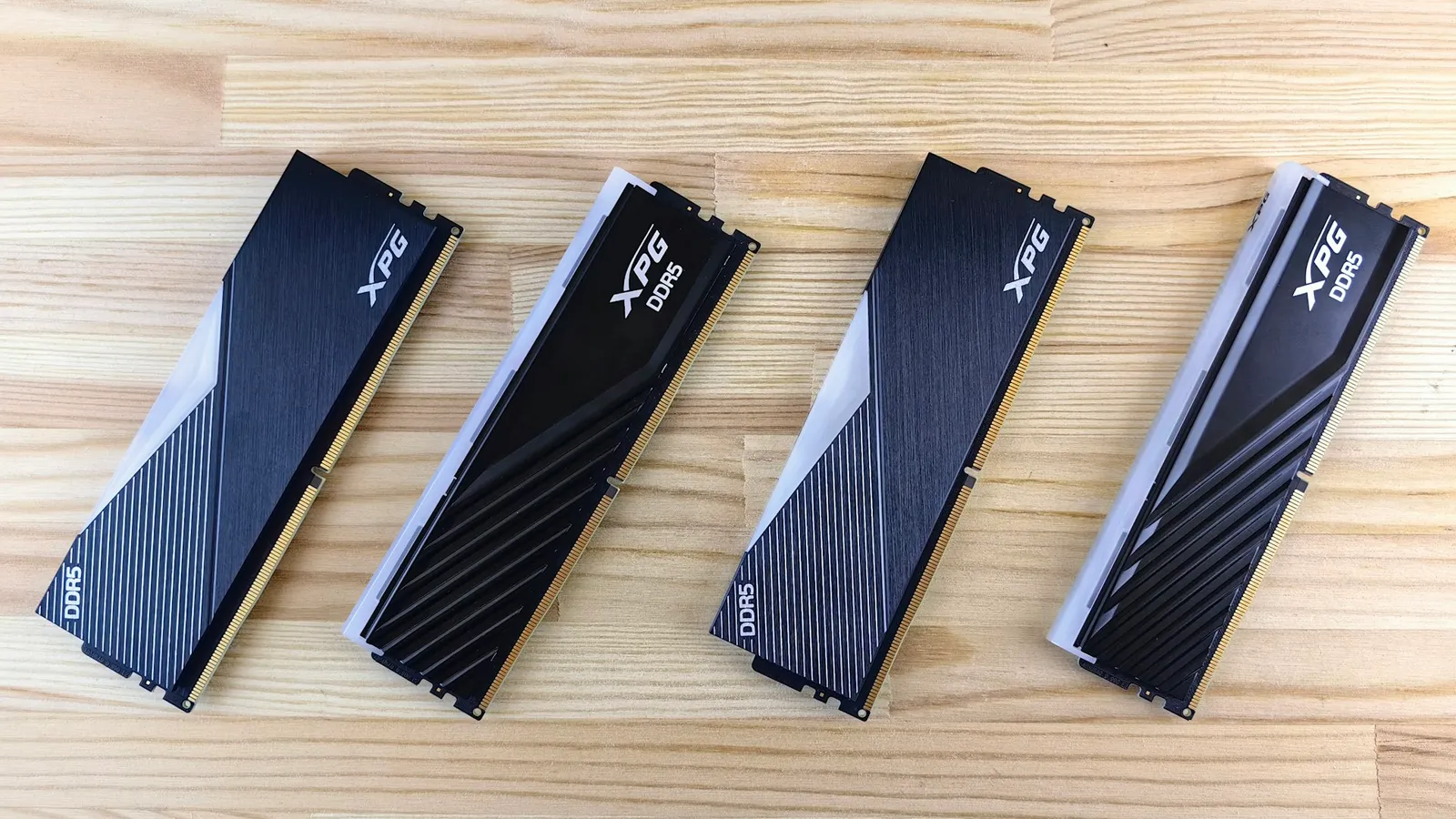
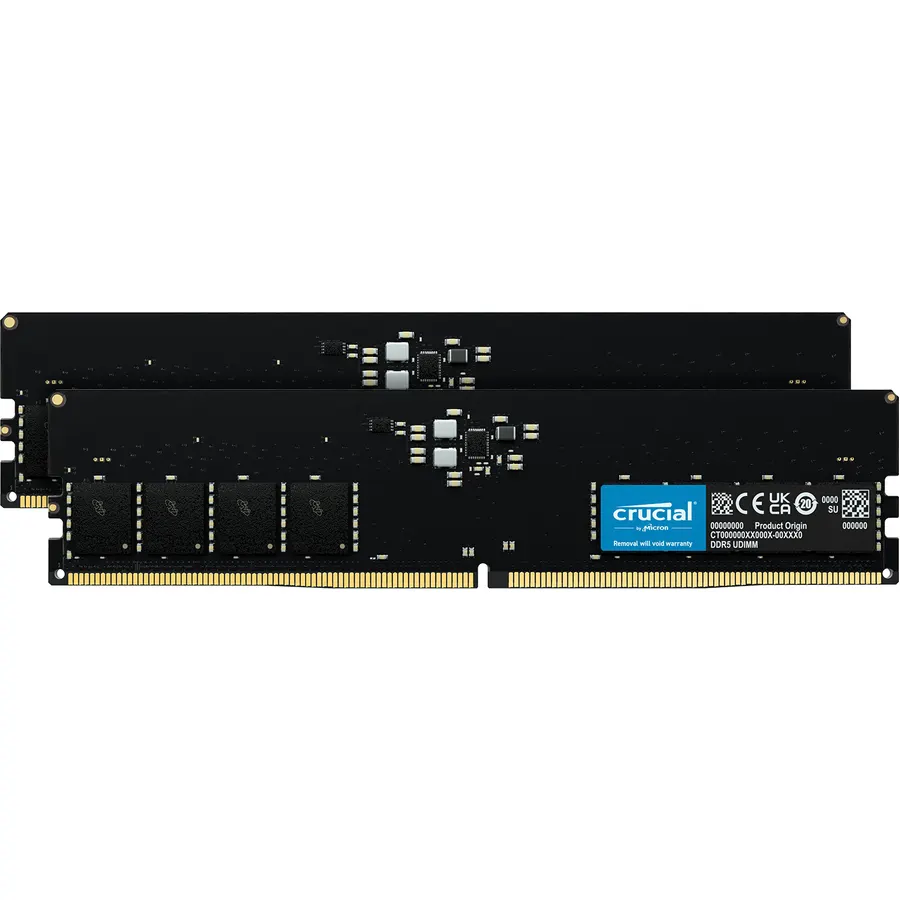
Both DDR4 and DDR5 desktop modules have 288 pins, so at a glance they look interchangeable. They are not. The keying notch — the gap in the pin row that lines up with a ridge in the slot — is in a different spot on each standard. That notch exists specifically to stop you from forcing the wrong module into the wrong board (Kingston). Try to seat a DDR5 stick in a DDR4 slot and it simply will not click in without enough force to damage both the module and the board.
The incompatibility runs deeper than the notch. DDR5 operates at 1.1V instead of DDR4's 1.2V, and it relocates power management onto the module itself through an on-board PMIC (power management IC) rather than leaving it to the motherboard (Kingston). Each DDR5 module is also split into two independent 32-bit sub-channels instead of DDR4's single 64-bit channel, which changes how the memory controller talks to it. A DDR4 board's traces, power delivery, and firmware are wired for none of that. Even if the notch lined up, the board could not train or initialize the module.
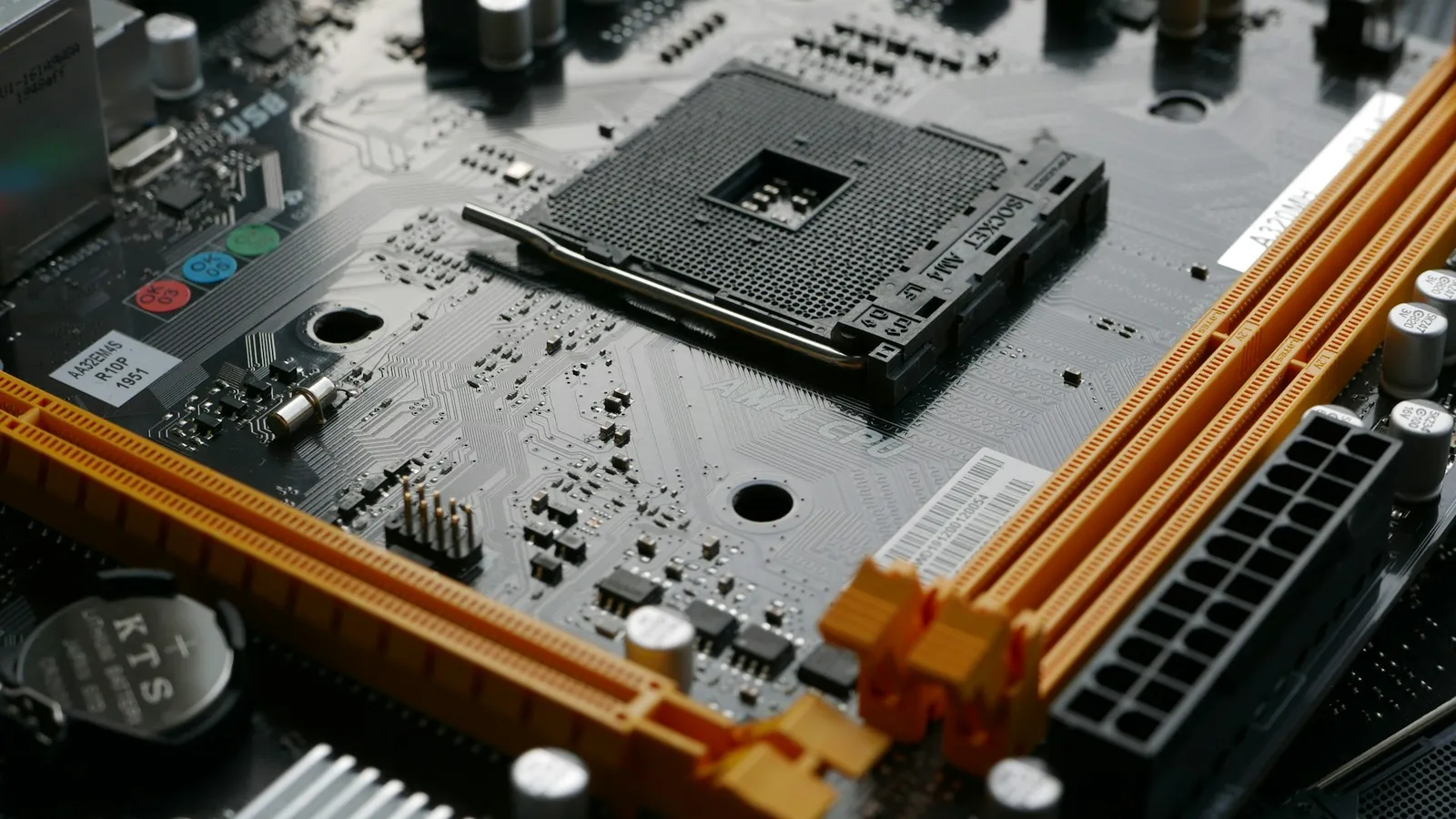
This is why there is no "adapter" and no BIOS update that turns a DDR4 board into a DDR5 board. Memory support is baked into the physical slot and the CPU's memory controller. It is not a firmware feature you can unlock.
What upgrading to DDR5 actually costs
Because the memory standard is tied to the platform, the cost of "going DDR5" depends on which platform you are on today.
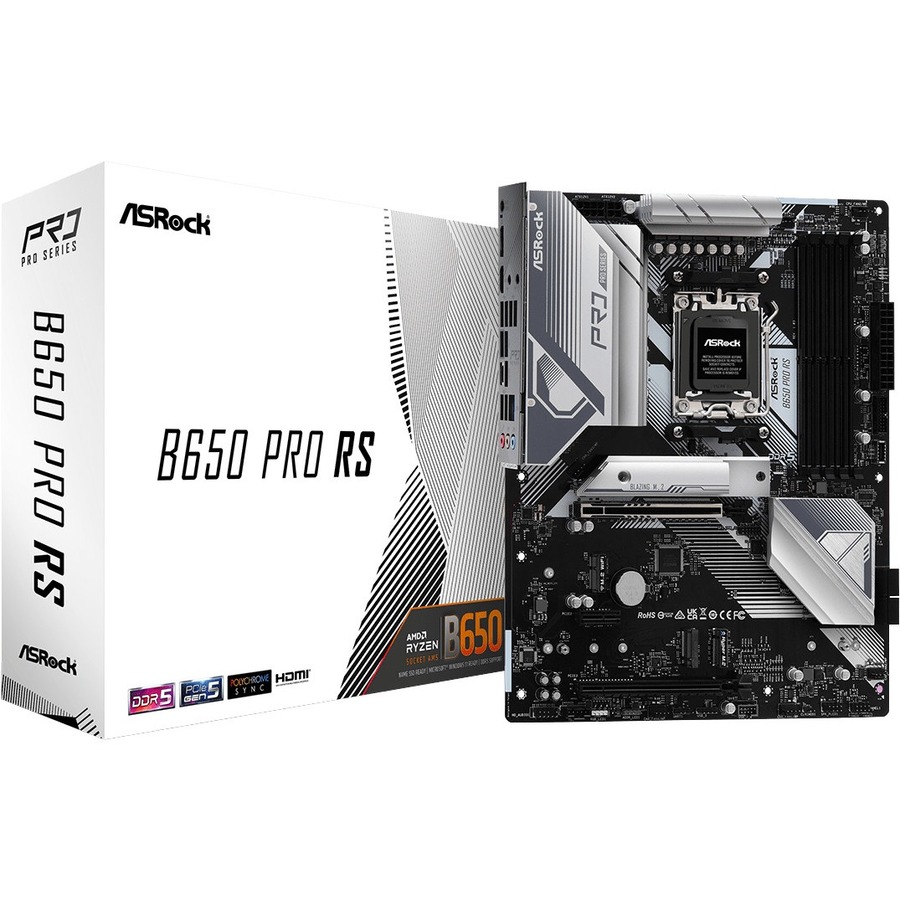
If you are on AMD AM4 (DDR4): every AM5 motherboard is DDR5-only, and AM4 CPUs do not fit the AM5 socket (Tom's Hardware). So moving to DDR5 means a new AM5 board, a new AM5 (Ryzen 7000/9000-series) CPU, and a DDR5 kit — three parts at once. In our catalog, AM5 boards start around $207 for the ASRock B650 PRO RS and step up to the Asus Prime X870-P WIFI at $291.33 if you want USB4 and newer connectivity.
If you are on Intel LGA1700 (12th–14th Gen): this platform came in two flavors — DDR4 boards and DDR5 boards — and a given board only takes one type. The upside is that your existing 12th, 13th, or 14th Gen CPU carries over to a DDR5 LGA1700 board, so you may only need a new board and memory rather than a new CPU as well (Tom's Hardware). Check your exact board's spec first: a DDR4 LGA1700 board cannot be flashed to accept DDR5.
Whichever path you are on, the safest way to avoid a mismatch is to build the parts list in our PC Builder, which flags an incompatible CPU, socket, and memory combination before you order rather than after the box arrives.
The honest case for staying on DDR4
Here is the part most upgrade guides skip: for a lot of people, moving to DDR5 for gaming is not worth the three-part platform cost right now. On a capable CPU, memory speed barely moves frame rates — AMD's own numbers put roughly a 1% gap between DDR5-6000 and much slower DDR5-4800 on a Ryzen 7 9850X3D (TechPowerUp). The generational jump from DDR4 to DDR5 is larger than that, but most of the real-world gaming uplift on an upgrade comes from the newer CPU you buy alongside it, not from the letters on the RAM.
If your current DDR4 system still games the way you want, a cheaper move is often to upgrade in place: a better DDR4 CPU on your existing AM4 or LGA1700 DDR4 board keeps your RAM and skips the platform tax entirely (Tom's Hardware). DDR5's clearest wins are in memory-bandwidth-heavy work — large compiles, content creation, high core-count multitasking — more than in average gaming FPS.
Who should actually move to DDR5
- Move to DDR5 if you are already replacing your CPU and motherboard anyway (a full platform upgrade), or your workload is memory-bandwidth heavy — video editing, 3D rendering, heavy multitasking. At that point the DDR5 board is not an extra cost; it is the only option on a modern socket.
- Stay on DDR4 if your goal is only more gaming FPS and your CPU still holds up. An in-place CPU upgrade on your existing DDR4 board usually delivers more frames per dollar than buying into a new platform.
Once you have decided on DDR5 and picked a board, the next question is which speed to buy — and faster is not automatically better. Our guide on DDR5-6000 vs DDR5-8000 breaks down where the extra memory speed pays off and where it does nothing.