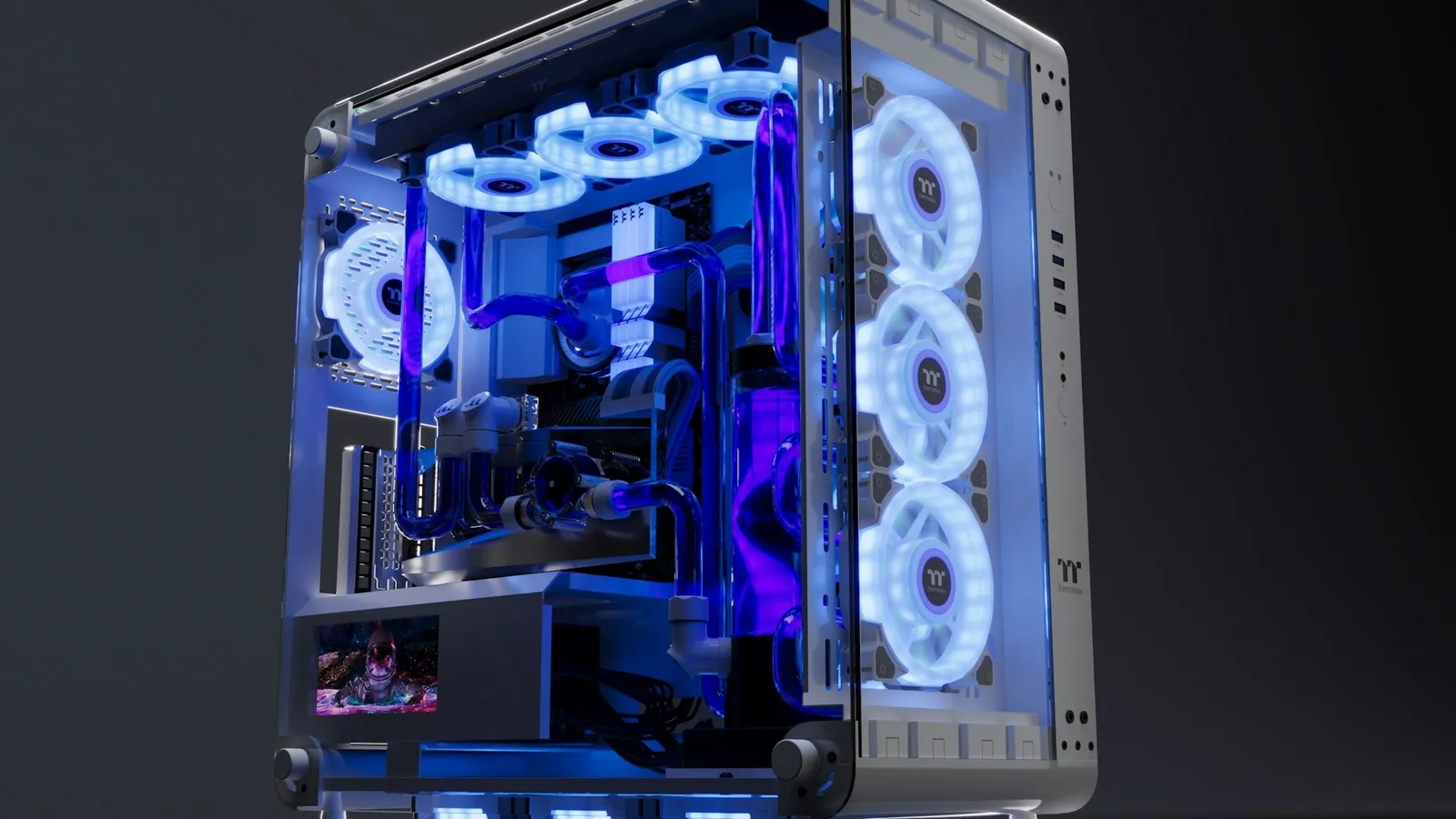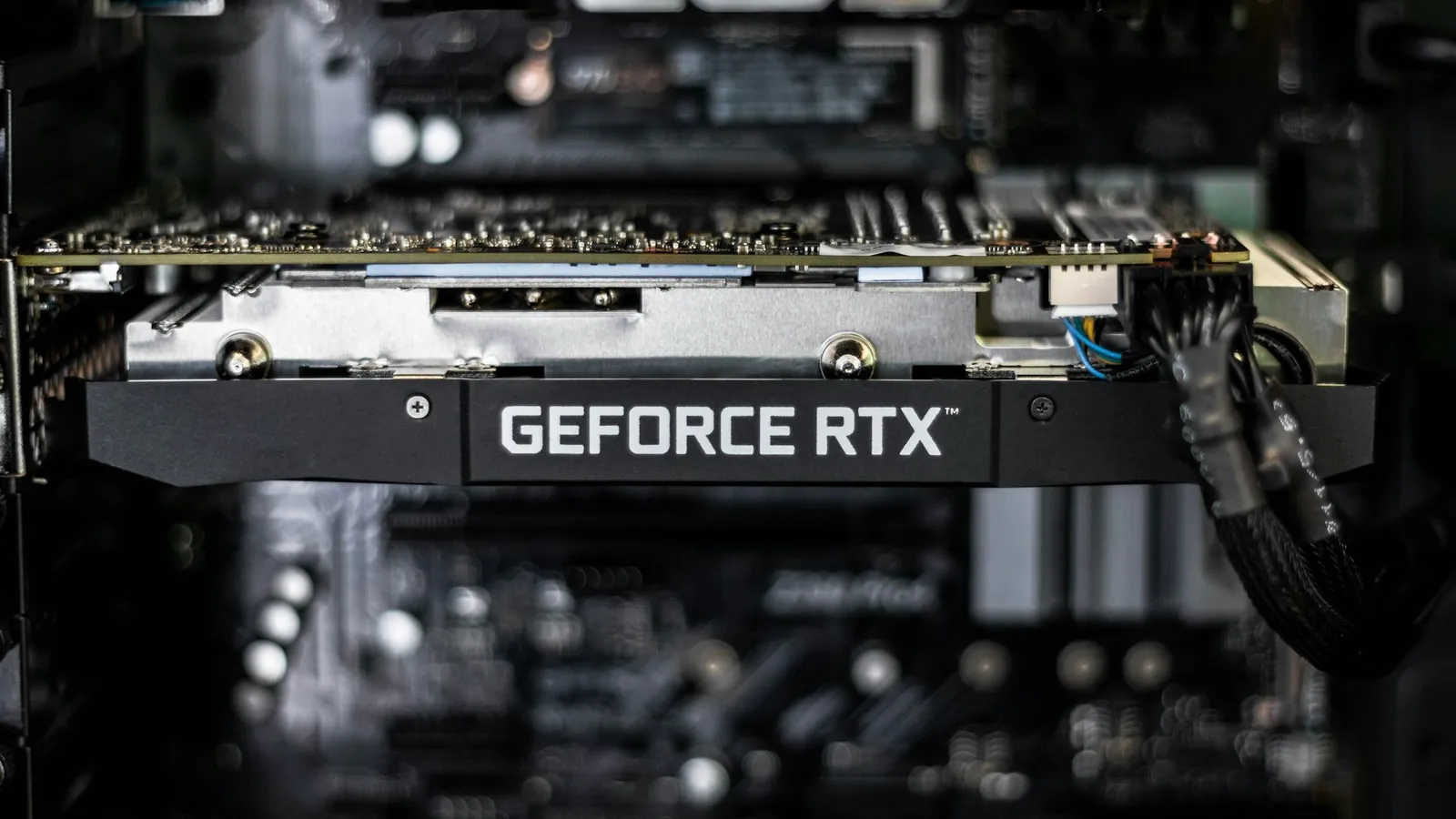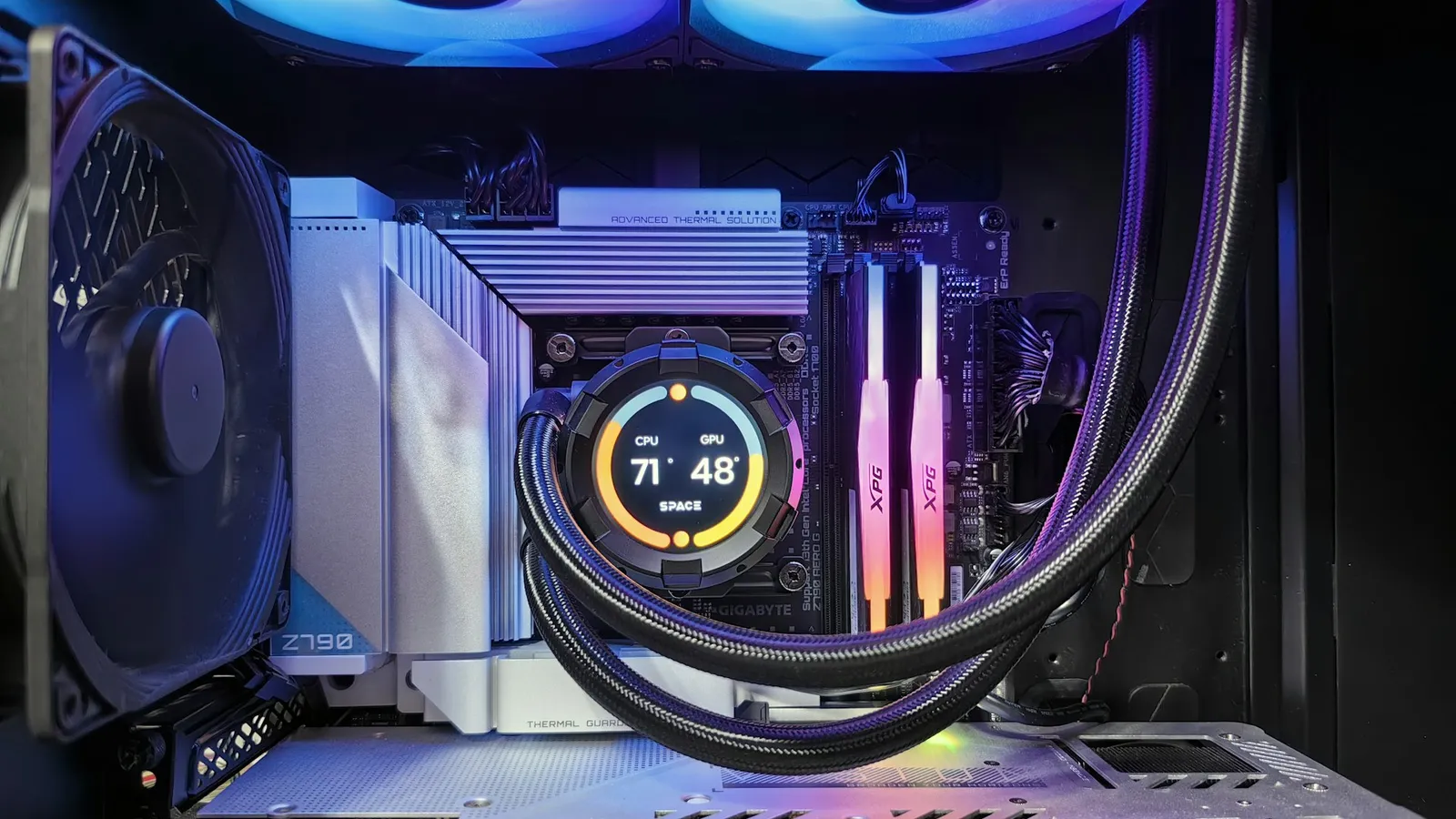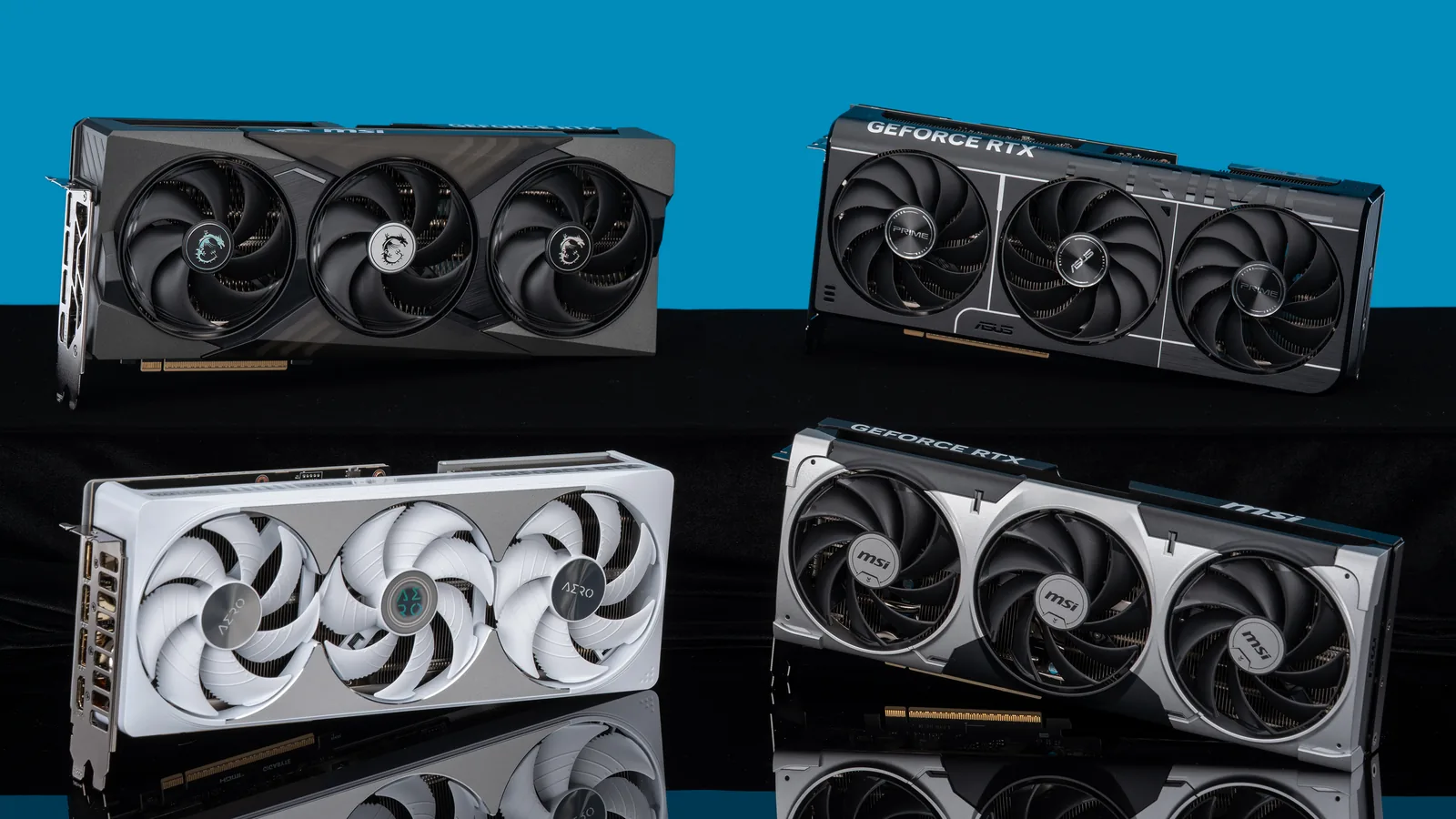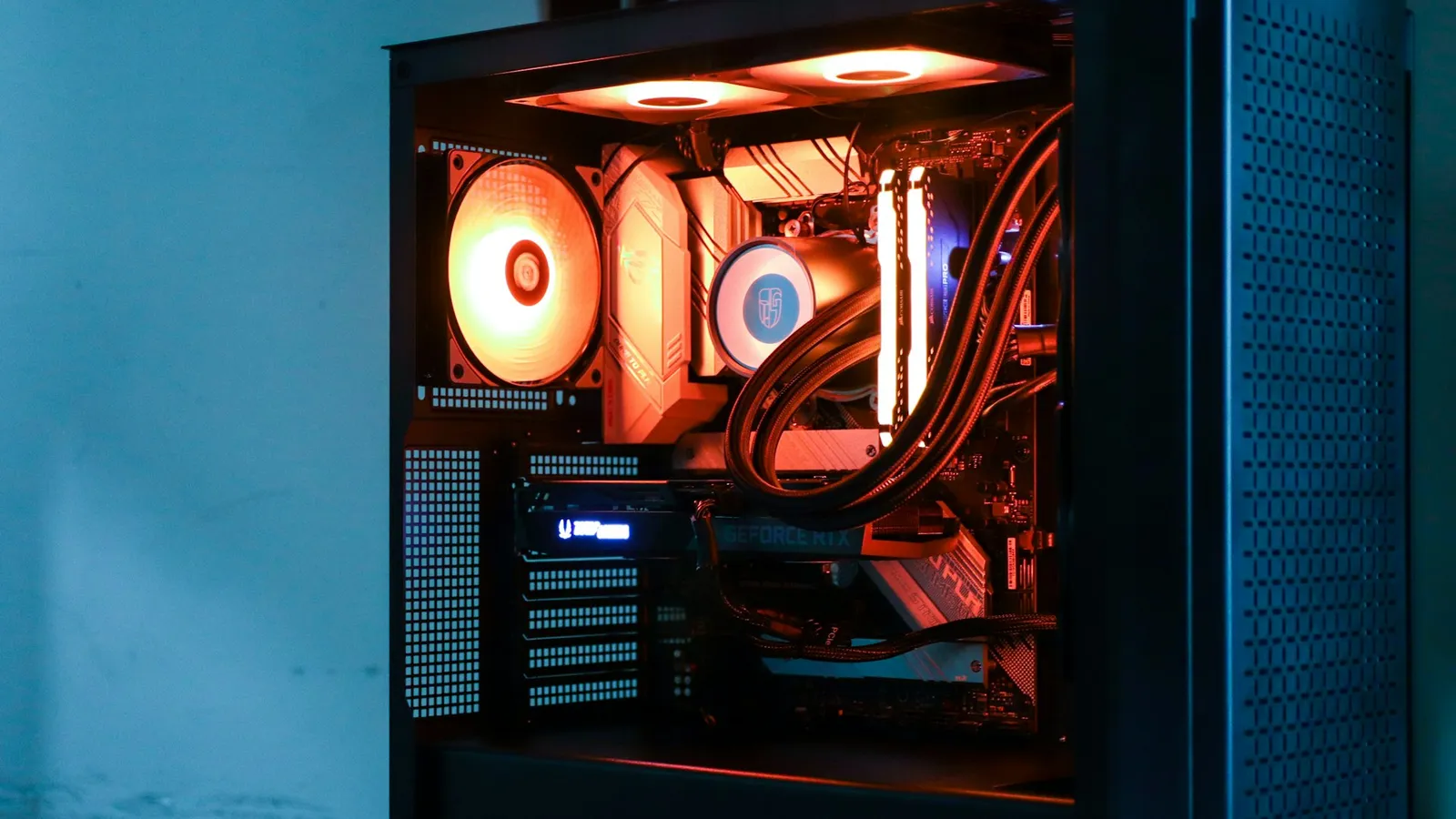

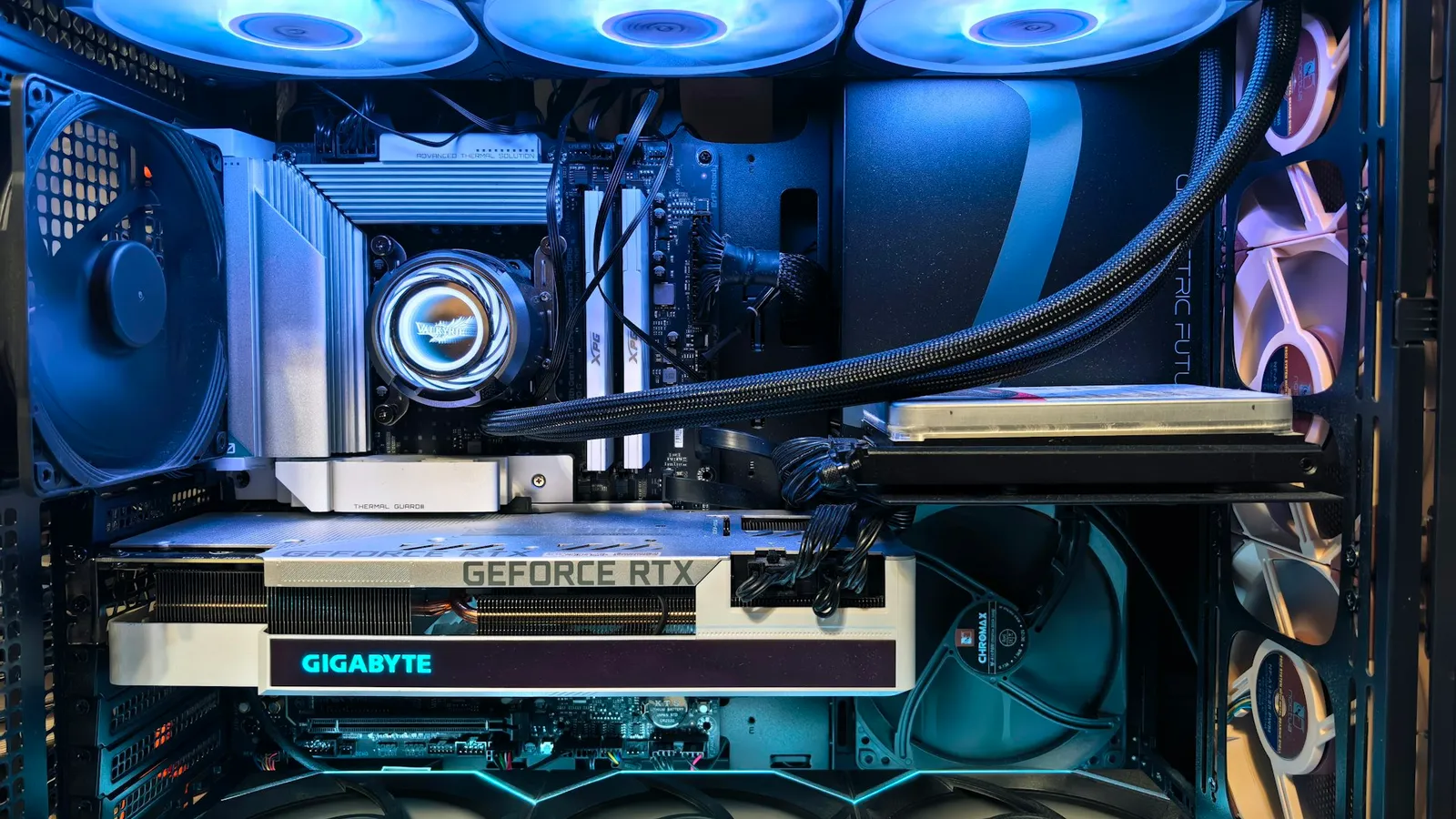
Compare two numbers: the graphics card's length and your case's maximum GPU clearance. If the card is shorter than the clearance, with a small margin to spare, it fits. GPU length is measured from the rear mounting bracket to the far end of the cooler shroud, and every case lists a "max GPU length" or "VGA clearance" figure (CGDirector). Find both, subtract, and you have your answer before you order anything.
The reason people worry about this is that current graphics cards got long and thick. But it cuts both ways: mid-tower cases got roomier too. In our catalog, every RTX 50 and RX 9000 card fits every mid-tower and full-tower we stock. The only cards that don't fit something are the longest ones dropped into the smallest case — and that mismatch is easy to catch in advance.
The only measurement that decides it: length
Graphics card length is the number that fails a build. It is measured from the metal I/O bracket at the back to the furthest point of the cooler at the front (CGDirector). Case makers publish the matching number as "maximum GPU length" or "VGA clearance" — the usable space from the rear expansion slots to the first obstruction inside the case.
Here is how the two sides line up in our catalog today. GPU lengths, shortest to longest:
| Card | Length | Slots thick | Price |
|---|---|---|---|
| MSI RTX 5060 | 7.8 in (198 mm) | 2 | $430.63 |
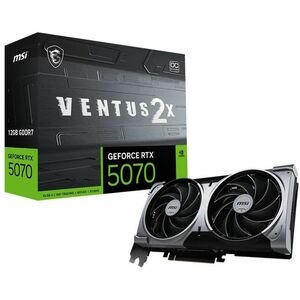
| MSI RTX 5070 Ventus 2X | 9.3 in (236 mm) | 2 | $728.29 |
| Asus TUF RTX 5060 Ti | 11.9 in (302 mm) | 3 | $672.61 |
| Gigabyte RTX 5070 Ti | 12.0 in (305 mm) | 3 | $1,127.57 |
| Asus TUF RX 9070 XT | 13.0 in (330 mm) | 3 | $1,099.56 |
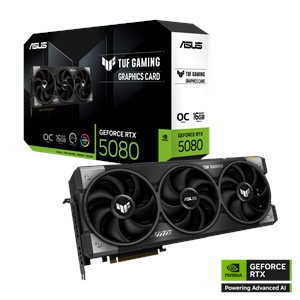
| Asus TUF RTX 5080 | 13.7 in (348 mm) | 4 | $1,896.66 |
And the case side, by how much GPU length each clears:
| Case | Max GPU length | Expansion slots | Price |
|---|---|---|---|
| Thermaltake Versa H16 (Micro-ATX) | 12.99 in (330 mm) | 4 | $99.98 |
| MSI MAG PANO M100R (Micro-ATX) | 15.35 in (390 mm) | 5 | $154.99 |
| Corsair FRAME 4000D (Mid Tower) | 16.93 in (430 mm) | 10 | $141.99 |
| Fractal Design Pop XL Air (Mid Tower) | 17.91 in (455 mm) | 7 | $156.51 |
Read across the two tables and the pattern is clear: any card in the first table drops into any mid-tower in the second with inches to spare. The longest card we sell, the TUF RTX 5080 at 13.7 in, still leaves over 3 inches of slack in a Corsair FRAME 4000D.
Where it actually goes wrong: long card, small case
The one combination that fails in our catalog is a top-end card in a compact case. The Thermaltake Versa H16 is a Micro-ATX case that clears 12.99 in (330 mm) of GPU. The Asus TUF RTX 5080 is 13.7 in (348 mm) long. That card is 0.7 in too long — it will not seat, no exceptions.
The Versa H16 exposes the second problem too. It has 4 expansion slots, and the TUF RTX 5080 is a 4-slot card. Even if the length worked, the cooler is so thick it would occupy every slot in the case and press against the bottom. Slot thickness matters most in small cases and in any build where you need a slot below the GPU for a capture card, sound card, or Wi-Fi adapter.
The fix is not a bigger case — it is the right card for the case you want. A Micro-ATX build pairs better with a shorter 2-slot card like the 7.8 in MSI RTX 5060, which leaves 5 inches of clearance in the same Versa H16 and frees three expansion slots.
The number the spec sheet hides: cable bend clearance
Length gets a card into the case. The power connector is what can still make the side panel refuse to close. Current NVIDIA cards use the 16-pin 12VHPWR or its revised 12V-2x6 successor, and both want a straight run of about 35 mm (1.4 in) out of the connector before the cable bends (Tom's Hardware). Bend it tighter and terminals inside the plug can pull unevenly, which is exactly the condition linked to overheating (CableMod).
On most cards the connector sits on the top edge, so that 35 mm eats into the gap between the card and the side panel — not the length. In a slim case with a tempered-glass side, a thick card plus a cable that needs room to turn is what stops the panel from seating flush. If you are choosing a power supply to go with the card, the connector and wattage details are in our guide to PSU wattage for an RTX 50-series GPU.
How to check your own case in under a minute
If your case is not in the tables above, you have two ways to get its number:
- Look it up. Search your exact case model plus "specifications" and find "maximum GPU length" or "VGA clearance." Use the manufacturer's page — the figure is the usable space with the standard fan layout (CGDirector).
- Measure it. Pop the side panel and measure from the rear expansion-slot bracket to the first obstruction — usually the front fan or radiator mount.
Then apply a safety margin. Do not pair a 328 mm card with a 330 mm case: manufacturing tolerance, cable routing, and a front fan you forgot about eat those 2 mm (CGDirector). Target the card at least 10–15 mm under the case's rating. And if you are speccing a whole build rather than one part, our PC Builder checks the card, case, and cooler against each other before you order, so a length mismatch shows up on screen instead of on your desk.