
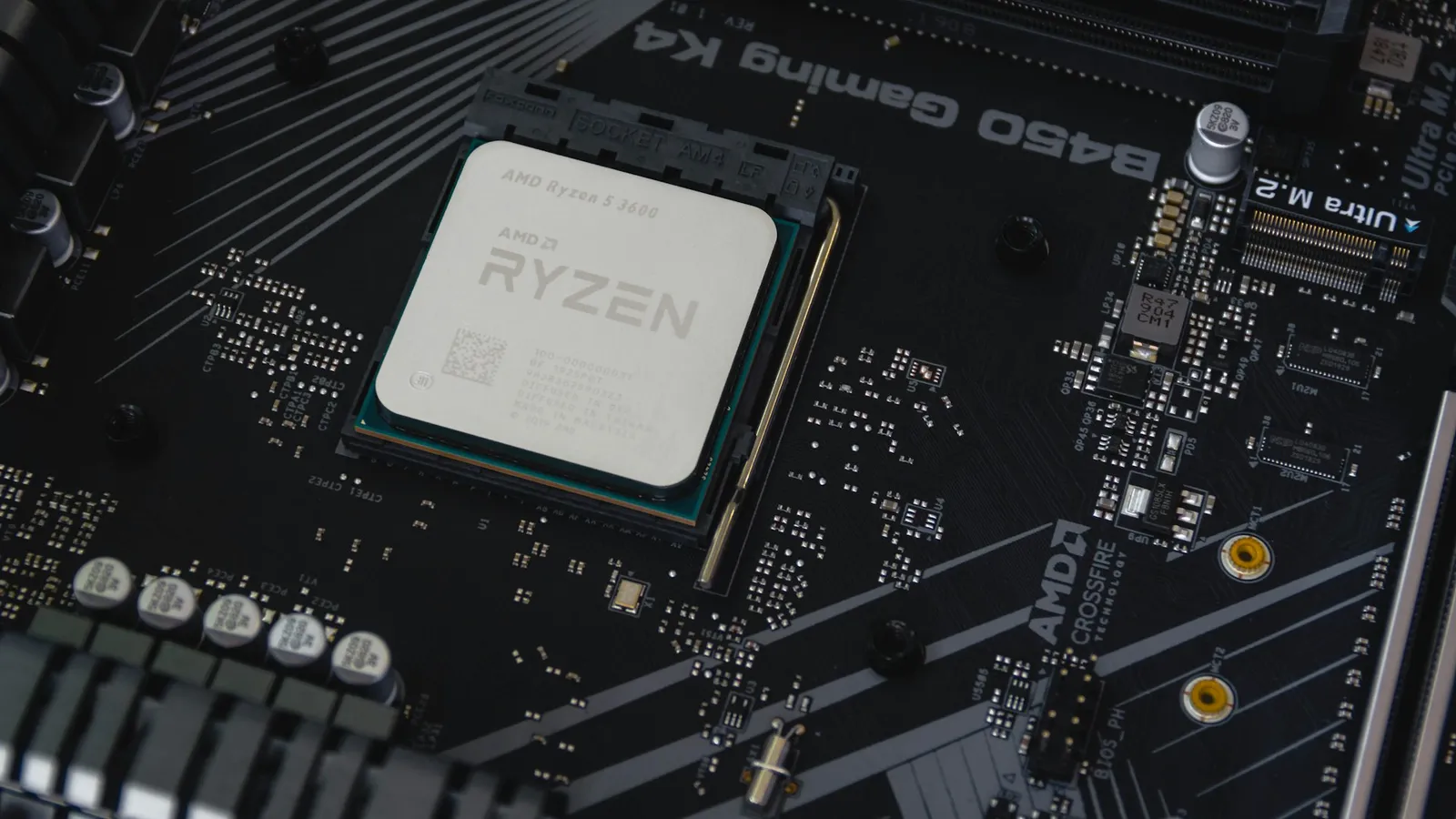
For gaming, buy a B650 and put the saved money into your GPU. With the same Ryzen chip in the socket, a B650 board and an X870 board produce the same frame rates — the chipset does not touch gaming performance. What the extra roughly $70 buys you on X870 is connectivity you may never plug into: a mandatory USB4 40Gbps port and a guaranteed PCIe 5.0 slot for your graphics card. Neither adds a single frame today.
AMD's marketing makes X870 sound like the "real" enthusiast board and B650 like the compromise. The socket tells a different story. Both are AM5, both run every Ryzen 7000, 8000, and 9000 chip, both let you overclock the CPU and the memory. The chipset decides which ports and lanes are on the board — not how fast your PC runs.
Gaming performance: the chipset changes nothing
This is the part the spec sheets bury. Frame rates come from the CPU and the GPU. The chipset is a controller hub for USB, SATA, and spare PCIe lanes — it is not in the path that renders a frame. Drop a Ryzen 7 9700X into a $190 B650 or a $340 X870E and, at the same clocks and the same memory, the benchmark line is the same. Puget Systems, testing the full AM5 chipset stack, put it plainly: for pure gaming the uplift over B650E in actual frame rates is minimal — you pay for connectivity and future-proofing, not FPS (Puget Systems).
So if a board is sold to you on "gaming performance," ignore the pitch. What actually varies between a cheap board and an expensive one is the VRM (power delivery) quality, the port selection, and the M.2 slot count — none of which shows up as frames until you push a 16-core chip at full load for hours.
What X870 forces onto the board
The X870 and X870E chipsets exist to standardize three things AMD left optional on the 600 series (TechSpot):
| Feature | B650 (base) | X870 |
|---|---|---|
| USB4 40Gbps | Optional (rare) | Mandatory |
| PCIe 5.0 to GPU slot | No (B650E only) | Yes |
| PCIe 5.0 M.2 slot | Usually one | At least one |
| CPU + memory overclocking | Yes | Yes |
| Socket / CPU support | AM5, Ryzen 7000–9000 | AM5, Ryzen 7000–9000 |
Read that table for what it is: X870 is essentially a B650E with a USB4 controller bolted on and the PCIe 5.0 GPU slot made non-negotiable. That is the whole difference. If you own a USB4 or Thunderbolt dock, an external SSD enclosure that speaks 40Gbps, or you genuinely want guaranteed Gen5 to the graphics card, X870 hands it to you without reading the fine print on each board.
The catch is the PCIe 5.0 GPU slot is a promise for a GPU that does not need it yet. TechPowerUp tested an RTX 5090 — the most bandwidth-hungry consumer card on the market — across PCIe generations and concluded that on a Gen4 x16 slot "you lose close to nothing" (TechPowerUp). Nothing you can buy today saturates PCIe 4.0 x16 in games. The Gen5 GPU link is insurance for a card that does not exist.
Where B650 quietly wins
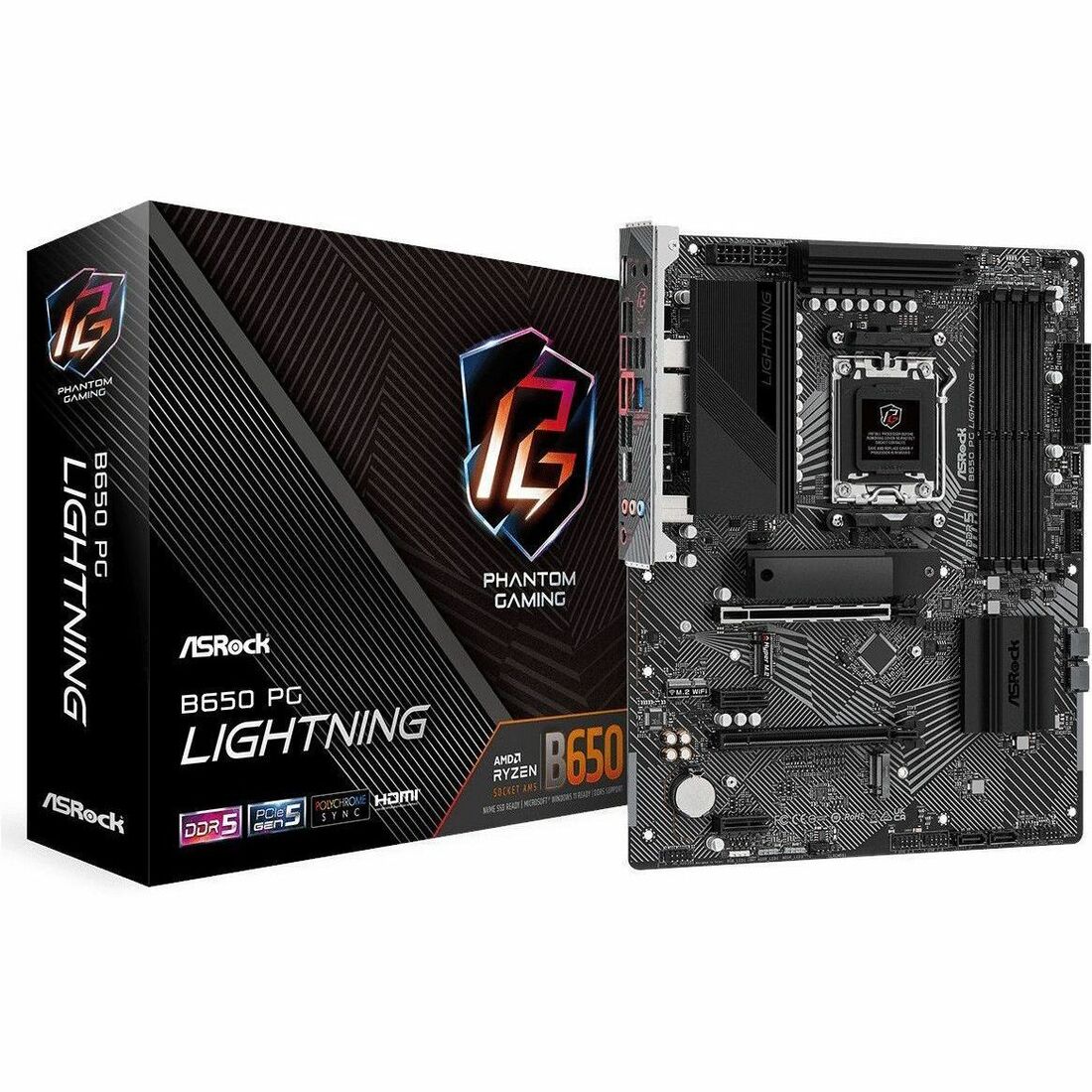
A base B650 board still gives you PCIe 4.0 x16 to the GPU (no measurable gaming loss, per the test above), usually one PCIe 5.0 M.2 slot for a fast boot drive, DDR5 with EXPO memory overclocking, and full CPU overclocking. For a gaming build that is the entire feature set that matters.
The ASRock B650 PG LIGHTNING at $189.77 is a clean example: full ATX, solid VRM for a mid-range Ryzen, and the M.2 slots a single-GPU gamer actually uses. Want built-in Wi-Fi and a heftier VRM for a 12- or 16-core chip? The ASUS ROG Strix B650-A Gaming WiFi at $229.99 covers that and still lands under the cheapest X870.
Spend the $70 you saved on the GPU tier — that is where frames come from.
Where the X870 premium is honest
Two buyers should pay it. First, anyone with USB4 or Thunderbolt gear — a fast external enclosure, a docking station, a capture setup — because getting guaranteed 40Gbps without hunting board-by-board is worth the money. Second, anyone keeping this platform for five or six years who wants the Gen5 GPU slot ready when a card finally needs it.
The MSI X870-P WIFI at $260.40 is the sensible entry point, and the ASUS Prime X870-P WIFI at $291.33 adds a stronger board layout. If you run two Gen5 devices at once and want dual dedicated USB4, that is the X870E job — the MSI MAG X870E Tomahawk WiFi at $339.99 is built for it.
Who should buy which
- Buy B650 if you are building a gaming PC, do not own USB4/Thunderbolt peripherals, and want the most GPU or CPU your budget allows. This is most people.
- Buy X870 if you use USB4/Thunderbolt devices, want a guaranteed PCIe 5.0 GPU slot for a long-term build, or want the connectivity without checking each board's spec sheet.
- Buy X870E if you need two dedicated USB4 ports and maximum PCIe 5.0 lanes — a workstation or heavy multi-device setup, not a gaming rig.
Whichever you choose, both slot straight into an AM5 build. You can drop either into our PC Builder and it will check CPU, cooler, and case clearance before you buy — the same compatibility check we run on every build. New to the platform? Start with how to build a gaming PC in 2025 and pick the chipset last.