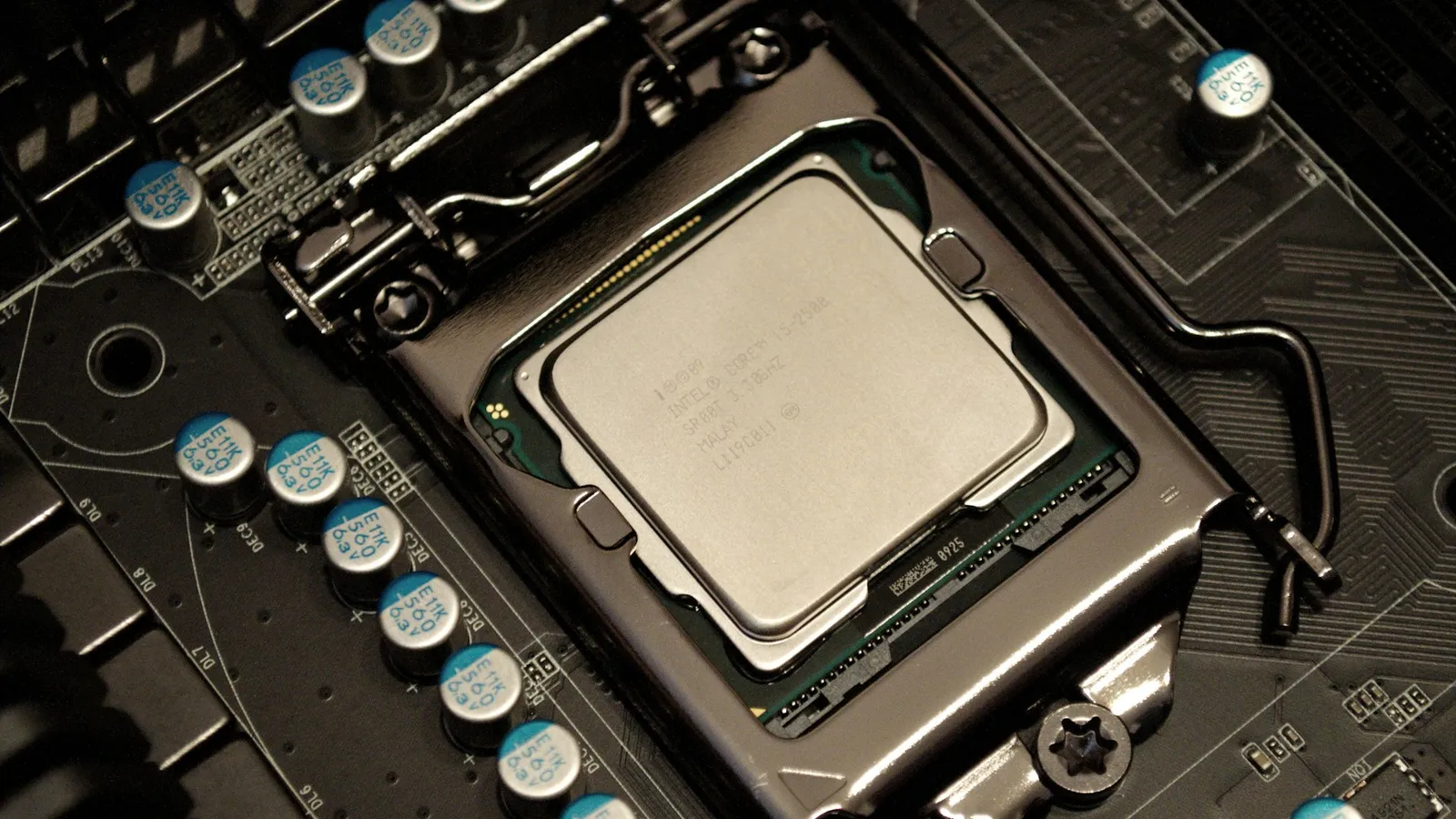

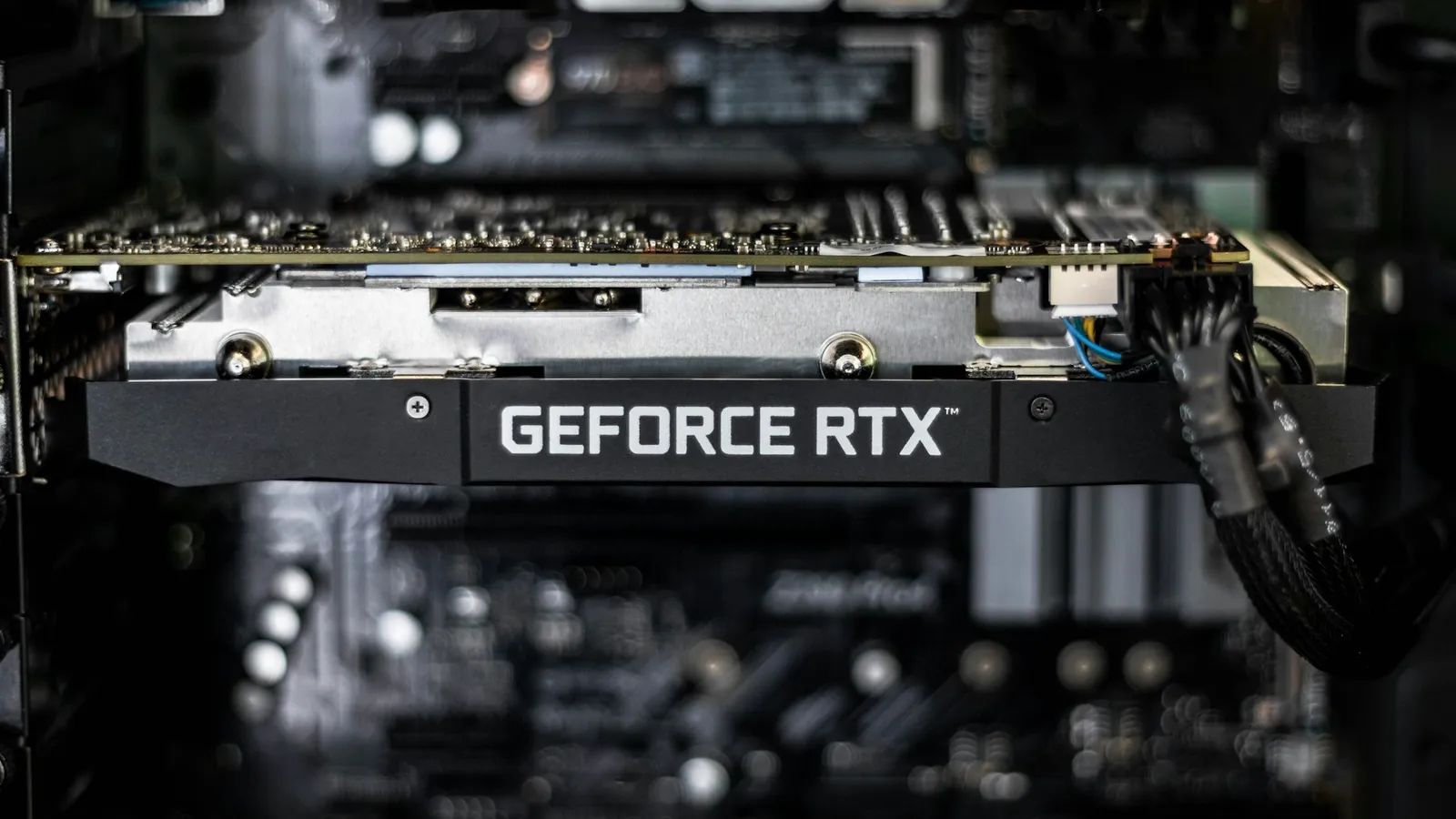
No, a Ryzen 5 7600X will not bottleneck an RTX 5070 Ti at 1440p or 4K — the resolutions this card is built for. At those resolutions the graphics card sets the frame rate, and the six-core 7600X feeds it with headroom to spare. The 7600X only becomes the limiter in two specific places: high-refresh 1080p and CPU-heavy games like simulators and grand strategy. That is also the one time stepping up to a Ryzen 7 7800X3D earns its extra $207.
The question comes up because "bottleneck calculator" sites spit out scary percentages, and a $208 CPU next to a $1,500 GPU looks lopsided. Price is not how bottlenecks work. What decides it is whether the CPU can hand the GPU frames fast enough at the resolution you actually play — and for a 5070 Ti at 1440p or 4K, the 7600X can.
The short answer, by resolution
Whether a "bottleneck" exists depends entirely on where you play. Here is who sets the frame rate with a 7600X and an RTX 5070 Ti together:
| Resolution | Who limits frame rate | 7600X bottleneck? |
|---|---|---|
| 4K | The RTX 5070 Ti, in nearly every game | Effectively none |
| 1440p | The RTX 5070 Ti in most demanding titles | None worth worrying about |
| 1080p high-refresh | Can shift to the CPU in some games | Real, and this is where a 7800X3D pulls ahead |
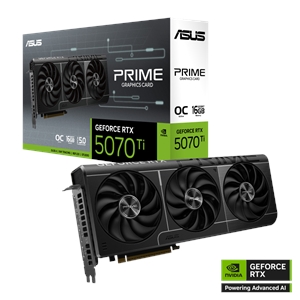
If you bought an RTX 5070 Ti, you bought it to play at 1440p or 4K. PCWorld sums the card up as so strong at 1440p and 4K that it "almost renders the RTX 5080 obsolete" (PCWorld). At those resolutions the GPU is doing the heavy lifting, and the 7600X spends its time comfortably ahead of it.
Why 1440p and 4K hide the CPU gap
The higher the resolution, the more pixels the graphics card renders per frame, and the longer it takes — so the GPU becomes the ceiling and the CPU waits with headroom. TechSpot's dedicated test of CPU impact on 4K gaming found that once a build is GPU-bound, average frame rates between a fast CPU and a much slower one collapse to within a few percent (TechSpot). Swap a 7600X for a far pricier chip at 4K with this card and your average FPS moves very little.
There is one nuance, and it favors the more expensive chip: the same testing showed the 1% lows — the brief dips you feel as stutter — still separate a fast CPU from a slow one even when averages have equalized. That is exactly what the 7800X3D's large 3D V-Cache smooths out. For a 5070 Ti buyer at 1440p and 4K, the averages are a wash and the 1% lows are close enough that the 7600X holds up; the gap only becomes something you can see as you drop the resolution.
Where the 7600X actually falls behind
Being honest about the exceptions is the whole point. Two situations flip the answer.
High-refresh 1080p. On a 240Hz or 360Hz 1080p monitor, the GPU has an easy job per frame, so the processor becomes the limiter. This is where the six-core 7600X gives up real frames to the 7800X3D. TechSpot's resolution testing shows the pattern clearly: at 4K a game goes "heavily GPU bound" and frame rates equalize, but in a CPU-leaning title at 1440p the faster CPU still led by over 20% (TechSpot). Drop to 1080p and that gap only widens. If chasing the highest possible frame rate on a fast 1080p panel is your goal, the 7600X is the wrong place to save money.
CPU-heavy games. Simulators, grand-strategy titles, large multiplayer maps, and some poorly optimized releases lean on the CPU regardless of resolution. AMD's X3D chips win these by a wide margin because the stacked cache keeps game data close to the cores — Tom's Hardware tests CPU gaming on an RTX 4090 specifically to expose this, and crowned the 7800X3D a "new gaming champ" that beats pricier CPUs (Tom's Hardware). If your library is mostly Microsoft Flight Simulator, Factorio, Anno, Stellaris, or heavy MMO raids, the 7600X will be the part you feel, even with a 5070 Ti.
For everything else — single-player AAA games, shooters at 1440p, anything where you cap frames to match a 144Hz display — the 7600X and the 7800X3D land close enough that the GPU decides the result.
7600X vs 7800X3D: when the $207 is worth it
Prices from our live catalog at the time of writing, all in stock:
| Component | Spec | Our price |
|---|---|---|
| Ryzen 5 7600X | 6C / 12T, AM5 | $208.34 |
| Ryzen 7 7700X | 8C / 16T, AM5 | $281.43 |
| Ryzen 7 7800X3D | 8C / 16T + 3D V-Cache, AM5 | $415.41 |
| Asus RTX 5070 Ti 16GB | 16GB GDDR7 | $1,506.03 |
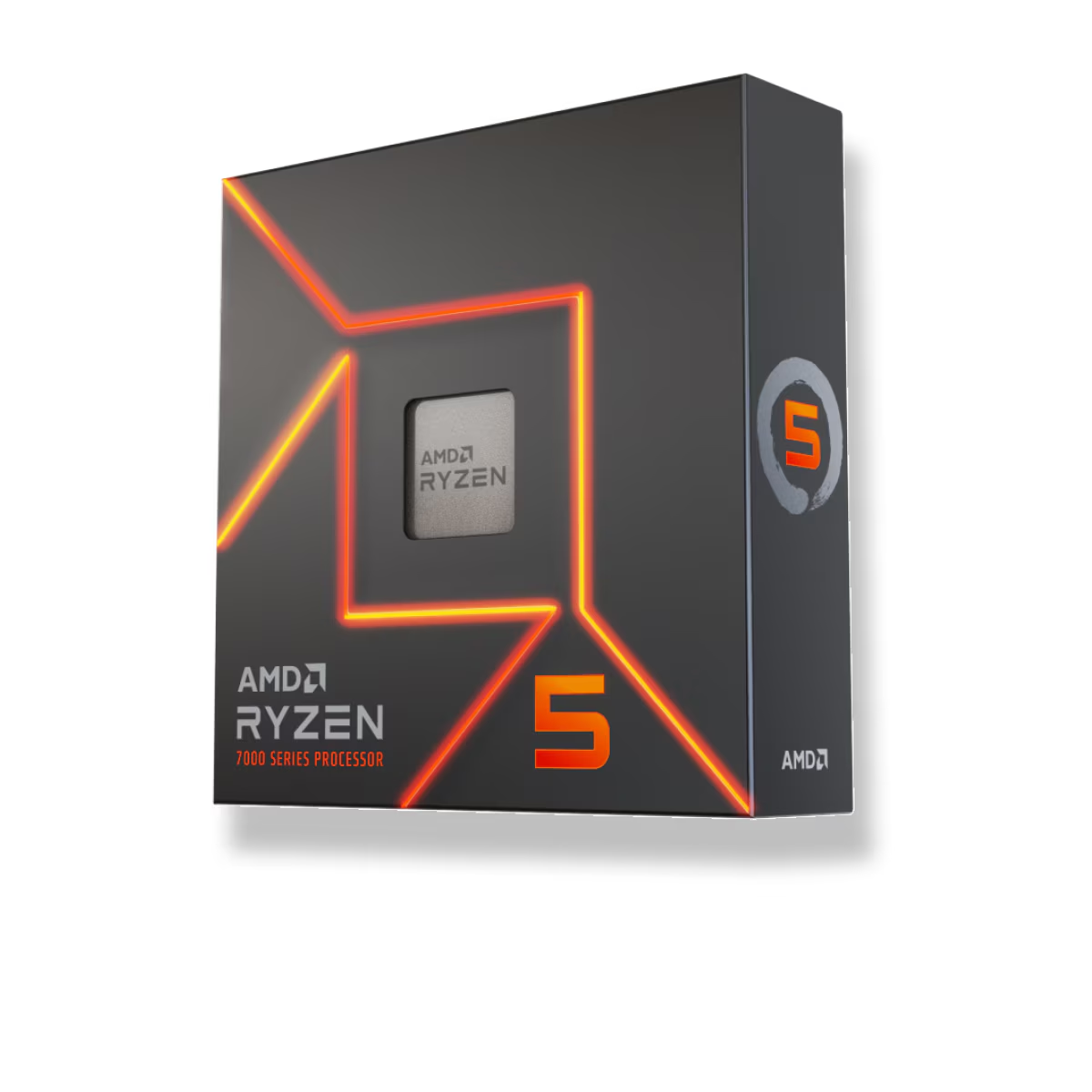
All three chips share the AM5 socket, so any of them drops into the same board, and you can check the full build for compatibility in our PC Builder. The decision is about where your frames come from:
- Buy the 7600X if you game at 1440p or 4K, or cap frame rates to a 60–165Hz display. The 5070 Ti is the limiter there, so the cheapest capable CPU keeps the money where it matters — the GPU and the monitor.
- Step up to the 7800X3D if you run a high-refresh 1080p or 1440p panel and chase maximum frames, or your library leans on sims, strategy, and other CPU-bound genres. This is the one scenario where the $207 shows up on screen.
- Consider the 7700X if you also stream, render, or keep heavy background apps open. Its two extra cores help multitasking more than gaming, and it sits between the two on price.
Spend the savings on the right things. A card like the 5070 Ti pulls real power, so size the power supply around the GPU — our PSU wattage guide for RTX 50-series cards covers the headroom to leave. And if you are still deciding what to feed it, 1440p vs 4K gaming is a more useful question than any bottleneck percentage.
The mirror image of this question — a top CPU under a bigger GPU — plays out the same way in our look at whether the 7800X3D bottlenecks an RTX 5080. For the CPU side compared on its own, our best CPU for 1440p gaming breakdown shows where extra cores and cache stop changing frame rate.