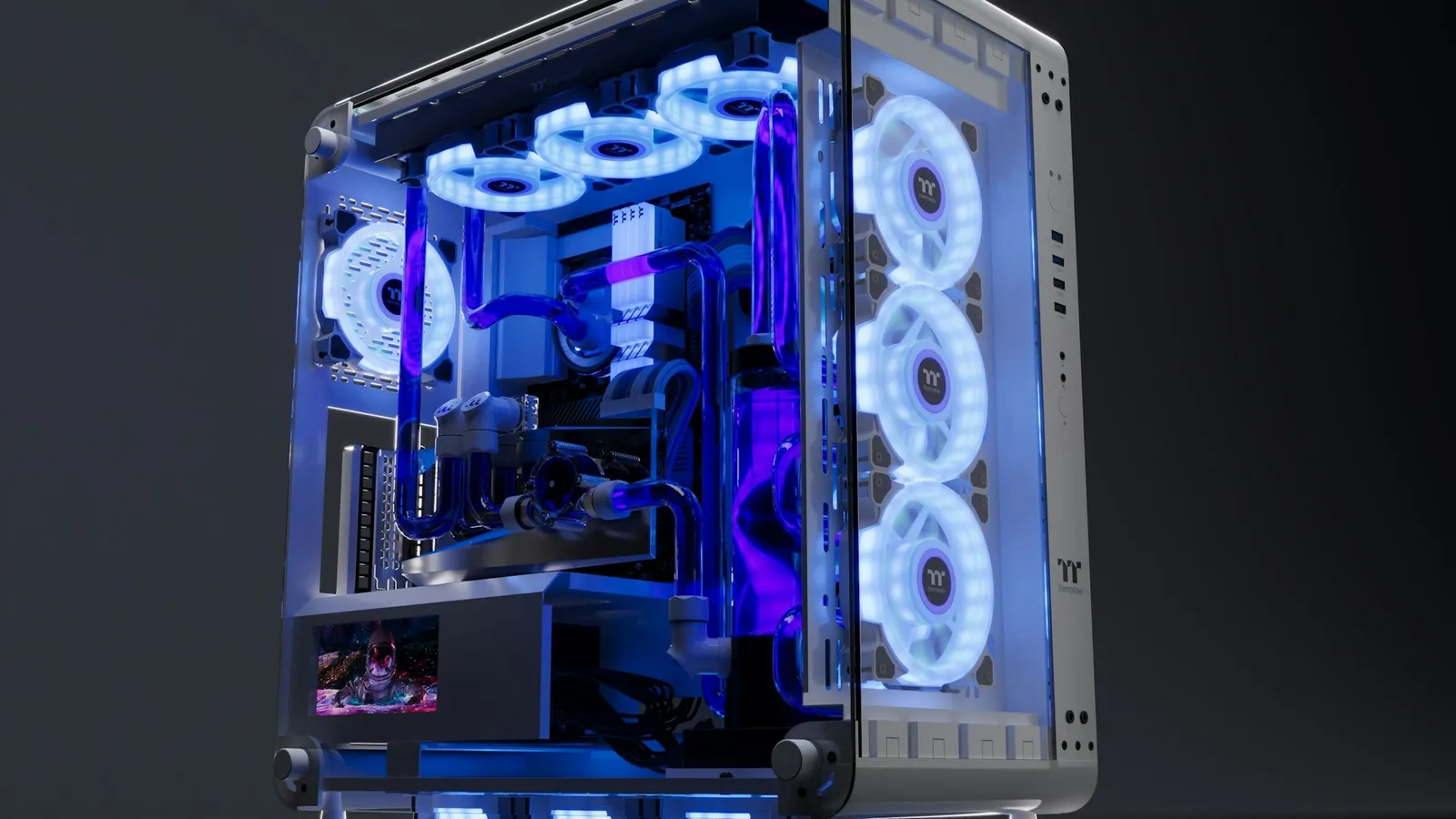

Three case fans is the right answer for almost every gaming PC: two in the front pulling cool air in, one at the rear pushing hot air out. That layout keeps a modern CPU and GPU within safe temperatures, and it is what most quality cases ship with for a reason. If your case only has mounts for two fans, one intake and one exhaust still works fine for a mid-range build.
The catch is that fan count is the part people obsess over and the part that matters least. Past three well-placed fans, extra fans mostly add noise, and the single biggest airflow factor in your whole build is not a fan at all — it is whether your case's front panel actually lets air through. Cases come with RGB mounts in every corner, so it is easy to assume stacking fans is the upgrade. The temperature data says otherwise.
How many fans a gaming PC actually needs
Start from the baseline that works everywhere: two 120mm or 140mm fans in the front as intake, one at the rear as exhaust. Cool air enters low at the front, sweeps across the GPU and up over the CPU cooler, and leaves warm at the back. That is the path your components want, and three fans create it cleanly.
You can go lower. A modest build — think a 65W CPU and a mid-range card — stays healthy on one front intake and one rear exhaust. You do not need to fill every mount the day you build.
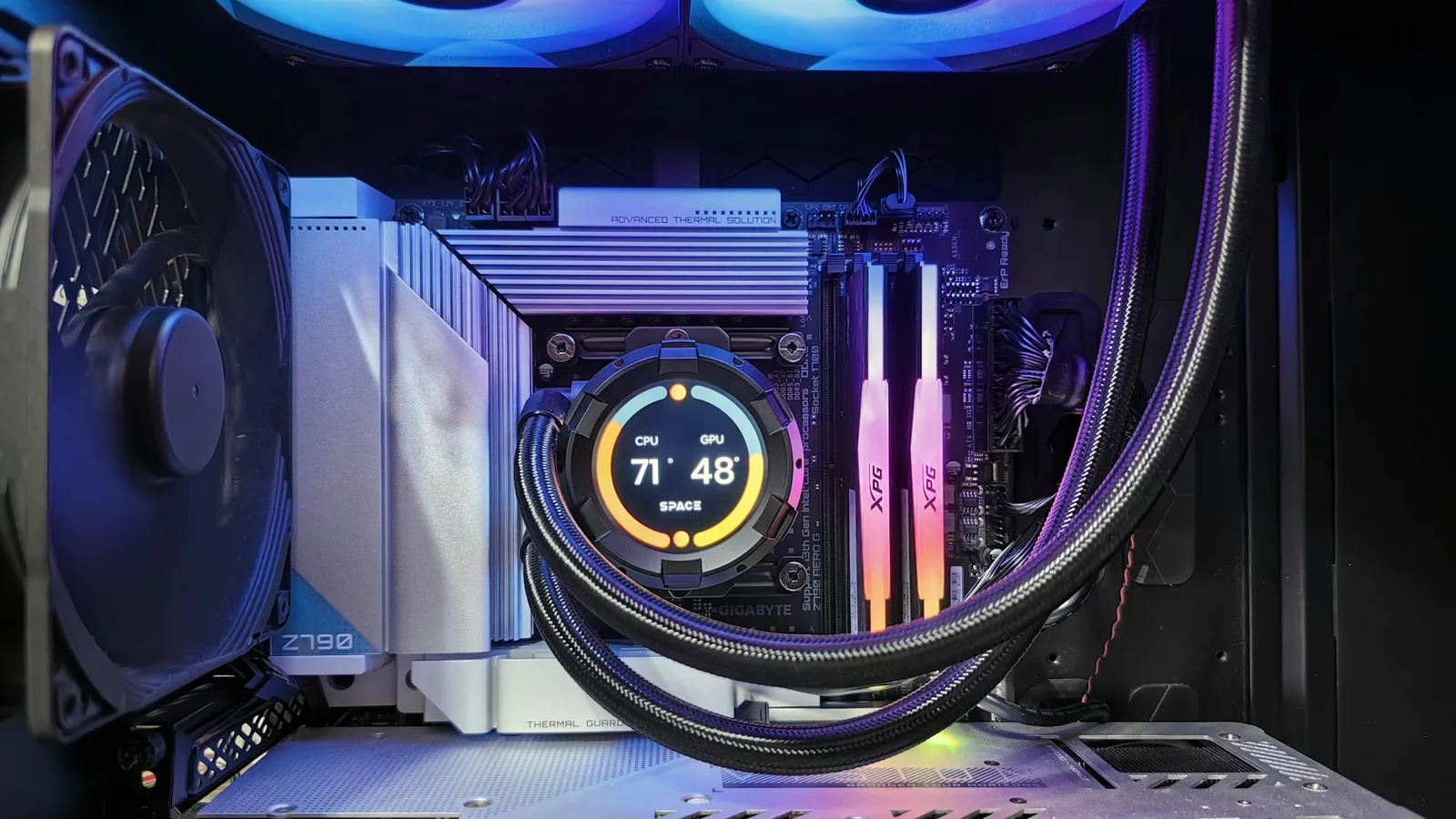
You add fans when the hardware genuinely asks for it, not on principle. An all-core workload on a hot chip like a Core i7 benefits from strong front intake feeding the cooler — see does the i7-14700K need liquid cooling for where that line actually sits. If you run an AIO, its radiator fans count toward your total and usually live at the top or front, which shifts the math. For a straight air-cooled gaming box, three case fans is the number.
Why more fans stop helping
Airflow inside a case is not additive. Each fan you add pulls from the same finite openings, and once air is moving freely, another spinning blade mostly makes sound.
GamersNexus put numbers on this in its HAVN BF 360 Flow review. Starting from the stock front-intake, rear-exhaust layout and adding two extra 180mm top exhaust fans under a full-load stress test (fans at 100%, temperatures measured over ambient), the GPU improved by only about 1°C and the CPU change was not meaningful. Two whole extra fans bought almost nothing.
It gets worse at the extreme. GN's teardown of a 12-fan case was bluntly titled "12 Fans, No Airflow" — stuffing a case with fans does not guarantee the air goes anywhere useful, and that build performed worse than far simpler layouts. The honest takeaway: if your temperatures are high, a fourth, fifth, or sixth fan is rarely the fix.
The thing that matters more than fan count
Here is where the real temperature lives. The same airflow can be throttled to nothing by a front panel that does not breathe.
In GamersNexus's noise-normalized airflow-versus-silent testing — an i7-6700K at 4.4GHz with a GTX 1080, loaded with Prime95 and FurMark together, compared at equal noise — a mesh-front airflow case ran roughly 8°C cooler on the CPU than a solid-panel silent case at the same measured sound level. When they opened up that silent case's restrictive front, it recovered around 7°C on its own. No fan swap moves that kind of number.
The practical rule: a case with a mesh or heavily perforated front panel and a fan over the GPU will beat a glass-fronted "silent" case with twice the fans. If you are choosing a case, pick airflow first and worry about fan count second. A sealed front panel is a ceiling no amount of fans breaks through.
Fan direction and pressure: get this right before buying more
Orientation does more work than a headcount. Front and bottom fans should blow inward (intake); rear and top fans should blow outward (exhaust). Every fan has an arrow on the frame showing airflow direction — point intakes toward the hardware and exhausts toward the outside.
Balance is a trade-off, not a single best answer. In that same HAVN test, flipping one top fan from exhaust to intake dropped the CPU by about 2–3°C but raised the GPU by around 2°C, because the extra intake fed the CPU cooler while disrupting the flow-through GPU. More intake favors the CPU; clean rear/top exhaust favors a hot graphics card. Tune to whichever part runs hottest in your build.
For dust, aim for slightly more intake than exhaust — positive pressure. When intake airflow is a little stronger than exhaust, the case pushes air out through every seam and gap, so dust has to come through the fans you can filter rather than the cracks you cannot. Put dust filters on the intakes and leave the exhausts unfiltered, since a filter there just adds resistance.
What to actually buy
If your case came with decent fans, the cheapest correct move is often nothing — reposition what you have into a two-intake, one-exhaust layout and measure before spending. When you do need fans, buy a matched set rather than mismatched singles.
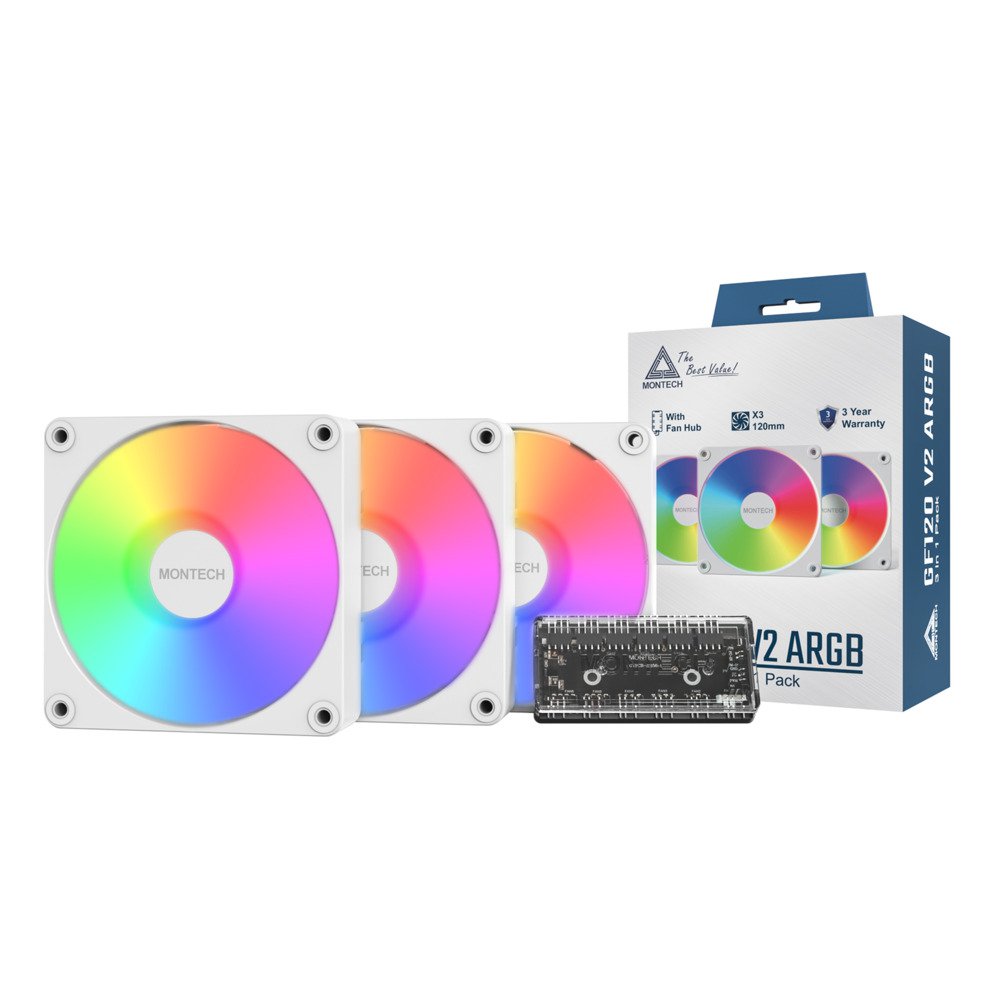
A three-pack covers the standard layout in one box. The Montech GF120 V2 ARGB 3-in-1 kit is $45.99 for three 120mm ARGB fans plus a hub — exactly the two-intake, one-exhaust setup, wired through a single controller. If you only need to add one front intake to an existing build, the single Montech GF120R V2 ARGB is $14.99.
Spend the money you would have put toward a fourth and fifth fan on a better case or a stronger CPU cooler instead — that is where the degrees actually are. If you are still deciding how to cool the chip itself, air cooler vs AIO and 240mm vs 360mm AIO cover that call. And if a freshly built PC is overheating or refusing to start, work through the PC won't POST checklist before assuming it is an airflow problem.