
Buy the wattage NVIDIA lists for your card, not more. NVIDIA's official minimums are 550W for an RTX 5060, 600W for a 5060 Ti, 650W for a 5070, 750W for a 5070 Ti, 850W for a 5080, and 1000W for a 5090 (NVIDIA). Those numbers already assume a high-end CPU and already include headroom, so for a normal single-GPU gaming build the recommended figure is the right number to buy — not a floor you need to double.
There is exactly one exception, and it is the RTX 5090. Its power spikes are large enough that its 1000W recommendation is real, not padding. Every other card in the lineup has comfortable margin at the listed wattage. Below is the number for each card, why the recommendation is built the way it is, and where spending on more watts buys you nothing.
The wattage each RTX 50-series card needs
Total Graphics Power (TGP) is what the card itself draws; the recommended PSU is what NVIDIA specs for the whole system around it.
| GPU | TGP | NVIDIA recommended PSU |
|---|---|---|
| RTX 5060 | 145W | 550W |
| RTX 5060 Ti | 180W | 600W |
| RTX 5070 | 250W | 650W |
| RTX 5070 Ti | 300W | 750W |
| RTX 5080 | 360W | 850W |
| RTX 5090 | 575W | 1000W |
Sources: NVIDIA RTX 5070 family, RTX 5060 family, RTX 5080, RTX 5090.
The RTX 5050 sits below the 5060 on power draw, so a quality 550W unit covers it with room to spare. Everything from the 5060 to the 5070 Ti lives comfortably on a good 650–750W supply — the jump to four figures only starts at the 5080.
Why NVIDIA's number already has headroom
Read the fine print on the spec page: the minimum is "based on a PC configured with a Ryzen 9 9950X processor" (NVIDIA). That is a 16-core, roughly 200W flagship CPU. If you are pairing your GPU with a Ryzen 5, a Ryzen 7, or a mid-range Core chip, the total system draw is lower than the configuration NVIDIA used to set the number — so the recommendation already carries margin before you add any of your own.
That is why the recommended figure is a sensible target rather than a bare minimum you must exceed. On an RTX 5070 (250W card) with a mainstream CPU, a good 650W unit spends most of its life in the 40–55% load band, which is exactly where 80 Plus supplies are most efficient. Doubling to 1000W does not make that build faster, quieter, or more reliable.
The RTX 5090 is the one card not to undersize
Big GPUs do not draw power smoothly. They draw a sustained load plus brief, violent spikes as the card ramps clocks. TechPowerUp measured the RTX 5090 briefly hitting 901W in under one millisecond — well above its 575W sustained figure — during transient bursts (TechPowerUp). Add a flagship CPU spiking at the same moment and an 850W unit can hit its over-current protection and shut the system off mid-game.
This is what NVIDIA's 1000W recommendation is actually protecting against, and it is why the 5090 is the card where "just follow the number" is the honest advice — and going to 1200W is defensible if you also overclock. Modern ATX 3.1 supplies are designed for exactly this: the standard allows short excursions up to 200% of rated power for under 1ms, so a compliant unit absorbs the spike instead of tripping (TechPowerUp). No other RTX 50-series card comes close to this behavior — the 5080 and below are tame by comparison.
Where more watts is just wasted money
Here is the part the "get 1000W to be safe" advice skips: an oversized PSU is not free performance. 80 Plus efficiency peaks near 50% load, so a 1000W unit feeding a 350W system runs in a less efficient part of its curve, not a better one. You paid for 600W of capacity you will never touch unless you replace the whole GPU tier.
"Future-proofing" only holds if your next GPU actually lives in a higher power class. If you are on a 5070 and your realistic upgrade path is a 5070 Ti or 5080, a quality 750–850W unit already covers it — you do not need 1000W today for a card you might buy in three years. Buy for the card in the box plus one tier of headroom, and put the saved money toward the GPU or the PC Builder parts that actually change frame rates.
Wattage isn't the whole story: the connector
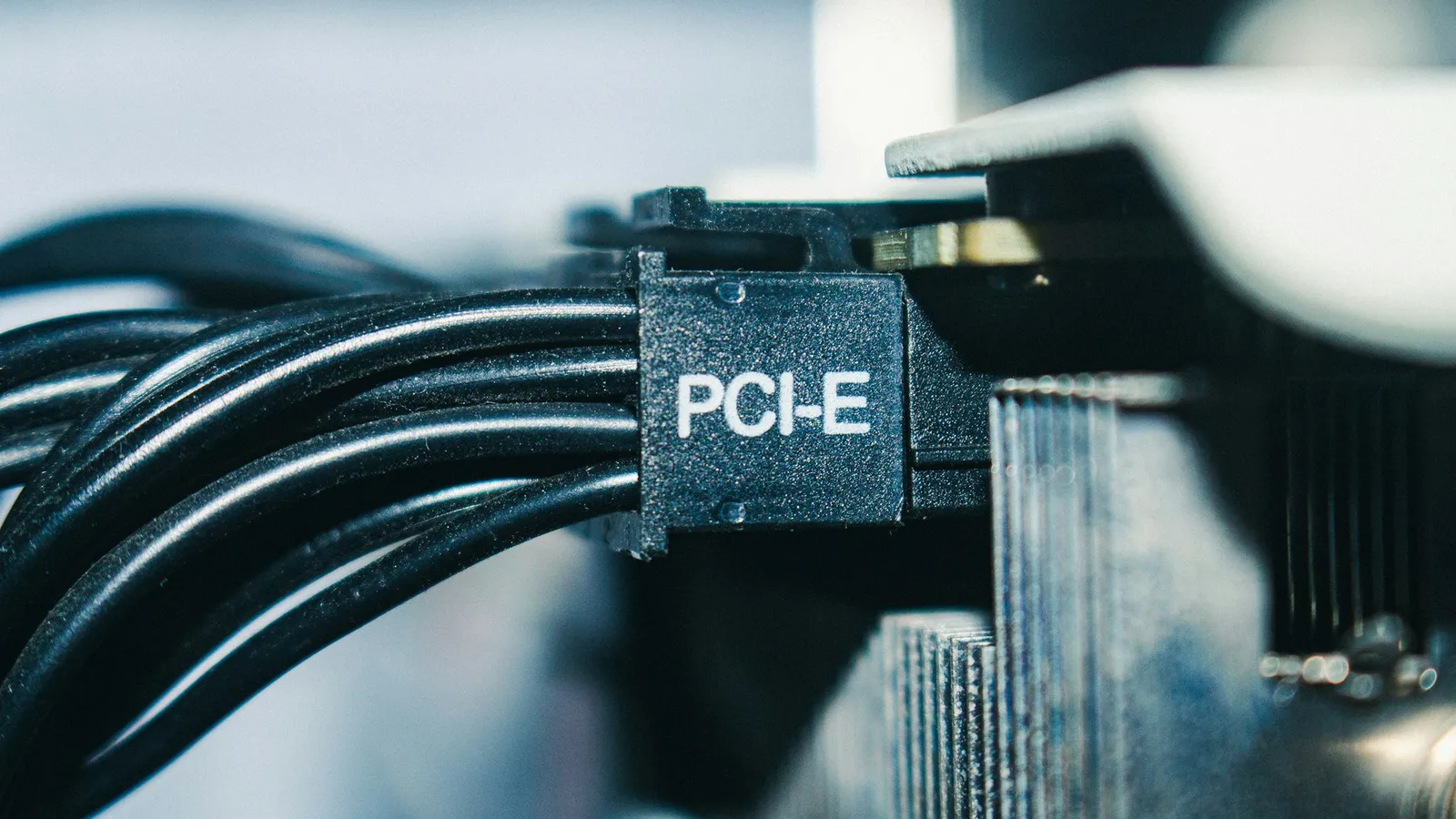
A 12V-2×6 connector (the updated 16-pin, sometimes labeled H++) has shorter sense pins that cut power if the plug is not fully seated — the fix for the melted-connector reports that dogged the previous generation. NVIDIA calls for a PCIe CEM 5.1-compliant PSU precisely so the card gets a native cable rated for its spikes (NVIDIA).
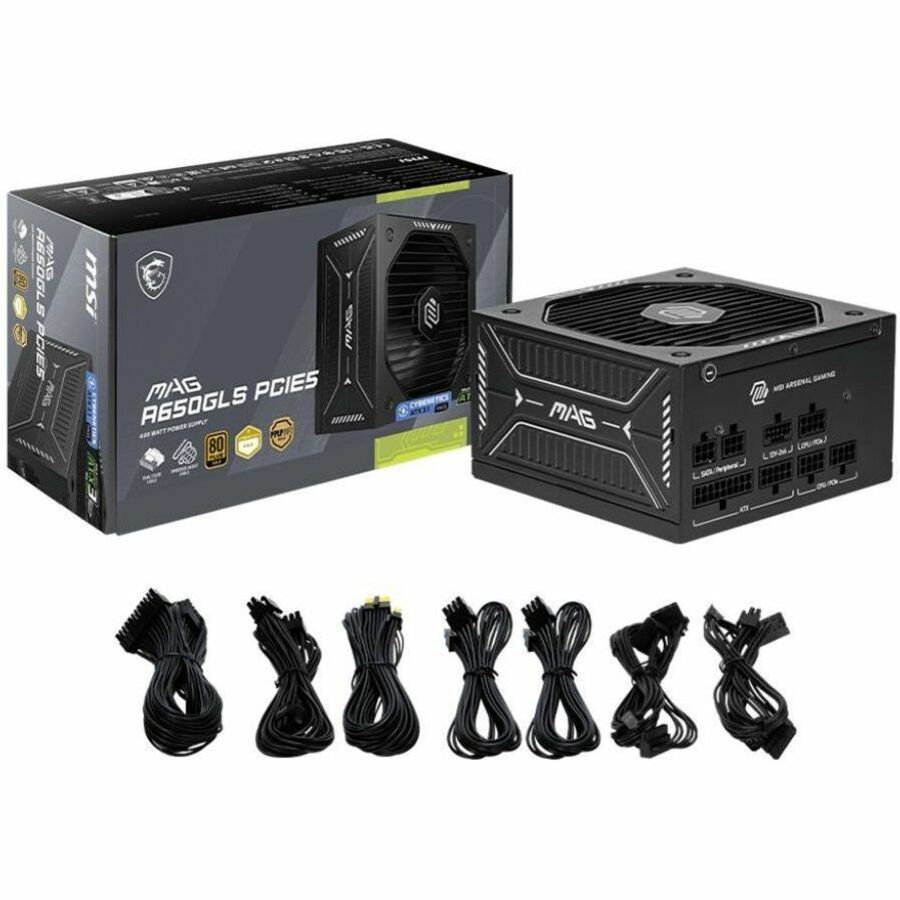
The practical takeaway: a clean 750W ATX 3.1 unit with a native 12V-2×6 cable is a better match for an RTX 5070 Ti than a 1000W older unit driving the card through a four-plug adapter. The MSI MAG A650GLS PCIE5 at $129.99 is an example of a 650W unit built with the newer PCIe 5 connector for exactly this — right-sized for a 5070 and ready for the cable, without paying for capacity you would leave idle.
Pick your PSU by GPU tier
Match the unit to your card, add one tier of headroom, and stop there. All of these are in stock in our catalog at the prices shown.
RTX 5060 / 5060 Ti / 5050 (550–600W): The Thermaltake Smart 600W at $57.99 meets the spec for these cards. If you want a little more margin or a quieter upgrade path, the MSI MAG A650BN 650W at $89.98 steps you up to the 5070's tier for not much more.
RTX 5070 (650W): The MSI MAG A650GLS PCIE5 650W at $129.99 is the clean match — right wattage, native PCIe 5 connector.
RTX 5070 Ti (750W): The MSI MAG 750W at $109.99 hits NVIDIA's number for the 5070 Ti without overspending.
RTX 5080 (850W): The Cooler Master 850W Full Modular Gold at $123.99 or the Thermaltake Toughpower GF1 850W at $134.99 both meet the 5080 spec with modular cabling.
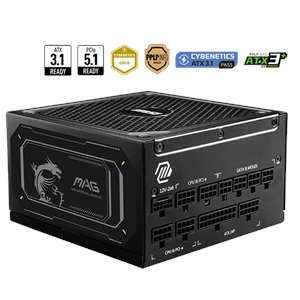
RTX 5090 (1000W minimum): This is the tier not to shortcut. The MSI MAG 1000W at $179.99 or the Asus TUF Gaming 1000W at $239.99 meet NVIDIA's floor. If you plan to overclock the card and a flagship CPU together, the MSI MAG 1250W at $259.99 gives the spike headroom worth having on a 5090.
Building the whole system? Drop your GPU and PSU into our PC Builder and it checks wattage and connector compatibility before you buy. If you are starting from scratch, how to build a gaming PC in 2025 walks the full parts list and leaves the PSU sizing to the card you pick.