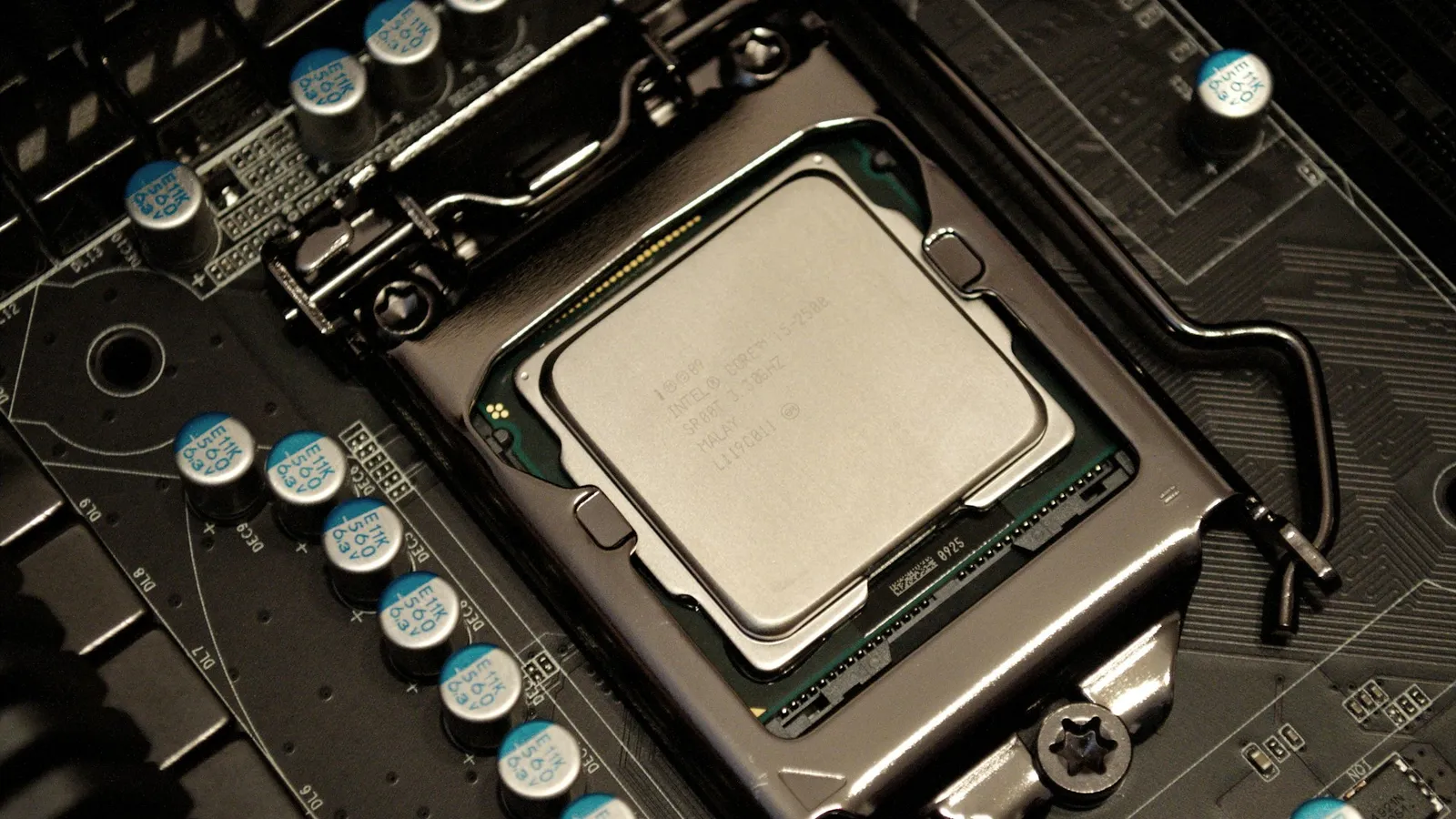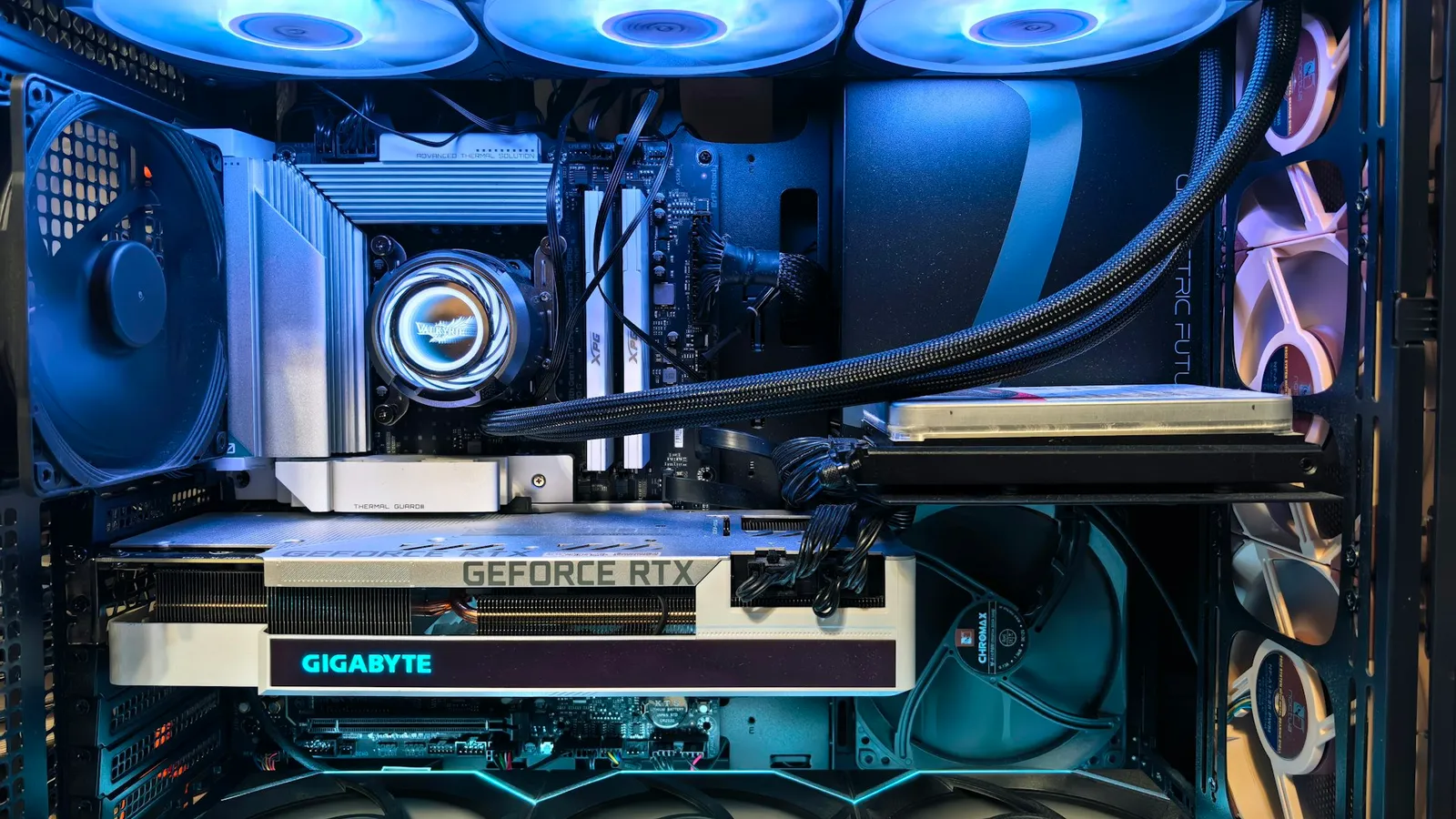

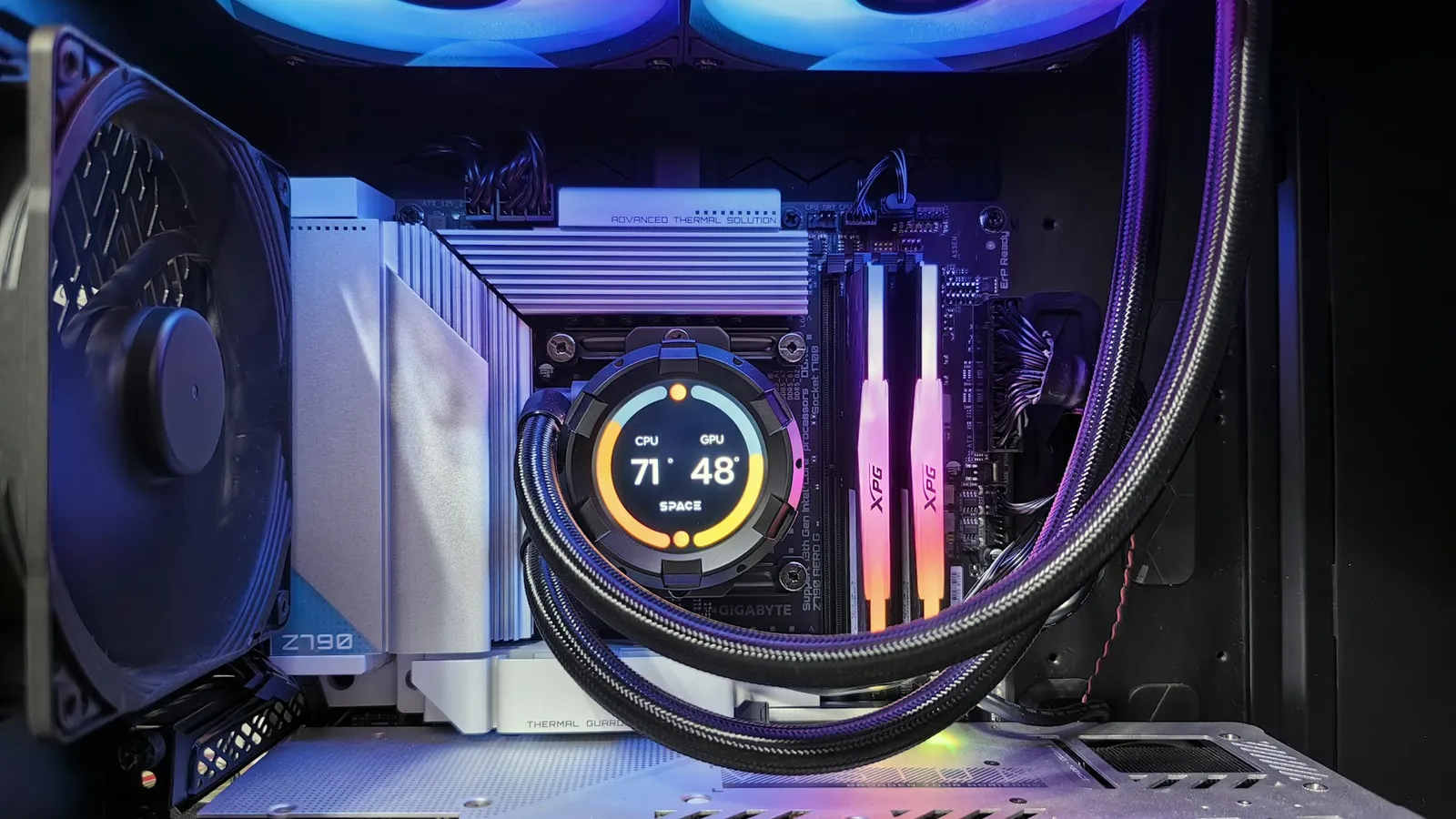
No, the Intel Core i7-14700K does not need liquid cooling to play games. In gaming it draws roughly 120–150W — TechPowerUp measured about 132W (TechPowerUp) — and a good tower air cooler keeps that in check with headroom to spare. If this chip is going into a gaming PC, buy the air cooler and spend the saved money on the GPU.
The catch is what "need" means. Intel rates the 14700K at a 253W Maximum Turbo Power with a 100°C thermal limit (Intel), and under a sustained all-core workload it hits that ceiling hard. There the honest answer flips in a way most "just buy an AIO" advice misses: a liquid cooler helps, but it does not solve the problem, because the chip will take every watt the motherboard hands it.
How much power the 14700K actually pulls
The 253W number on the spec sheet is the source of most of the worry, and it is real — but it is the ceiling for an all-core load, not what a game asks for. Games lean mostly on the eight P-cores and rarely light up all 28 threads at once, so power draw in a game sits far lower.
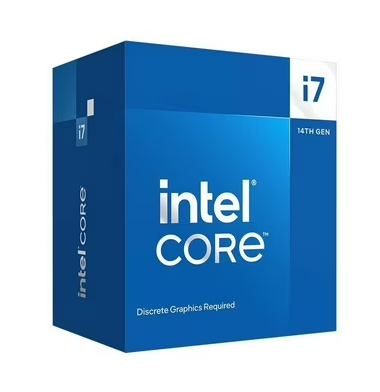
TechPowerUp measured 132W in its gaming power test (TechPowerUp). iLLGaming logged around 120W average in Cyberpunk 2077, and in Alan Wake II the average stayed under 150W with a brief peak of 238W (iLLGaming). That is a different cooling problem than the one the 253W figure implies.
An all-core workload is where the rating bites. With the board's power limit removed — the default on many Z790 motherboards — reviewers saw it pull right up to and past 253W: XDA recorded a peak of 279W in Cinebench R23's multi-core run, and TechRadar logged a maximum just under 309W (XDA, TechRadar).
| Workload | Power draw | What it needs |
|---|---|---|
| Gaming | ~120–150W (132W measured) | A strong tower air cooler |
| All-core (render, encode) | 253–309W | 240mm+ AIO or a power limit |
What air cooling handles — and where it stops
For gaming, a quality tower air cooler has an easy job. A 150W-class gaming load against a cooler built to shed 200W or more never approaches the throttle point, and you get silence as a bonus because the fans barely spin up.
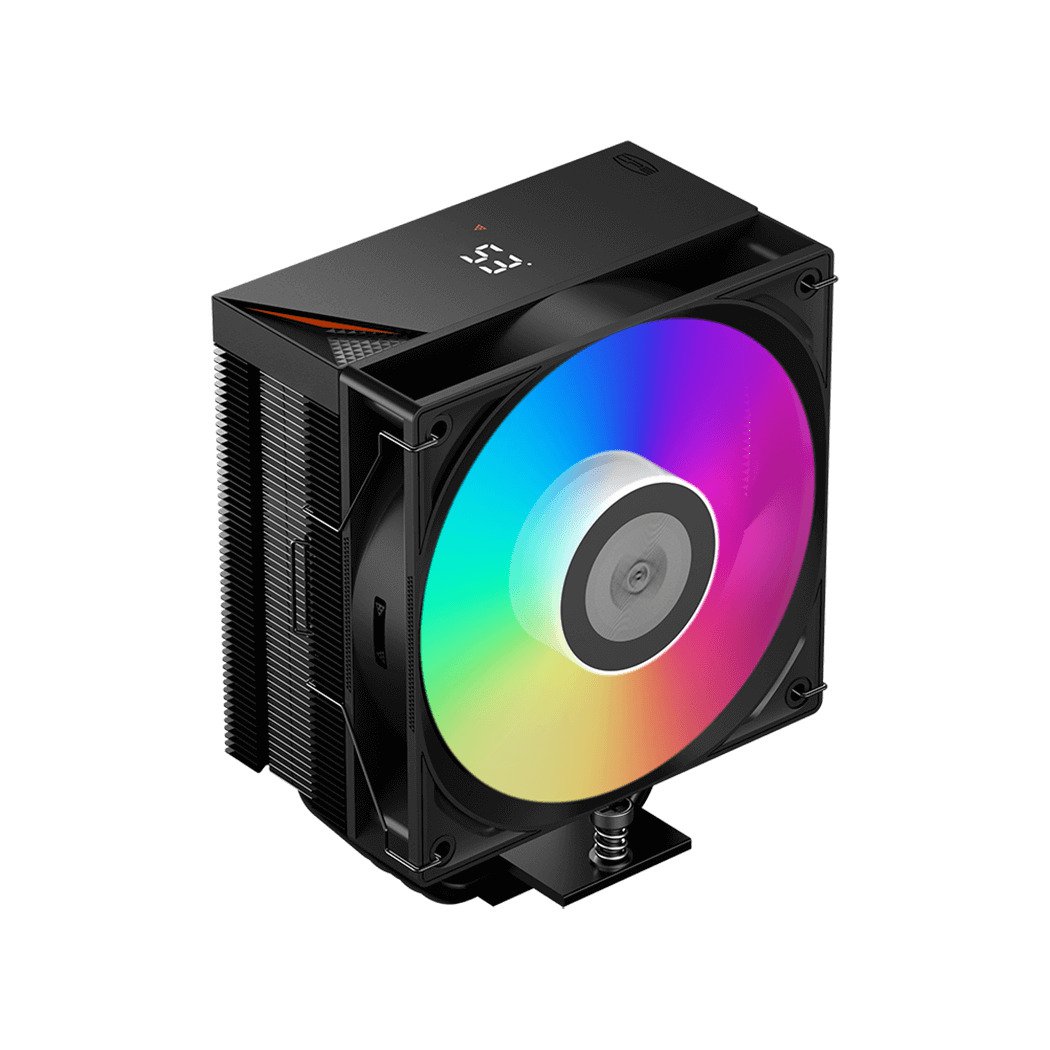
Where air struggles is the opposite end — an uncapped all-core load at 280W or more. A budget single-tower in the ~150W class, the kind bundled with a mid-range board or sold for $30, will keep a 14700K alive in games but throttle under sustained Cinebench or a long export. If you render or encode daily and run the board at Intel's default unlocked limit, a bottom-tier cooler is the wrong pairing. A large dual-tower or a high-end single-tower is the air answer for mixed use.
When liquid cooling actually helps — and when it doesn't
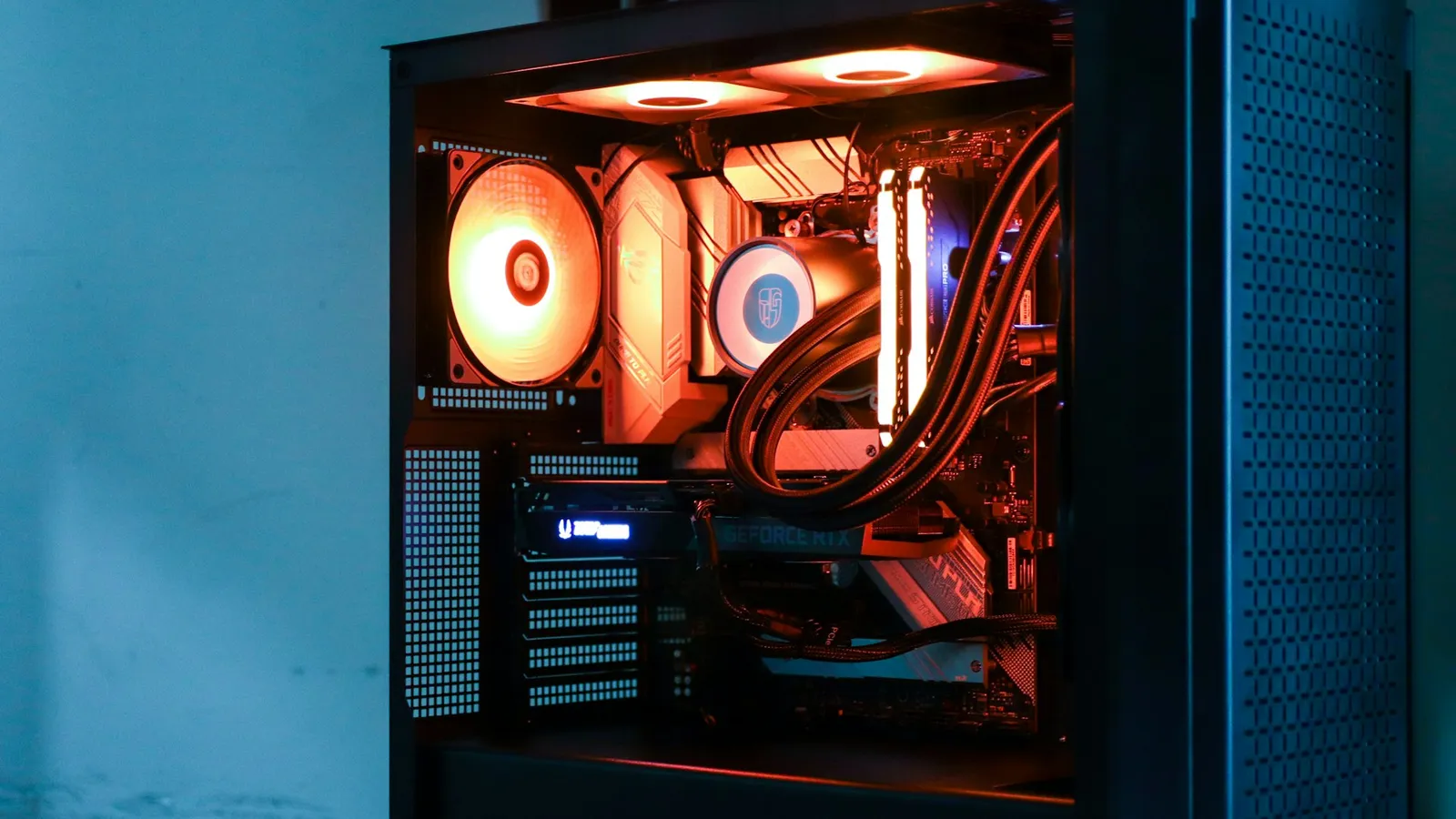
Here is the part the spec sheet hides. Point a 360mm AIO at a 14700K running an uncapped all-core load and it still runs hot: PC Gamer saw up to 96°C even with a 360mm unit, and TechRadar recorded a flat 100°C (PC Gamer, TechRadar). That is not a cooler failure — the chip boosts until it either runs out of power budget or hits 100°C, so a better cooler mostly buys higher sustained clocks, not a cooler chip.
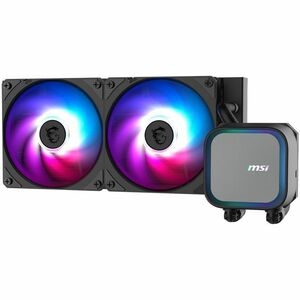
So liquid cooling earns its price in two honest cases: quieter operation under long all-core sessions, and holding higher clocks in those sessions than air can. Neither shows up as more frames in a game. If your reason for an AIO is "my games will run better," it will not.
The lever that actually controls temperature is the power limit. Enforce Intel's 253W cap, or drop it to ~180–200W with a light undervolt, and peak temperature falls well off 100°C for a single-digit percentage loss in multi-core throughput you will not feel in daily use. Reviewers consistently note the chip's package power swings with whatever limit the board enforces (TechRadar). Set the limit first; then the cooler choice is about noise, not survival. For the broader trade-off, see Air Cooler vs AIO.
What to pair with a 14700K
- Gaming-only build: a strong tower air cooler such as the PCCOOLER RT500 or the Cooler Master Hyper 212 Pro. Gaming load never troubles either, and you stay quiet. Build and check clearance in our PC Builder.
- Mixed gaming and creator work: a 240mm AIO like the MSI MAG Coreliquid A13 240 for quieter sustained all-core runs — paired with Intel's 253W limit, not an unlocked board.
- Either way: set the power limit in BIOS. It does more for temperatures than any cooler upgrade.
A locked, low-power chip like the Ryzen 7 7800X3D is the opposite situation, where even air is overkill for liquid's sake — see Does the Ryzen 7 7800X3D Need an AIO? for that case.