
If you game at 1440p, the Core i5-14400F ($243.42) is the smarter buy, and it is not close on value. At that resolution a mid-to-high-end graphics card sets your frame rate, so the Core i5-14600K ($369.98) — about $127 more — gives up almost no frames for the premium. The 14600K earns its price in only two places: CPU-bound 1080p gaming on a fast GPU, where it leads by roughly 14-32% in demanding titles, and multi-core work like rendering or streaming, where its eight Efficiency cores push it about 55% ahead (Deltia's Gaming).
The question comes up because the two chips share the same six Performance cores — the cores games actually lean on — so on paper they look closer than their prices suggest. The 14600K's advantages are higher clocks (5.3 GHz vs 4.7 GHz), four more Efficiency cores, an unlocked multiplier, and a built-in GPU. Whether any of that reaches your frame rate depends entirely on the resolution you play at and whether you do more than game.
The core difference between them
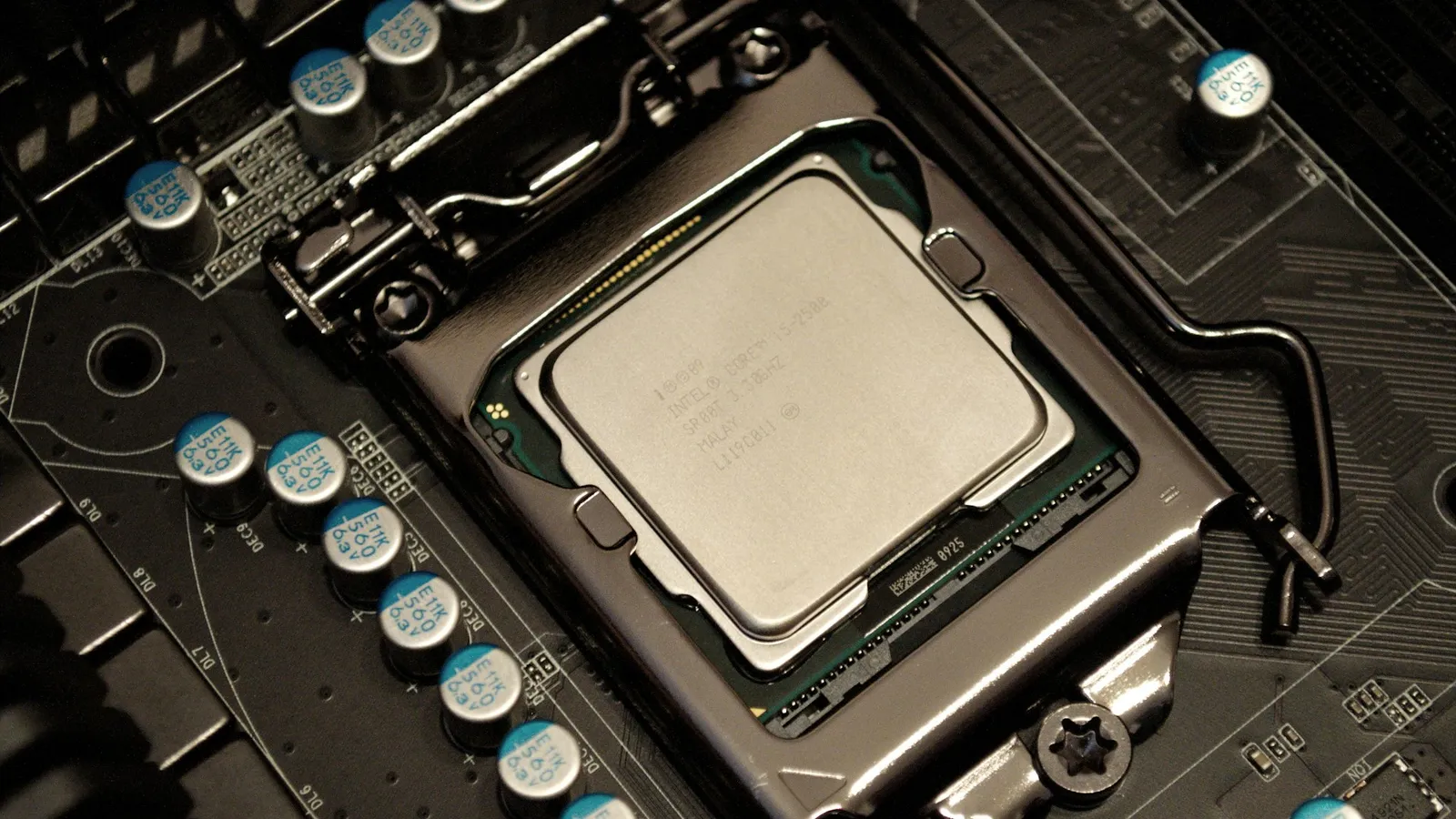
Both chips are 14th-gen Intel on the LGA1700 socket, both are built on the Intel 7 process, and both run the same six Performance cores. What separates them is clock speed, Efficiency-core count, 4 MB of L3 cache, and whether the multiplier is unlocked.
| Core i5-14400F | Core i5-14600K | |
|---|---|---|
| Cores / threads | 10 (6P + 4E) / 16 | 14 (6P + 8E) / 20 |
| Max turbo | 4.7 GHz | 5.3 GHz |
| L3 cache | 20 MB | 24 MB |
| Base / max turbo power | 65 W / 148 W | 125 W / 181 W |
| Memory | DDR5-4800, DDR4-3200 | DDR5-5600, DDR4-3200 |
| Integrated graphics | None | UHD 770 |
| Unlocked | No | Yes |
| Price (our catalog) | $243.42 | $369.98 |
Specs above are from Intel's spec sheets (14400F, 14600K). The six P-cores are the ones your game's main threads run on, and they clock within 600 MHz of each other. That is why the gaming gap is modest at realistic resolutions while the all-core gap is large.
Gaming performance
Reviewers test CPUs at 1080p on a top-end GPU on purpose: the low resolution lifts the graphics ceiling so the processor becomes the limiter, exposing whatever gap exists. Under those CPU-favorable conditions on an RTX 4090, the 14600K led the 14400F by 22% in Cyberpunk 2077 (220 vs 180 fps), 23% in PUBG (270 vs 219), 32% in Assetto Corsa (611 vs 462), and 14% in Red Dead Redemption 2 (197 vs 173) (Deltia's Gaming). The widest gaps — Assetto Corsa, PUBG — are the CPU-bound sim and battle-royale titles; the gap is narrower in GPU-leaning games even at 1080p.
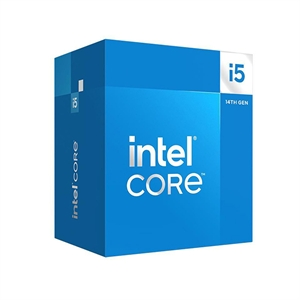
Now raise the resolution. At 1440p and 4K with a mid-to-high-end card, most modern games are GPU-bound, so the graphics card runs out of headroom long before either CPU does. The practical difference between these two then rounds to near zero — you are paying $127 for frames you will not see. Both chips feed a strong GPU just fine at those resolutions; the 14400F's six P-cores are not the bottleneck.
The honest flip side cuts the other way too. If you play competitive shooters at 1080p on a 240 Hz or 360 Hz monitor and a fast GPU, that 14-32% is real frames you will feel, and the 14600K is the right chip. Match the CPU to the resolution you actually play at, not the one on the box.
Where the 14600K earns its price: multi-core work
This is where the extra money clearly cashes out. In Cinebench R23 multi-core the 14600K scored about 25,270 to the 14400F's 16,252 — roughly 55% more throughput (Deltia's Gaming); Notebookcheck independently lists the 14600K near 24,491 (Notebookcheck). That scaling is real because rendering, video exports, large compiles, and game-plus-stream workloads saturate every core, and the 14600K has four more of them plus higher clocks.
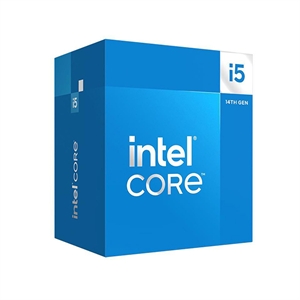
So if you stream while you game, edit video, or run CPU-heavy applications, the 14400F's four Efficiency cores leave a lot on the table — a 55% deficit in all-core work is not a rounding error. The 14400F is a gaming chip that does light productivity; the 14600K is the one that does both without complaint.
Platform, power, and overclocking
Both drop into the same LGA1700 boards, and a B760 board runs either chip well for a fixed-clock gaming build. The difference is headroom: only the 14600K is unlocked, so pairing it with a Z790 board lets you tune it — the 14400F is locked no matter what board you buy. If you're weighing the chipset, our B760 vs Z790 for the i5-14600K guide covers when the pricier board is worth it. Whichever you pick, update the BIOS first; our guide on whether you need to update your BIOS for a new CPU covers the 13th/14th-gen voltage microcode you want in place before first boot.
Power and cooling also differ. Intel rates the 14400F at a 65 W base and 148 W max turbo, against the 14600K's 125 W base and 181 W max turbo (Intel). The 14400F is genuinely easy to cool — a good single-tower air cooler handles it. The 14600K wants a strong dual-tower air cooler or a 240mm AIO to hold its boost under load. Budget the cooler into the comparison, because it narrows the real-world price gap.
One more value note: the 14400F is effectively a 13400F with a 100 MHz bump on the P-cores (Custom PC). If a 13400F is cheaper where you shop, it performs the same — don't pay a 14th-gen premium for a rebrand.
Price and what the extra $127 buys
In our catalog the 14400F is $243.42 and the 14600K is $369.98, a $126.56 gap. On a 1440p gaming build, moving that $127 into the graphics card buys far more frames than the 14600K's extra cores will, because the GPU sets your frame rate there. The only builds where the premium comes back to you are high-refresh 1080p gaming on a fast card, or any workload that renders, compiles, encodes, or streams for hours.
If you want the broader Intel i5 picture, we compare the 14600K against the i7-14700K for the step up, and the 12400 against the 14600K for the budget end. On the AMD side, Ryzen 5 7600X vs the 14400F covers the direct rival, and if the build is gaming-first, Ryzen 7 7800X3D vs the 14600K and our best CPU for 1440p gaming guide are worth a look. You can spec either Intel chip into a full system with compatibility checked automatically in our PC Builder.
Who should buy which
- Buy the Core i5-14400F if you game at 1440p or 4K, or build on a budget. You give up almost nothing in frames at those resolutions and keep $127 for the GPU, where it actually buys performance.
- Buy the Core i5-14600K if you game at 1080p on a high-refresh monitor and a fast GPU, overclock, or run multi-core workloads — rendering, encoding, streaming — where its ~55% throughput lead pays for itself.
- Skip both if you want the outright fastest gaming chip regardless of core count; a Ryzen X3D part beats either in games, which is why our 1440p CPU guide leads with it.
When the difference doesn't matter
At 1440p or 4K with a mid-to-high-end graphics card, most games are GPU-bound, so the 14400F and 14600K produce effectively the same frame rate. At those resolutions the choice stops being about gaming and becomes purely about whether you also do heavy multi-core work. Buy the 14600K for that work — not for frames you won't get.