
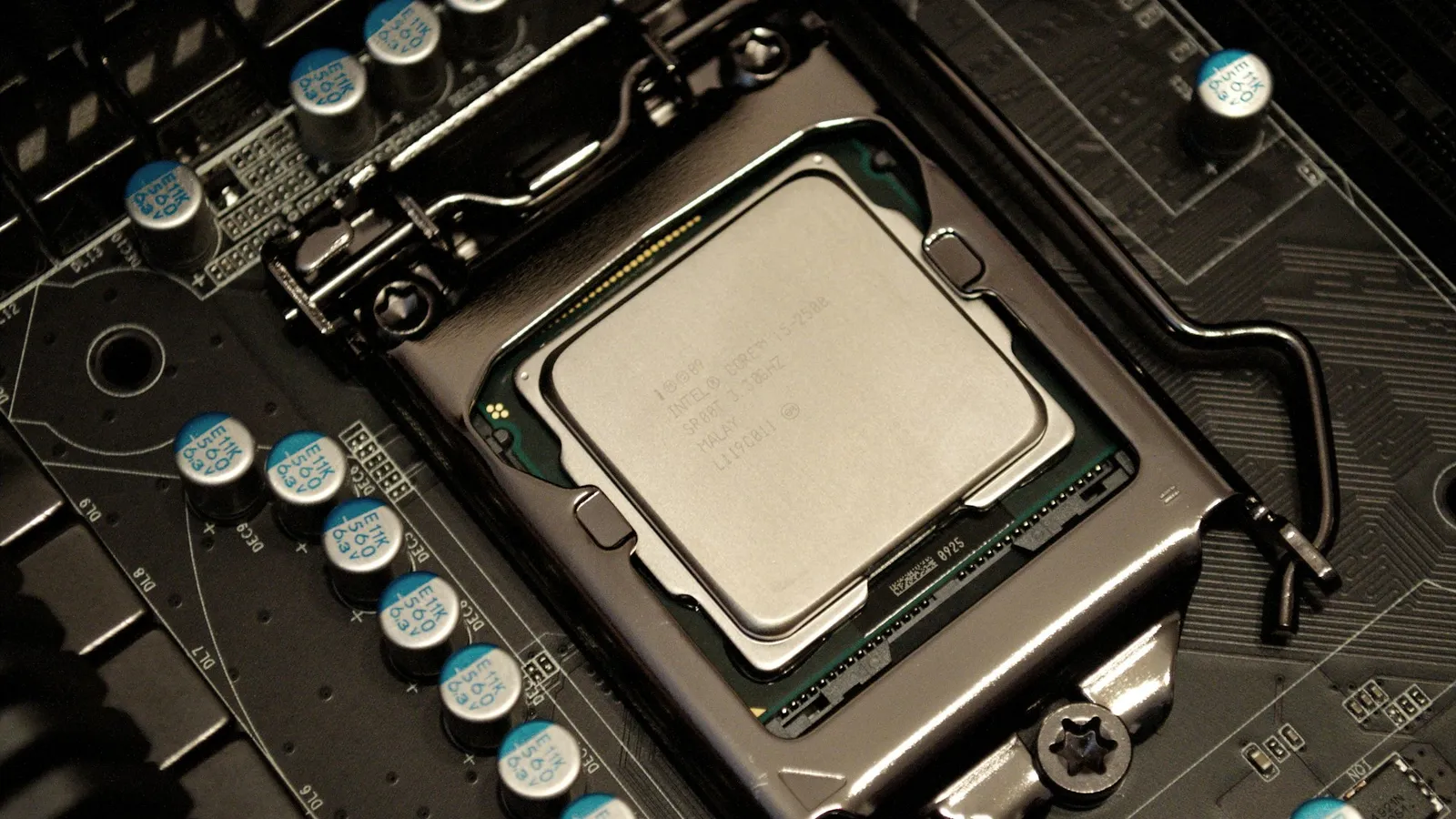
For a gaming-first build, buy the AMD Ryzen 7 7800X3D over the Intel Core i5-14600K. It's the faster chip in CPU-bound games, it draws far less power, and it sits on a socket you can upgrade for years. The 14600K's case is narrower but real: it's about $45 cheaper here, and its 14 cores beat the 8-core 7800X3D in rendering, encoding, and other heavily multi-threaded work. So this isn't "which chip is faster" — it's "faster at what, and for how long do you want the platform to last."
The matchup comes up because the two land close in price and both aim at the same enthusiast buyer. But they're built for opposite jobs. AMD stacks 64 MB of extra L3 cache on an 8-core die to feed frames; Intel throws more cores at throughput. Spec sheets show you core counts. Frame-rate charts and a power meter tell a different story.
Gaming: the 7800X3D wins, but only where the CPU is the limit
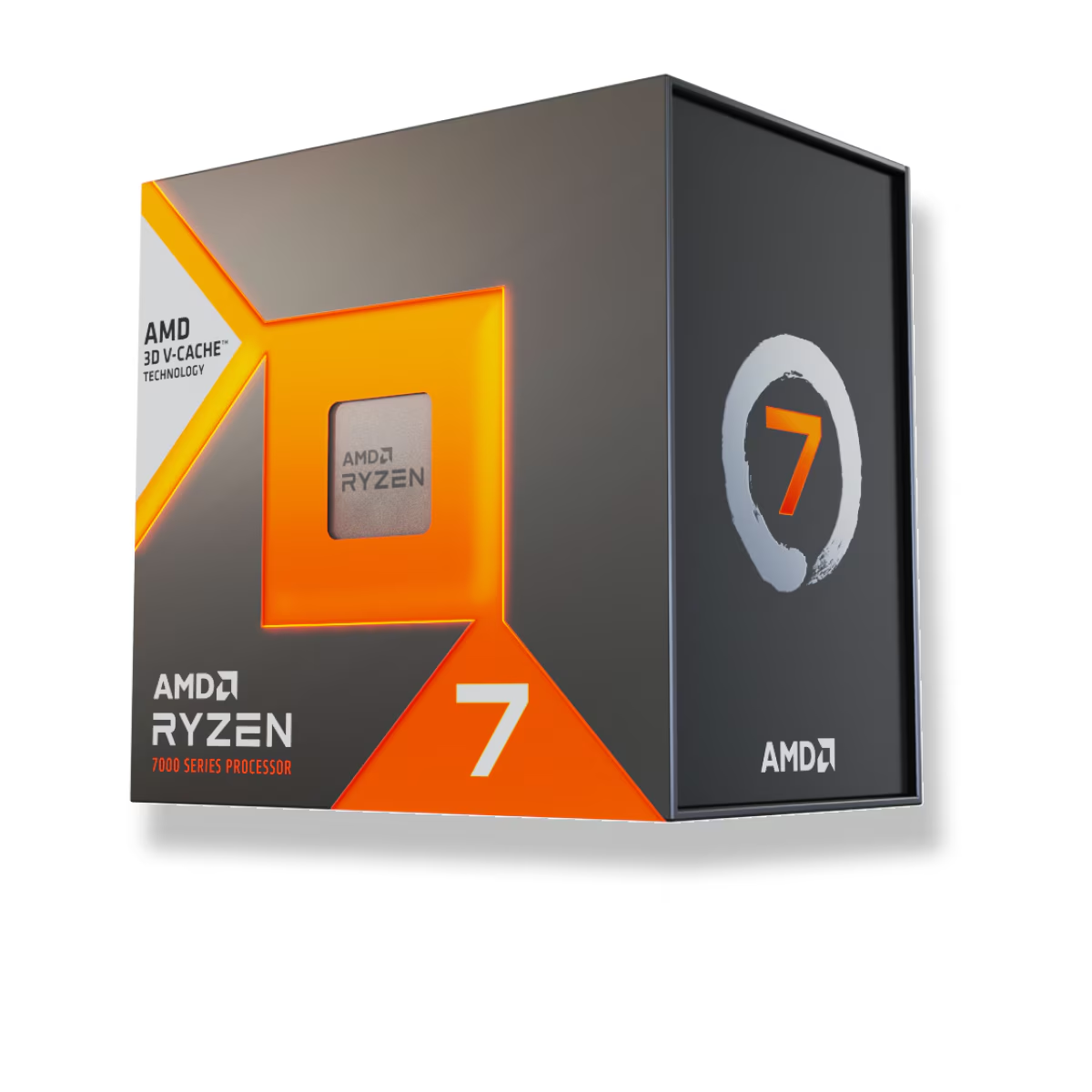
This is the headline, and it's not subtle in the scenarios that stress a CPU. AMD's 3D V-Cache gives the 7800X3D 96 MB of total L3 cache, most of it stacked vertically on the compute die, and in CPU-bound gaming that cache beats clock speed and core count. Tom's Hardware's launch review put the 7800X3D ahead of Intel's then-flagship 13900K by 12% on average and up to 40% in cache-sensitive games. The 14600K is a mainstream i5 that trails that 13900K in gaming, so against the 7800X3D it loses by a wider margin than the flagship did.
TechSpot's 14th Gen review makes the same point from Intel's side: even the 14900K only matches the 7800X3D in a broad game suite, and to get there "the Intel system consumes around 30% more power." The 14600K sits below the 14900K, so it doesn't reach that parity in games.
Here's the honest limit. All of this is a 1080p, high-refresh story, and it depends on a strong GPU. Test at 1440p or 4K with a mid-range card and both chips run into the graphics card long before the processor matters — the gap between them collapses toward nothing. If you game at 4K/60, the 7800X3D's cache advantage is largely wasted, and the decision should come down to price and the other work you do.
Productivity: where the 14600K's extra cores earn their keep
Flip the workload and the result flips with it. The Core i5-14600K ($369.98) has 14 cores — 6 performance plus 8 efficiency — and 20 threads. The 7800X3D has 8 cores and 16 threads, full stop. In anything that scales across threads — Blender renders, Handbrake exports, code compiles, or running a game plus a stream plus a wall of browser tabs — the 14600K pulls ahead, and the lead grows with the thread count of the job.
The 3D V-Cache that makes the 7800X3D a gaming monster does nothing for these workloads; here it's an 8-core chip carrying cache it can't use. If your machine spends real hours rendering or exporting, that's the one scenario where you should ignore the gaming charts and take the cheaper Intel chip for its cores.
| Ryzen 7 7800X3D | Core i5-14600K | |
|---|---|---|
| Cores / threads | 8C / 16T | 14C / 20T (6P + 8E) |
| L3 cache | 96 MB (3D V-Cache) | 24 MB |
| Socket / platform | AM5 — supported through 2029 | LGA1700 — last generation |
| Memory support | DDR5 only | DDR4 or DDR5 |
| Rated power | 120W TDP (under ~90W in games) | 125W base / 181W max turbo |
| Price at TechCortex | $415.41 | $369.98 |
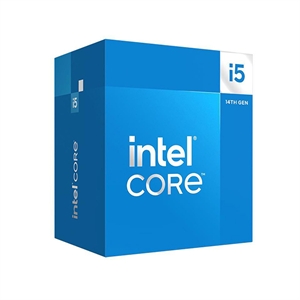
Power, heat, and the cooler neither one includes
The efficiency gap is as wide as the gaming gap, pointed the other way. The 7800X3D is one of the most efficient desktop chips you can buy — TechSpot measured it sipping power in games, typically well under 90W, and it runs cool enough that a solid air cooler like the PCCOOLER RT500 ($70.99) handles it comfortably.
The 14600K runs hotter under load. Intel rates it at 181W of maximum turbo power, and GamersNexus has documented how hard 14th Gen leans on power to hold its clocks. A good air cooler is enough for gaming, but if you plan to lean on those 14 cores in sustained multi-core work, budget for a stronger cooler — a 240 mm unit like the MSI MAG Coreliquid A13 240 ($113.66) keeps it in check. Neither CPU ships with a cooler, so factor that cost into both.
Platform and upgrade path
The last difference is the one buyers underweight, and it favors AMD hard. The 7800X3D sits on AM5, which AMD has committed to supporting through 2029. A B650 board like the ASRock B650 PG Lightning ($189.77) bought today should take multiple future Ryzen generations with a BIOS update — you can drop in a faster chip in two or three years without replacing the motherboard or memory.
The 14600K is on LGA1700, and 14th Gen is the final generation for that socket; Intel moved to a new socket for everything after it. Your only in-socket "upgrade" later is a used higher-tier 14th Gen chip. The one upside is DDR4 support: if you already own a DDR4 kit, the 14600K lets you keep it and skip a memory purchase, while the 7800X3D forces the move to DDR5.
Price and value at TechCortex
At TechCortex the 7800X3D is $415.41 and the 14600K is $369.98 — a $45 gap in Intel's favor. For a gaming-first build, that $45 buys higher frame rates where the CPU matters, far lower power, and a socket with years of upgrades left, which is worth paying. For a build that leans on heavy multi-core work, the 14600K flips the value: more cores, a lower price, and DDR4 reuse if you have it.
If you both game and grind through renders, decide by which you do more. Pure gamers who occasionally edit should take the 7800X3D; creators who game after work get more from the 14600K's cores. For the neighboring matchups, our 7800X3D vs Core i7-14700K and Ryzen 7 7700X vs Core i5-14600K breakdowns cover the tiers on either side, and our best CPU for 1440p gaming guide is the one to read if you game above 1080p.
Who should buy which
- Buy the Ryzen 7 7800X3D if gaming at 1080p or 1440p high-refresh is the point. It's faster where the CPU is the limit, runs far cooler, and rides a socket that takes future upgrades. An occasional render won't change that call.
- Buy the Core i5-14600K if heavy multithreaded work is a real part of your week, you want to save $45, or you're reusing a DDR4 kit. Pair it with a strong cooler if you'll load all 14 cores.
- Buy on price if you game at 4K on a mid-range GPU — you'll be GPU-limited, the CPU gap nearly vanishes, and the cheaper 14600K becomes the smarter buy.
Building the whole system? Drop either CPU into a compatibility-checked build in our PC Builder and it will flag the board, cooler, and memory that fit.