
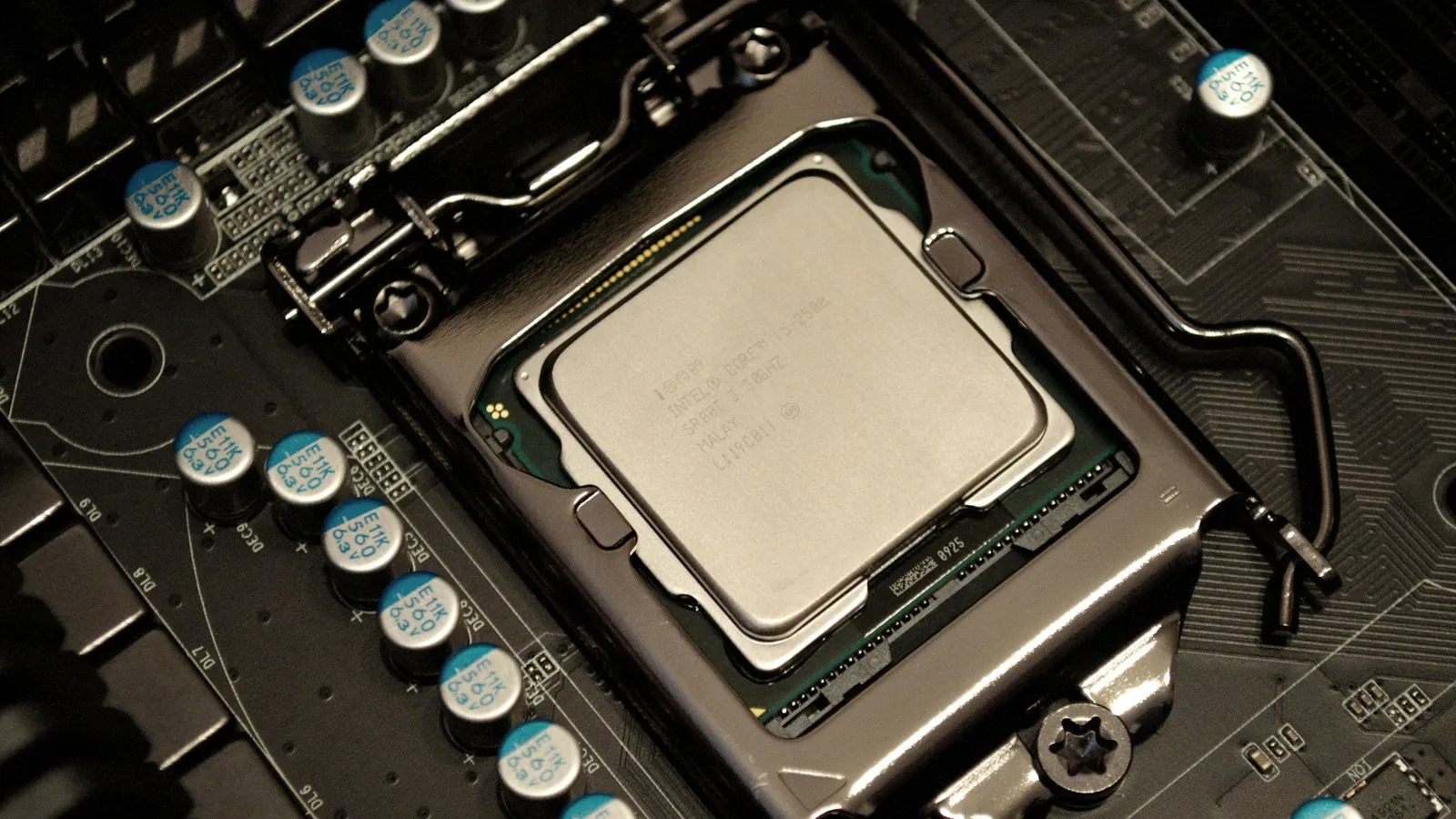
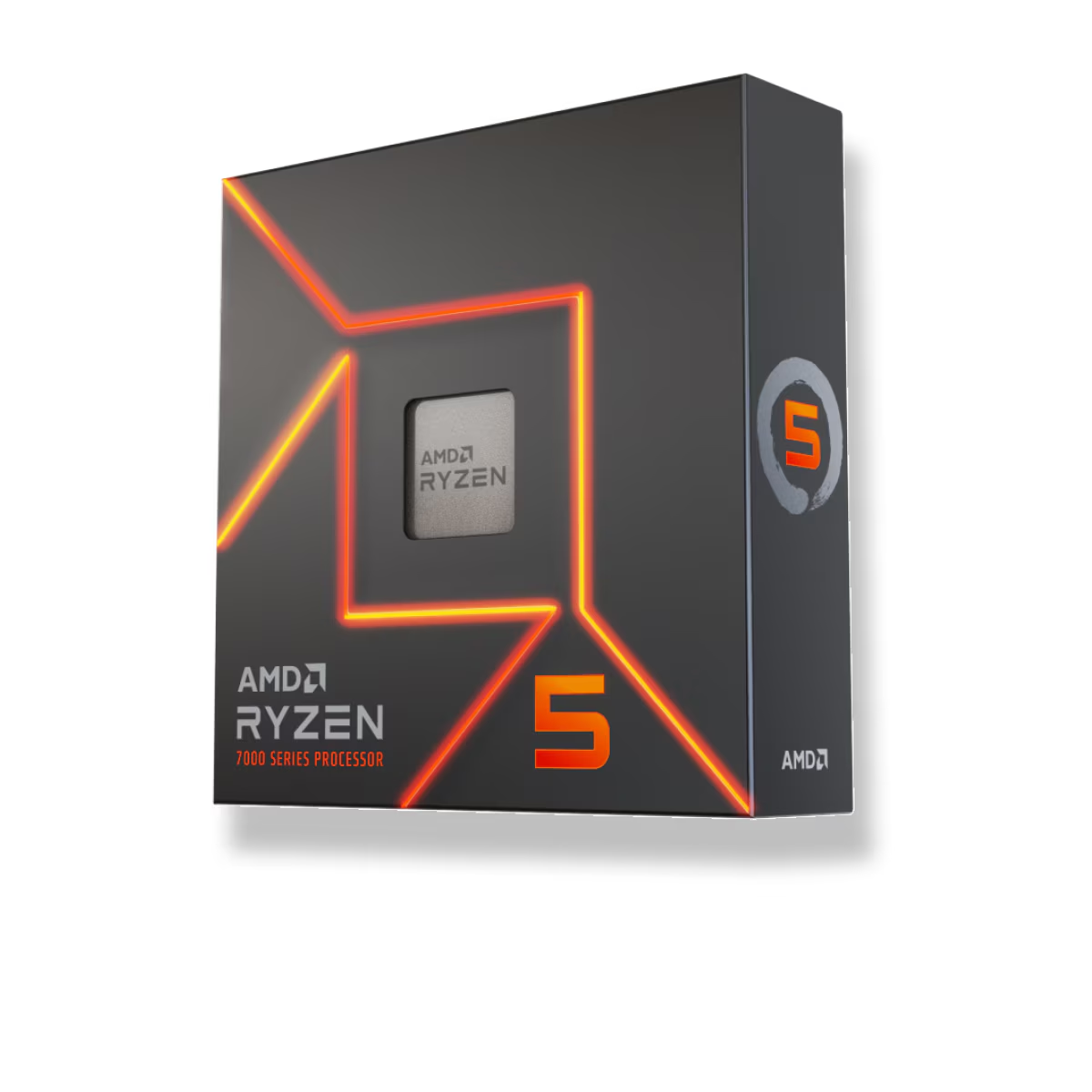
For a fresh 1080p gaming build, get the Ryzen 5 7600X ($203.27). It's the faster gaming chip of the two, and it drops onto AM5 — a socket AMD has committed to supporting with new CPUs through 2029, so you can swap in a better processor years from now without a new motherboard. The Core i5-14400F ($196.95) is the smarter pick in exactly one situation: you're building on the tightest possible budget, you'll reuse or buy cheaper DDR4, and you never intend to upgrade the CPU. It even includes a stock cooler, which the 7600X does not.
The question comes up because these two land within a few dollars of each other and both get called "the budget gaming CPU." They are not the same kind of purchase. One is the cheap end of a platform with a future; the other is the last chip you'll ever put in that socket.
A note on the exact chips: the "F" in 14400F means no integrated graphics, so it needs a discrete GPU to output video at all. The 7600X keeps a basic integrated GPU — not for gaming, but enough to post and troubleshoot without a graphics card installed. That difference matters the day something goes wrong during a build.
Gaming performance: the 7600X is the faster chip
At 1080p with a high-end GPU — the setup reviewers use to expose the CPU instead of the graphics card — the 7600X is consistently ahead. Tom's Hardware's review of the 14400 line summed it up in the title: Intel's value gaming chip falls behind AMD. The 7600X's Zen 4 cores clock higher and carry more gaming throughput per core, which is what most game engines lean on. TechSpot's Ryzen 5 7600X review measured triple-digit frame rates across its 1080p suite, comfortably clear of Intel's mainstream i5 tier.
Call it roughly 8–12% on average at 1080p, with individual CPU-heavy titles stretching wider and plenty of GPU-bound games showing almost no gap at all. That average is the honest number to plan around, not a headline figure.
Here's the counterweight, and it's the part that decides most real builds. That lead only exists when the CPU is the bottleneck. Move to 1440p or 4K, or pair either chip with a mid-range GPU, and the graphics card becomes the limit long before the processor does — the two effectively tie. If you game at 1440p on an RX 9070-class card, you will not feel the difference between these CPUs. Spend the savings on the GPU instead.
Multithreading: where the 14400F pulls ahead
The 14400F has 10 cores (6 performance + 4 efficiency) and 16 threads against the 7600X's 6 cores and 12 threads. Those extra E-cores don't help frame rate, but they do help throughput in tasks that scale across many threads — video encoding, batch photo work, compiling, or streaming while you play. Aggregated benchmark results put the 14400F ahead by around 10% in that kind of multithreaded workload.
If your PC is purely for gaming, this doesn't matter. If it doubles as a workstation or a stream box, it's a real point in Intel's favor — and the one place the "more cores" instinct is actually right here.
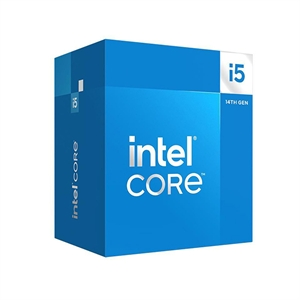
Platform and upgrade path: the real deciding factor
This is where the two chips stop being comparable. The 7600X uses AMD's AM5 socket, which AMD has publicly committed to supporting through 2029. In practice that means a 7600X buyer can start cheap today and later drop in a much faster chip — up to a Ryzen 7 7800X3D ($409.99), the gaming CPU to beat — on the same board, with just a BIOS update.
The 14400F sits on LGA1700, and that socket is finished. 14th Gen is the last desktop generation Intel built for it; the company's next platform moved to the new LGA1851 socket, which is physically incompatible with older chips. A 14400F build can add RAM, storage, or a bigger GPU, but the CPU is as good as it will ever get. Upgrading means a new motherboard too.
Platform cost: closer than you'd expect
The 14400F's reputation as the cheaper platform is only half true, and it's worth checking against real prices. On a fresh DDR5 build, the boards cost about the same here: a solid AM5 option like the ASRock B650 PG LIGHTNING ($189.77) undercuts a comparable Intel board such as the Asus TUF Gaming B760-Plus WiFi ($226.64). So for a brand-new DDR5 system, the 7600X platform is not the more expensive one.
Where the 14400F genuinely saves money is DDR4. Unlike AM5, which is DDR5-only, LGA1700 boards can run DDR4, so a cheap H610 board plus DDR4 you already own — or buy secondhand — makes the Intel build clearly cheaper up front. Add the bundled cooler (the 7600X needs a separate one, roughly $30–50), and the 14400F wins the "cheapest working PC today" contest. It just loses the "cheapest PC three years from now" one.
Who should buy which
- Buy the 7600X if you're building a fresh DDR5 gaming PC, care about 1080p high-refresh frame rates, or want the option to upgrade to an X3D chip later without replacing the board. For most people building today, this is the right call.
- Buy the 14400F if you're on a rock-bottom budget, are reusing DDR4 and want the cheapest possible entry, or need the extra multithreaded cores for streaming and content work more than you need the last few frames.
- Buy neither and put the money into your GPU if you game at 1440p or 4K. At those resolutions both CPUs disappear behind the graphics card, and dollars spent on the GPU buy real frames while dollars spent on the CPU buy almost none.
Both chips, their boards, and matching memory can be assembled with automatic compatibility checks in our PC Builder, so you won't accidentally pair a 14400F with an AM5 board or an AM5 chip with DDR4.