
For gaming, the Core i5-14600K ($369.98) is the smarter buy. It trails the Core i9-14900K ($665.09) by only about 7-15% per game at 1080p on an RTX 4090, and that gap shrinks toward nothing at 1440p where the graphics card sets the pace (XDA). The i9 costs roughly $295 more and earns it back only in heavy multi-threaded work — rendering, video exports, large compiles — where its 24 cores pull far ahead. If the build is purely for gaming, the honest answer is to look at neither: the Ryzen 7 7800X3D ($439.77) beats both in games while drawing a fraction of the power.
The question keeps coming up because the i9 wears the flagship badge and a 6.0 GHz boost number, so it reads like the obvious gaming upgrade. But games lean on a handful of fast cores and cache, and the i5-14600K already runs six Performance cores up to 5.3 GHz. The i9's advantage is two more P-cores plus eight extra Efficiency cores — muscle that a Blender render devours and most games never touch.
The core difference between them
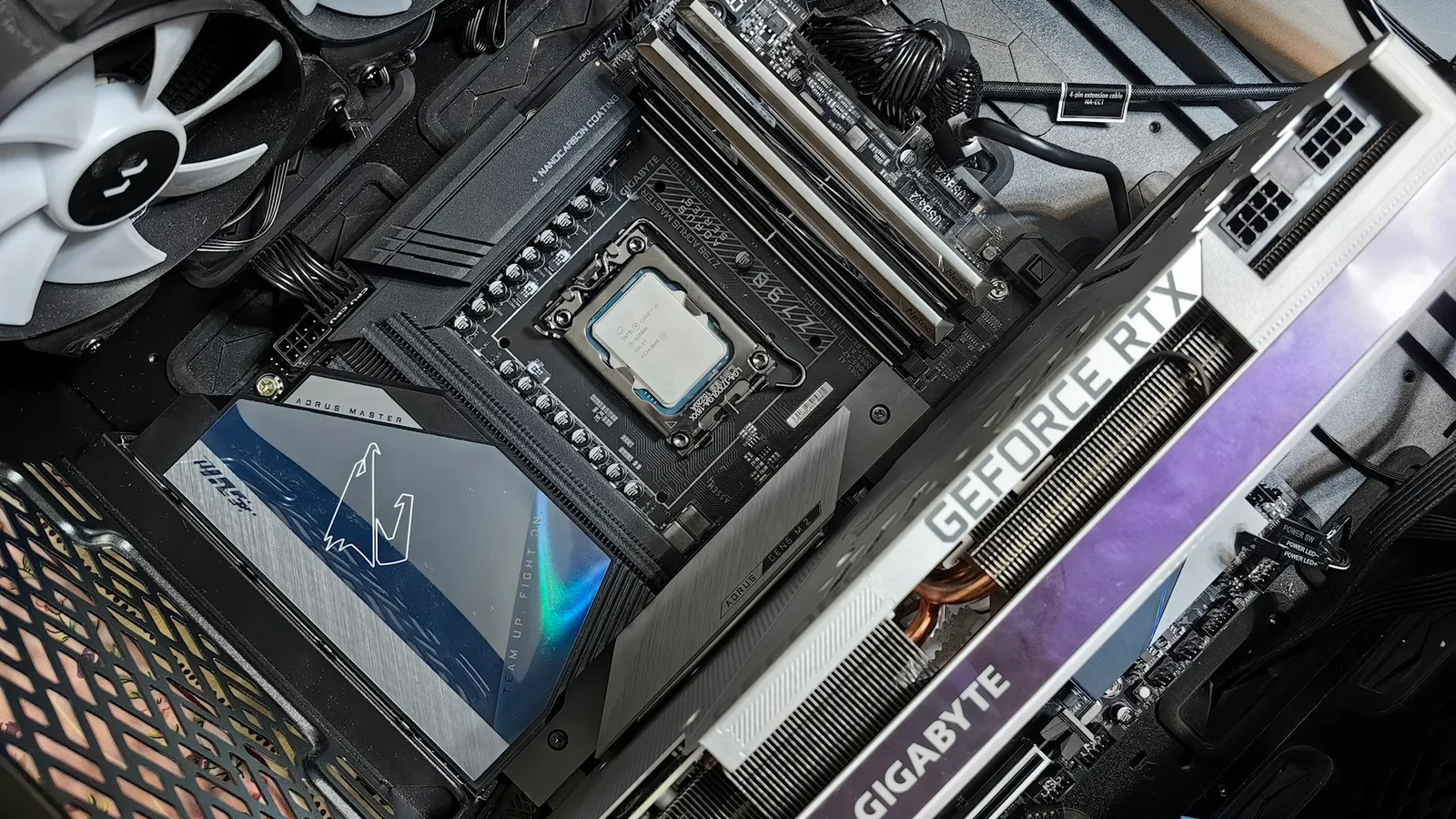
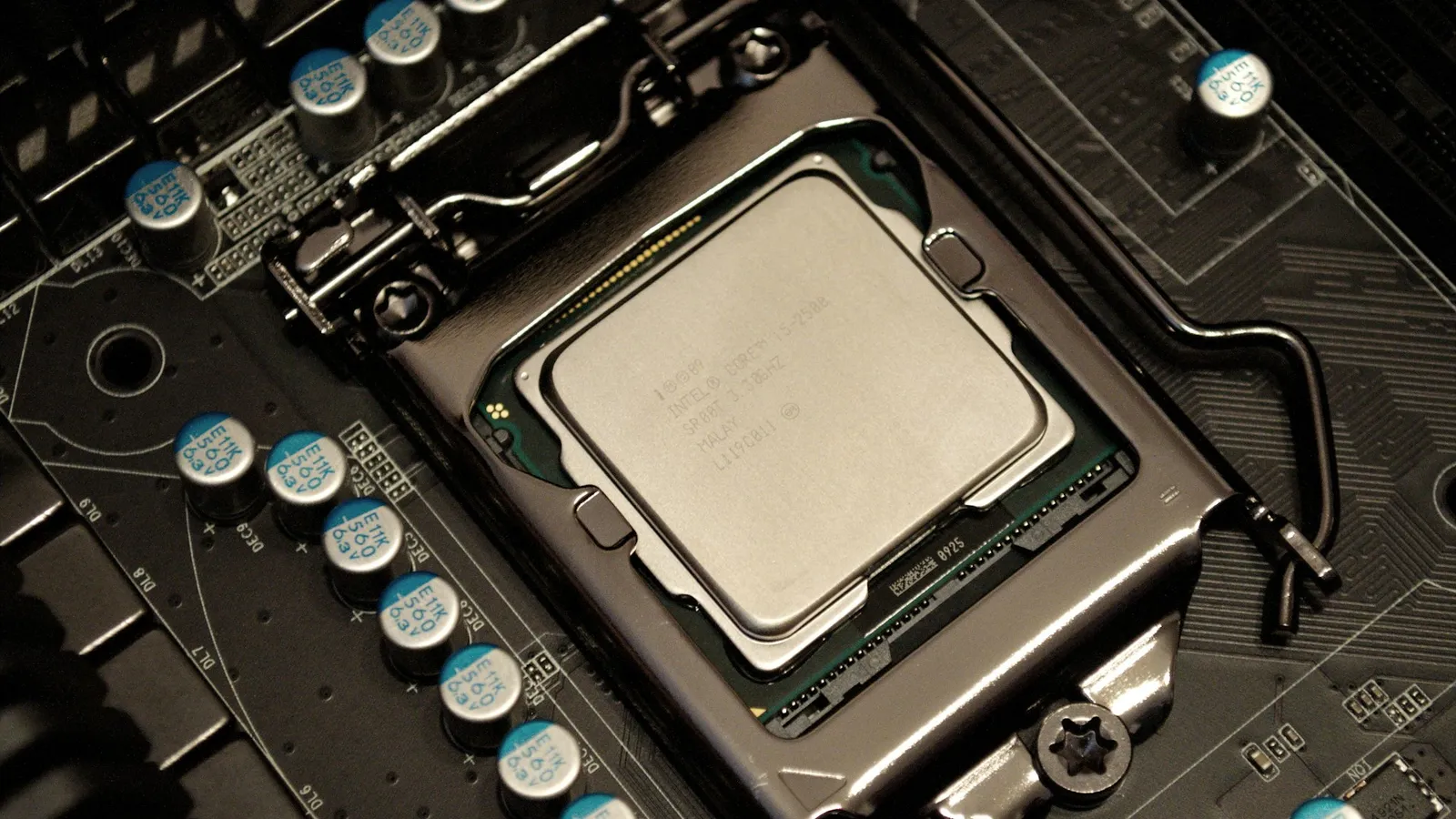
Both chips are Raptor Lake Refresh on the same LGA1700 socket, and both boot to the same UHD 770 integrated graphics. What separates them is core count, top boost clock, and 12 MB of L3 cache. The i5-14600K brings six Performance cores and eight Efficiency cores; the i9-14900K adds two more P-cores and eight more E-cores on top.
| Core i5-14600K | Core i9-14900K | |
|---|---|---|
| Cores / threads | 14 (6P + 8E) / 20 | 24 (8P + 16E) / 32 |
| Max turbo | 5.3 GHz | 6.0 GHz |
| L3 cache | 24 MB | 36 MB |
| Max turbo power | 181 W | 253 W |
| Gaming (1080p, RTX 4090) | baseline | ~10-12% faster |
| Cinebench R23 multi | ≈24,500 | ≈39,000 (~60% more) |
| Price (our catalog) | $369.98 | $665.09 |
The six P-cores are the ones your game's main threads run on, and both chips clock those cores within 700 MHz of each other. That is why the gaming gap is modest while the productivity gap is not.
Gaming performance
In XDA's testing at 1080p High on an RTX 4090 with DDR5-5600, the 14900K led the 14600K by 15% in Far Cry 6 (191 vs 166 fps), 15% in Hitman 3 (219 vs 191), and 7% in Metro Exodus (231 vs 215) — an aggregate near 10-12% (XDA). Reviewers test at 1080p on a top-end GPU on purpose: the low resolution lifts the GPU ceiling and exposes whatever gap exists between processors. Even under those CPU-favorable conditions, the gap here is single digits to low teens.
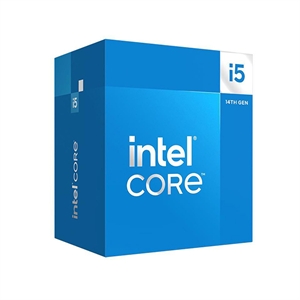
Raise the resolution and the two converge. At 1440p and 4K the graphics card becomes the limiter in most modern games, so the frame rate is decided by the GPU long before either CPU runs out of headroom. If you game at 1440p — as most buyers pairing a CPU with a mid-to-high-end card do — the practical difference between these two rounds to zero. The i5-14600K's six fast P-cores are enough to keep a strong GPU fed.
Where the i9 earns its price: multi-threaded work
This is the one place the extra money clearly cashes out, and here the gap is much larger than it is between the i7 and i9. In a fully threaded Blender BMW render the 14900K finished in 66 seconds against the 14600K's 105 — about 37% less time — and it scored roughly 27% higher in 3DMark's CPU test (XDA). In Cinebench R23 multi the pattern holds: the 14900K sits near 39,000 points to the 14600K's ~24,500, roughly 60% more throughput (Notebookcheck i9, Notebookcheck i5).
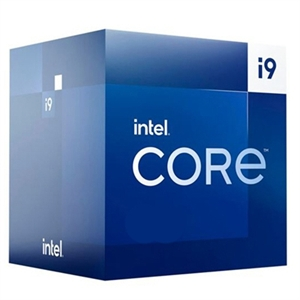
That scaling is real because those workloads saturate every core, and the i9 has ten more of them. The honest flip side: if you buy the i5-14600K expecting workstation throughput, its 14 cores leave a lot on the table — a 60% deficit in all-core rendering is not a rounding error. The i5 is a gaming chip that moonlights at productivity, not the other way around. Match the chip to the hours you actually spend rendering, compiling, or exporting video.
Power, heat, and the history to check before buying
Neither of these is a cool, quiet chip. Intel rates the 14900K at 253 W maximum turbo power and the 14600K at 181 W, both on a 125 W base (Intel) — and the i9 can hold that ceiling for a long time under an all-core load. Both want a 240mm-or-larger AIO or a high-end dual-tower air cooler to sustain boost without throttling, which is why our guide on whether the i7-14700K needs liquid cooling applies just as much to the 14900K. Factor the cooler into the price when you compare them.
There is also a history worth knowing. Intel's 13th- and 14th-gen desktop chips suffered a "Vmin shift" instability that could degrade the processor over time by requesting too much voltage at idle and light load. Intel's 0x12B microcode, released in September 2024, is the final mitigation and rolls up the earlier 0x125 and 0x129 fixes; it does not repair a chip that already degraded, which is an RMA case (The Register). The practical takeaway: make sure your motherboard's BIOS is on 0x12B or later before you load either chip — see our guide on updating your BIOS for a new CPU.
Price and what the extra $295 buys
In our catalog the 14600K is $369.98 and the 14900K is $665.09 — a $295 gap. On a gaming build, $295 moved from the CPU into the graphics card buys far more frames than the 14900K's extra cores will deliver, because the GPU sets your frame rate at 1440p and 4K. The only build where that $295 comes back to you is one that renders, compiles, or exports for hours at a time.
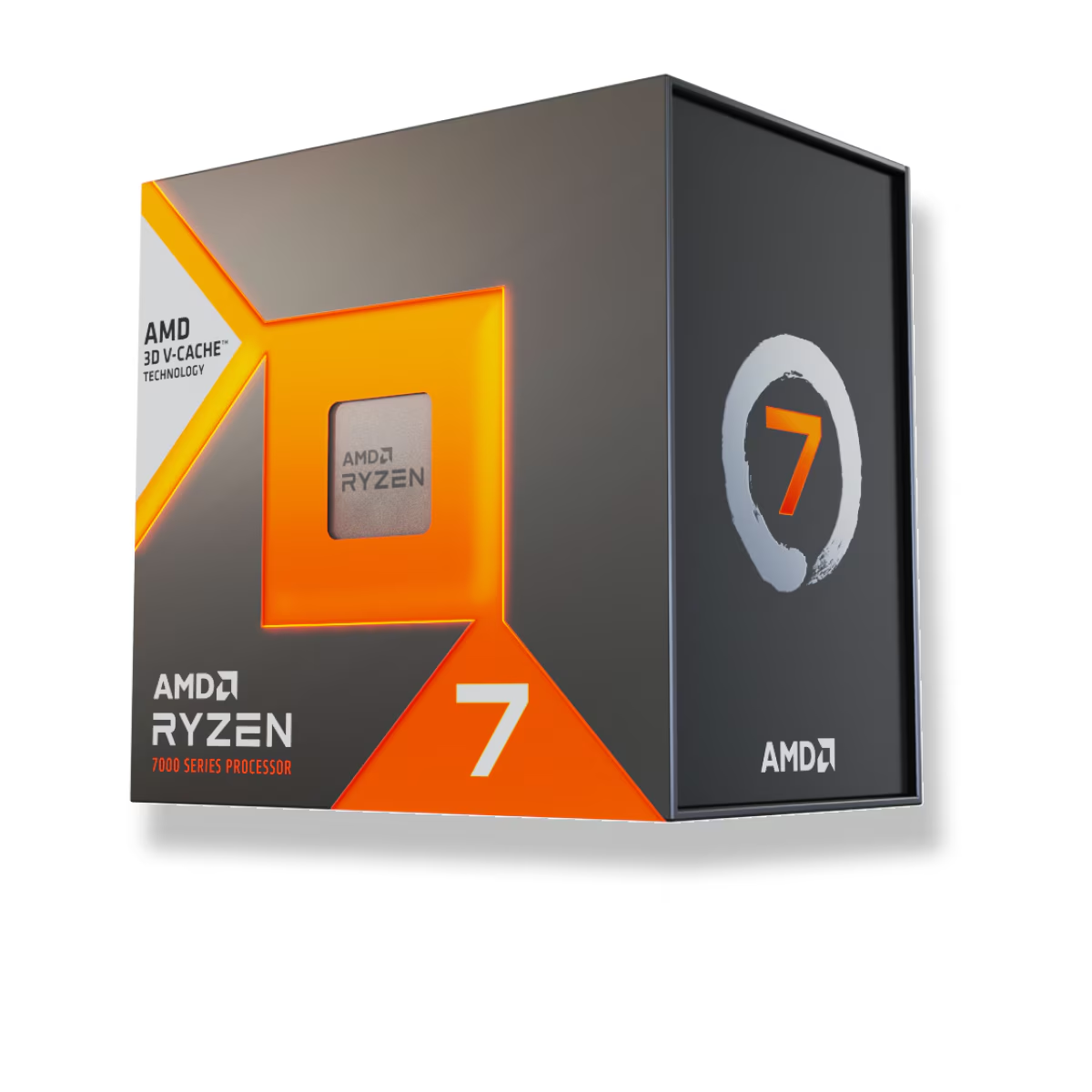
And if the machine is purely for gaming, the more useful comparison is not i5 versus i9 at all. The Ryzen 7 7800X3D ($439.77) is faster in games than the 14900K thanks to its stacked 3D V-Cache, and draws far less power (TechSpot). We walk through that decision in Ryzen 7 7800X3D vs Core i9-14900K and in Best CPU for 1440p gaming. If you want to stay on Intel but spend less, the Core i5-14600K vs i7-14700K comparison covers the step up from here. Whichever platform you pick, you can spec the whole system with compatibility checked automatically in our PC Builder.
Who should buy which
- Buy the Core i5-14600K if you are mainly gaming, or gaming plus light multitasking. You get within about 10% of the i9 at 1080p, effectively tie it at 1440p, and keep $295 for the GPU.
- Buy the Core i9-14900K if you regularly run all-core workloads — 3D rendering, video exports, large compiles — where a ~60% multi-threaded lead and 10 extra cores actually pay for themselves.
- Look past both if the machine is gaming-only. The Ryzen 7 7800X3D is faster in games, cheaper than the i9, and far cooler.
When the difference doesn't matter
At 1440p or 4K with a mid-to-high-end GPU, most games are GPU-bound, so the i5-14600K and i9-14900K produce effectively the same frame rate. At those resolutions the choice stops being about gaming at all and becomes purely about whether you also do heavy multi-threaded work. Buy the i9 for that work — not for frames.