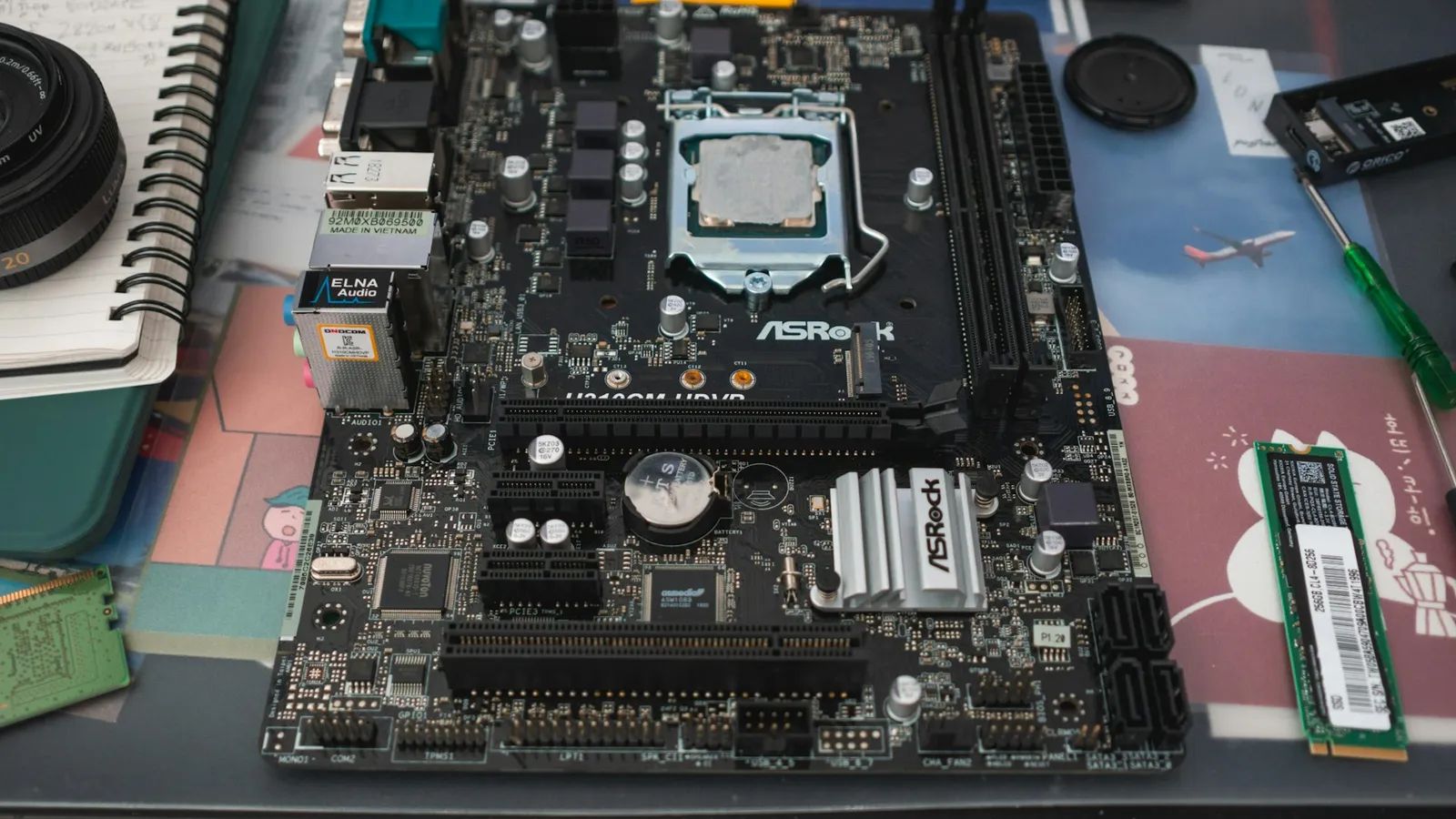

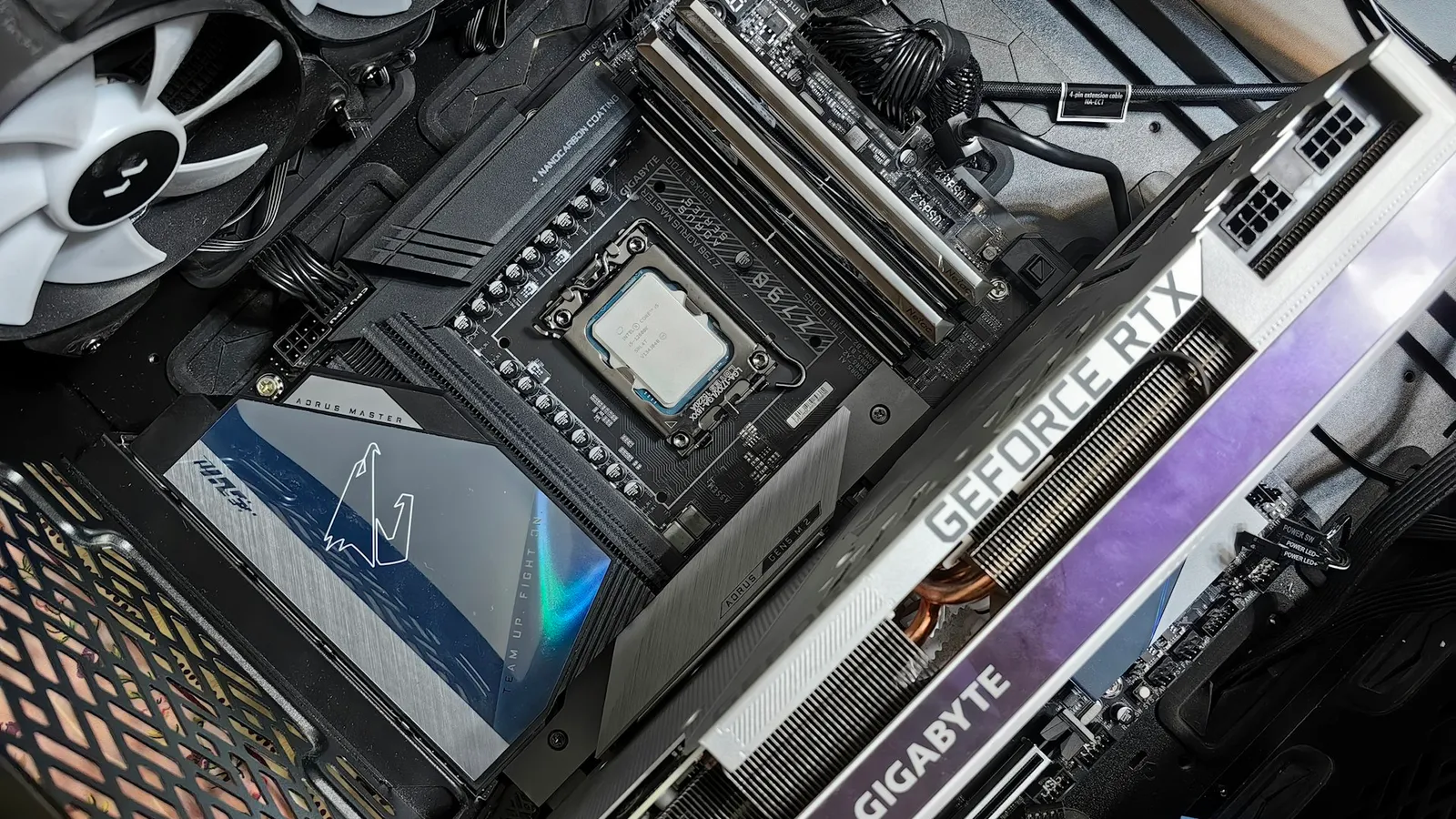
For almost every Core i5-14600K build, a B760 board is the right call. B760 runs the 14600K at its full stock 5.3 GHz boost and 181W turbo power, supports memory XMP, and costs less. The one thing it cannot do is overclock the CPU cores — that is locked to Z790. So the real question is not "which board is better" but "will you actually overclock?" If the answer is no, and for most owners it is, the B760 wins and you keep the difference.
The confusion comes from the "K" in the name. Intel sells the 14600K as the unlocked, enthusiast chip, and the unlocked multiplier only does anything on a Z790 board. That pairing is real, but it sells a capability most people never switch on. The 14600K already boosts to 5.3 GHz out of the box, and a manual overclock on top of that buys very little in games.
What the chipset actually changes
At stock settings, a 14600K behaves identically on both chipsets. The CPU itself provides the 16 PCIe 5.0 lanes your graphics card uses and four PCIe 4.0 lanes for the primary M.2 slot, regardless of which board it sits in. B760 does not throttle the chip, limit its turbo, or hold back its boost clocks.
The differences live at the chipset level, and there are only two that matter.
| B760 | Z790 | |
|---|---|---|
| CPU core / BCLK overclocking | No | Yes |
| Memory overclocking (XMP) | Yes | Yes |
| DMI 4.0 link to CPU | x4 | x8 |
| Chipset PCIe 4.0 lanes | up to 10 | up to 20 |
| Chipset PCIe 3.0 lanes | up to 4 | up to 8 |
Lane counts for the PCIe 4.0/3.0 split come from Guru3D; the overclocking, DMI, and memory fields are from Intel's own chipset pages linked above. The headline is the first row: the unlocked multiplier the 14600K is famous for does nothing on B760.
Overclocking: what the K unlocks, and what it is worth
The unlocked multiplier is the whole reason to pay for Z790. TechPowerUp pushed a 14600K to around 5.7 GHz all-core and called its overclocking headroom impressive. That sounds like a lot until you line it up against the stock behavior: the chip already runs its P-cores at up to 5.3 GHz on its own.
Closing that last few hundred megahertz does help heavily threaded work — early all-core runs showed roughly 8% in multi-core tests. In games it is close to a rounding error, because games lean on a handful of fast cores rather than all fourteen, and those cores are already near their ceiling at stock.
The cost is not small. Removing power limits and raising clocks on the 14600K sends package power past 200W and pushes core temperatures into the high 80s and 90s under load, which means a bigger cooler and more noise for that single-digit gain. This is the honest part most spec sheets skip: for a gaming-first build, the Z790 overclocking premium mostly buys a feature you will leave off.
Connectivity and expansion
The second real difference is I/O. Z790's DMI x8 link gives the chipset twice the bandwidth to the CPU, and it exposes up to 20 PCIe 4.0 lanes versus B760's 10. In practice that is the difference between comfortably running three or four chipset-attached NVMe drives plus a stack of USB devices, and running one or two before you start sharing bandwidth or disabling SATA ports.
For a typical gaming build — one graphics card, one or two SSDs, a normal set of USB peripherals — B760 has the lanes and you will never notice the ceiling. If you are building a workstation that juggles several fast drives and capture hardware, that is the scenario where Z790 earns its keep, overclocking aside.
Price at TechCortex
The cleanest way to see the premium is a matched pair from the same board family. The B760 and Z790 versions of the Asus TUF line are built around the same layout, so the gap is almost entirely the chipset.
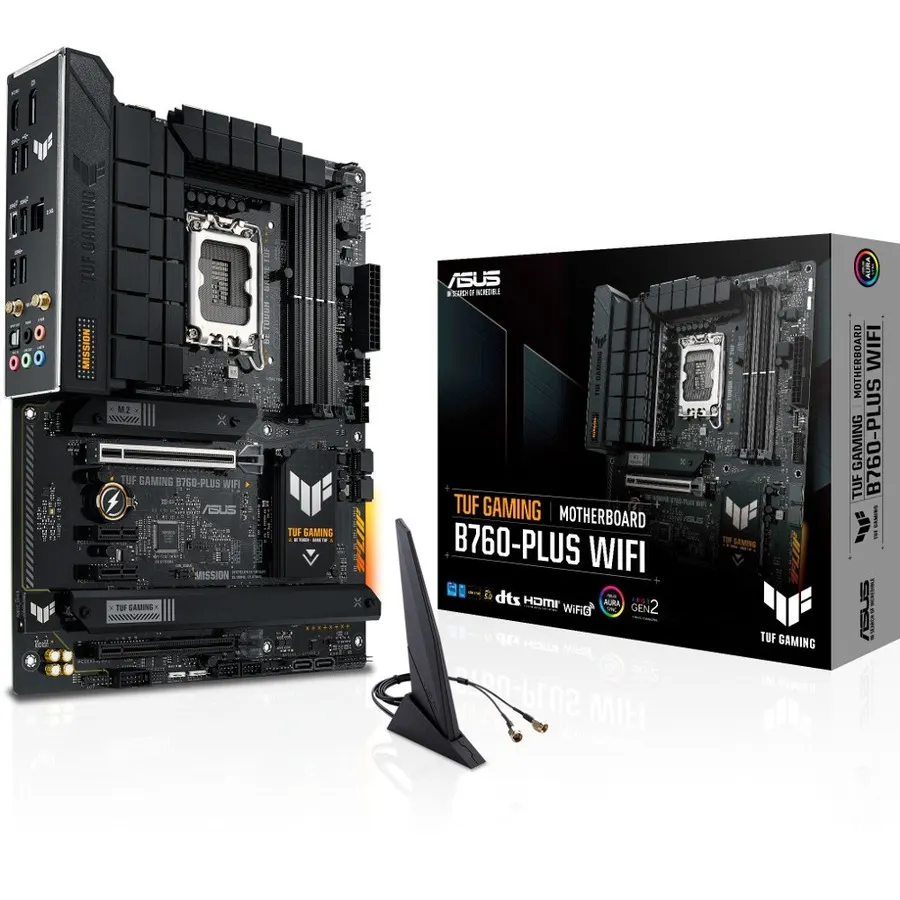
The Asus TUF Gaming B760-PLUS WIFI runs $226.64, while the Asus TUF Z790-PLUS WIFI is $299.96 — a $73.32 difference for the same board with the overclocking lock removed and extra chipset lanes added.
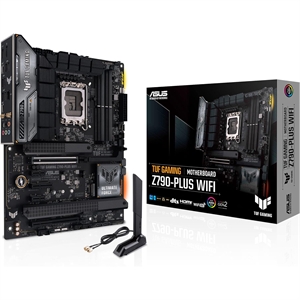
Put the other way: pairing the Intel Core i5-14600K ($369.98) with a B760 board instead of a Z790 frees up $73 to $146 — enough to step up an SSD tier or move from an adequate cooler to a good one, both of which you will feel more than a locked-out overclock.
Who should buy which
- Buy B760 if you run a single graphics card, one or two SSDs, and the 14600K at stock — which describes the overwhelming majority of owners — and you would rather spend the savings on storage, memory, or cooling.
- Buy Z790 if you genuinely plan to overclock the CPU, you need three or more chipset-attached NVMe drives and heavy USB expansion, or you want BCLK headroom for tuning. Those are the only cases where the extra money comes back.
If you are weighing the 14600K against a higher-core chip before you even pick a board, the Core i5-14600K vs i7-14700K comparison covers where the extra cores do and do not help. You can spec either CPU with a matching board in the PC Builder, which flags socket and chipset compatibility as you go.