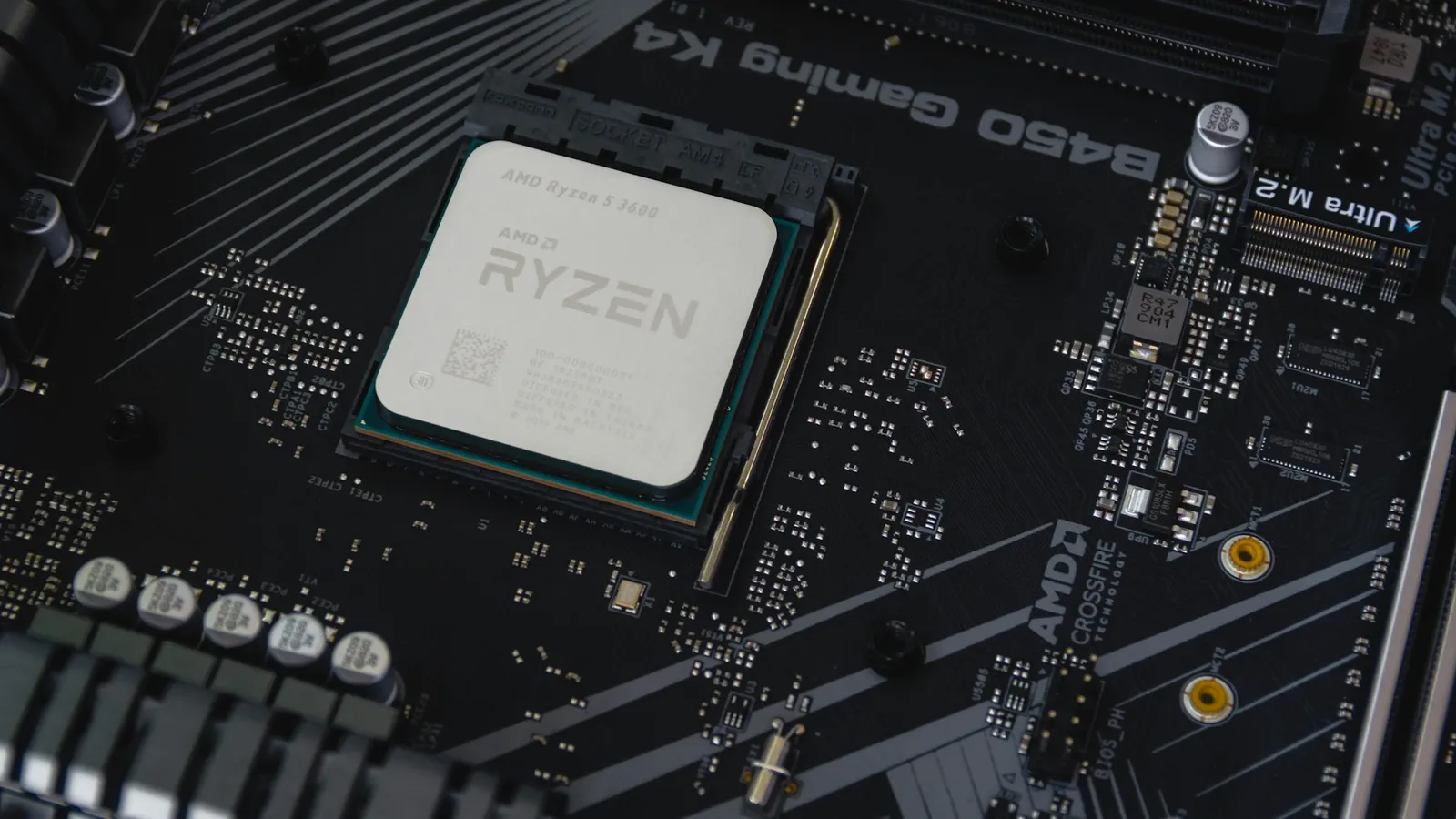

No. A Ryzen 9000 CPU uses Socket AM5 — the same socket as Ryzen 7000 — so you do not need a new motherboard on compatibility grounds. If you already run an AM5 board, a Ryzen 9000 chip drops into it after a BIOS update. If you're building new, any AM5 board works, and you specifically do not need an 800-series board like X870 or B850 to run a Ryzen 9000 processor (Socket AM5).
The one real catch is firmware. A board manufactured before Ryzen 9000 launched may need its BIOS updated before the chip will post, and on a cheap board with no USB BIOS Flashback, doing that update is where people get stuck. Everything below is about that catch — not about the socket, which is a non-issue.
The confusion is AMD's own doing. It launched the 800-series chipsets (B850, X870, X870E) in the same window as Ryzen 9000, and the marketing pairs them, so it looks like the new chips require new boards. They don't. The 800-series adds features like mandatory USB4 on X870; it does not add Ryzen 9000 support that a 600-series board is missing.
What "AM5" means for Ryzen 9000 compatibility
Socket AM5 debuted with Ryzen 7000 (Zen 4) in 2022 and carries forward to Ryzen 9000 (Zen 5) and the Ryzen 8000 APUs — all the same physical socket (Socket AM5). That's the whole reason this works: the pin layout, the mounting, the DDR5 memory, and the PCIe lanes are shared across the generations. A Ryzen 9000 chip seats in any AM5 board the same way a Ryzen 7000 chip does.
This is deliberate on AMD's part. The company confirmed AM5 longevity through 2025 at launch, extended it to 2027 at Computex 2024, and pushed it again to 2029 at Computex 2026 (Socket AM5). The practical upshot: unlike the AM4-to-AM5 jump — which forced a new socket and DDR5 — moving from Ryzen 7000 to Ryzen 9000 is a true drop-in. It's the kind of upgrade path that made AM4 worth buying into, and AM5 keeps it.
If you already own an AM5 board
You keep the board. A Ryzen 9000 chip is a straight swap into any B650, B650E, X670, X670E, or A620 motherboard — provided the BIOS recognizes it. A board bought in 2025 or 2026 almost certainly already has a Ryzen-9000-capable BIOS. A board from the first AM5 wave in late 2022 or early 2023 probably needs an update first.
How to check: find your exact board on the manufacturer's site, open its CPU support list, and look for the Ryzen 9000 entry and the minimum BIOS version it requires. If your installed version is equal or newer, you're done — swap the chip. If it's older, update the BIOS before you remove the old CPU, because many boards need a working processor to boot into the firmware. Our guide on whether you need to update your BIOS for a new CPU walks through checking the support list and flashing safely.
The exception that saves you is USB BIOS Flashback. Boards with it can update the firmware from a USB stick with no CPU installed at all — which is exactly what you want if your board is old enough to predate Ryzen 9000 support.
If you're building new: do you need an 800-series board?
No. Any current AM5 board runs any current Ryzen, so the question isn't compatibility — it's features and price. Here's what the 800-series actually changes versus a 600-series board, so you can decide whether it's worth paying for:
| B650 (600-series) | B850 (800-series) | X870 (800-series) | |
|---|---|---|---|
| Socket / CPU support | All AM5, incl. Ryzen 9000 | All AM5, incl. Ryzen 9000 | All AM5, incl. Ryzen 9000 |
| PCIe 5.0 M.2 | Optional | Mandatory | Mandatory |
| USB4 | No | No (vendor option) | Mandatory |
| BIOS-ready for Ryzen 9000 | May need update | Out of the box | Out of the box |
Sources: Socket AM5, Guru3D.
The honest read: the 800-series' main practical advantage for a Ryzen 9000 build is that it's guaranteed to post without a BIOS flash, plus mandatory PCIe 5.0 storage and — on X870 — USB4. If you don't need USB4 ports and you're running a PCIe 4.0 SSD, a 600-series board does the same job for less. We break the tiers down further in B650 vs B850 and B850 vs X870.
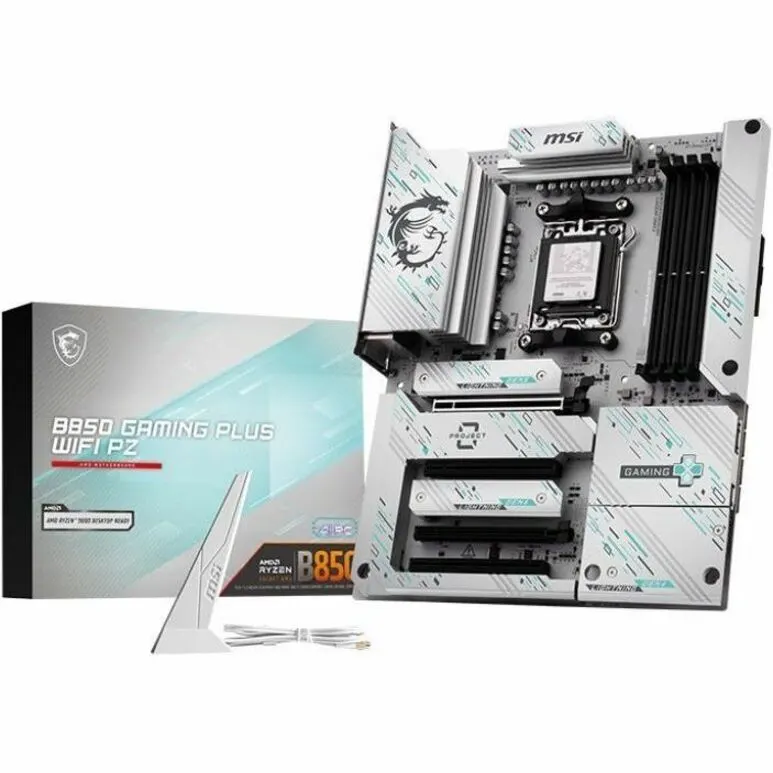
For a mainstream Ryzen 9000 build, a board like the MSI B850 GAMING PLUS WIFI at $299.22 is the sensible choice — it ships Ryzen-9000-ready and gives you PCIe 5.0 storage without paying the X870 premium. If you specifically want USB4 and the fuller I/O, the ASUS TUF Gaming X870-PLUS WIFI at $329.99 is the step up.
When a different board actually makes sense
This is where the "any board works" answer needs a caveat, and it's an honest one.
If you're pairing a high-core chip like the Ryzen 9 9950X ($696.10), skip the entry-level A620 chipset. A620 blocks CPU overclocking and runs leaner power delivery, which is fine for a 6-core but a poor match for a 16-core part that pulls real power under an all-core load (Socket AM5). A B850 or X870 board is the right home for a 9950X, not because of compatibility, but because of VRM headroom.
The flip side is just as real: buying an X870 board because you have a Ryzen 9000 chip is wasted money if you'll never touch USB4 or a Gen5 SSD. The chip doesn't run faster on a pricier chipset. Spend the difference on memory or the GPU instead.
Which chip and board to pair
For a gaming-first build, 3D V-Cache still wins, and the Ryzen 7 7800X3D at $439.77 remains the chip to beat at 1080p and 1440p — see our best CPU for 1440p gaming guide for why. On the Ryzen 9000 side, the Ryzen 5 9600X at $225.40 is the value entry to Zen 5, and the Ryzen 9 9950X at $696.10 is the high-core option for work-plus-play.
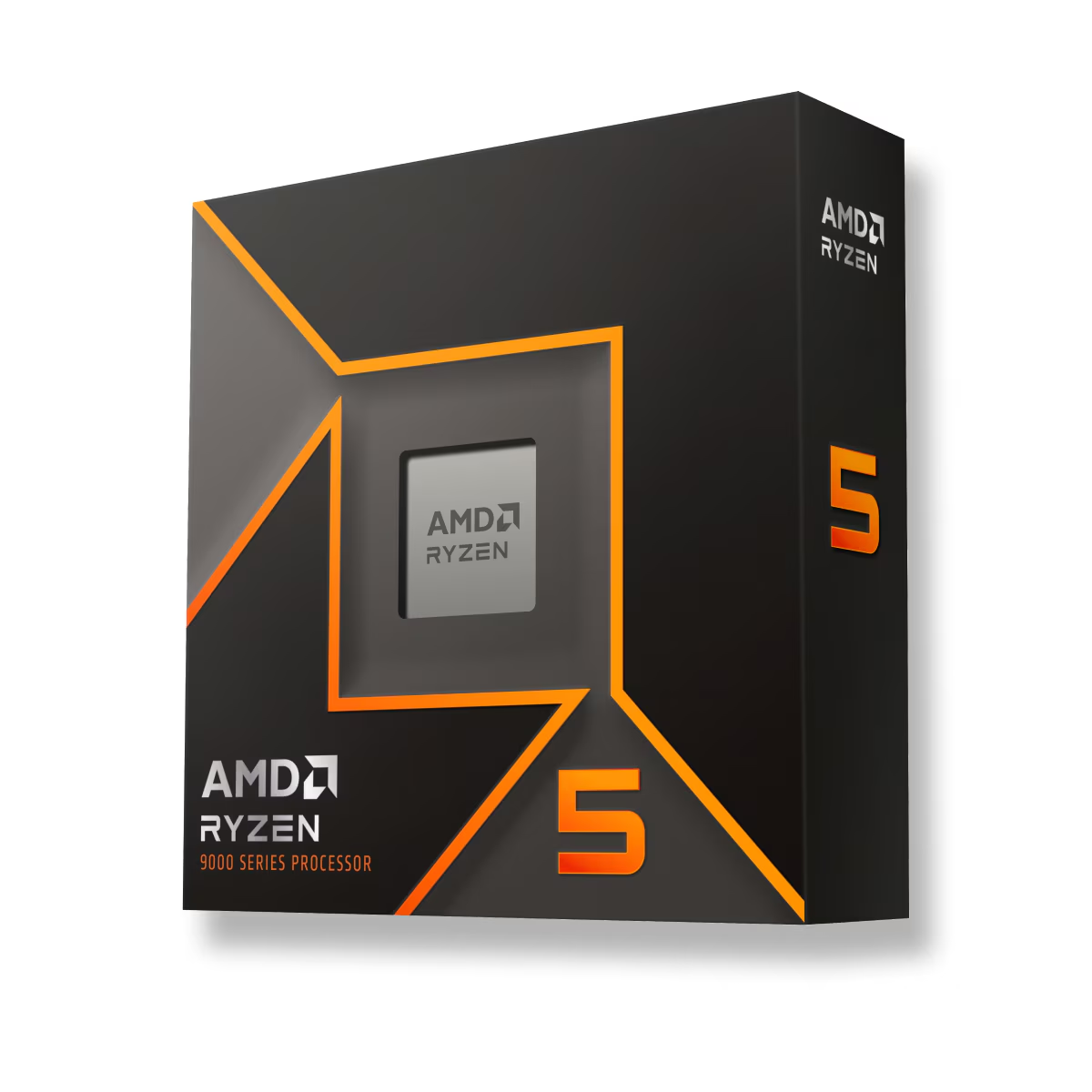
Whichever you pick, drop the parts into our PC Builder — it checks socket and memory compatibility before you order, so you won't accidentally pair a chip with a board that can't run it. And when you fit the DDR5, remember to switch on its EXPO profile, or it runs at a slow JEDEC default; see why DDR5 runs slow until you enable EXPO/XMP.