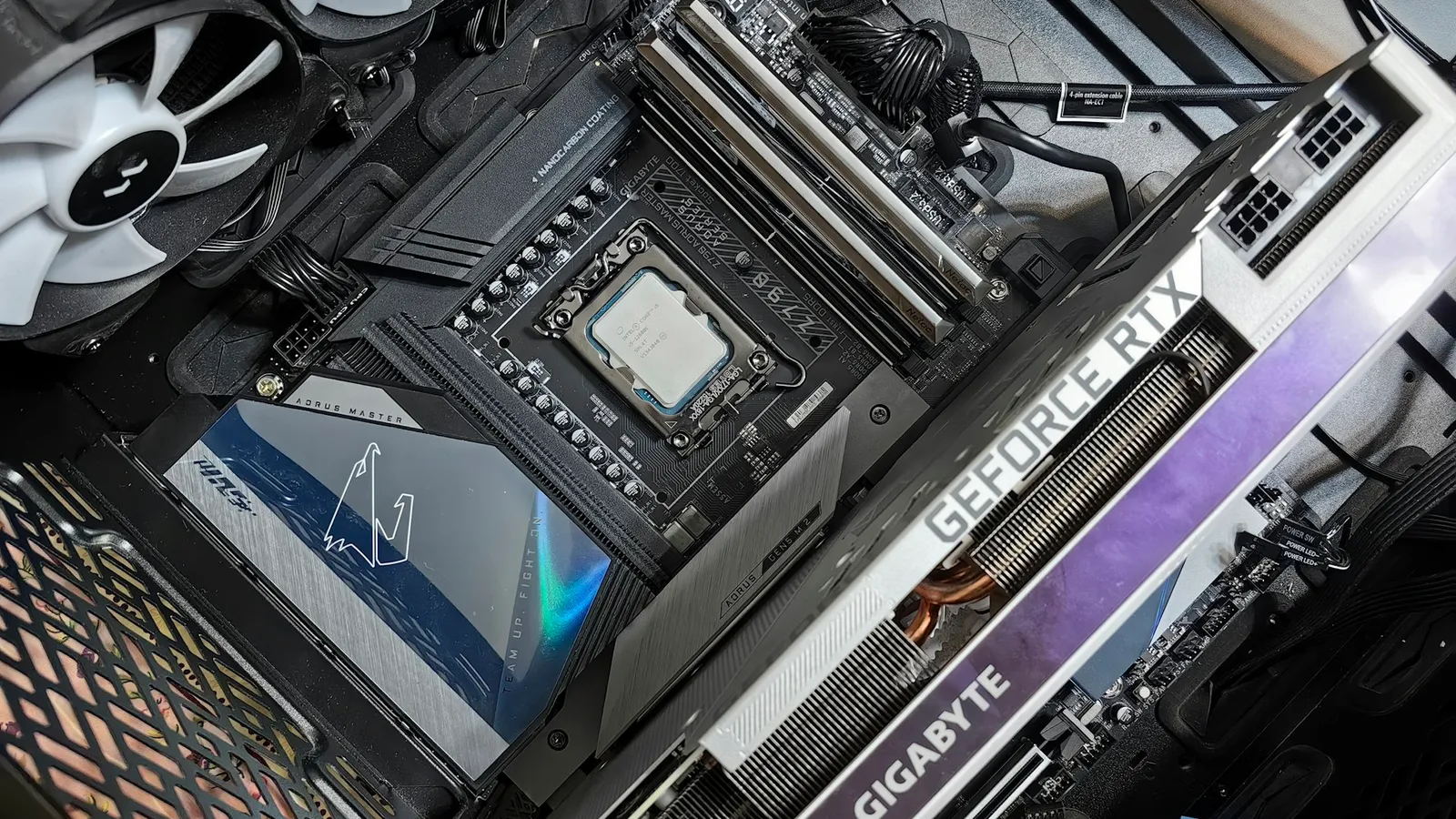

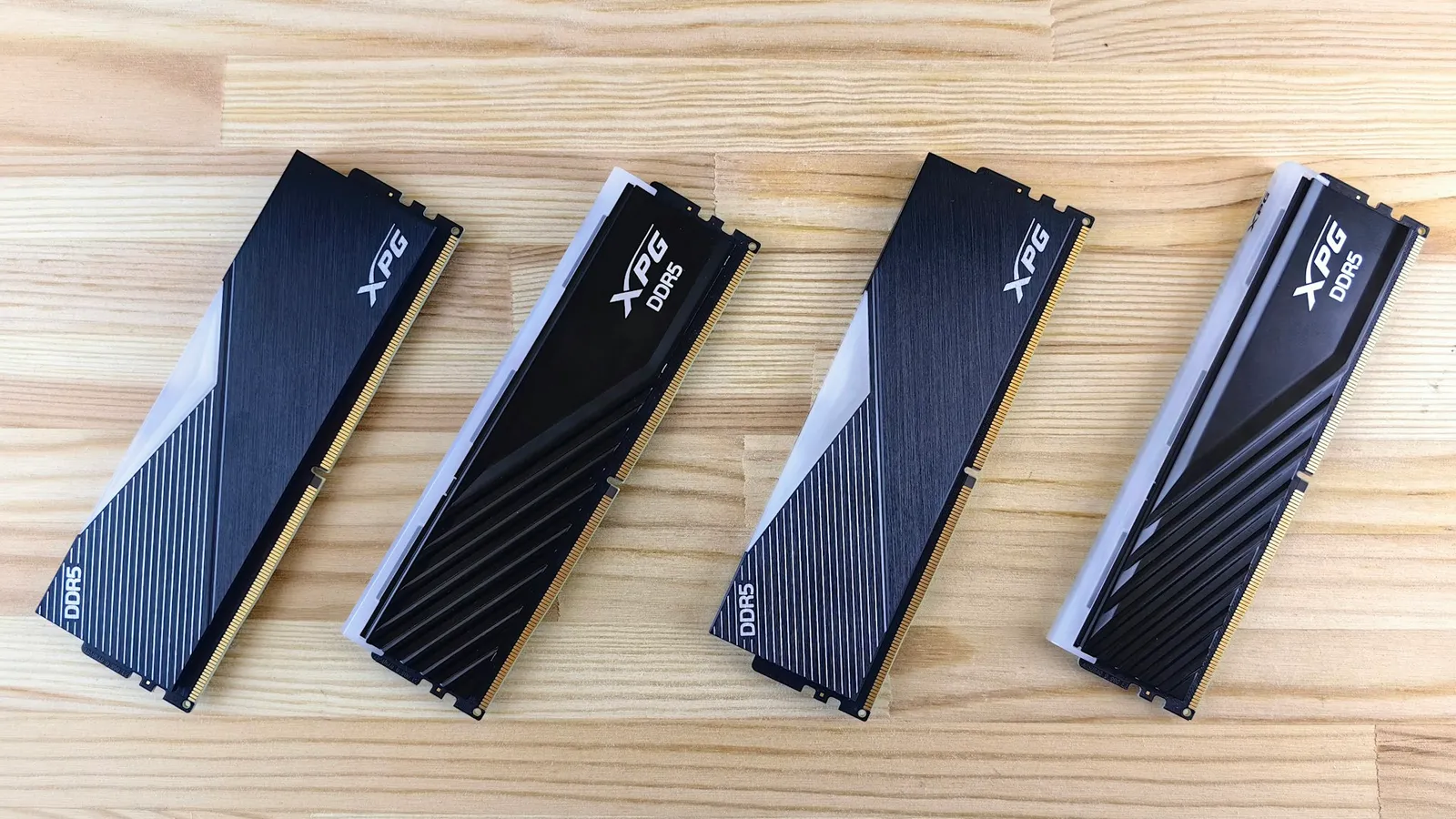
If CPU-Z or Task Manager shows your DDR5 at 4800 MT/s when the box says 6000, nothing is broken. The kit is running at its JEDEC default because the faster profile — XMP on Intel, EXPO on AMD — ships turned off. Enter the BIOS, enable the profile, save, and your rated speed and timings apply. One toggle, and the first boot afterward does the rest.
The reason this trips people up is that the speed printed on the heatspreader is technically an overclock, not a guaranteed JEDEC spec. So every motherboard boots memory at a conservative, always-works speed first. The sticker shows DDR5-6000 CL30; the system boots DDR5-4800 CL40 until you tell it otherwise (Corsair).
How to check what speed your RAM is actually running
Open CPU-Z and look at the Memory tab. The "DRAM Frequency" is half the effective rating because DDR is double data rate: 2400 MHz means DDR5-4800, 3000 MHz means DDR5-6000. Task Manager also works — Performance > Memory > Speed.
If that number is 4800 and your kit is a DDR5-6000 kit, the profile is simply off. That is the whole problem, and it takes two minutes to fix.
Turn on XMP or EXPO — the one toggle
- Restart and press Del (or F2) at the logo to enter BIOS.
- Find the memory profile setting. On AMD AM5 boards it is labeled EXPO (older boards may call it DOCP); on Intel boards it is XMP.
- Select Profile 1. The listed speed, timings, and voltage load automatically.
- Save & Exit (usually F10).
On an AM5 build, the first boot after enabling EXPO can sit on a black screen for one to three minutes while the board runs memory training. That is normal — do not reset it mid-cycle. If a new build fails to display at all, work through the no-POST checklist rather than assuming dead hardware. Once Windows loads, re-check CPU-Z to confirm the new speed stuck.
Why the gain depends entirely on your CPU
This is where the honest part lives. RAM speed only helps when the CPU is actually waiting on memory. A chip with a huge cache rarely waits, so faster RAM does close to nothing for it.
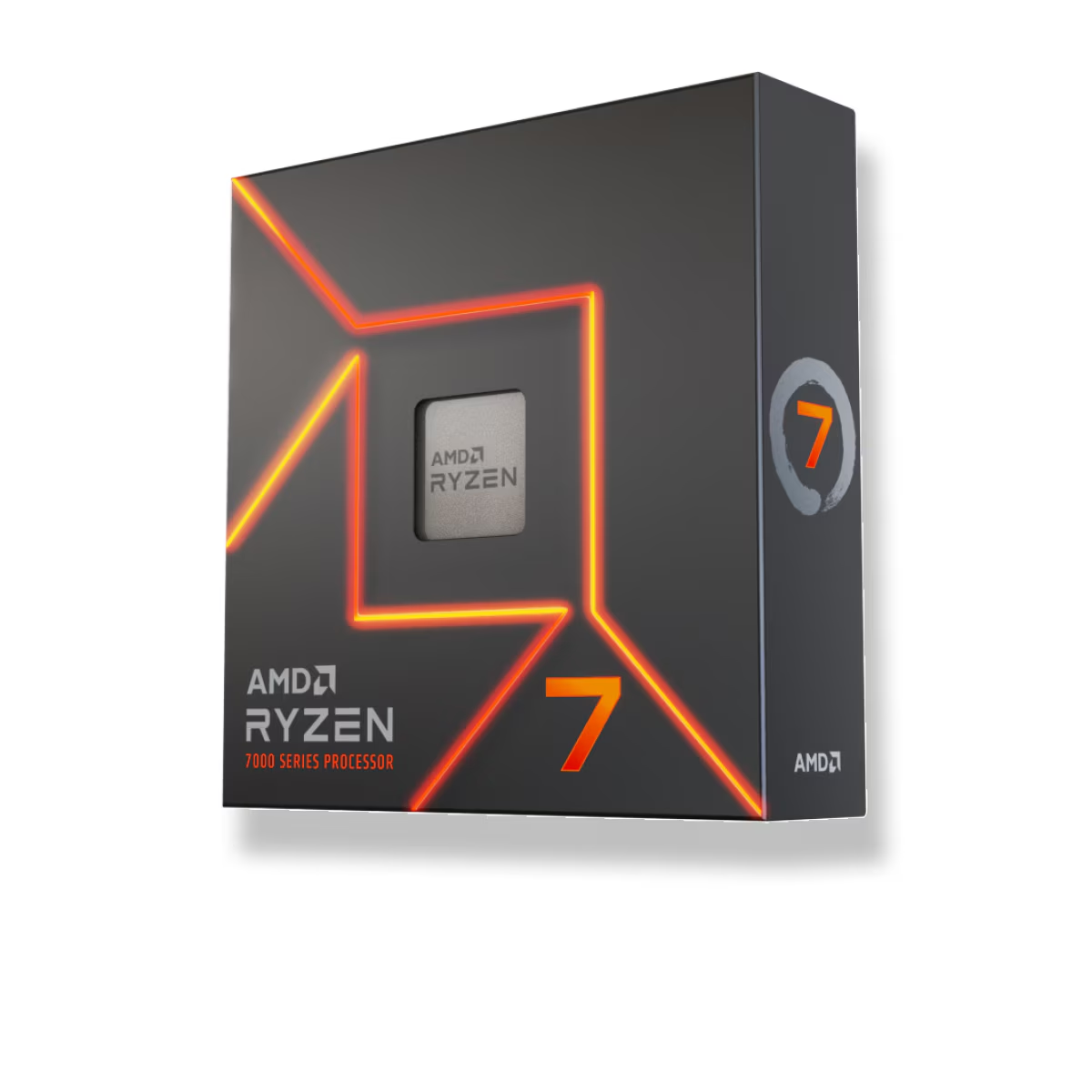
The Ryzen 7 7700X has no 3D V-Cache. It leans on main memory, so moving it from JEDEC 4800 to a 6000 EXPO profile shows real gains — around 8–12% on average in CPU-bound titles, and specific memory-hungry games go further: +17% average in Hogwarts Legacy, +22% in Homeworld 3, +16% in A Plague Tale: Requiem, all at 1080p (TechSpot). Intel's non-X3D equivalents behave the same way.
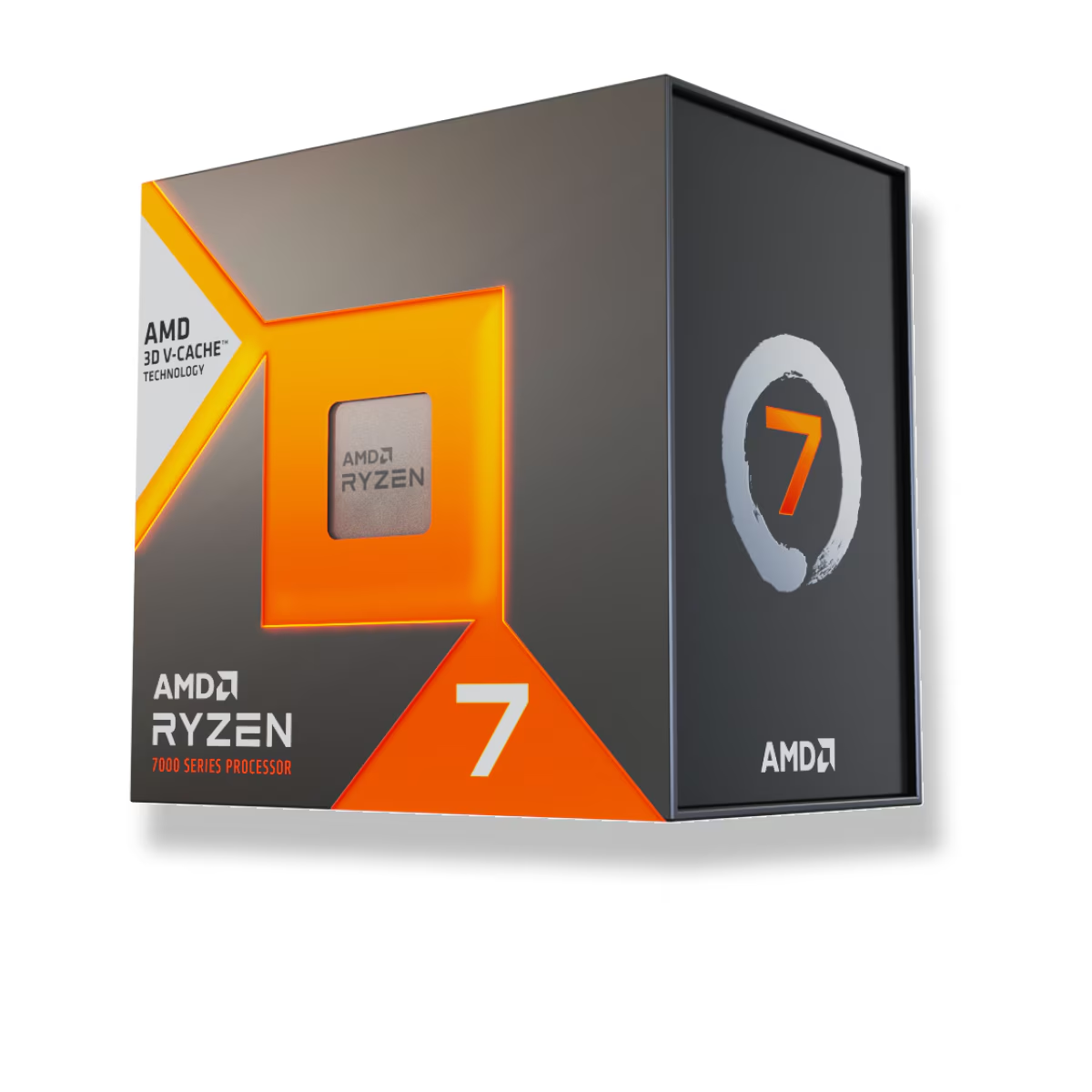
The Ryzen 7 7800X3D is the opposite case. Its 96 MB of stacked L3 cache absorbs most memory latency, so the same stock-to-EXPO jump is worth about 4% on average at 1080p, and AMD's own numbers for the newer 9850X3D show under 1% between DDR5-6000 and 4800 (TechPowerUp).
| Setup | Stock 4800 → EXPO/XMP 6000 | Why |
|---|---|---|
| 7700X (non-X3D), 1080p | +8–12% average | CPU is memory-bound |
| 7800X3D (X3D), 1080p | ~4% average | 96 MB cache hides latency |
| Any CPU, GPU-bound 1440p/4K | ~0–2% | the GPU is the limit, not RAM |
Enable it regardless. Even a 2% gain is free, and the kit is already installed. But that table is also the reason you should not spend extra chasing a faster kit for an X3D chip.
Don't chase speeds past the sweet spot on AM5
Once EXPO is on, people ask whether DDR5-6400 or DDR5-8000 would push further. On AMD AM5, usually not. At DDR5-6000 the memory controller runs 1:1 with the RAM; go higher and it drops to a 2:1 ratio that raises latency and often nets a loss, which is exactly why AMD calls 6000 the sweet spot (Tom's Hardware). Buy a DDR5-6000 CL30 EXPO kit, enable it, and stop. The deeper trade-offs are in our DDR5-6000 vs DDR5-8000 and DDR5-6000 vs DDR5-6400 breakdowns.
Intel scales a little further with higher speeds, but the same diminishing returns apply — the big jump is always JEDEC default to any enabled profile, not profile to profile.
When the toggle won't fix it
- The kit has no fast profile. A plain DDR5-4800 JEDEC kit will not run at 6000 just because you enabled XMP/EXPO. You need a kit rated for the speed you want.
- Four DIMMs or two dual-rank kits. On AM5, loading all four slots or mixing dual-rank modules often caps the controller below the rated speed, no matter the profile.
- Stability. EXPO and XMP are overclocks. Rarely a kit won't post or stay stable at its own profile; run a memory test (MemTest86 or an hour of a stress tool) after enabling it, and drop to the next profile or JEDEC if you see errors.
Who should care most
- Non-X3D builders (7700X, Intel K-series): enabling EXPO or XMP is the single biggest free FPS gain available to you. Do it before anything else.
- X3D builders (7800X3D): still enable it, because it costs nothing — but do not pay a premium for 6400 or 8000 kits. Put that money toward the GPU instead.
Both CPUs live on AM5, where the EXPO toggle sits in the board's BIOS. If you are speccing a new system, build it in our PC Builder so the memory, board, and CPU are matched before anything ships.