
Not in the traditional sense. AMD ships the Ryzen 7 7800X3D with a locked multiplier, so you cannot raise its all-core clock the way you would on a Ryzen 7 7700X. What you can do is tune it: Precision Boost Overdrive, a negative Curve Optimizer offset, and EXPO memory profiles are all unlocked, and that is where the real gains live — mostly as lower temperatures and a steadier boost, not a big jump in frames.
The question comes up for a fair reason. Every non-X3D Ryzen 7000 chip lets you set a fixed multiplier and chase a higher clock. The X3D models don't, because the stacked 3D V-Cache sitting on top of the compute die is sensitive to voltage and heat, so AMD caps voltage and locks the ratio to protect it (AnandTech).
The short answer: the multiplier is locked
On a regular Ryzen chip you can set a fixed frequency multiplier in BIOS and run every core at, say, 5.3 GHz. On the 7800X3D you can't. AMD confirmed at launch that the Zen 4 X3D parts would have multiplier-based overclocking disabled while leaving Precision Boost Overdrive and Curve Optimizer available (Hardware Times).
The reason is physical. The 7800X3D stacks 64MB of extra L3 cache (the "3D V-Cache") on top of the compute die, for 96MB of L3 total. That cache is the whole point of the chip — it is why it wins games — but it does not tolerate the voltages a normal overclock would throw at it. Locking the ratio and capping voltage is how AMD keeps it alive. So the manual, chase-a-number style of overclocking simply isn't on the table here.
What you can actually tune
Three levers are open, and they matter in this order.
EXPO memory. This is the biggest easy win and it has nothing to do with the CPU multiplier. Load the EXPO profile on a DDR5-6000 CL30 kit and the memory controller runs the RAM at its rated speed and timings instead of the JEDEC default. Memory and Infinity Fabric tuning stay fully unlocked on the X3D (Hardware Times), and DDR5-6000 is the sweet spot for AM5.
Precision Boost Overdrive (PBO). PBO raises the power, current, and thermal ceilings the boost algorithm is allowed to use. It does not set a fixed clock; it just lets the chip stretch its automatic boost further when cooling and power allow. On a chip with a locked ratio, this is the closest thing to "more clock" you get.
Curve Optimizer. This applies a per-core voltage offset. A negative offset — enthusiasts commonly land somewhere around -15 to -30 after testing — undervolts the cores. Lower voltage means less heat, and less heat means the chip can hold its boost clocks longer instead of backing off when it hits its thermal limit. It needs stress-testing to confirm stability, because too aggressive an offset will cause crashes.
Notice what all three have in common: none of them is a classic overclock. You are feeding the chip better memory and giving its own boost logic more room, not forcing a frequency.
What the tuning actually gets you
Here is the honest part. For gaming, the payoff is modest.
Most games are limited by your graphics card, not the CPU, and the 7800X3D's 3D V-Cache already does the heavy lifting at stock. Shaving voltage with Curve Optimizer and loosening limits with PBO will lower temperatures and can nudge sustained clocks up, but the frame-rate difference in a GPU-bound game is typically within a few percent — often inside the margin of run-to-run variance. If you are buying this chip expecting a tuning session to unlock another tier of performance, it won't.
What you do get is a cooler, quieter chip. That is worth real money in a small case or a quiet build, and it is the honest reason to spend an evening in BIOS. The 7800X3D is already remarkably efficient: at launch it averaged roughly 56W in gaming while matching or beating an Intel Core i9-13900K that pulled 143W (3DCenter roundup). Undervolting pushes an already-cool chip cooler, which is a thermals and acoustics upgrade more than a performance one.
All-core workloads see a slightly larger relative benefit from PBO, but the 7800X3D is an 8-core gaming part, not a rendering workhorse. If sustained multi-core throughput is your job, a higher-core chip is the better buy in the first place.
The 5.4 GHz headlines, and why they won't apply to your build
You will find stories of a 7800X3D running at 5.4 GHz, past its 5.0 GHz stock boost. Those are real, but read the fine print: they were done with an external clock generator on a premium X670E board (Tom's Hardware). That technique raises the base clock the whole platform runs on, it is board-specific, and it carries stability and longevity risk that no stock build takes on.
It is a demonstration of what the silicon can survive under expert hands, not a setting you flip on a mainstream motherboard. Do not buy a specific board expecting to repeat it, and do not factor those numbers into whether the chip is fast enough for you. Judge the 7800X3D on its stock behavior, because that is what you will live with.
Where the 7800X3D fits, and what it needs
At TechCortex the Ryzen 7 7800X3D is $439.77 and in stock. It remains one of the best gaming CPUs you can buy, and the tuning story above is a bonus, not a reason to pick it.
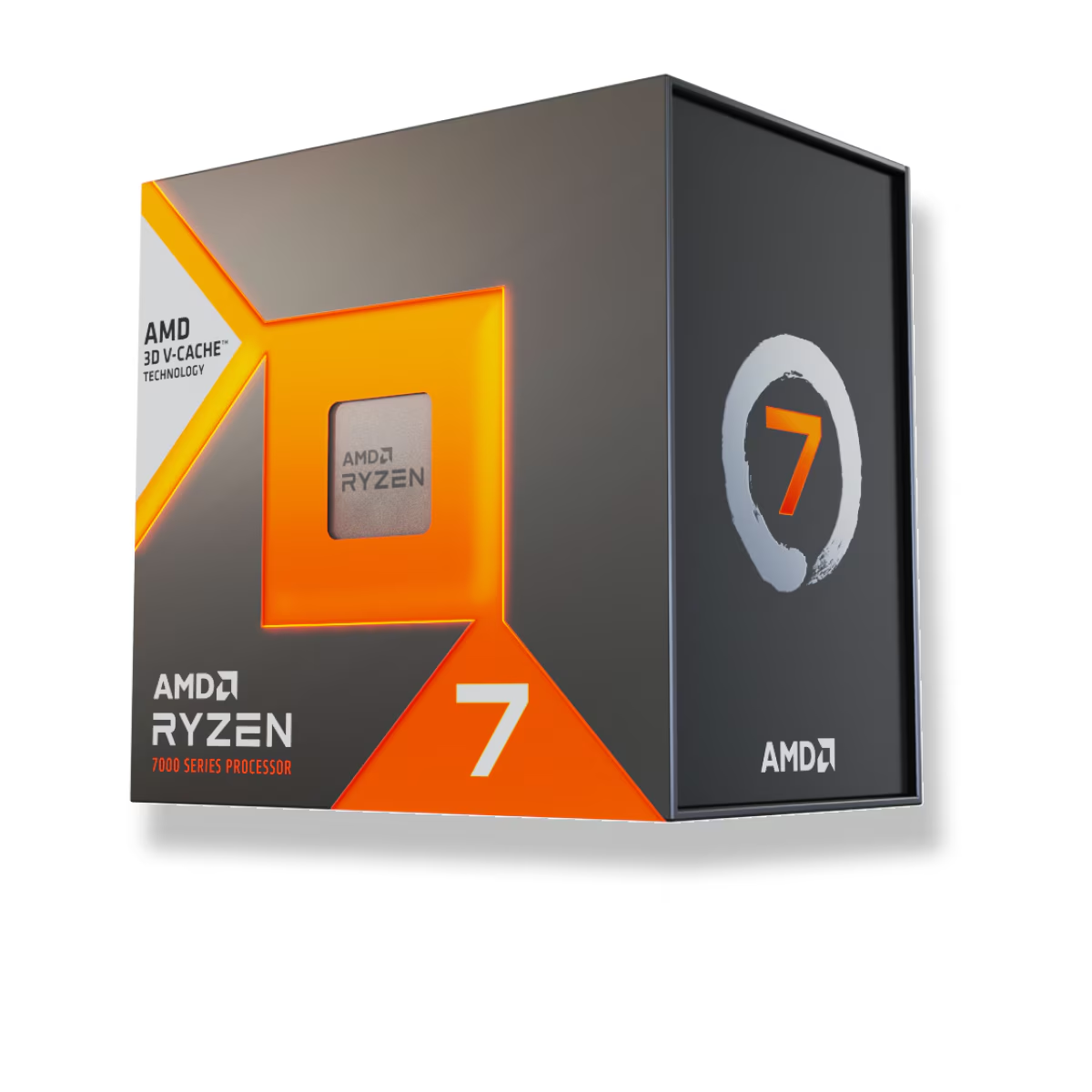
Two planning notes before you build. First, it is an AM5 chip, so it needs an AM5 motherboard and DDR5 memory — a DDR5-6000 CL30 kit with EXPO is the match. Second, it ships without a cooler, so budget for one; a solid air cooler is enough, and a lower-voltage Curve Optimizer tune only makes the cooler's job easier.
If you want the socket, memory, and cooler checked against each other before you order, build the whole configuration in our PC Builder — it flags incompatible parts as you add them.