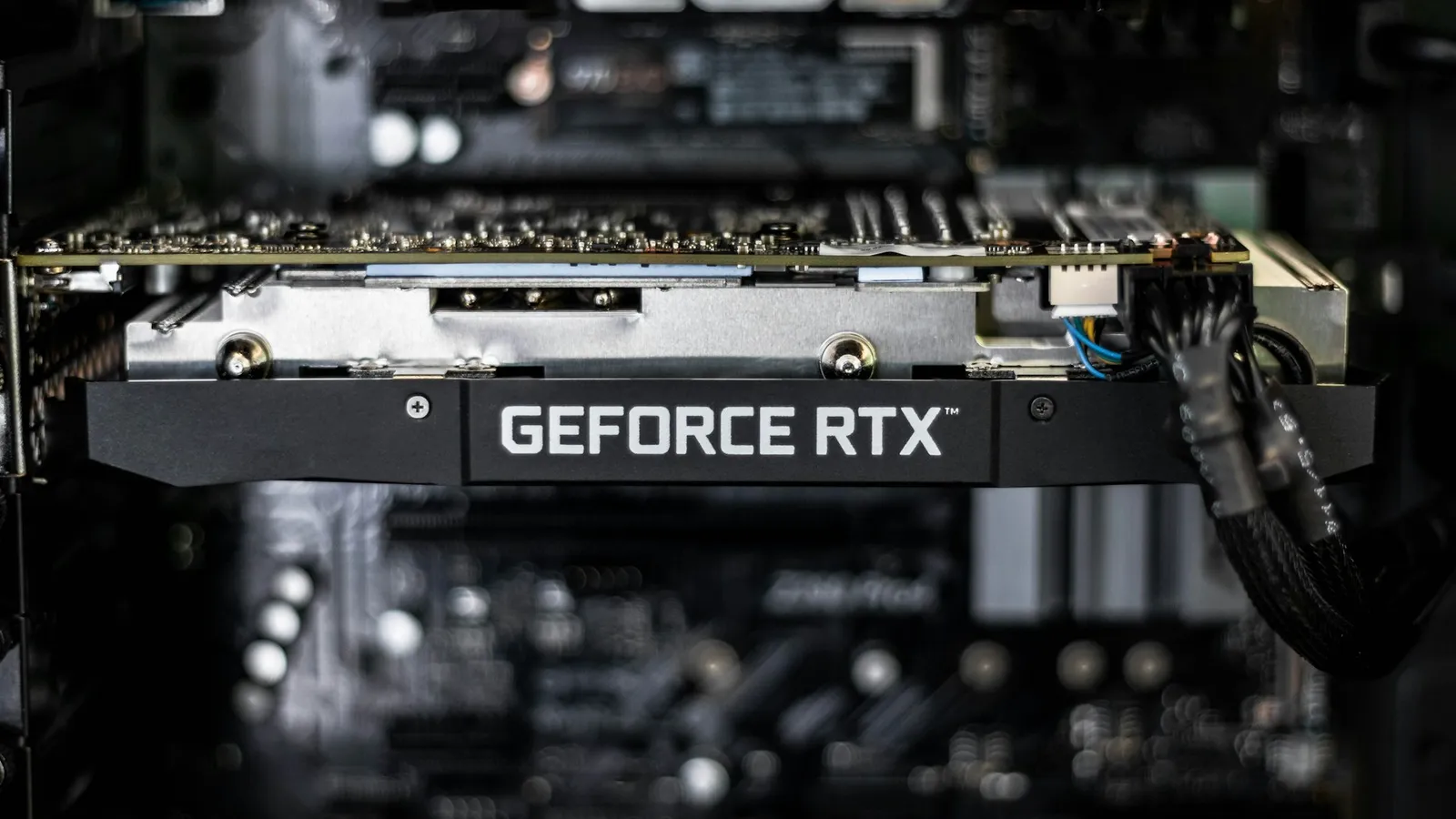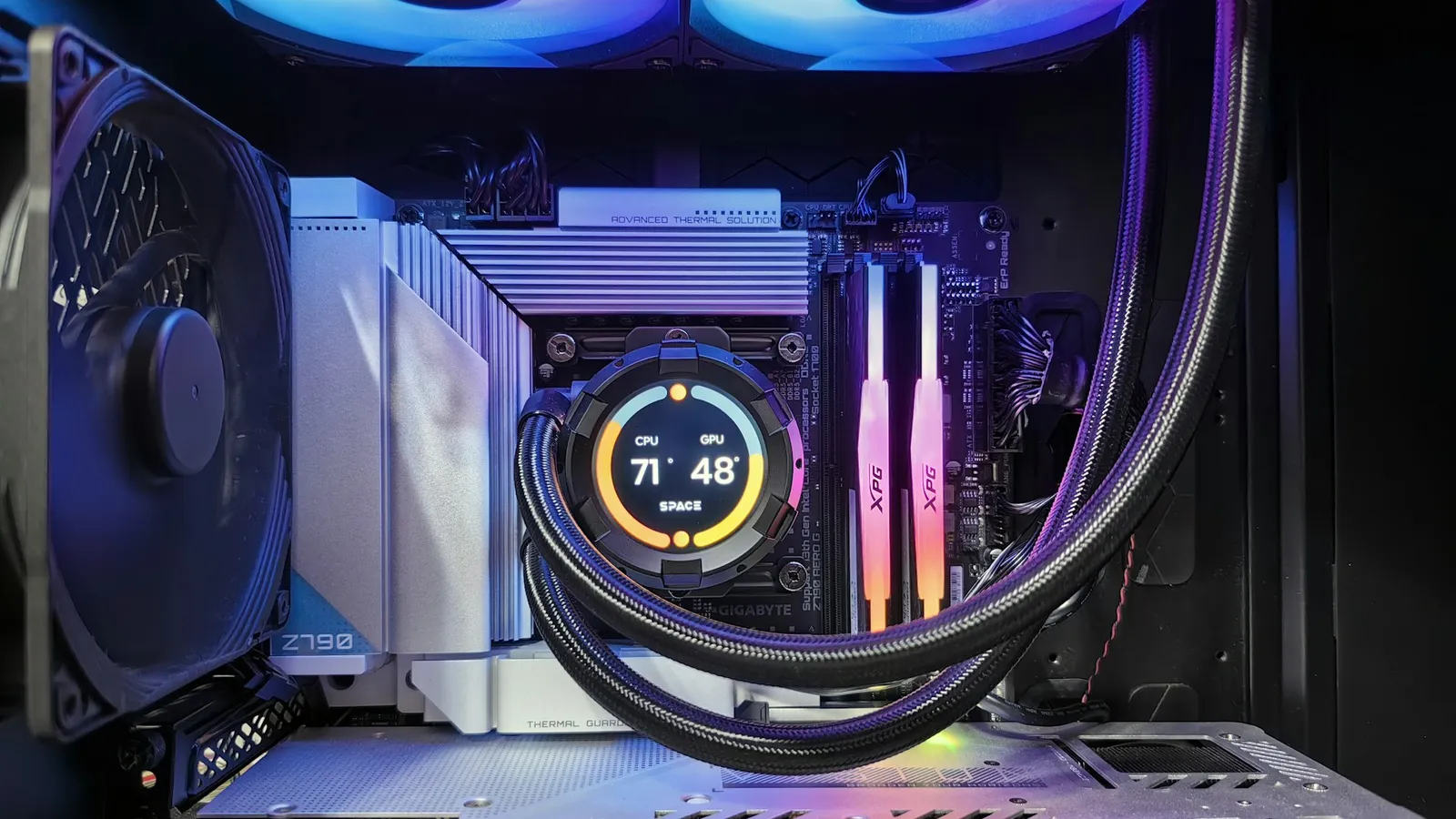

No, the Ryzen 9 9950X does not need liquid cooling. A high-end tower air cooler keeps this 16-core chip under its 95°C limit even in a sustained all-core load — Hardware Busters ran it on a Noctua NH-D15 G2 air cooler and temperatures stayed "notably below" 95°C in Blender (Hardware Busters). An AIO is a comfort upgrade here, not a requirement: it lowers temperatures and holds higher sustained clocks, but air already keeps the chip safe.
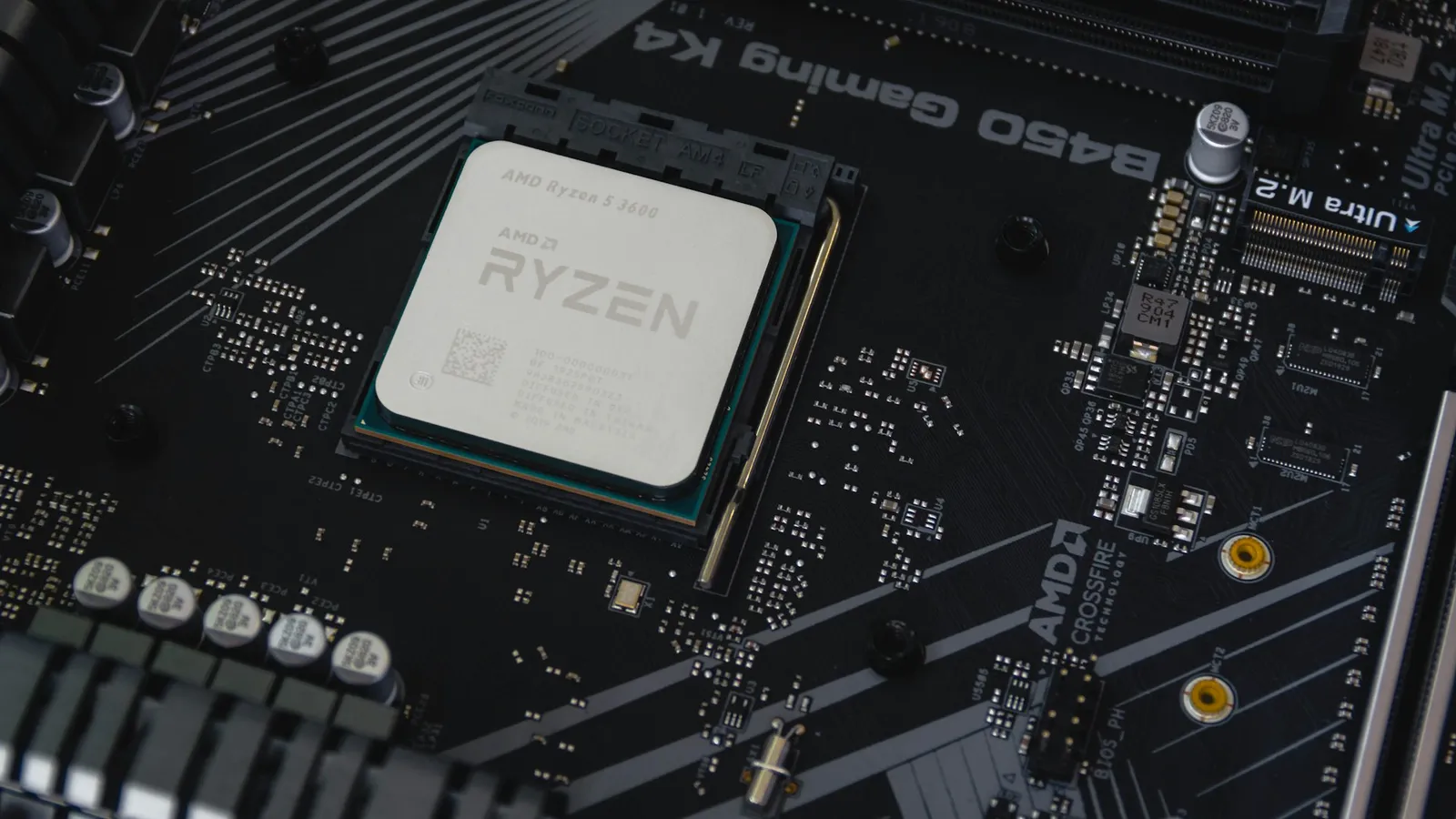
The question comes up because of the spec sheet. The 9950X is AMD's flagship Zen 5 desktop part, and people see a 170W TDP and a 95°C ceiling and assume it will cook anything but a radiator. It won't — but understanding why it runs near 95°C is the difference between buying the right cooler and overpaying for one.
How hot the 9950X actually runs
The 95°C figure scares people, but it is the chip's operating target, not a warning light. AMD rates the 9950X for a 95°C maximum junction temperature (AMD, TechPowerUp), and its Precision Boost logic raises clocks until it runs into a power, current, or thermal limit. On a mid-size cooler under full load, that limit is temperature — so the chip settles near 95°C and holds it. That is the design working, not failing.
What matters for cooling is the power the chip dumps into the cooler, and at stock that is bounded. Tom's Hardware measured the 9950X peaking around 200W in multi-threaded tests — 194W in HandBrake, 200W in Prime95 at stock (Tom's Hardware). That is a heavy but manageable heat load, and crucially it does not run away the way an uncapped Intel flagship does. Gaming asks for a fraction of it; TechSpot notes the chip draws only slightly more than a 7950X in games and offers no gaming efficiency gain, which still leaves gaming power well below the all-core figure (TechSpot).
Air cooling is enough — here's the proof
A good dual-tower or high-end single-tower air cooler is built to shed 200W or more, which is exactly the 9950X's stock all-core ceiling. Hardware Busters' thermal testing on a Noctua NH-D15 G2 kept the chip below its 95°C limit in Blender (Hardware Busters). In other words, a top air cooler does not just keep the chip alive — it keeps it off the thermal ceiling in the workload that stresses it most.
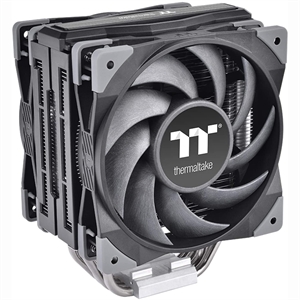
The honest caveat is that this applies to a capable air cooler, not a $25 single-tower. A 120mm budget cooler rated for 150W will keep a 9950X running but throttle its sustained clocks under a long render. A strong dual-fan tower such as the Thermaltake TOUGHAIR 510 ($104.92) is the floor for this chip if you do real all-core work; it handles the full stock load without a pump or a radiator in the case.
When an AIO is worth it on a 9950X
Liquid cooling earns its price on the 9950X in two cases, and neither is "my PC will crash without it." The first is lower temperatures under sustained all-core load. Club386 tested Arctic Liquid Freezer III units of different sizes on a 9950X in all-core Cinebench 2024: the 240mm reached 92.1°C on quiet fan settings, while the 420mm landed at 77.5°C — roughly 14.6°C cooler (Club386). A 360mm AIO such as the MSI MAG Coreliquid A13 360 ($141.26) sits between those, keeping the chip comfortably off its ceiling during long rendering, encoding, or compiling sessions.
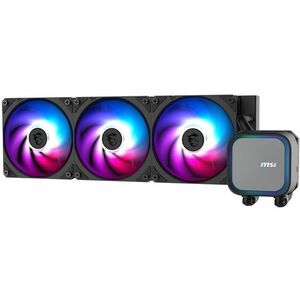
The second case is noise. Because the chip targets 95°C, a smaller cooler meets that target by spinning its fans harder. Club386 found the 240mm could match the larger units' temperatures only by raising fan and pump speed, pushing noise from 30.6 dB to 38.2 dB (Club386). A larger radiator holds the same temperature quietly. That is the real trade: a 360mm AIO buys you a quieter machine and higher sustained boost clocks in all-core work — not a safer chip, and not a single extra frame in a game. For the general version of this trade-off, see Air Cooler vs AIO, and for radiator sizing specifically, 240mm vs 360mm AIO.
Eco Mode: the lever that beats a bigger radiator
If temperatures bother you, the fastest fix is not a larger cooler — it is less power. AMD's Eco Mode drops the 9950X to a lower power target in BIOS, trading a few percent of multi-core throughput for a large cut in heat. Pulling stock power down from around 200W toward a ~140W target takes the thermal pressure off any cooler, and most people never feel the multi-core loss in daily use. On the 9950X this matters more than on an Intel flagship, because the chip is efficient to begin with and gives up very little when reined in.
This is why the cooler is the last decision, not the first. Set the power behavior you want, then buy the cooler that keeps that load quiet. A 9950X capped near 140W is content on a strong air tower; an uncapped one chasing every megahertz in a long render is where a 360mm AIO starts to pay for itself.
What to pair with a 9950X
- Gaming-first build: a strong air cooler such as the Thermaltake TOUGHAIR 510 is already overkill — gaming load never approaches the chip's limit. Honestly, if you only game, the 9950X is the wrong CPU; a 7800X3D is faster in games for less money, and spending the difference on an AIO compounds the mistake.
- Mixed work and play: the TOUGHAIR 510 or a comparable dual-tower handles stock all-core loads below 95°C. Step up only if you want it quieter.
- Daily rendering, encoding, or compiling: a 360mm AIO like the MSI MAG Coreliquid A13 360 keeps sustained clocks high and the machine quiet under hours of all-core load. Check radiator clearance for your case in our PC Builder.
A locked, low-power chip like the Ryzen 7 7800X3D is the opposite situation, where even a good air cooler is more than enough — see Does the Ryzen 7 7800X3D Need an AIO?. The Intel side runs hotter and uncapped, which changes the math again: Does the i7-14700K Need Liquid Cooling?.