
For a gaming PC, B850 and X870 produce identical frame rates with the same CPU, GPU, and memory — the chipset isn't in the frame-rate path. X870's only guaranteed additions over B850 are two things: USB4 on every board, and a PCIe 5.0 slot wired to the graphics card (Puget Systems). Neither raises FPS. So buy X870 only if you actually own USB4 gear — a 40 Gbps dock, a Thunderbolt-class external SSD, a capture device. For a pure gaming build, a B850 board does the same job for less.
The confusion is baked into the naming. Both are current 800-series chipsets, and the higher number looks like the better part. But AMD reshuffled the tiers this generation: X870 is essentially last generation's B650E with USB4 promoted from optional to mandatory (TechPowerUp). It is not a higher-performance chip. It's a mid-range chip with one connectivity box pre-ticked.
What X870 guarantees that B850 doesn't
Both chipsets are single-controller designs built on the same AMD Prom21 silicon, and they expose a similar downstream lane budget. That's the tell that they're peers, not tiers: X870 isn't a bigger chip than B850, it's the same class of chip with a stricter feature checklist AMD forces every board vendor to meet.
Here is the entire real difference, stripped of marketing:
| B850 | X870 | |
|---|---|---|
| Socket / CPU support | AM5, Ryzen 7000/8000/9000 | AM5, Ryzen 7000/8000/9000 |
| CPU overclocking | Yes | Yes |
| Memory OC / EXPO | Yes | Yes |
| PCIe 5.0 M.2 (storage) | Mandatory (at least one) | Mandatory (at least one) |
| PCIe 5.0 to GPU slot | Optional (board-dependent) | Mandatory |
| USB4 (40 Gbps) | Optional (board-dependent) | Mandatory |
| Chipset design | Single chip (Prom21) | Single chip (Prom21) |
Two rows are bold, and that's the whole story. X870 forces USB4 and a Gen5 graphics slot onto every board that carries the name. B850 leaves both to the vendor — some B850 boards include USB4 and a Gen5 GPU slot, most skip them to hit a price. Everything else people assume separates the two — memory speed, overclocking, the mandatory Gen5 SSD slot — is identical.
Gaming: the chipset doesn't touch frame rate
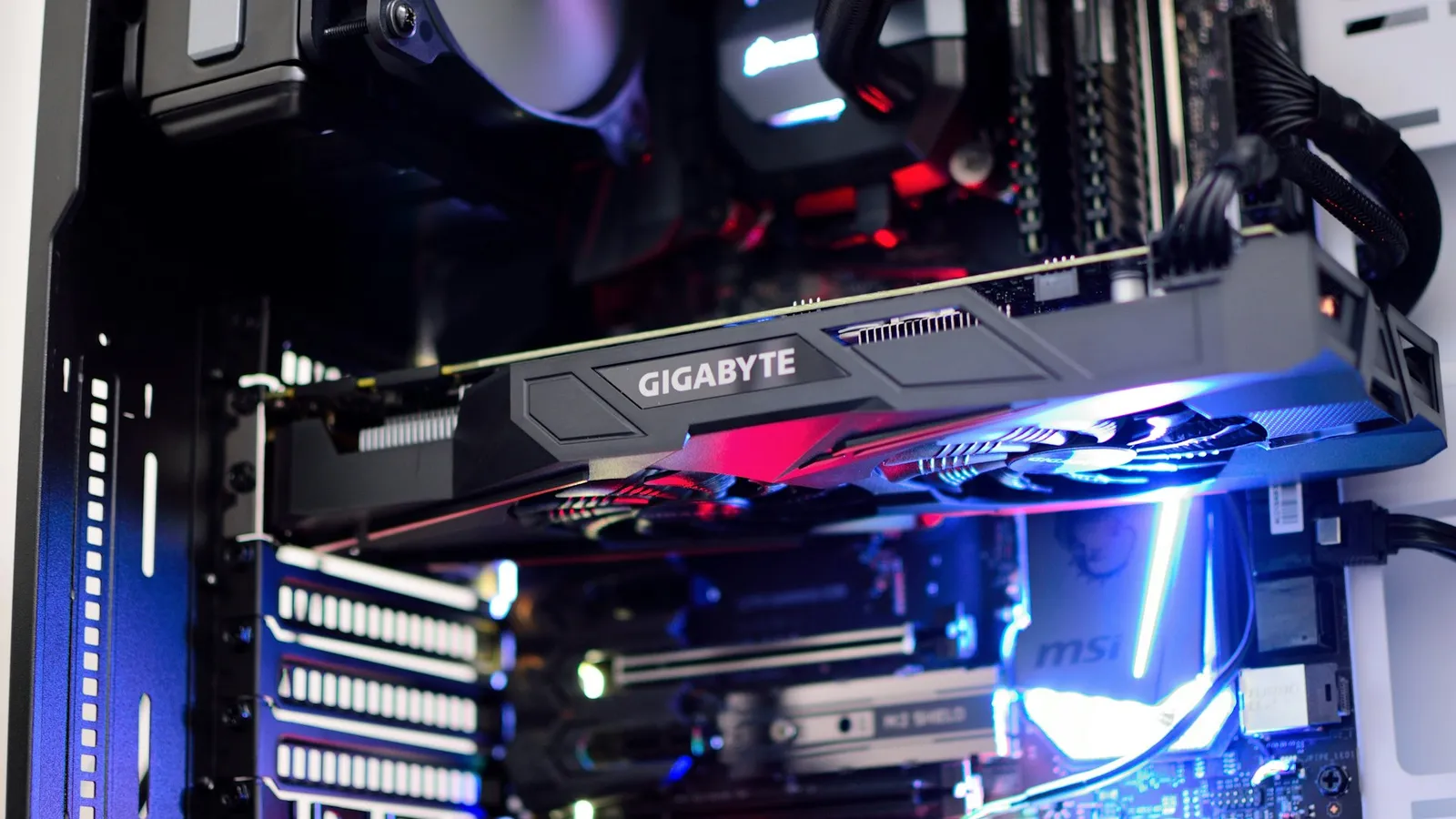
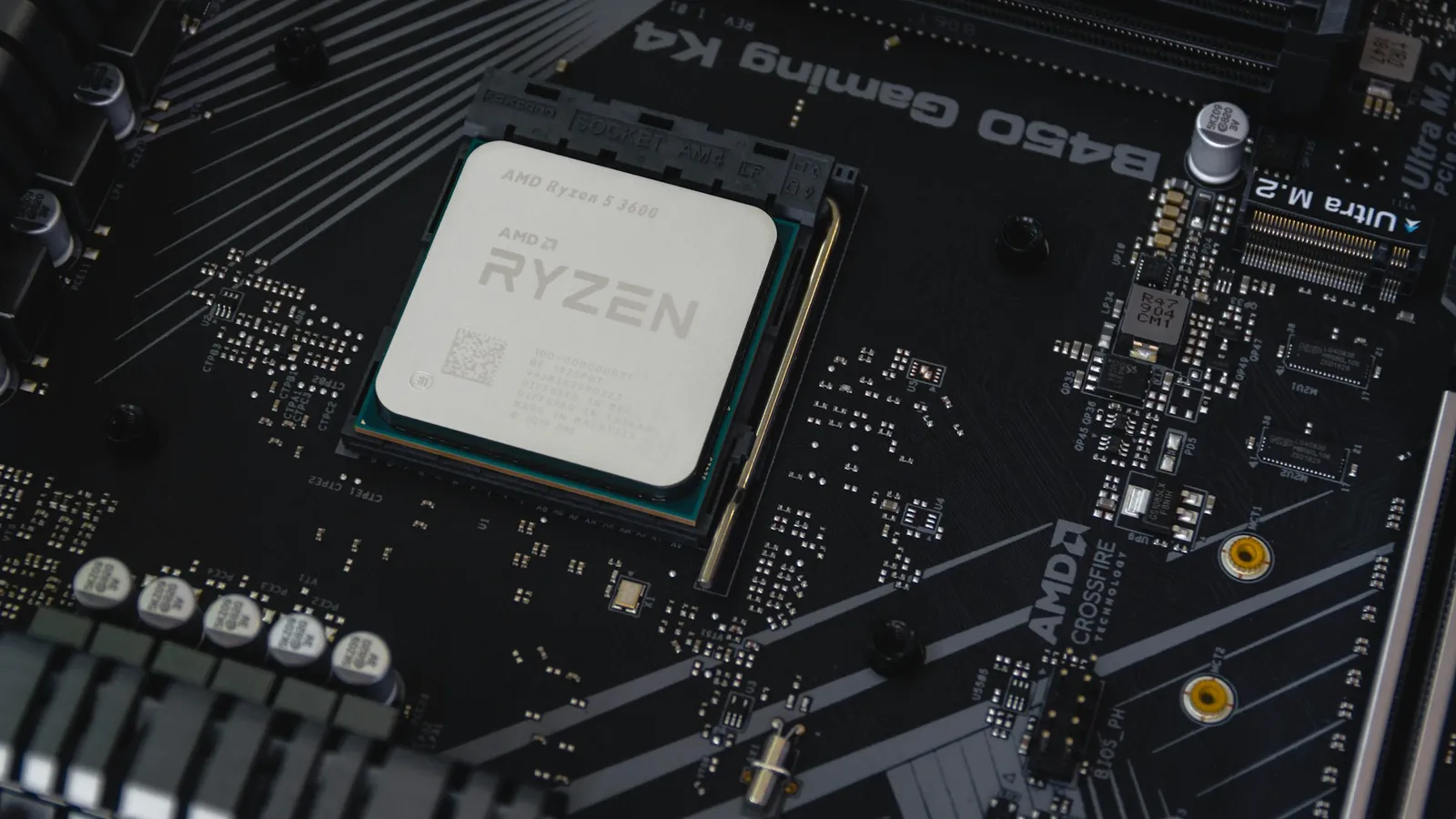
A chipset doesn't render frames. Give a B850 board and an X870 board the same Ryzen CPU, the same GPU, and the same DDR5-6000 CL30 kit under EXPO, and they output the same numbers, because none of the parts that decide frame rate route through the chipset. This is the same reason B650 and B850 game identically — the frames come from the processor, the graphics card, and the memory, all matched here.
The mandatory PCIe 5.0 GPU slot doesn't rescue X870 either. No graphics card on the market today comes close to filling a PCIe 4.0 x16 link, so wiring the slot for Gen5 changes nothing you can measure in a game — a point we walk through in do you need a PCIe 5.0 motherboard for your GPU. It's genuine future-proofing for a card that doesn't exist yet, not a day-one gain. If you want the AM5 setting that actually moves frames, it's running your memory at its rated EXPO speed, and both chipsets do that.
USB4 is the one real reason to pay up
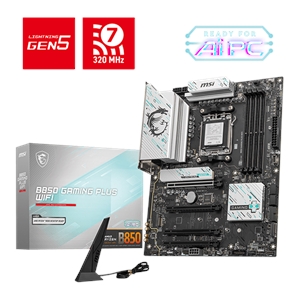
Strip away the parts that don't matter for gaming and X870's single concrete advantage is guaranteed USB4 — one or two 40 Gbps ports on every board, wired and validated. That's a real feature, and for the right person it's worth the small premium.
USB4 matters if you run a fast external NVMe enclosure, a single-cable docking station, a Thunderbolt-class monitor, or a video-capture device — anything that needs far more than the 10–20 Gbps a normal USB port delivers. If that's your desk, buy X870 and stop reading: you want the port guaranteed rather than hunting for the rare B850 board that includes it.
If it isn't — if the fastest thing you'll ever plug in is a USB flash drive, a webcam, and a controller — then USB4 is a port you'll never use, and paying extra to guarantee it is money spent on a spec sheet. Be honest about which desk is yours before you spend.
Where X870E fits, and why it's a different question
X870 has a bigger sibling, X870E, and it's worth not confusing the two. X870E is the dual-chip tier: it uses two Prom21 controllers to roughly double the downstream PCIe lanes — about 20 Gen4 lanes versus around 12 on single-chip X870, per Puget Systems — for people running many M.2 drives plus multiple add-in cards at full width. For a normal gaming build with one GPU and one or two SSDs, that extra I/O sits idle. We break the top tier down in X870 vs X870E; if you're only choosing between B850 and plain X870, X870E isn't the decision you're making.
Price and availability at TechCortex
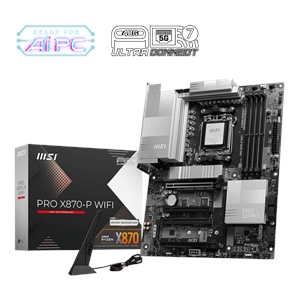
Here's what settles it. In our catalog the cheapest in-stock B850 board is the MSI B850 GAMING PLUS WIFI at $239.97, and the cheapest in-stock X870 is the MSI X870-P WIFI at $260.40 — both ATX, both with Wi-Fi, from the same maker and product line. That's a $20.43 step for essentially the same board plus guaranteed USB4.
Move up a tier and the pattern holds: the ASUS TUF B850-PLUS WIFI is $270.47, and the Asus Prime X870-P WIFI is $291.33. In every pairing the X870 board costs a little more for the same core platform with USB4 mandated. That's the right way to read the gap — not as buying "more motherboard," but as pre-paying for one port. Prices move, so check both in your cart at checkout.
There's no bad board in that list. The question is only whether the ~$20–$40 you'd spend stepping to X870 buys you a feature you'll plug something into.
Who should buy which
- Buy B850 if it's a gaming build and you don't run USB4 gear. You get the same frame rate, the same overclocking, the same mandatory Gen5 SSD slot, and you keep the difference. This is most people.
- Buy X870 if you own or plan to buy USB4 hardware — a 40 Gbps external drive, a single-cable dock, a capture card, a Thunderbolt-class display — and want it guaranteed on the board rather than checking each spec sheet. The small premium is fair for that.
- Skip both for X870E only if you're loading multiple Gen5 M.2 drives plus add-in cards and actually need the extra lanes. A single-GPU, one- or two-SSD gaming rig never touches them.
Not sure the board, CPU, cooler, and memory all line up? Drop them into our PC Builder — it flags an incompatible board-and-CPU pairing before you pay, and it carries the $1 professional build-and-test option if you'd rather have the board and BIOS set up and verified for you.