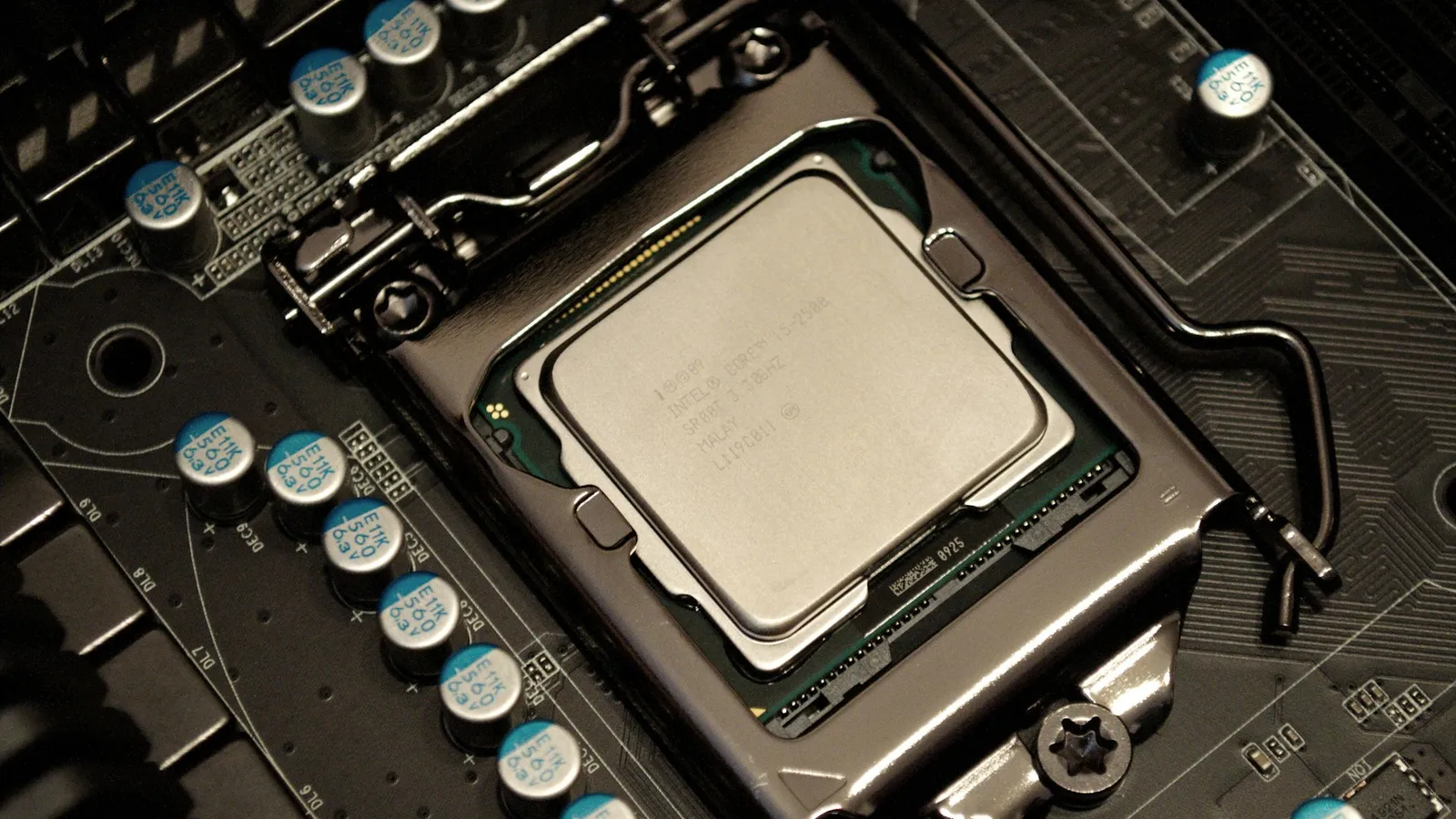

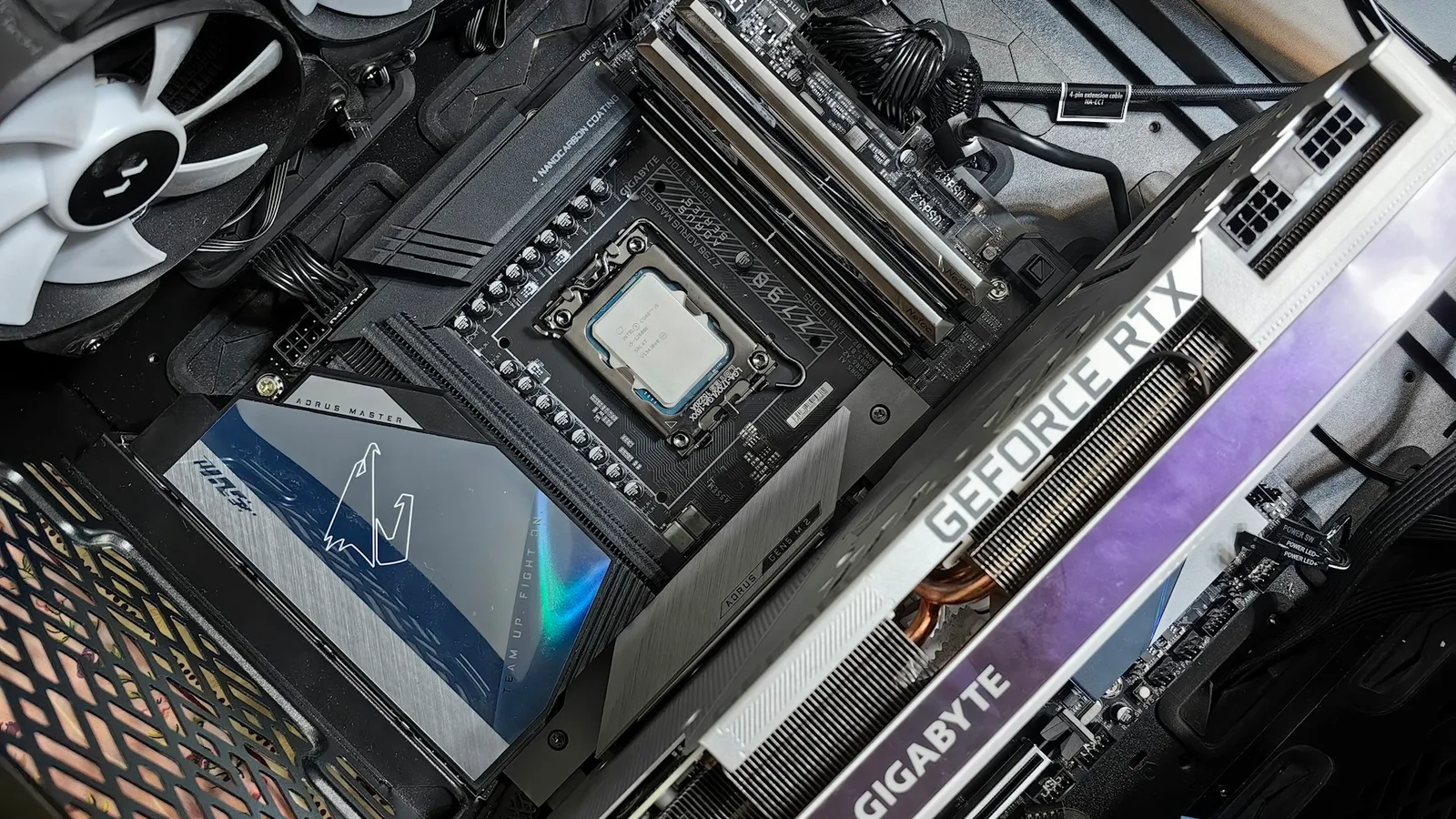
For a gaming PC, B650 and B850 produce identical frame rates with the same CPU and GPU — the chipset isn't in the frame-rate path. B850's one guaranteed advantage over B650 is that it mandates at least one PCIe 5.0 x4 M.2 slot (TechSpot), and a Gen5 SSD doesn't shorten game load times over a Gen4 one. So buy on the board, not the badge: pick whichever specific board has the ports, layout, and VRM you want at the price you want.
That's easier to do now that the price gap has mostly closed. In our catalog the newest B850 board costs within a dollar of a comparable B650, so there's no premium to avoid and no bargain to chase — B850 is simply the fresher shelf, not a faster one.
What B850 actually changes over B650
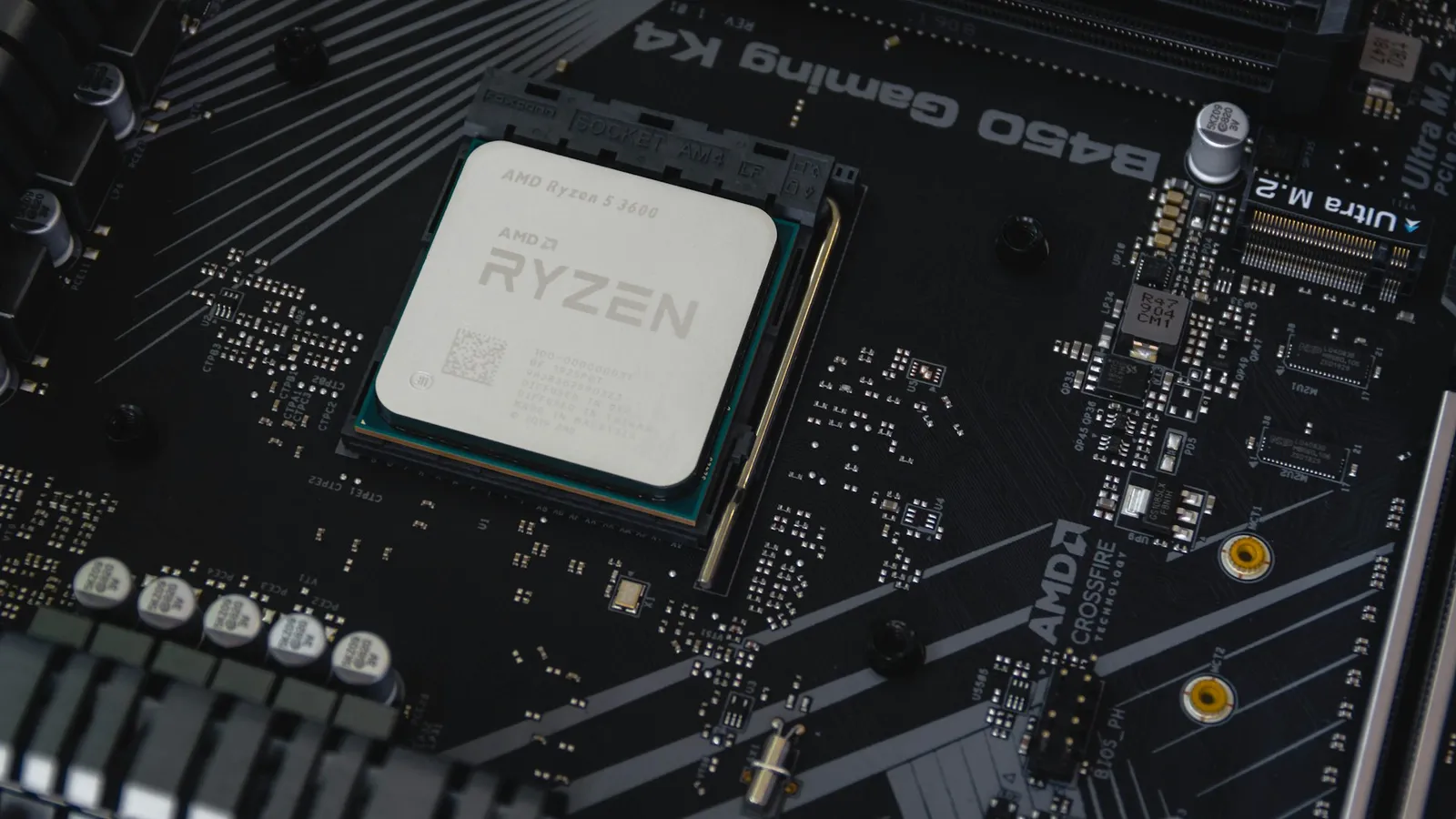
Both chipsets are single-die controllers hanging off the same AM5 socket. They take the same processors, run the same DDR5, and expose the same overclocking knobs. AMD's own 800-series briefing framed B850 as a refresh of the mainstream tier, not a new class of board (wccftech). The differences are narrow and sit around storage and I/O, not the parts that render your game.
| B650 | B850 | |
|---|---|---|
| Socket / CPU support | AM5, Ryzen 7000/8000/9000 | AM5, Ryzen 7000/8000/9000 |
| CPU overclocking | Yes | Yes |
| Memory OC / EXPO | Yes | Yes |
| Fastest M.2 slot | Gen 5 optional (board-dependent) | Gen 5 guaranteed (at least one) |
| PCIe to GPU slot | Gen 4 (Gen 5 on B650E) | Gen 5 optional (board-dependent) |
| USB4 | Optional | Optional |
| Launched | October 2022 | January 2025 |
The single hard rule that separates them: every B850 board must give you at least one PCIe 5.0 x4 M.2 slot, while on B650 that slot is up to the board maker — some B650 boards have it, cheaper ones don't (TechSpot). Everything else people assume is a B850 feature — Gen5 graphics, USB4, Wi-Fi tier — is left to the individual board on both chipsets.
Gaming: the chipset isn't in the frame-rate path
A motherboard chipset does not render frames. Give a B650 and a B850 the same Ryzen CPU, the same GPU, and the same DDR5-6000 EXPO kit, and they output the same numbers, because none of the parts that determine frame rate route through the chipset. This is the same reason A620 games identically to B650 with a matched CPU and GPU — the frames come from the processor, the graphics card, and the memory speed, all of which are the same across these boards.
PCIe generation doesn't rescue the newer chipset here either. No current graphics card saturates a Gen4 x16 link, so a Gen5 GPU slot changes nothing today. If you want the AM5 setting that does move frames, it's running your memory at its rated speed — a DDR5-6000 CL30 kit under EXPO — and both chipsets do that.
The one real B850 upgrade — and why games don't care
Strip away the marketing and B850's concrete win over base B650 is the guaranteed Gen5 M.2 slot. It's a real difference on the spec sheet. It's just not one your games will notice.
Gen5 SSDs post enormous sequential numbers in benchmarks, but game load times are dominated by other work, and a Gen4 drive and a Gen5 drive finish within a hair of each other loading the same level. We measured exactly this in PCIe 4.0 vs PCIe 5.0 for gaming: the gap is real in a file-copy benchmark and effectively invisible in games. So treat B850's mandatory Gen5 slot as cheap insurance for a future drive, not a reason to feel behind on a good B650 that already has one.
USB4, Wi-Fi, and the X870 confusion
A lot of the "just get the newer chipset" advice conflates B850 with X870. They're different. X870 is the chipset that mandates USB4 and a Gen5 M.2 on every board; on B850, USB4 is optional and many boards skip it (TechSpot). If USB4 is the feature you actually want, read the spec of the specific B850 board — don't assume the chipset name gives it to you.
This is where paying up can quietly waste money. Stepping from a $207 B850 to a $291 Asus Prime X870-P buys you guaranteed USB4 and mandated Gen5 storage — genuinely useful if you run USB4 docks or Thunderbolt-class peripherals, and pointless if you don't. For a pure gaming build with no USB4 gear, that extra ~$84 buys ports you'll never plug into. If you're weighing that jump, B650 vs X870 breaks down the tier above.
One practical edge: firmware out of the box
There is one non-spec reason to lean B850 that has nothing to do with performance. Because B850 boards started shipping in 2025, they leave the factory with firmware that already recognizes Ryzen 9000 processors. An older B650 board that's been sitting in inventory may need a BIOS update before it will POST with a newer chip — which some boards can do without a CPU installed, and some can't (HWCooling).
If you're pairing a fresh board with a Ryzen 9000 CPU, B850 sidesteps that whole question. On a B650, it's worth a two-minute check — see do you need to update your BIOS for a new CPU — before you assume the board will boot on day one.
Price and availability
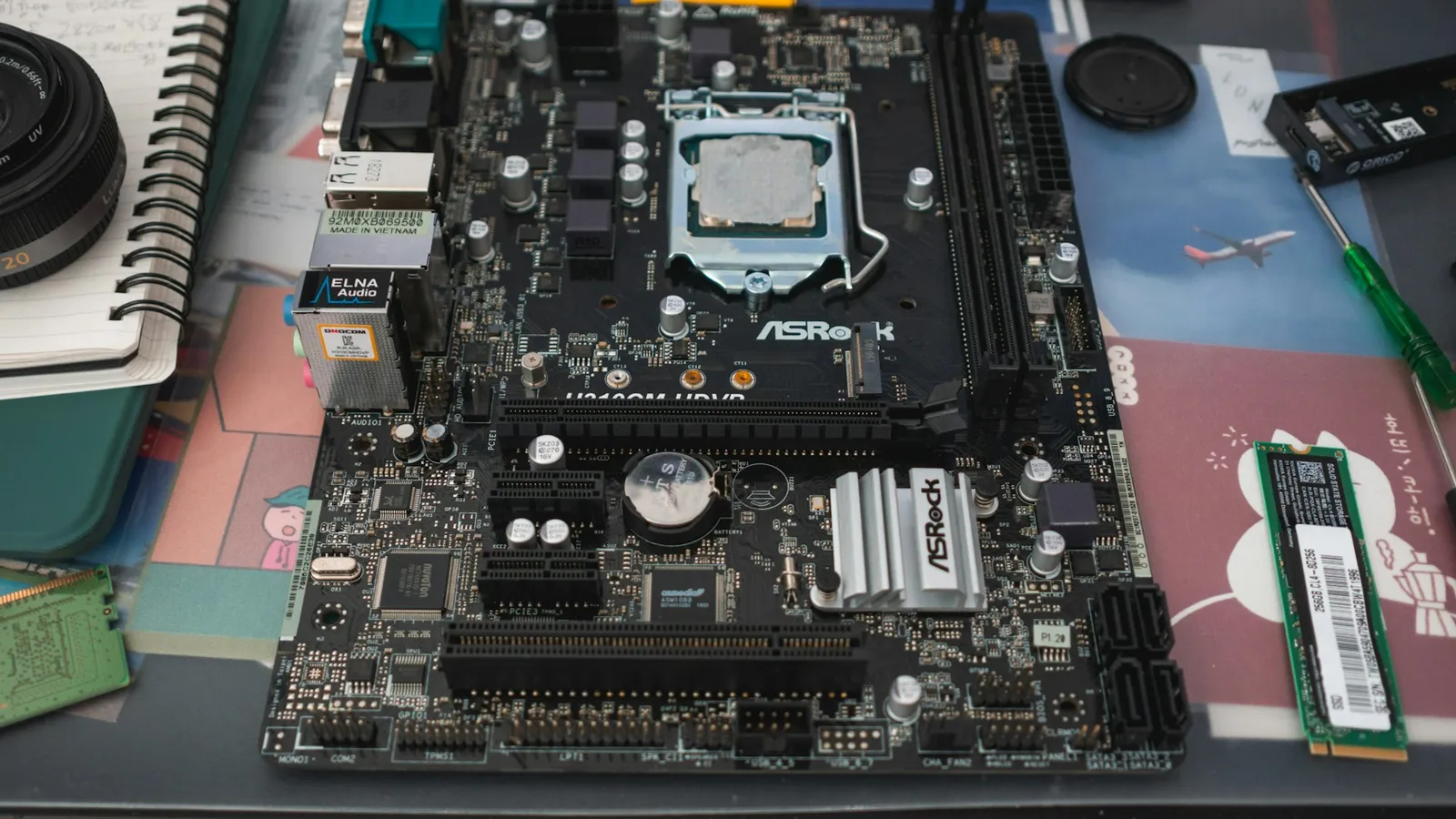
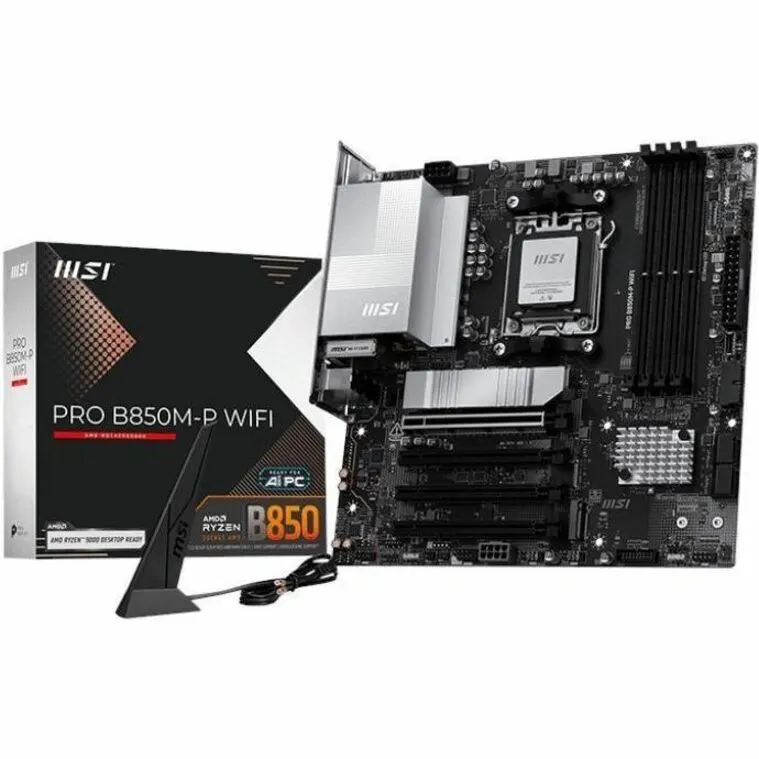
Here's the number that settles it. In our catalog right now, the MSI B850M-P WIFI (Micro-ATX, B850) is $207.51, and the ASRock B650 PRO RS (ATX, B650) is $206.99 — a 52-cent gap. The cheapest B650 we stock, the ASRock B650 PG Lightning (ATX), comes in lower at $189.77.
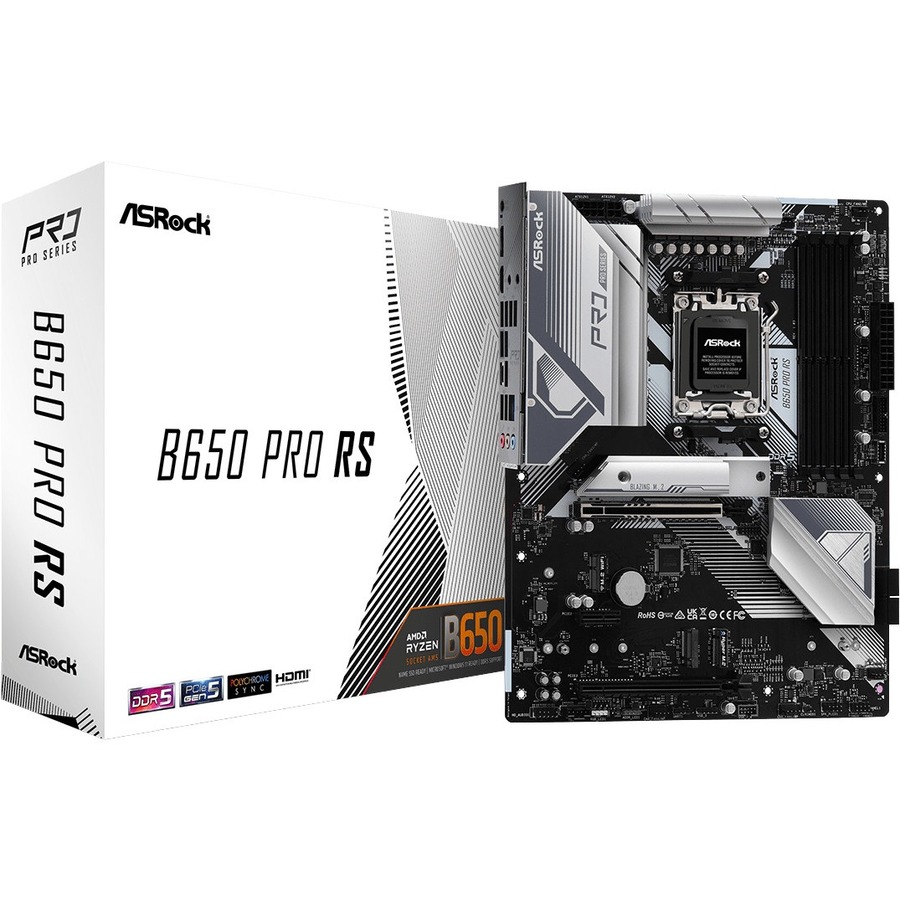
So there's no B850 premium to avoid and no B650 saving to defend at the same tier — they cost the same. What separates the boards is layout and features: the B850M-P is Micro-ATX with a guaranteed Gen5 slot; the B650 PRO RS is full ATX with more expansion room. If you want the cheapest solid AM5 board and don't need Gen5 storage, the $189.77 B650 PG Lightning is still the value pick. If two boards are within a few dollars, the B850 is the marginally more future-proofed shelf. Prices move — check both in your cart at checkout.
Who should buy which
- Buy B650 if you want the lowest price on a solid AM5 board, you already own or don't want a Gen5 SSD, and the specific B650 in front of you has the ports and VRM you need. You give up nothing in games, and at the cheap end it's the value pick.
- Buy B850 if it's priced within a few dollars of the comparable B650, you want a guaranteed Gen5 M.2 slot without checking the spec sheet, or you're pairing it with a Ryzen 9000 chip and would rather skip a potential BIOS update. It's the same performance with one box pre-ticked.
- Skip both for X870 only if you specifically need USB4 or mandated Gen5 across the board — otherwise the ~$84 step up buys features a gaming build won't use.
Not sure whether your CPU and the rest of your parts are a clean match for a given board? Drop them into our PC Builder — it flags an incompatible board-and-CPU pairing before you pay, and it carries the $1 professional build-and-test option if you'd rather have the board, cooler, and BIOS set up and verified for you.