
For a gaming PC, B650 is all you need, and X670 is money spent on connectivity your games never touch. Both run the same Ryzen CPUs, the same DDR5, and both let you overclock the chip and the memory — so with a matched CPU and GPU they produce the same frame rate. X670's only real advantage is more USB ports and more PCIe lanes for extra M.2 drives and add-in cards, which matters for a workstation-class build and nothing else. And there's a catch that settles most 2026 decisions before they start: AMD has already replaced X670 with X870E, so new X670 boards are thin on shelves.
The question exists because the spec sheet reads like a straight upgrade. X670 is physically two chipset chips where B650 is one, so on paper it doubles a lot of numbers. But a chipset does not render frames, and most of those doubled numbers are ports a gaming build leaves empty.
What the second chipset die actually adds
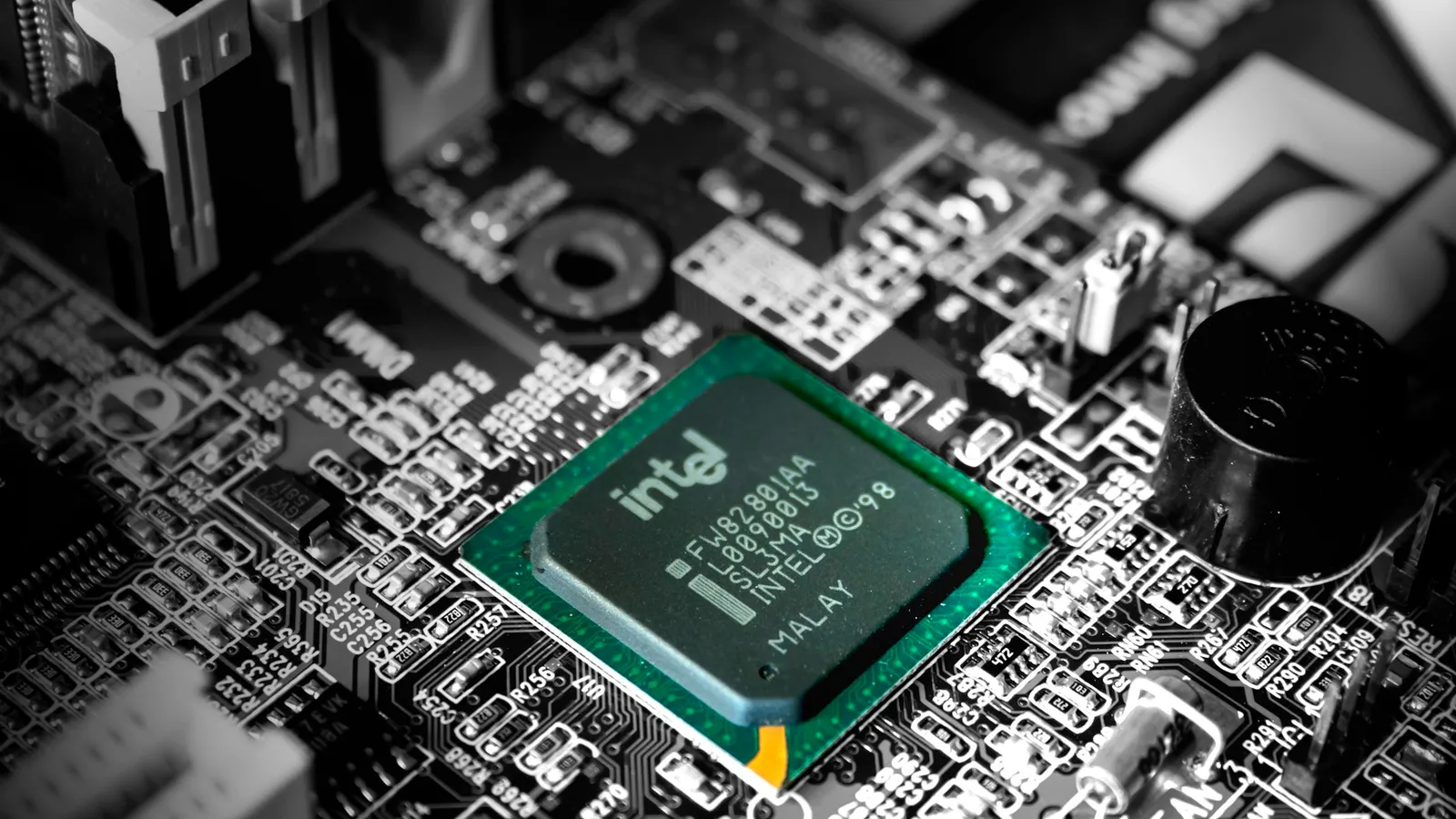
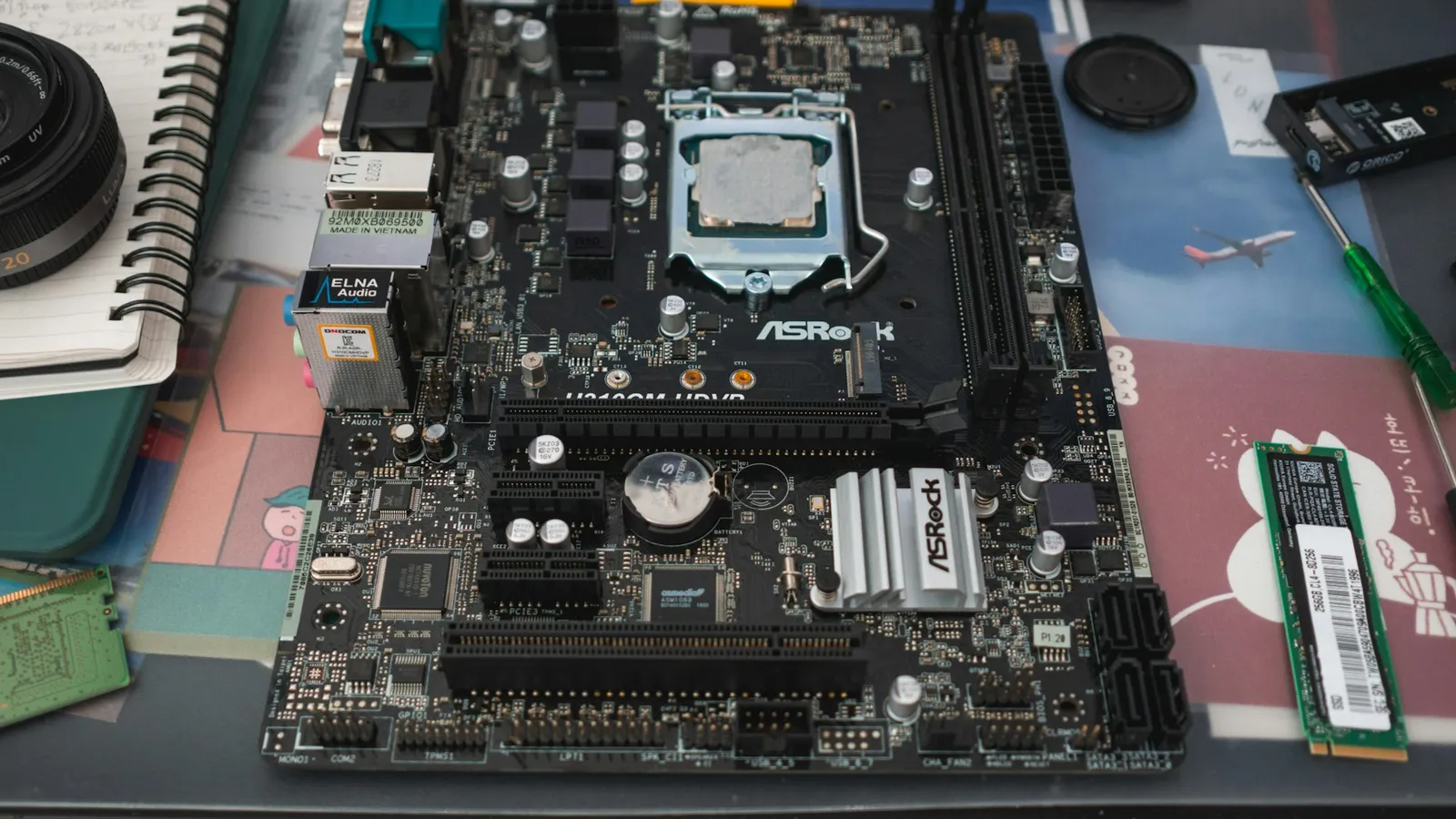
Both chipsets are built from the same part — AMD's Promontory 21 controller. B650 uses one of them. X670 daisy-chains two, with the first chip hanging off the CPU and the second chip hanging off the first over a PCIe 4.0 x4 link (TechPowerUp). That is the whole architectural story: X670 is two B650-class controllers stacked, so it exposes more of everything the chipset provides — USB headers, SATA ports, and downstream PCIe 4.0 lanes for extra M.2 slots and expansion cards.
What the second die does not touch is anything that feeds your game. The CPU itself provides the PCIe 5.0 x16 link to the graphics card and the first PCIe 5.0 x4 link to your primary NVMe drive, regardless of chipset. So the parts that set frame rate — CPU, GPU, and memory — connect the same way on both.
| B650 | X670 | |
|---|---|---|
| Chipset dies | 1 (Promontory 21) | 2, daisy-chained |
| CPU / socket | AM5, Ryzen 7000/8000/9000 | AM5, Ryzen 7000/8000/9000 |
| CPU + memory overclocking | Yes | Yes |
| Guaranteed PCIe 5.0 M.2 slot | No (board-dependent) | Yes |
| PCIe 5.0 to GPU slot | Optional (Gen5 on B650E) | Optional (Gen5 on X670E) |
| Max chipset USB 3.2 Gen 2 (spec) | ~6 | ~12 |
One point that trips people up: base X670 does not guarantee a PCIe 5.0 slot for your graphics card. That's the "E" tier — B650E and X670E are the versions that mandate Gen5 x16 to the GPU (TechSpot). Plain X670 guarantees a Gen5 M.2 slot instead. Either way, no current graphics card is held back by a Gen4 x16 link, so this changes nothing for gaming today.
Gaming: the chipset isn't in the frame-rate path
Put a B650 board and an X670 board on the bench with the same Ryzen CPU, the same GPU, and the same DDR5-6000 CL30 EXPO kit, and they output the same numbers. None of the components that determine frame rate route through the chipset. This is the same reason A620 games identically to B650 with a matched CPU and GPU — the frames come from the processor, the graphics card, and the memory, all of which are wired the same across these boards.
The one AM5 setting that does move frames is running your memory at its rated speed. A DDR5-6000 CL30 kit under EXPO is worth real frames over stock JEDEC speeds, and both B650 and X670 support it fully. So if your goal is a faster gaming PC, the chipset badge is the wrong lever — the memory profile is the right one, and it's free on both.
The connectivity gap is smaller than the spec sheet suggests
Here's where "two chips must be twice as good" falls apart in practice. AMD's platform block diagram lets X670 expose up to about 12 USB 3.2 Gen 2 (10 Gbps) ports against B650's six (wccftech). But a board maker has to physically wire each of those lanes to a port, and almost none of them use the full budget. Puget Systems' chipset breakdown shows a typical base X670 board differing from a base B650 mostly by that guaranteed Gen5 M.2 slot — not a wall of extra ports (Puget Systems).
Where the second die earns its keep is a genuinely I/O-heavy machine: three or four NVMe drives, a capture card, a 10GbE add-in card, and a rear panel stuffed with high-speed USB. That's a content or workstation build, not a gaming one. And a Gen5 SSD, the headline feature of that guaranteed M.2 slot, loads games no faster than a Gen4 drive — we measured exactly that in PCIe 4.0 vs PCIe 5.0 for gaming. For a gaming PC, the honest read is that X670's extra connectivity is capacity you pay for and leave idle.
X670 has already been replaced by X870E
The fact that reshapes this whole decision in 2026: X670 and X670E are the 600-series, and AMD launched the 800-series — X870 and X870E — to replace them on September 30, 2024 (Tom's Hardware). X870E is the current two-die, max-I/O tier, and it mandates USB4 on every board — something X670 never guaranteed. So new X670 stock is drying up, and a builder shopping today mostly finds leftover or used boards.
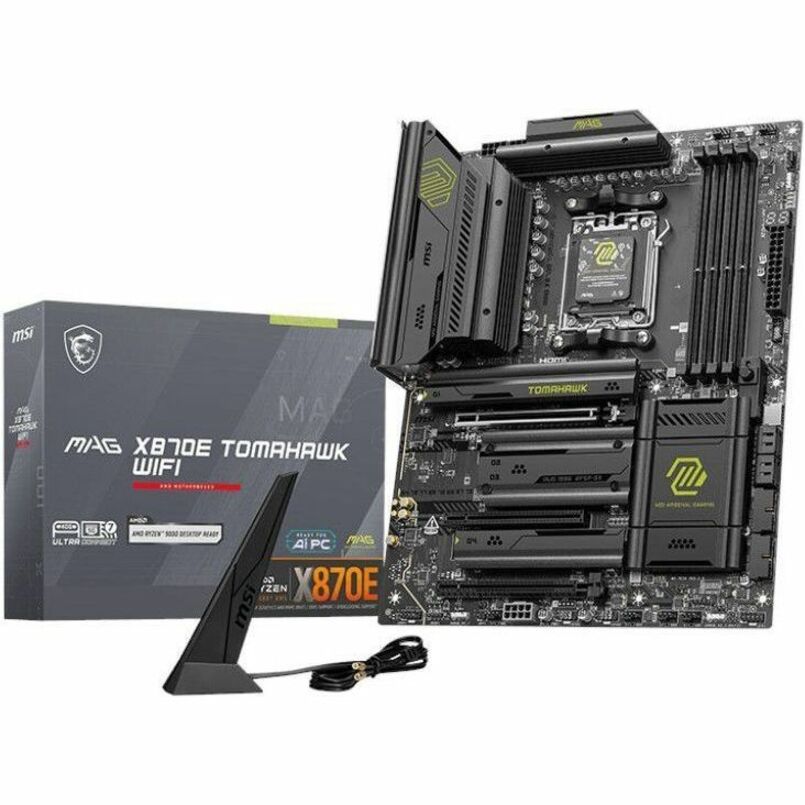
That means the real choice for a fresh build isn't B650 vs X670 at all. It's B650 for a gaming PC, or X870E if you genuinely need the top I/O tier. If your build is the workstation-class machine that would have wanted X670, the current answer is a board like the MSI MAG X870E Tomahawk WiFi ($366.19) — the same dual-die connectivity plus guaranteed USB4 and newer firmware. Buying a new X670 board in 2026 gets you last generation's high tier without USB4, usually for no real saving.
Price and availability
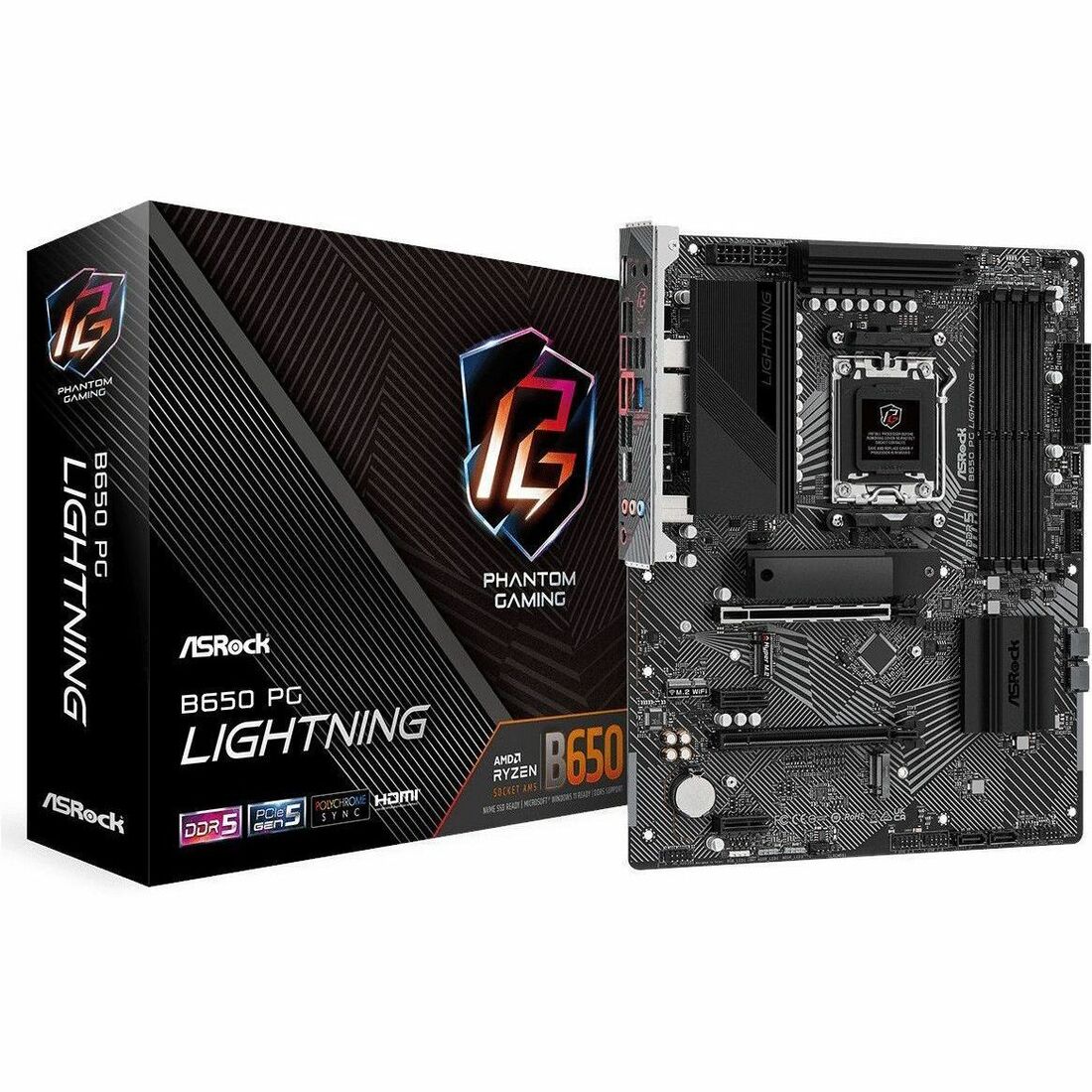
Chipset tier maps straight to price, and for a gaming build the money is better spent elsewhere. In our catalog the ASRock B650 PG Lightning (ATX) is $189.77, and the ASRock B650 PRO RS (ATX) is $206.99 — both full-size B650 boards with room for a graphics card, a couple of M.2 drives, and a tower cooler. Step up to the X870E Tomahawk and you're at $366.19, roughly $160–$175 more for connectivity a gaming build won't fill.
That gap is a graphics-card tier, or a better CPU, or a 360mm AIO. On a pure gaming machine, spending it on the chipset is the classic first-build mistake: paying for the high-tier board and then having nothing left for the part that actually renders the game. If you want the newer mainstream refresh instead, B650 vs B850 covers that step, and B650 vs X870 covers the current high tier. Prices move — check them in your cart at checkout.
Who should buy which
- Buy B650 if the PC is for gaming or general use. You get the same frame rate as X670, full CPU and EXPO overclocking, room for a GPU and multiple NVMe drives, and you keep $160-plus for the parts that change performance. For the overwhelming majority of builds, this is the right call.
- Buy X670 (or, better, X870E) if you're building a workstation-class machine that actually saturates the I/O — three or four NVMe drives, capture or networking cards, and a rear panel full of high-speed USB. For a new build, choose X870E: it's the current version of that dual-die tier with guaranteed USB4, and new X670 stock is fading.
- Don't buy X670 for gaming to "future-proof." The extra USB and PCIe lanes don't turn into frames, a Gen5 SSD doesn't shorten load times, and the platform's forward path is the 800-series, not the 600.
Not sure whether a given board is a clean match for your CPU, cooler, and case? Drop the parts into our PC Builder — it flags an incompatible board-and-CPU pairing before you pay, and it carries the $1 professional build-and-test option if you'd rather have the board, BIOS, and cooler set up and verified for you. If you're pairing a new chip with an older board, it's also worth a two-minute check on whether you need a BIOS update for a new CPU first.