
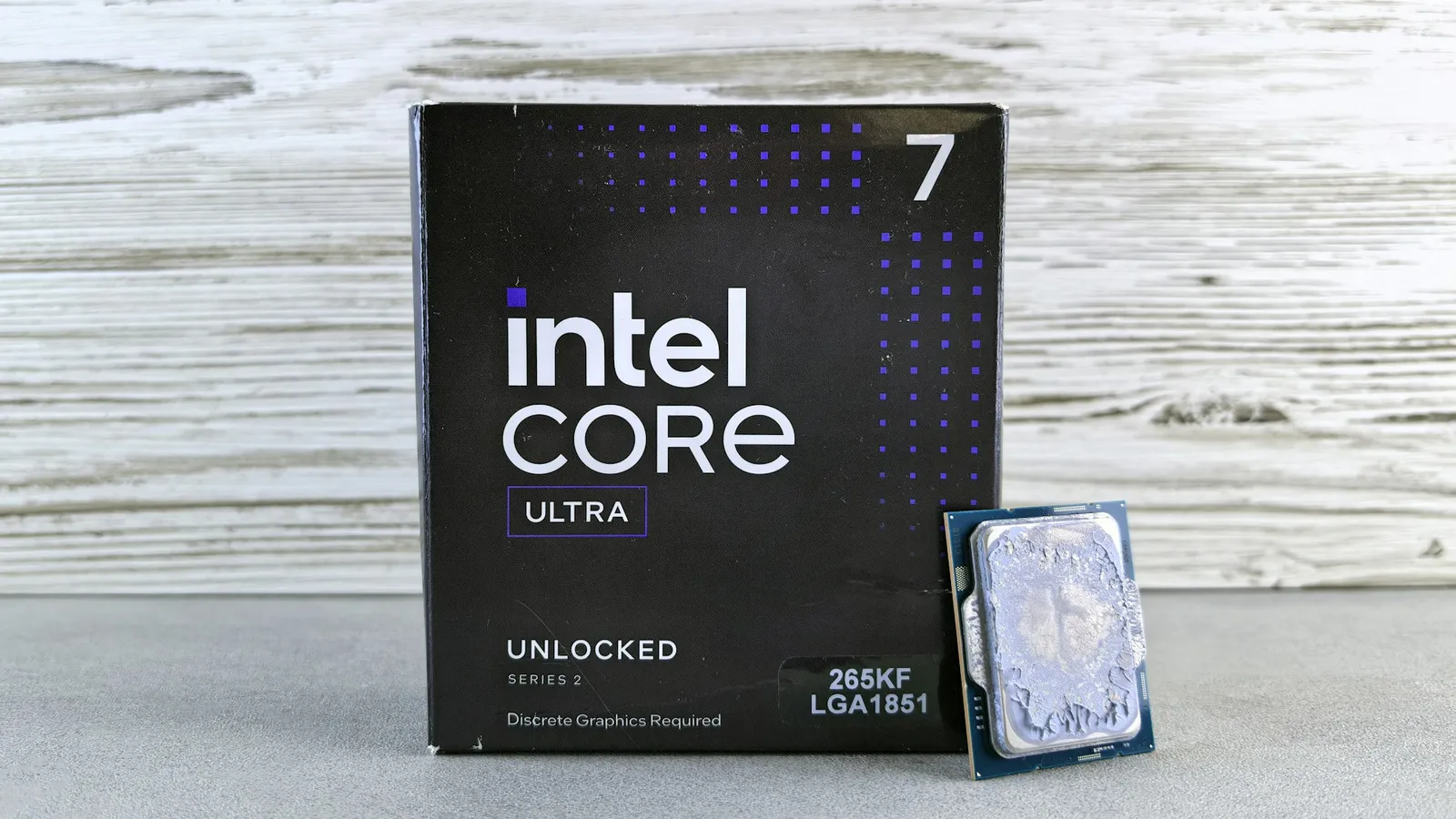
For gaming, the older Core i9-14900K is the faster of these two chips — by roughly 4–5% on average — and it costs less in our catalog ($665.09 versus $757.26 for the Core Ultra 9 285). The newer 285 wins decisively on power efficiency, drawing about a third less, and it sits on Intel's current socket. But it does not make games run faster. If frame rate is the only thing you care about, neither flagship is the right buy, and I will show you the cheaper chip that beats both.
Intel launched Arrow Lake — the Core Ultra 200S family — in late 2024 as the successor to Raptor Lake, so it is reasonable to assume the newer part is the faster one. In gaming it is not. Arrow Lake is one of the rare generations that went backward in frames, and the reviews said so at launch and still say so today.
A note on which chips reviewers tested
Independent reviews benchmark the unlocked 285K and 14900K. Our catalog sells the locked Core Ultra 9 285 (P-cores to 5.6 GHz, 65 W base power) and the unlocked 14900K. The gaming results below track the 285K closely, because games rarely load every core, so the small clock difference barely shows up on screen. The practical differences for you: the 285 runs cooler and cannot be overclocked, while the 14900K can be pushed further if you want to.
How they actually game
Across large, modern test suites at 1080p — the resolution where the CPU, not the GPU, sets the frame rate — the 14900K comes out ahead. TechSpot's 45-game comparison put it about 5% faster on average, with double-digit leads in nine titles; the 285's single best result was The Last of Us Part 1, where it pulled ahead by 17%. Tom's Hardware reached the same verdict, finding the 14900K roughly 4% faster even after giving Arrow Lake faster CUDIMM memory to work with. A later TechSpot retrospective, using updated drivers and microcode, still ranks the 285K behind both the 13900K and 14900K in gaming.
| Core Ultra 9 285 | Core i9-14900K | |
|---|---|---|
| Cores / threads | 24C / 24T (no Hyper-Threading) | 24C / 32T |
| Max boost | 5.6 GHz | 6.0 GHz |
| Avg 1080p gaming | ~4–5% slower | Faster (baseline) |
| Base power | 65 W | 125 W (253 W turbo) |
| Socket / memory | LGA1851 / DDR5-6400 | LGA1700 / DDR5-5600 or DDR4 |
| Catalog price | $757.26 | $665.09 |
At 1440p and 4K the gap shrinks toward zero, because the GPU becomes the limit and the CPU spends more time waiting. That is true of almost any high-end CPU pairing — which is exactly why the premium for either of these over a mid-range chip is hard to justify for a pure gamer. See the best CPUs for 1440p gaming for where the extra money stops buying frames.
Why the newer chip loses frames
Arrow Lake is a clean-sheet design. Intel moved to a disaggregated, tile-based layout, dropped Hyper-Threading entirely (hence 24 threads instead of the 14900K's 32), and the new memory path carries higher latency. Games are unusually sensitive to memory latency, so that change cost real frames even though the cores themselves are efficient. It is the same reason AMD's cache-heavy X3D chips dominate gaming: in games, keeping data close to the core matters more than raw clock speed.
The efficiency story, where the 285 wins
This is the 285's genuine advantage, and it is a big one. Arrow Lake was built to fix Raptor Lake's power and heat problem, and it did. In TechSpot's testing the 285K used 32% less power in Cyberpunk 2077; Tom's measured about 36% less across its suite. The locked 285 we sell, with its 65 W base rating, runs lower still.
That matters beyond the power bill. The 14900K is one of the hottest-running desktop chips Intel has shipped, and it needs serious cooling to hold its clocks — a good 360 mm cooler is not optional at full tilt (the same liquid-cooling question that follows the 14700K applies here, only more so). The 285 is far happier on a mid-range cooler and in a small or quiet case. If you are building for a tidy, cool, low-noise machine rather than a leaderboard, the efficiency gap is worth more than a handful of frames.
The platform question: new board vs mature board
The chips use different sockets, and that is where the real cost hides. The Core Ultra 9 285 needs an LGA1851 board (Intel 800-series, such as a Z890) and DDR5 only. The 14900K uses LGA1700, which has been around since 2021, so the boards are cheaper and more plentiful, and it will run either DDR5 or older DDR4 — useful if you are reusing parts.
With memory prices where they are in late 2026, being forced onto fresh DDR5 is not a small line item; it is worth reading where RAM prices are heading before you commit to a new platform. For a lot of buyers, the honest math is that the socket decision costs more than the 4–5% frame difference between the chips.
The 14900K's asterisk you should know about
To be fair to the newer chip, the 14900K carries baggage. Intel's 13th- and 14th-gen K-series went through a well-documented instability saga: elevated operating voltages could permanently degrade some chips. Intel traced it to voltage and microcode behavior and shipped a final 0x12B microcode update in 2024 that prevents the problem on healthy chips — though it cannot repair a CPU that is already damaged.
In practice, a new retail 14900K bought today ships on boards with the fixed microcode, and running Intel's default power settings keeps it in safe territory. But Arrow Lake simply never had this problem — it is a new architecture, unaffected. For a cautious buyer who wants to install a chip and not think about it, that clean history is a legitimate point in the 285's favor, and it partly offsets the gaming deficit.
Price and the chip that beats both
Here is what each costs in our catalog today.
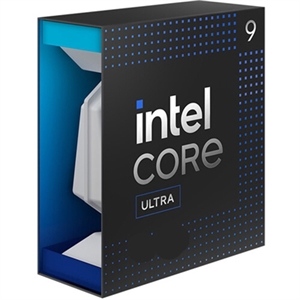
The Core Ultra 9 285 is $757.26. The Core i9-14900K is $665.09 — the cheaper chip and the faster one in games.
Now the uncomfortable part for both of them: the Ryzen 7 9800X3D is $568.12, cheaper than either flagship, and it is the fastest gaming CPU you can buy right now. If your build is primarily for games, the right move is to buy neither Intel flagship and spend the savings on your GPU. The 285 and 14900K earn their price only when heavy multithreaded work — rendering, encoding, compiling — is part of the job, and there the two Intel chips land close to each other, with the 285 pulling ahead in some tasks while using far less power.
You can confirm any of these chips against a board, cooler, and memory in our PC Builder, which flags socket and wattage mismatches as you add parts — handy when the 285 and 14900K need different motherboards.
Who should buy which
- Buy the Core i9-14900K if you want the faster gamer of the two, you want to spend less, and you are happy on a cheaper, proven LGA1700 board. Run Intel's default power profile and you get a known quantity.
- Buy the Core Ultra 9 285 if efficiency, heat, and a current socket matter more to you than a few frames: a small or quiet build, a machine that mixes gaming with content work, or one you simply want to run cool and forget about. You pay more up front for a new platform.
- Buy neither if gaming is the whole point. The Ryzen 7 9800X3D is faster in games and cheaper than the 285. For a comparison at the AMD flagship level, see the Ryzen 9 9950X vs Core i9-14900K matchup.