
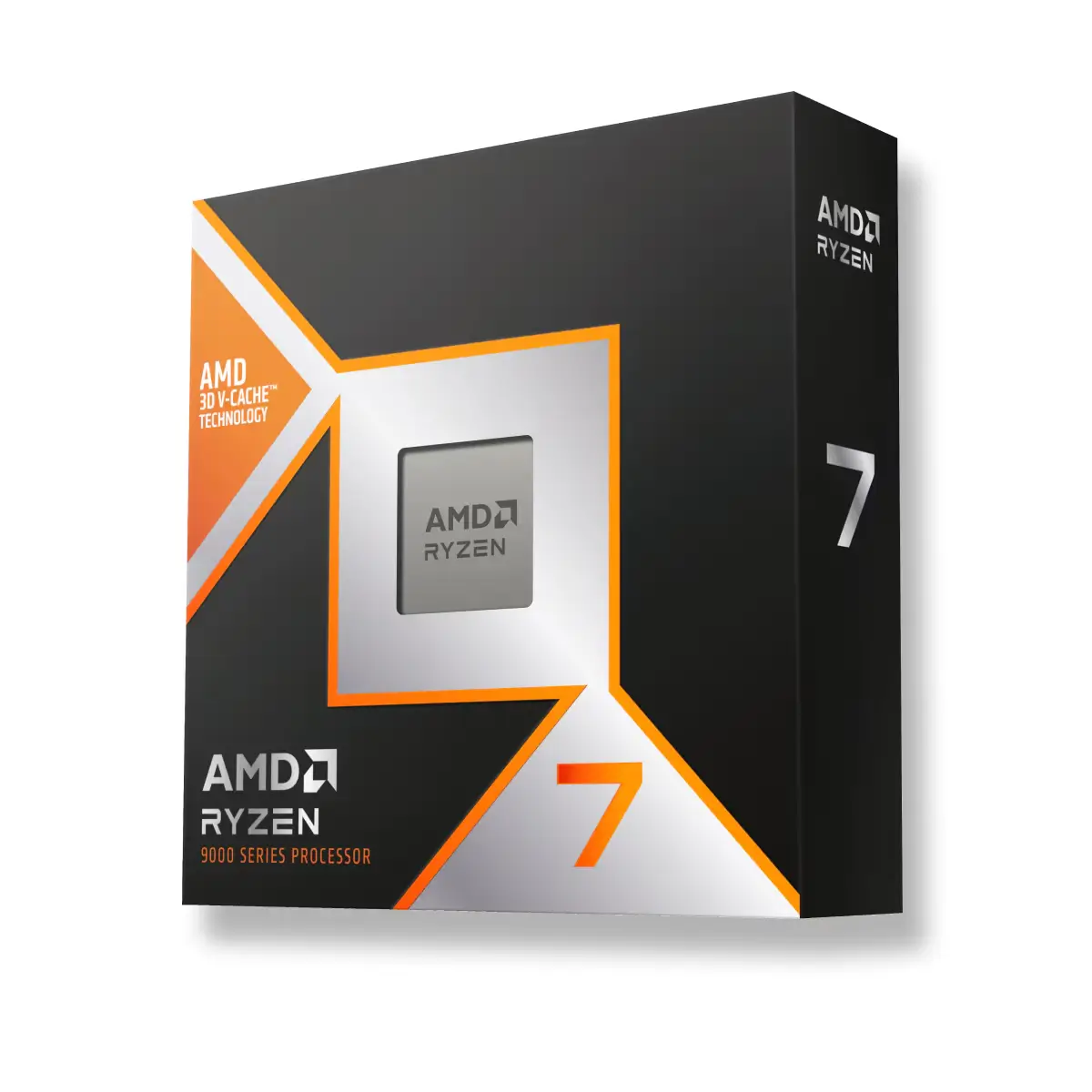
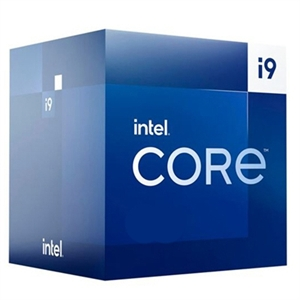
For gaming, the Ryzen 7 9800X3D is the better buy, and it is not close. It averages roughly 30% more frames than the Core i9-14900K at 1080p on a flagship GPU, draws far less power, runs cooler, and — at TechCortex today — actually costs less. The only reason to pick the 14900K is work outside games: its 24 cores crush the eight-core AMD chip in rendering, video encoding, and heavy compiles.
The confusion comes from Intel's spec sheet. The 14900K lists 24 cores, 32 threads, and a 6.0 GHz boost against the 9800X3D's 8 cores and 5.2 GHz. On paper it looks like the bigger chip. But games rarely use more than eight cores, and they love memory latency — which is exactly where AMD's 3D V-Cache rewrites the math.
Gaming performance: cache beats clock speed
The 9800X3D stacks 96MB of L3 cache under the cores (AMD's second-generation 3D V-Cache). That giant cache keeps game data on-die, so the CPU stops waiting on system memory — and frame rates climb. GamersNexus measured the 9800X3D ahead of the 14900K at 1080p in every CPU-bound title they tested:
| Game (1080p) | 9800X3D lead over 14900K |
|---|---|
| Baldur's Gate 3 (Medium) | ~53% |
| Starfield (Low) | ~25% |
| F1 24 (High) | ~21% |
| Final Fantasy XIV Dawntrail | ~20% |
| Dragon's Dogma 2 (High) | ~17% |
| Rainbow Six Siege (Very High) | ~10% |
| Total War: Warhammer 3 (Medium) | ~5% (GPU-bound) |
Source: GamersNexus, 1080p, flagship-class GPU. Tom's Hardware put the geometric mean across its 13-game suite at about 30% in the 9800X3D's favor on an RTX 4090.
The honest part: that lead is a 1080p, flagship-GPU number. Those tests run at low resolution on purpose, to remove the graphics card as a limiter and isolate the CPU. Play at 1440p or 4K with a card that is working hard, and both chips feed the GPU fast enough that the gap shrinks — in the most GPU-bound title above it was already down to ~5%. If you game at 4K, the CPU matters far less than the GPU; our best CPU for 4K gaming in 2026 guide covers where the money actually goes at that resolution.
Productivity: where the 14900K earns its cores
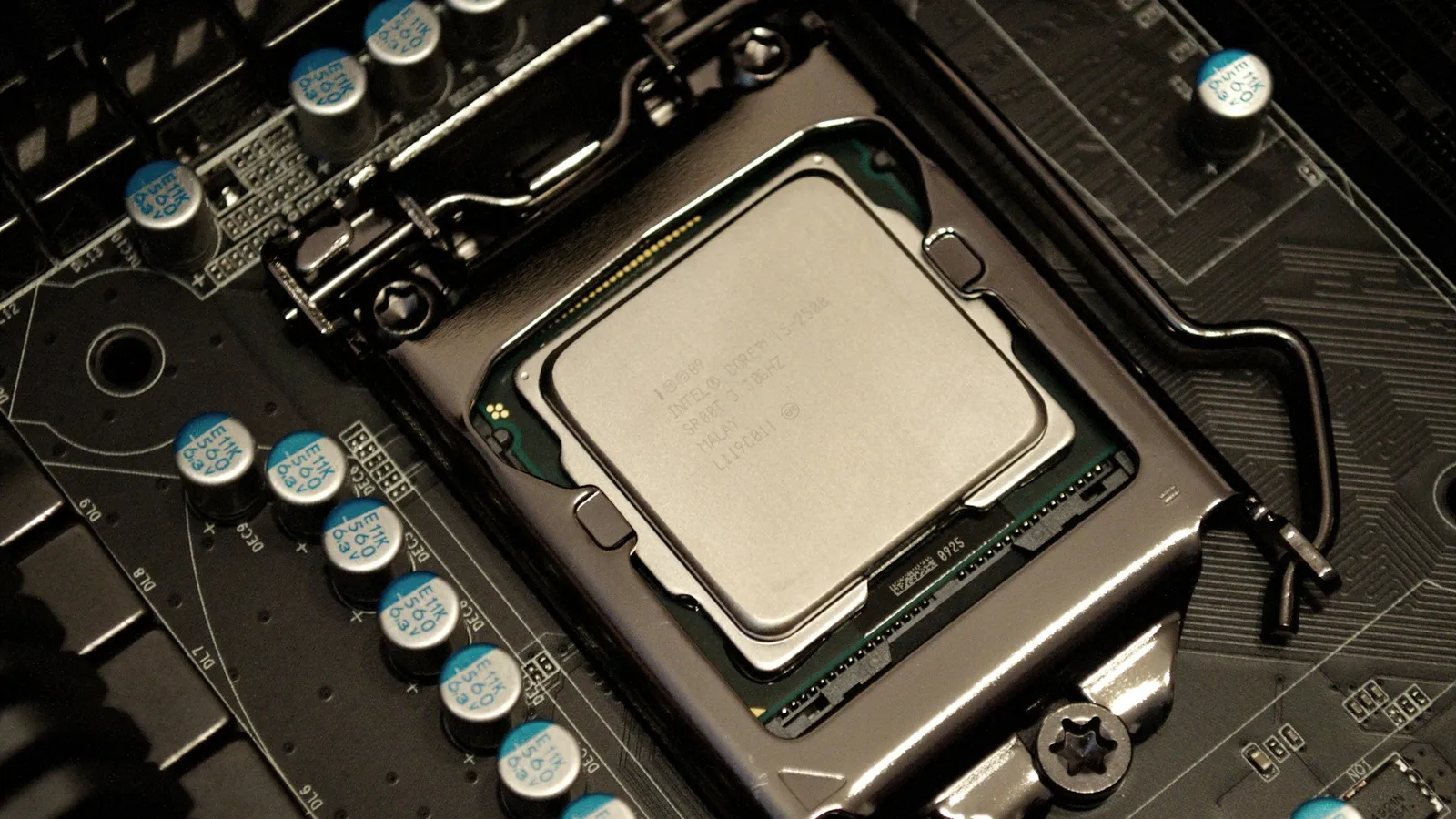
This is the half of the comparison AMD fans skip. The 14900K has 24 cores (8 performance + 16 efficiency) and 32 threads; the 9800X3D has 8 cores and 16 threads. In fully multi-threaded work — Blender renders, Cinebench, video encodes, large code compiles — reviewers measure the 14900K well ahead of the 9800X3D (Tom's Hardware). More threads simply finish the job faster.
So the 9800X3D is not the "better CPU" in every sense. It is the better gaming CPU. If your machine spends its day rendering or exporting and games at night, the 14900K's extra cores are real value — or, if you want that core count without Intel's power and heat, look at the all-AMD split in Ryzen 9 9950X vs Ryzen 7 9800X3D.
Power, heat, and the stability history
The 9800X3D caps package power at 162W and stayed around 54–99W in GamersNexus's gaming tests, topping out near 77°C under an all-core Blender load on a 360mm cooler. The 14900K's Maximum Turbo Power is 253W, and it runs hot enough that a strong cooler is mandatory, not optional. In efficiency terms the gap is stark: in 7-Zip compression GamersNexus logged the 9800X3D at 1298 MIPS/W against the 14900K's 672 — roughly twice the work per watt.
There is also the elephant in the room. Intel's 13th- and 14th-gen K chips, the 14900K included, had a well-documented instability problem. Intel traced it to elevated operating voltage and shipped microcode fixes (delivered through a BIOS update), and it extended the warranty by two years, to five total. A 14900K bought today should ship on a fixed BIOS, but if you build with one, update the board's BIOS before first boot — the same step we cover in do you need to update BIOS for a new CPU.
Platform and price
The platform decision outlasts the chip. The Ryzen 7 9800X3D uses Socket AM5, which AMD has committed to supporting with future CPU generations — you can drop in a newer chip later without a new motherboard. It is DDR5-only; pair it with a 32GB DDR5-6000 CL30 kit for the sweet spot (see DDR5-6000 vs DDR5-8000 for why faster memory buys little here).
The Core i9-14900K uses LGA1700, which is end-of-line — it is the last generation for that socket, so any future CPU upgrade means a new board too.
On price, the matchup is lopsided in the gaming buyer's favor. At TechCortex right now the 9800X3D is $568.12 and the 14900K is $665.09. The faster gaming chip is also the cheaper one. You can drop either into a compatibility-checked build in our PC Builder.
Who should buy which
- Buy the 9800X3D if gaming is the point of the machine — at any resolution, it is faster in games, cheaper here, cooler, and on a socket with a future. For a pure gaming build, there is no argument for the 14900K over it.
- Buy the 14900K if your workload is heavily multi-threaded — 3D rendering, video encoding, compiling — and gaming is secondary. Its 24 cores do real work the eight-core AMD chip cannot match, and you accept the power, heat, and dead-end socket to get them.