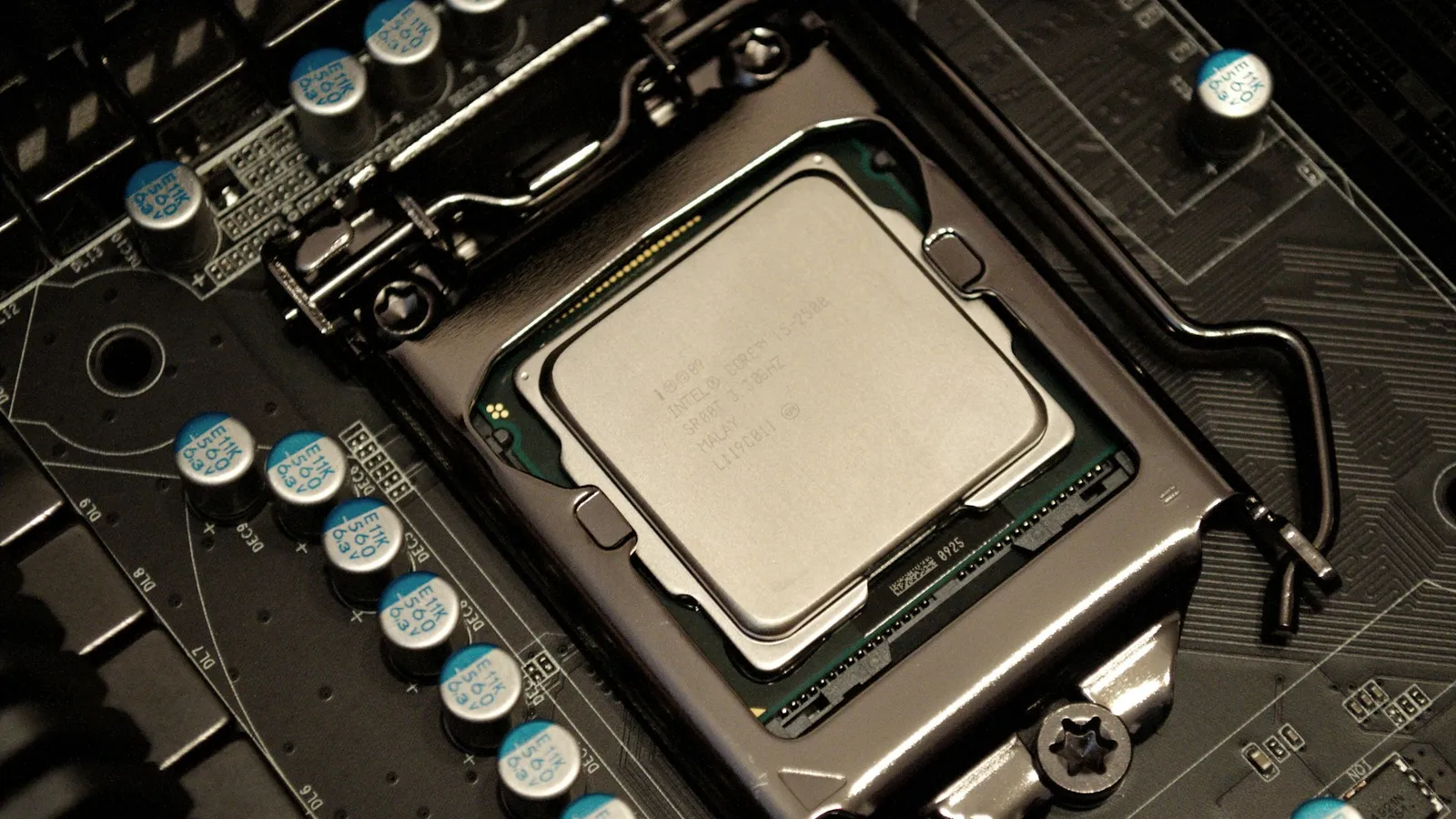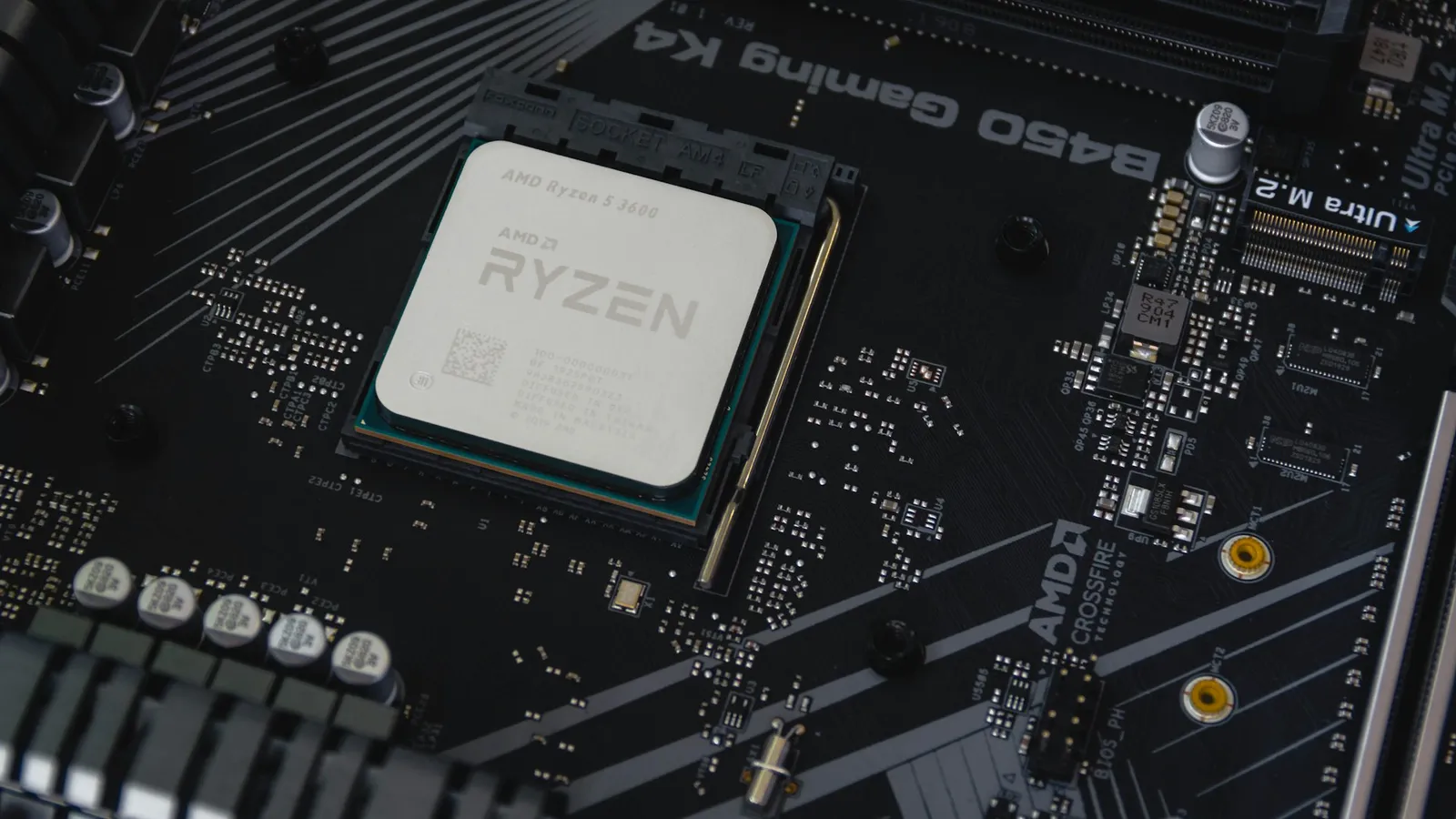

If the machine exists to play games, buy the Ryzen 7 7800X3D ($409.99). It's the faster gaming chip of the two, it costs about $200 less than the Core i9-14900K ($614.11), and it does it while drawing a fraction of the power. The 14900K is the right call in exactly one situation: your PC does heavy multi-core work — video encoding, 3D rendering, code compiling — alongside gaming, because there its 24 cores roughly double the 7800X3D's output. For frame rate alone, the cheaper AMD chip wins.
The question comes up because the 14900K sits a full tier higher in Intel's stack, costs more, and posts bigger numbers in specs sheets — 24 cores against 8, higher clocks, a longer feature list. Buyers assume the flagship must game better. In games it doesn't, and the reason is a slab of cache.
Gaming performance: the 7800X3D is the faster chip
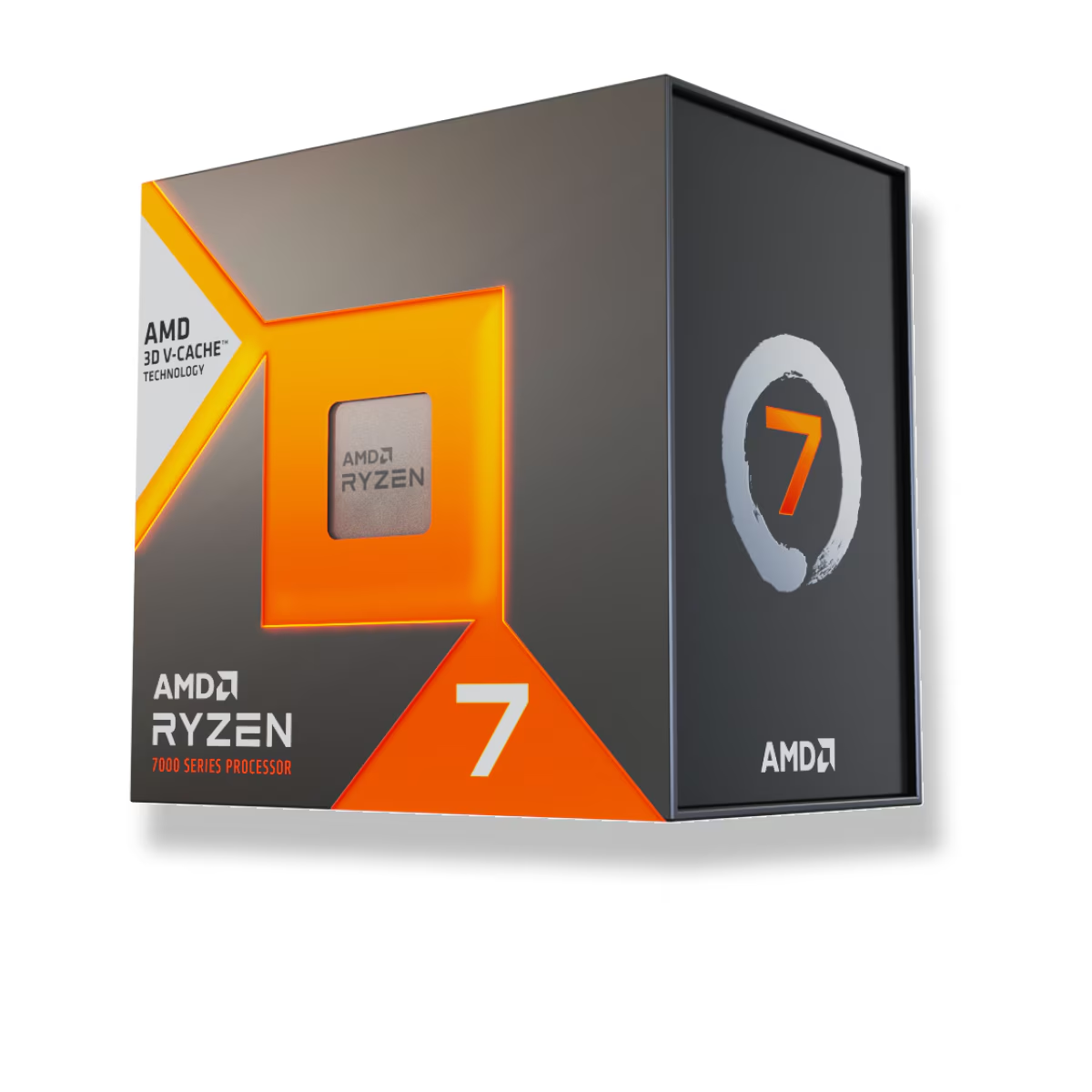
At 1080p with a high-end GPU — the setup reviewers use to remove the graphics card as the limiting factor and expose the CPU — the 7800X3D is consistently ahead. TechSpot's direct comparison put the AMD chip roughly 5–6% faster on average across its game suite, with individual CPU-bound titles pushing the gap into double digits: around 12% in Cyberpunk 2077 and Far Cry 6.
The reason is the 7800X3D's 3D V-Cache. It stacks 96MB of L3 cache onto the die, and game engines — which constantly juggle small, scattered chunks of data — feed on that cache. Frames the 14900K has to build by reaching out to slower system memory, the 7800X3D often serves straight from cache. Raw clock speed, where the 14900K leads, matters less than keeping the cores fed, and in games the AMD chip keeps them fed better.
The honest counterweight: that lead only exists when the CPU is the bottleneck. At 1080p with a top-tier GPU, sure. Move to 1440p or 4K, or pair either chip with a mid-range card, and the graphics card runs out of headroom long before the processor does. At those resolutions the two effectively tie. If you game at 1440p, you will not feel the difference between these CPUs — put the saved money into the GPU instead, where it buys real frames.
Productivity: where the 14900K earns its price
Flip the workload from gaming to heavy multi-threaded work and the result inverts, hard. The 14900K's 24 cores and 32 threads roughly double the 7800X3D's throughput in tasks that scale across every core — video encoding, Blender renders, compiling large codebases, running many virtual machines. In Cinebench R23 multi-core, the gap approaches 2x.
This is not a small edge, and it's the whole reason to consider the 14900K. If your PC is a workstation that also games — you edit and export video, render 3D scenes, or compile for a living — the 14900K's extra cores translate into real time saved on every job. The 7800X3D, with eight cores, simply isn't built for that fight. It's a gaming specialist.
So the split is clean: the 14900K is the faster computer, the 7800X3D is the faster game machine. Which label fits your actual usage decides this more than any single benchmark.
Power and heat: the 14900K's real cost
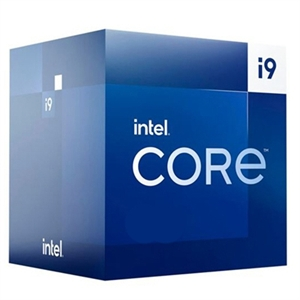
The efficiency gap is the most lopsided part of this comparison, and it follows you long after the purchase. During gaming the 14900K draws roughly 130W more on average than the 7800X3D. Under a heavy all-core load its package power climbs past 250W and, on an unrestricted board, can spike toward 350W. The 7800X3D games at around 50–80W.
That difference isn't just a line on the electric bill. It sets your cooling budget. The 7800X3D is content on a solid air cooler or a 240mm AIO. The 14900K wants a 360mm AIO to hold its clocks under sustained load, and it dumps far more heat into your case and your room. Two chips, two very different builds around them.
Platform and longevity: AM5 vs a dead socket
| Ryzen 7 7800X3D | Core i9-14900K | |
|---|---|---|
| Cores / threads | 8 / 16 | 24 / 32 |
| Socket | AM5 | LGA1700 |
| Memory | DDR5 only | DDR4 or DDR5 |
| Gaming (1080p, avg) | ~5–6% faster | baseline |
| Multi-core work | baseline | ~2x faster |
| Gaming power draw | ~50–80W | ~130W more |
| Price (TechCortex) | $409.99 | $614.11 |
The 7800X3D drops onto AMD's AM5 socket, which AMD has committed to supporting with new CPUs through 2029. A buyer today can pair it with an affordable board like the ASRock B650 PG Lightning ($189.77) and still have a clear upgrade path for years.
The 14900K sits on LGA1700, and that socket is finished — 14th Gen is the last desktop generation Intel built for it. A board such as the Asus TUF Gaming Z790-Plus WiFi ($282.74) is a fine home for the chip, but there is no future CPU to drop into it. Any Intel upgrade means a new motherboard too.
One more thing an honest comparison has to name: Intel's 13th and 14th Gen chips, including the 14900K, were hit by a Vmin Shift instability problem — elevated voltage requests that could degrade the processor over time. Intel diagnosed the root cause and shipped microcode fixes (delivered through BIOS updates), and extended the warranty on affected chips by two years. A 14900K on current firmware is stable — but it's a saga the 7800X3D never had, and if you buy the Intel chip, make sure the motherboard is on an up-to-date BIOS before first boot.
Price: the gaming winner is also cheaper
There's no premium to pay for the better gaming chip here — it's the opposite. The 7800X3D lists at $409.99 against the 14900K's $614.11, a $204 gap in the AMD chip's favor. Factor in the cheaper cooling the 7800X3D needs and lower running power, and the total build cost separates further.
That reframes the whole decision. This isn't "spend more for gaming performance." For gaming, you spend less and get more. The only reason to send the extra $200-plus to Intel is if you genuinely need the multi-core muscle for work.
Who should buy which
- Buy the 7800X3D if the PC is primarily for gaming — at any resolution. It's faster in games, cheaper, cooler, more efficient, and sits on a socket with a real upgrade path. For the large majority of gaming builds, this is the correct chip.
- Buy the 14900K if you run heavy multi-threaded workloads — video export, 3D rendering, compiling, heavy virtualization — as more than an occasional task. Its 24 cores roughly double the AMD chip's productivity output, and that time saved is the payoff for the higher price and power.
- Buy neither top-tier chip if you game at 1440p or 4K on a mid-range GPU and don't do serious content work. Both are overkill; the CPU won't be your bottleneck, and the money belongs in the graphics card.
Both chips, matching boards, and compatible memory can be assembled with automatic compatibility checks in our PC Builder, so you won't accidentally pair the 14900K with an AM5 board or the 7800X3D with DDR4. If you're weighing AMD's gaming chips against each other, our Ryzen 7 7800X3D vs 7700X breakdown covers whether the V-Cache is worth the step up.