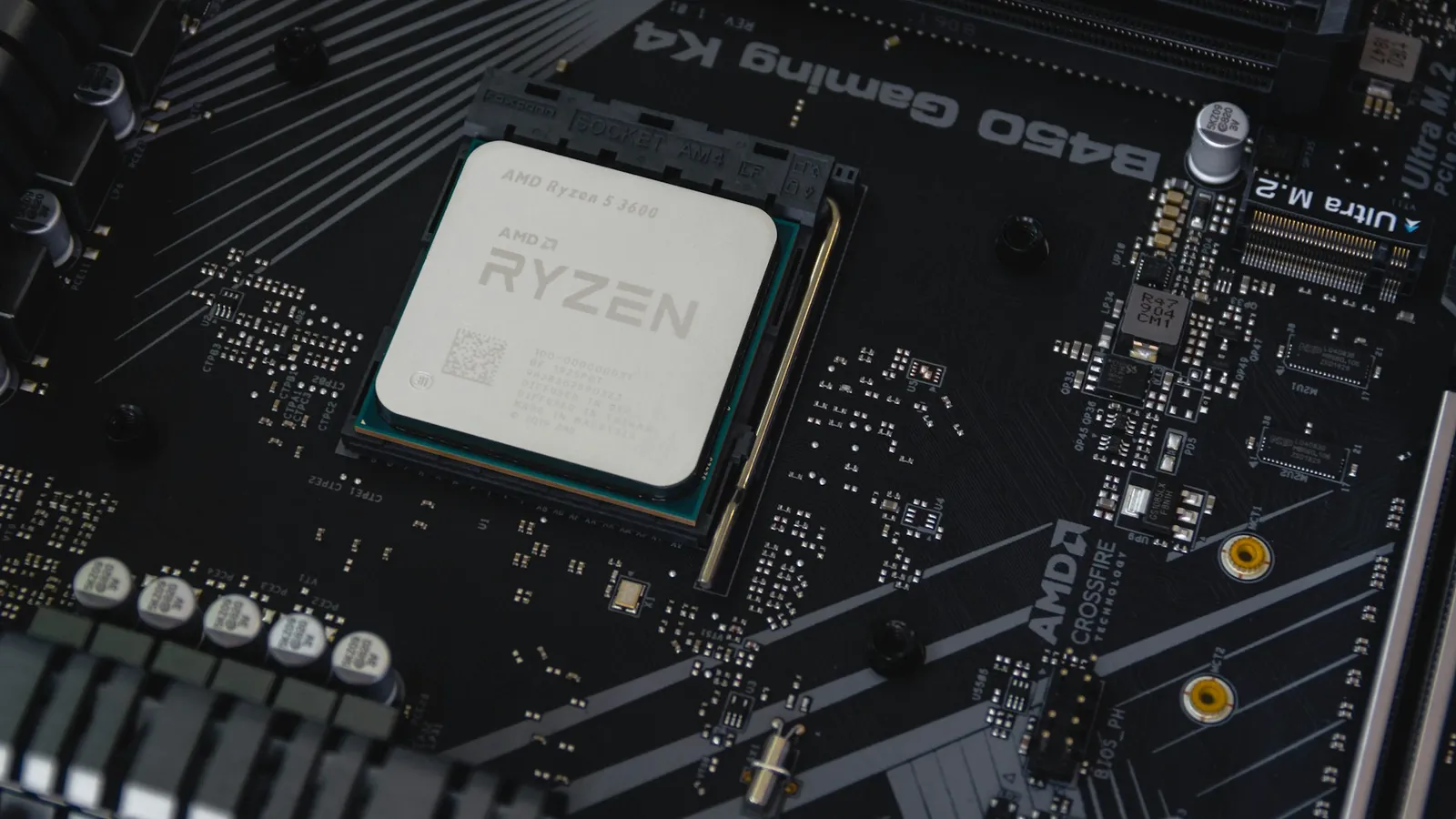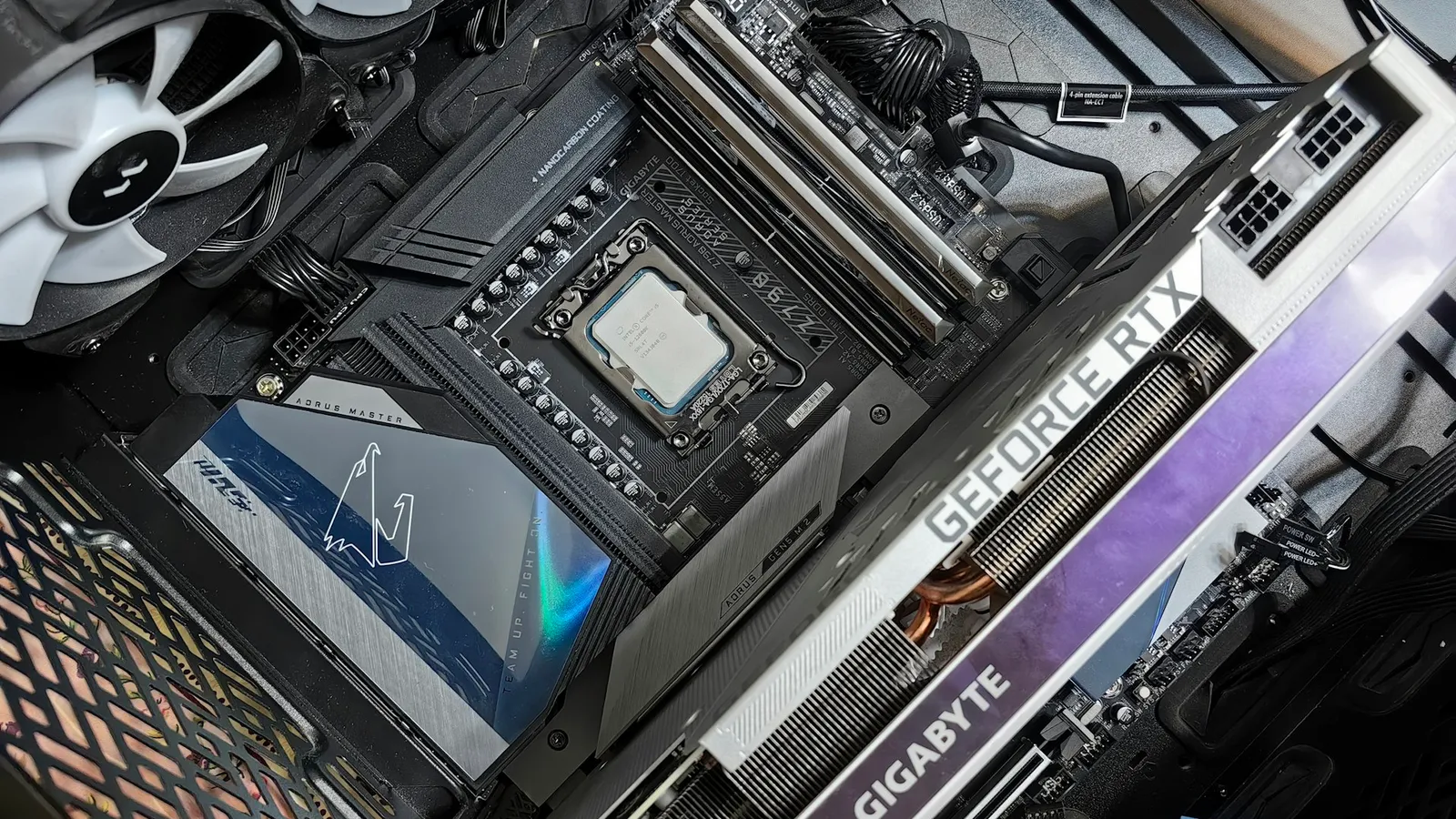

For a Ryzen 7 7800X3D, a mid-range B850 board is the right buy for almost everyone — the MSI B850 Gaming Plus WIFI at $282.04 is our pick. The chip you are pairing it with can't be overclocked and pulls around 50W in games, so the heavy power delivery and dual-chipset lanes on an X870E board do nothing for your frame rate. Put that money into a better GPU instead.
That one fact — the 7800X3D is a locked, low-power gaming CPU — decides the whole board question. The features that justify a premium AM5 motherboard, namely serious CPU overclocking headroom and exotic 20-phase VRMs, are wasted here. What matters is a board that already boots the chip, has the M.2 and USB layout you need, and runs DDR5-6000 cleanly.
How we picked
We ranked boards by what the 7800X3D actually asks for: a VRM that stays cool at 50–89W (trivial for any modern board), the storage and USB ports you will really use, and confirmed support for the chip out of the box. We ignored VRM phase counts past "enough," RGB, and marketing tiers, because none of that touches gaming frame rates on a CPU you can't push harder.
Prices are from our live catalog at the time of writing and can move. Every board below is in stock; we left out anything you can't actually buy today.
What the 7800X3D needs from a board — and what it doesn't
The 7800X3D is an 8-core, 16-thread Zen 4 chip with 96MB of L3 cache (via 3D V-Cache), a 120W TDP, and a 5.0 GHz boost. In games it typically draws about 50W — less than half of a Core i9 under the same load.
It also can't be manually overclocked. AMD locks the core multiplier on its 3D V-Cache parts because the stacked cache is voltage- and heat-sensitive, so overclocking options are far more limited than on the 7700X. You are left with PBO Curve Optimizer undervolting and EXPO memory tuning — both of which work on essentially any AM5 board, including the cheapest.
Put those two facts together and the expensive parts of a high-end board stop mattering. A 12-phase VRM is already overkill for 50–89W. Beefier power stages, larger heatsinks, and dual-chipset PCIe lanes are there for 16-core overclocked chips and multi-GPU expansion — not for a locked gaming CPU.
ASRock A620M Pro RS — Budget pick ($175.75)
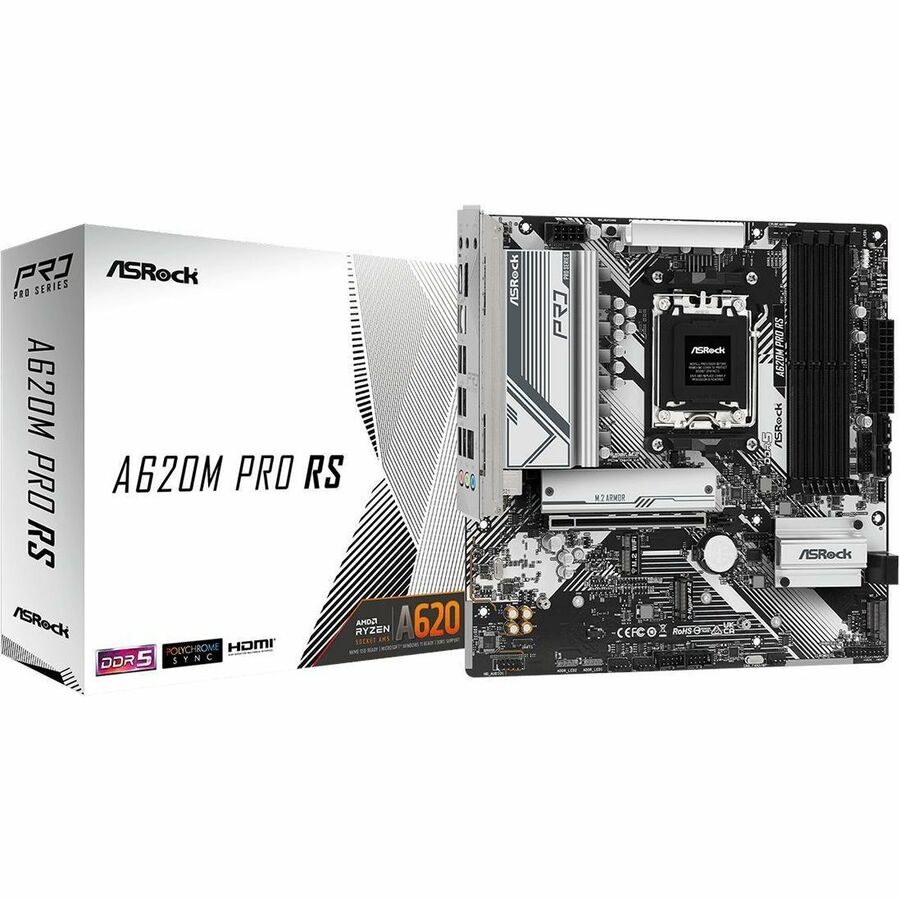
A620 is the entry AM5 chipset, and its headline limitation is that it does not support CPU overclocking — only memory overclocking. On any other chip that would be a real trade-off. On a 7800X3D, which you cannot overclock regardless, it costs you exactly nothing that matters. You still get EXPO to run DDR5-6000, and the GPU runs on a PCIe 4.0 x16 link, which does not bottleneck any current card.
Right for you if: you are building a focused gaming rig and want every spare dollar in the GPU. The ASRock A620M Pro RS leaves you roughly $100 versus a B850 board to spend where it shows up in frame rates.
Skip it if: you want a PCIe 5.0 x16 GPU slot for future cards, more than one or two M.2 slots, or USB4. A620 is deliberately stripped down.
MSI B850 Gaming Plus WIFI — Overall pick ($282.04)
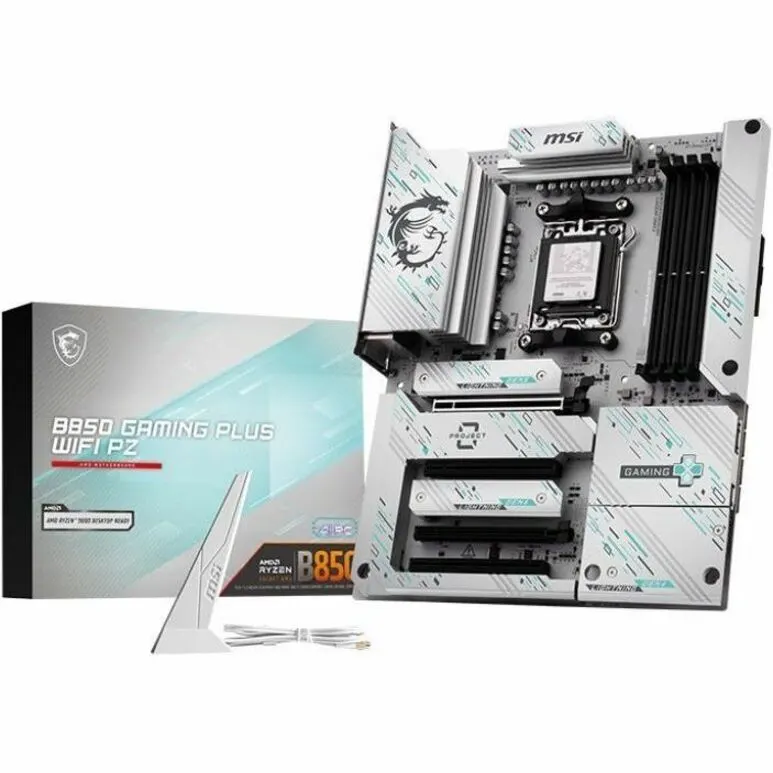
B850 is the sensible default for this CPU. It supports full memory and CPU tuning, and unlike the older B650, a PCIe 5.0 M.2 slot is mandatory on B850, so a Gen5 SSD has a home without stepping up to X870. The MSI B850 Gaming Plus WIFI gives you Wi-Fi, a VRM the 7800X3D will never stress, and the ATX layout most builders want.
Building small? The MSI B850M-P WIFI is the same chipset in micro-ATX for $207.51 — a clean fit for a compact case with no real feature loss for a gaming build.
Right for you if: you want one board that does everything a 7800X3D gaming or streaming build needs, with Gen5 storage room and no overspend.
Skip it if: your workflow specifically needs USB4 or the extra PCIe lanes of an X870/X870E board.
Asus Prime X870-P WIFI — Only if you need USB4 ($292.14)
X870's defining feature over B850 is that USB4 is mandatory, usually as rear USB-C ports rated for 40 Gbps. The chipset does not make games run faster. If you drive an external SSD enclosure, a USB4 dock, or a high-bandwidth capture setup, the Asus Prime X870-P WIFI is a reasonable $10 step up from our B850 pick for that one capability.
Right for you if: USB4 or Thunderbolt-class external connectivity is on your must-have list.
Skip it if: it isn't. For pure gaming, this is money for a port you won't plug into. We break the tiers down further in B850 vs X870.
MSI MAG X870E Tomahawk WIFI — The one to skip here ($366.19)
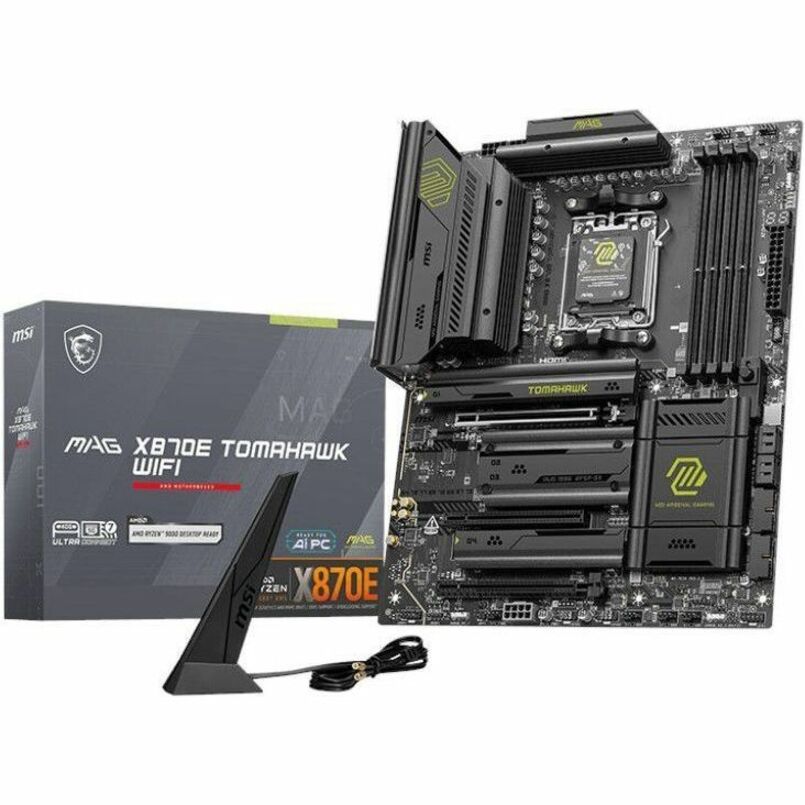
The MSI MAG X870E Tomahawk WIFI is a genuinely good board — for the wrong CPU. X870E uses a dual-chipset design for maximum PCIe 5.0 lanes and expansion, aimed at overclocked 12- and 16-core chips and multi-device setups. On a 7800X3D you can't overclock and that draws 50W, its extra power delivery and lanes sit idle while you pay $84 more than the B850. If you want to know exactly where the money goes, we cover it in X870 vs X870E.
Right for you if: you are also running a 9950X-class chip or a lane-hungry expansion setup — not this CPU alone.
Skip it if: the 7800X3D is your CPU. This is the classic overspend on a locked chip.
Cooling and memory: don't let the board budget eat these
The dollars you save by not buying X870E are better spent on the parts that move temperatures and frame rates. The 7800X3D runs cool at 50W but still benefits from a solid cooler under all-core load — we cover whether it needs an AIO. For memory, DDR5-6000 CL30 is the target; going faster gains little, as we measured in DDR5-6000 vs DDR5-6400.
If you are pulling parts together, the PC Builder checks CPU, board, and memory compatibility as you go, so the Ryzen 7 7800X3D and any board above land in a config that actually posts.