
No, the Ryzen 7 7800X3D does not need an AIO — a good air cooler is enough, and a liquid cooler won't win you a single frame. This chip is one of the lowest-power gaming CPUs you can buy: AMD rates it at a 120W TDP with a 162W package-power ceiling, but reviewers measured it settling into roughly a 65W profile and peaking near 88W under load (Tom's Hardware). Its multiplier is locked, so there is no manual overclock to feed extra cooling headroom into. An AIO's only jobs here are looks and clearance.
There is one wrinkle that keeps this from being "throw the cheapest cooler at it." The stacked 3D V-Cache sits on top of the compute die and insulates it, so the 7800X3D runs a little warm for its wattage and AMD lowered its thermal ceiling to 89°C (Tom's Hardware). You want a competent air cooler — not a liquid loop, and not a bargain-bin stock heatsink either.
Why the 7800X3D barely stresses a cooler
The number that settles this is power draw. A cooler's whole job is to move the heat a CPU produces, and the 7800X3D produces very little. Tom's Hardware clocked it settling into roughly a 65W operating profile with peaks near 88W of package power — despite the 120W number on the spec sheet (Tom's Hardware). TechPowerUp and TechSpot both singled it out as the most efficient gaming CPU of its generation for the same reason (TechPowerUp, TechSpot).
In games specifically — a bursty, partial-load workload — it pulls even less than that full-load peak. Compare that to a Core i9 that can push past 250W in an all-core stress test and genuinely needs a 360mm radiator to stay in check. The 7800X3D is not that chip. It is eight cores with a big cache, tuned for efficiency, and it hands your cooler an easy job.
The locked multiplier is the second half of the answer. On a standard CPU, a beefier cooler lets you push clocks higher and claw back performance. The 7800X3D won't let you: AMD locks the ratio, and the only knob is Precision Boost Overdrive with Curve Optimizer, which is an undervolt that nets a few percent at best (SkatterBencher). There is no manual all-core overclock waiting behind a bigger radiator. Cooler headroom you can't spend is headroom you don't need to buy.
Why it still runs a little warm — the 89°C ceiling
Efficient does not mean cold. The 3D V-Cache is stacked on top of the compute die, which puts a layer of silicon between the hottest transistors and the cooler's contact plate. Heat has a harder path out, so the chip reads hotter than its low wattage suggests, and AMD set its Tctl/Tjmax ceiling to 89°C — lower than the 95°C of a non-X3D Zen 4 part (Tom's Hardware).
That is the reason to skip the truly cheap route. A stock-tier cooler in a poorly ventilated case can let the 7800X3D bump 89°C and shave a little off its boost clocks. A mid-range air tower fixes that with room to spare — you'll typically see 60–80°C in gaming, nowhere near the limit. What it does not mean is that you need liquid. An AIO and a good air cooler both keep this chip well under its ceiling; the AIO just does it with a pump you can hear and a sealed loop that can eventually fail.
What to actually buy
For a 7800X3D, spend on the CPU and a solid air cooler, and put the rest toward the GPU — that's where your frames actually come from. The AMD Ryzen 7 7800X3D is $415.41 in our catalog.
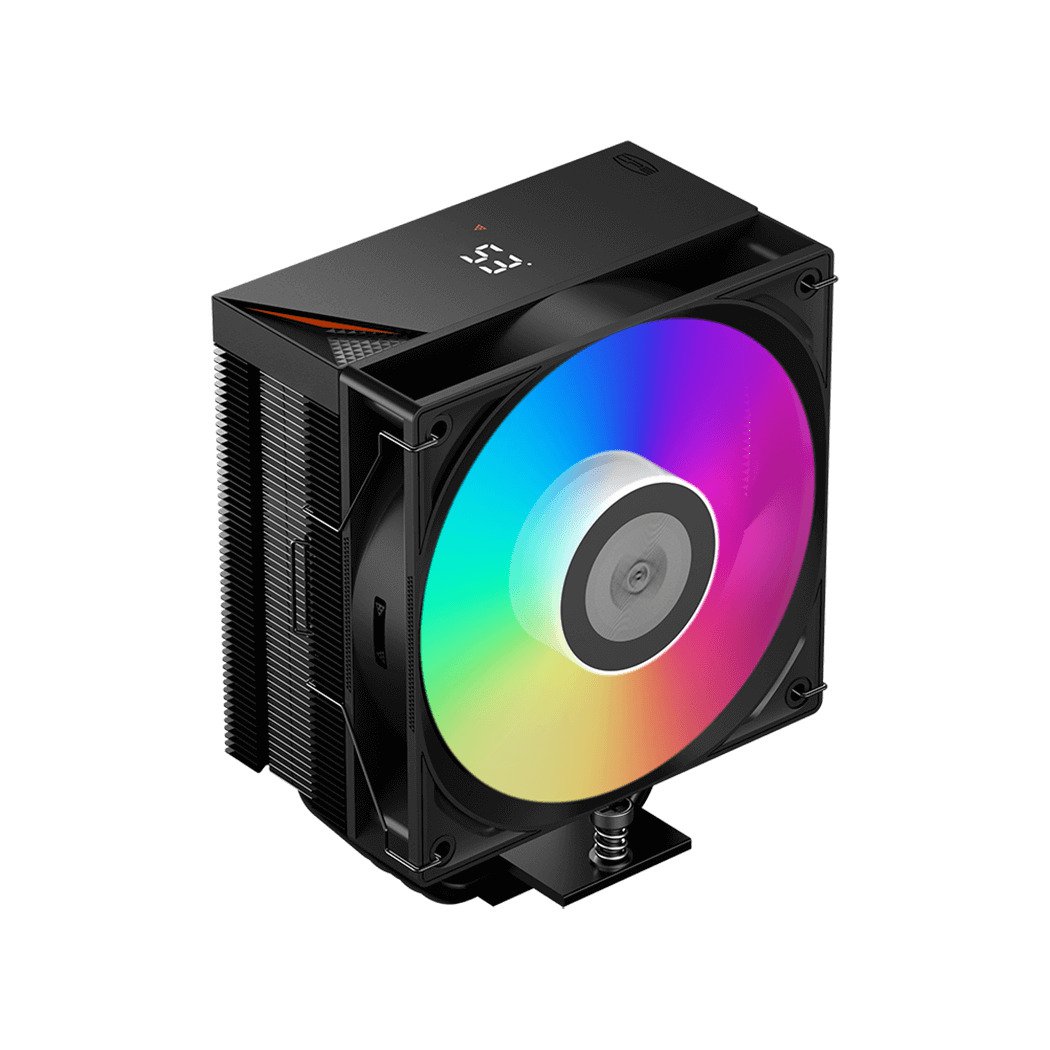
Budget pick — the air cooler most people should buy. The PCCOOLER R400 ARGB is $29.99 and rated to dissipate 180W of TDP. The 7800X3D peaks near 88W, so this tower has roughly twice the capacity the chip will ever ask for. It is genuinely all this CPU needs.
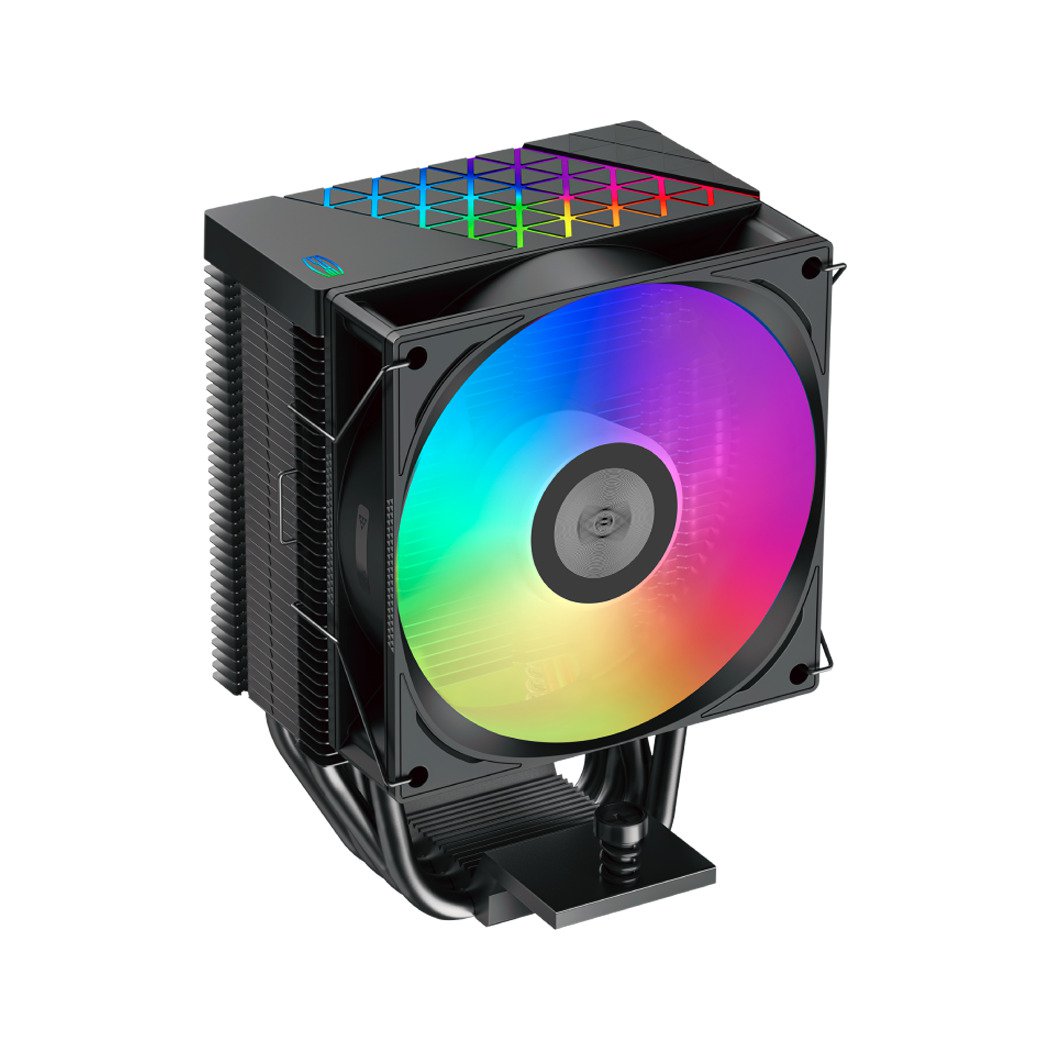
Quieter, with a bit more margin. The PCCOOLER RT500 Digital ARGB is $70.99 — a five-heatpipe tower with a small screen that reports temps. You are paying for lower noise and a display, not lower frame rates. If a silent build matters to you, this is the upgrade that makes sense.
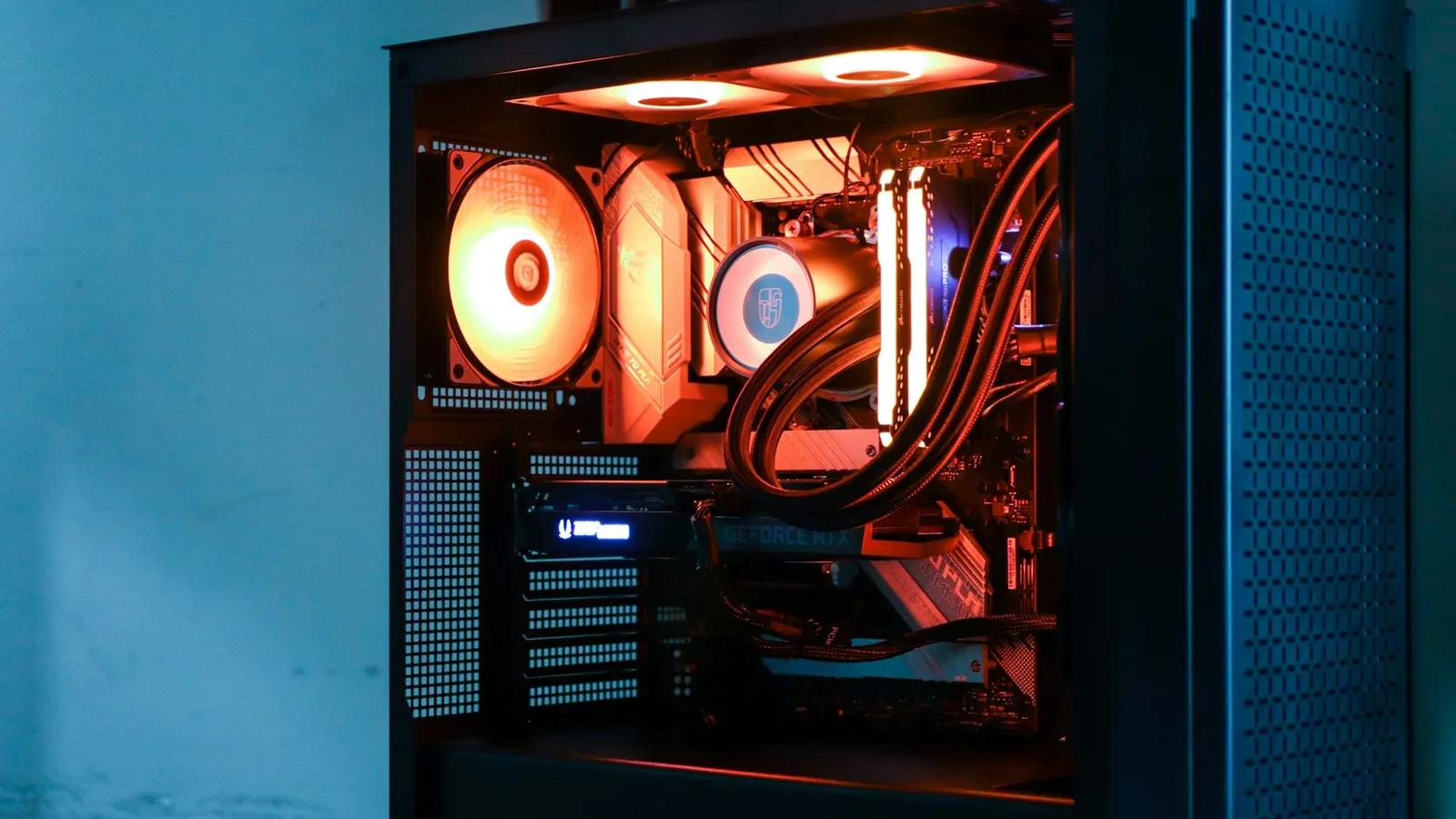
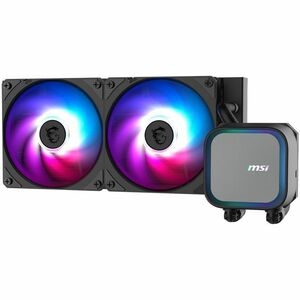
If you want liquid anyway. A 240mm unit like the MSI MAG Coreliquid A13 240 at $113.66 is plenty — you do not need a 360mm radiator for a sub-90W chip. Buy it for the clean look, or because a tall tower won't clear your RAM or case, not because the 7800X3D is going to overwhelm an air cooler. For the full trade-off, see air cooler vs AIO and, if you're set on liquid, 240mm vs 360mm AIO.
Common mistakes
- Buying a 360mm AIO "to be safe." Safe against what? The chip can't exceed ~88W and can't be overclocked. A 360mm radiator on a 7800X3D is capacity you paid for and will never use.
- Going too cheap in a hot case. The flip side: a stock-tier heatsink with poor airflow can nudge the 89°C ceiling and cost you a little boost. A $30 tower and one exhaust fan avoid it entirely.
- Reusing an old AM4 cooler without checking. Many AM4 coolers fit AM5's mounting, but not all — confirm the bracket supports Socket AM5 before you count on it.
- Expecting an AIO to be quieter by default. Pumps make noise under load. A good air cooler on this low-power chip is often the quieter option, not the louder one.