
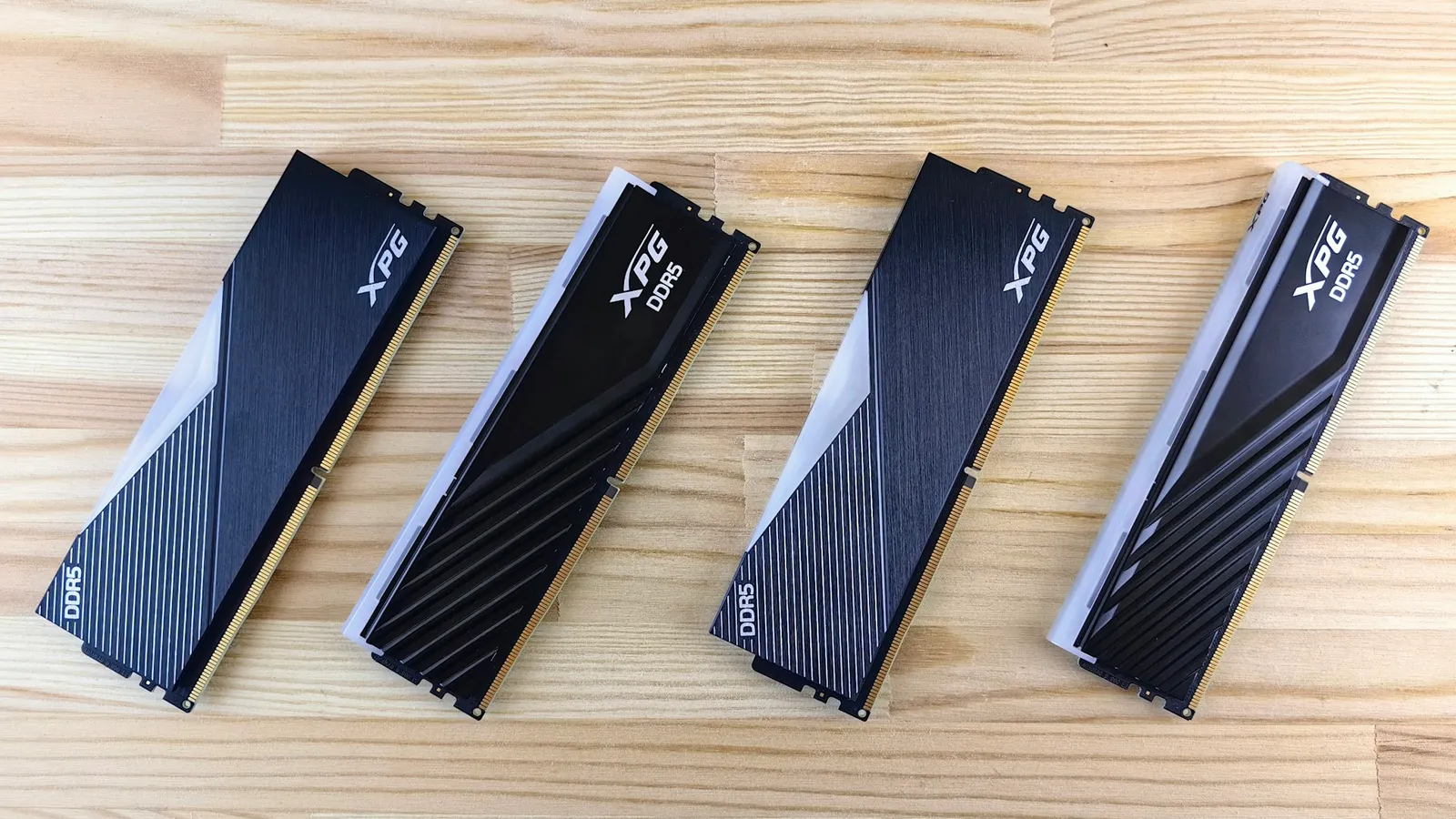
For a gaming PC, DDR5-6000 CL30 and DDR5-6400 CL32 finish within a couple percent of each other, and often tie. The reason is simple: they share the exact same true latency — 10.0 nanoseconds — so the "faster" 6400 kit only brings about 7% more raw bandwidth, and games barely touch bandwidth. Buy whichever 32GB kit is cheaper. The one place the choice actually matters is AMD's AM5 platform, where a 6400 kit that can't hold a 1:1 memory ratio ends up slower than a 6000 kit.
The confusion comes from the number on the box. DDR5-6400 is 6.7% higher on the spec sheet, so it reads like a free 6.7% upgrade. It isn't. Memory speed and memory timings pull in opposite directions, and the two most common gaming kits — 6000 CL30 and 6400 CL32 — are tuned to cancel out. What's left is a bandwidth difference that a GPU-bound game never notices.
Latency and bandwidth: what actually separates the two kits
RAM has two numbers that matter, and they fight each other. Data rate (6000 or 6400 MT/s) sets bandwidth. CAS latency (CL30, CL32) sets how many clock cycles the memory waits before it can respond. The figure that reaches your CPU is true latency in nanoseconds, and it's the data rate and the timings together — not either one alone.
Run the math and the marketing evaporates:
| DDR5-6000 CL30 | DDR5-6400 CL32 | |
|---|---|---|
| Data rate | 6000 MT/s | 6400 MT/s |
| CAS latency | CL30 | CL32 |
| True latency (2000 × CL ÷ rate) | 10.0 ns | 10.0 ns |
| Dual-channel bandwidth | ~96 GB/s | ~102 GB/s |
| Bandwidth vs the other | baseline | +6.7% |
The 6400 kit clocks 6.7% higher, and its looser CL32 gives exactly that much back. Both land on 10.0 ns. That's why they feel identical in most workloads: the responsiveness a game cares about is the same, and the only thing 6400 adds is extra throughput that gaming rarely saturates.
There's a nuance worth knowing before you shop. Timings aren't locked to the speed — you can buy a low-latency DDR5-6400 CL30 kit, which drops true latency to about 9.4 ns and is genuinely a hair quicker than 6000 CL30 (AnandTech). But those kits cost more than the default CL32 versions, and on AM5 the speed still has to clear the ratio problem below before that latency edge means anything.
Gaming performance: why the two nearly tie
A game's frame rate is set by the GPU first, then the CPU, and only then by memory — and only when the CPU is the bottleneck. That's why memory speed shows up at 1080p with a fast GPU (CPU-bound) and disappears at 1440p and 4K (GPU-bound). Even in the best case for RAM — a competitive esports title running at 1080p on a top-end card — moving from 6000 to 6400 buys a couple of frames, not a tier of performance (How-To Geek).
Push past this pair and the returns shrink further. Memory-scaling testing on Zen 5 shows the gains above the sweet spot are small in games, which is why chasing DDR5-7200 or DDR5-8000 for gaming is mostly wasted money (TechPowerUp). If you want the longer version of that argument, it's the whole point of DDR5-6000 vs DDR5-8000: more MT/s stops translating into frames well before you run out of money to spend on it.
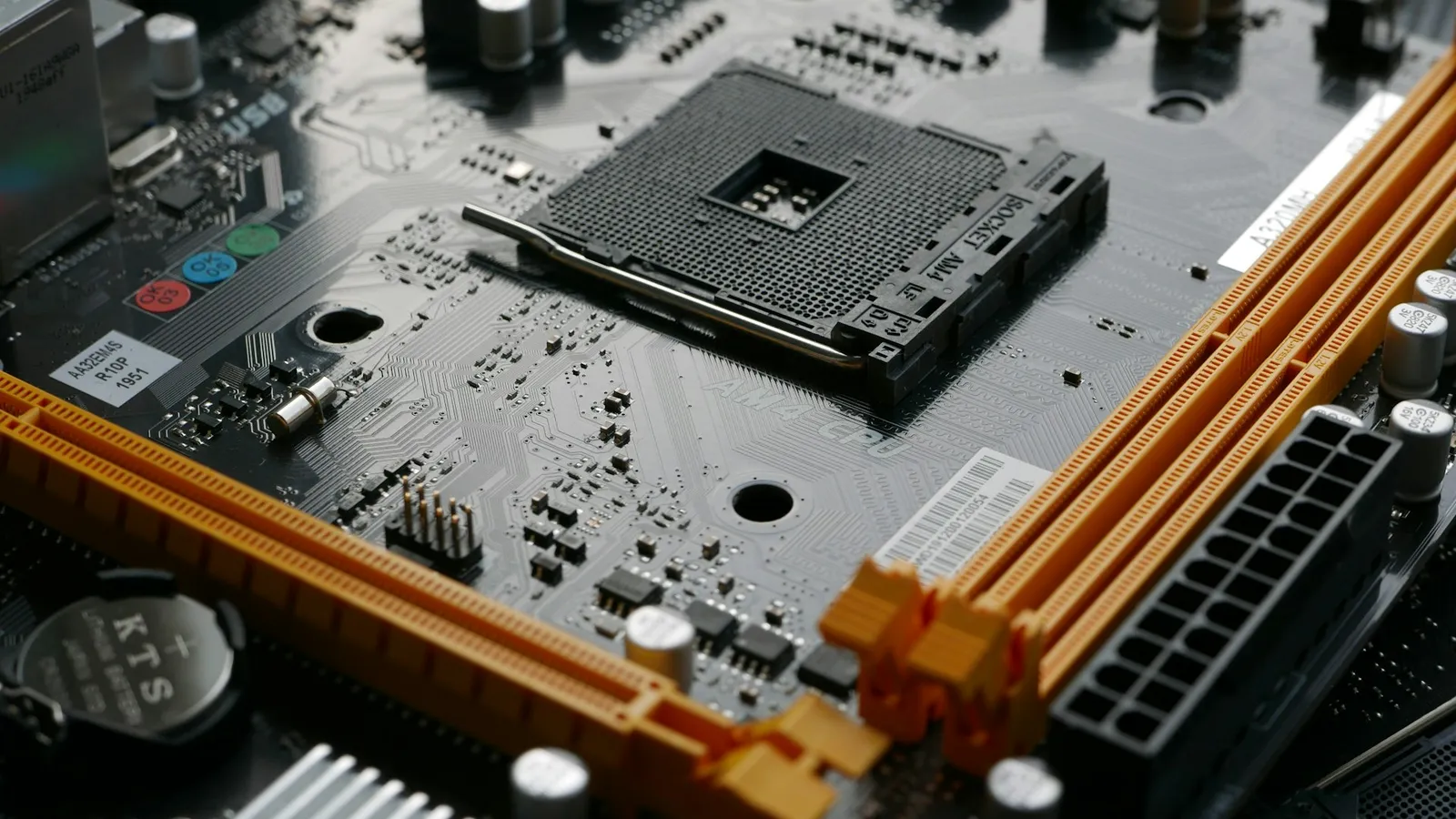
The AM5 catch: 1:1 vs 2:1, and when 6400 is slower than 6000
Here's the part that turns "6400 is faster" into "it depends on your CPU." On AMD's AM5 platform, the memory controller lives in the CPU and runs best when it's coupled 1:1 with the memory clock. DDR5-6000 runs at a 3000 MHz memory clock, and the controller matches it at 3000 MHz — a clean 1:1 ratio that every Ryzen 7000 and 9000 chip can hold.
Ask for 6400 and you're asking the controller to run 3200 MHz in 1:1. Some chips do it; some don't. When the controller can't keep up, the board quietly drops to a 2:1 ratio, running the controller at half the memory speed. That 2:1 mode adds a big chunk of latency — enough to erase the bandwidth the 6400 kit was supposed to give you. The result is a "faster" kit that benchmarks slower than plain 6000. On AM5, 6000 CL30 is the safe default precisely because it never triggers this.
There's one more moving part: EXPO. Both kits still need their EXPO profile enabled in BIOS to run at rated speed — out of the box they boot at a slow JEDEC default. EXPO memory tuning works on every AM5 chipset, including the cheapest A620 boards, so the platform isn't the limiter here; the CPU's memory controller is. Whichever kit you pick, turn on EXPO or you paid for speed you're not using.
Zen 4 vs Zen 5: AMD moved the sweet spot
For years the answer to "what RAM for Ryzen?" was one number: DDR5-6000 CL30. That was the Zen 4 (Ryzen 7000) sweet spot because 6000 was the fastest speed the controller reliably held in 1:1. With Zen 5 (Ryzen 9000), AMD's memory controller got better at running 3200 MHz in 1:1, and AMD now lists DDR5-6400 as the Ryzen 9000 sweet spot (TechPowerUp).
That doesn't overturn the buying advice — it sharpens it. On a Ryzen 9000 chip, a 6400 CL32 kit is the mild default and will hold 1:1 more often than not. On a Ryzen 7000 chip, 6000 CL30 is the surer bet, and 6400 becomes a silicon-lottery gamble. Either way the real-world gaming gap between the two is still a couple percent, so the deciding factor is price and which chip you're running, not the number on the label.
What about Intel?
Intel's Core and Core Ultra platforms don't have AM5's hard 6000 cliff — there's no single magic speed, and running 6400 has no 1:1/2:1 penalty to trip over. So on Intel, if a 6400 CL32 kit is the same price as 6000 CL30, take it; there's no downside. But the ceiling story is the same as AMD's: the gaming difference between these two speeds is small, and the money is better spent on the GPU than on chasing memory MHz.
Who should buy which
- Buy DDR5-6000 CL30 if you're on a Ryzen 7000 (Zen 4) chip, or you just want the no-risk option that hits 1:1 on any AM5 CPU. It's the safe default, it's usually the cheapest tuned kit, and you give up nothing you'd feel in games.
- Buy DDR5-6400 CL32 if you're on a Ryzen 9000 (Zen 5) chip and it's priced at or near the 6000 kit, or you're on Intel where 6400 carries no ratio penalty. You're getting AMD's stated Zen 5 sweet spot for little or no premium.
- Don't pay a real premium for 6400 over 6000 for a gaming build, and don't jump to 7200 or 8000 expecting frames — that's the money that should have gone to your graphics card.
Not sure whether your CPU and board will actually run the kit you're eyeing at 1:1? Drop the parts into our PC Builder — it checks the CPU, board, and memory against each other before you buy, and it carries the $1 professional build-and-test option if you'd rather have EXPO enabled and the system verified stable for you.