
For pure 4K gaming, the best CPU is the cheapest modern six-core that can feed your GPU — and right now that is the AMD Ryzen 5 7600X at $208.34. At 4K the GPU renders the overwhelming majority of every frame, so the gap between a $208 CPU and a $700 one shrinks to a rounding error in most games. The only buyers who should spend more are those chasing 120+ FPS at 4K or playing CPU-heavy simulators, where the Ryzen 7 7800X3D at $415.41 earns its premium through smoother 1% lows.
The reason this question trips people up is that CPU review charts are run at 1080p on purpose — to remove the GPU as a limit and expose the processor. Those charts are real, but they describe a resolution you are not playing at. Move to 4K and the picture inverts.
How we picked
We ranked these CPUs by value-per-frame at 4K, not by 1080p benchmark charts. At 4K the processor's job is narrow: keep the GPU fed and hold steady 1% lows. Beyond a competent six-core, extra cores and clock speed mostly sit idle in games — so raw multi-core scores only mattered for the buyers who also create or stream.
What we did not weigh heavily: 1080p average FPS leaderboards. They rank CPUs correctly, but they answer a question a 4K gamer is not asking. We did keep 1% lows and frame pacing front and center, because that is the one place the CPU still shows up at 4K.
Why the CPU matters less at 4K
Every frame is roughly the same amount of CPU work regardless of resolution — draw calls, physics, AI. What changes is how long the GPU takes to shade the pixels. At 1080p the GPU finishes fast and waits on the CPU; at 4K it is buried in four times the pixels, so the CPU has more slack than it needs. That is why TechSpot found CPU-to-CPU differences shrinking by 50–70% moving from 1080p to 4K on the same GPU.
The concrete version: in Tom's Hardware's 7800X3D review, run on an RTX 4090, the best gaming CPU of its generation opened a double-digit lead over cheaper chips at 1080p — then collapsed to low single digits at 4K, where the RTX 4090 became the limit. If a $415 chip barely separates from a $281 one at 4K, a $208 one is the smarter buy for a gaming-only rig.
Ryzen 5 7600X — Best value for pure 4K gaming
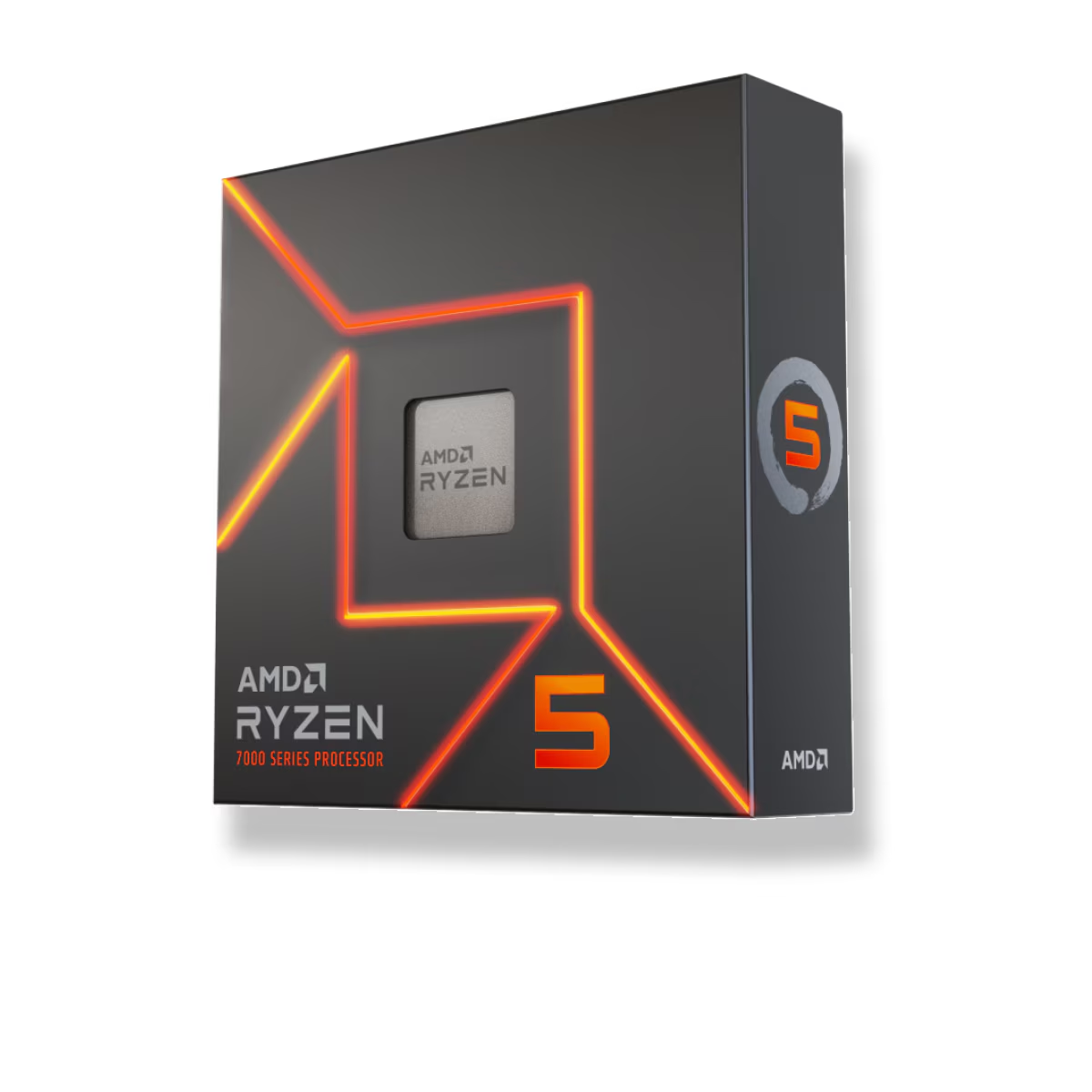
At $208.34, the six-core, twelve-thread 7600X has enough single-thread speed and cores to keep any current GPU busy at 4K/60. It also lands on AM5, so the socket supports a future drop-in upgrade to a 3D V-Cache chip later without a new board. For a 4K-only gamer, this is where the money should stop.
Best for: anyone building a 4K/60–100 FPS gaming PC who wants the frame rate to live in the GPU budget. Skip if: you push 120+ Hz at 4K, run CPU-heavy simulators, or also do serious multi-core work — the sections below are for you.
Intel Core i5-14600K — Best Intel option
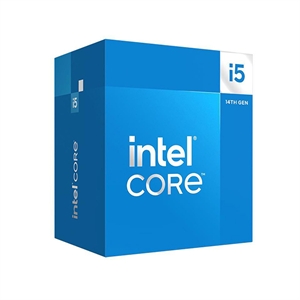
If you prefer an Intel platform, the i5-14600K ($369.98) is the sensible stop. Its 14 cores (6 performance + 8 efficiency) handle 4K gaming and light productivity comfortably. Honestly, though, for gaming alone at 4K it does not buy you meaningful frames over the 7600X — you are paying for the Intel ecosystem and the extra E-cores, not for a higher 4K frame rate.
Best for: buyers committed to LGA1700/Intel who want headroom for background tasks. Skip if: you only game at 4K — the cheaper 7600X delivers the same in-game experience for ~$160 less.
Ryzen 7 7800X3D — Best for high-refresh 4K and simulators
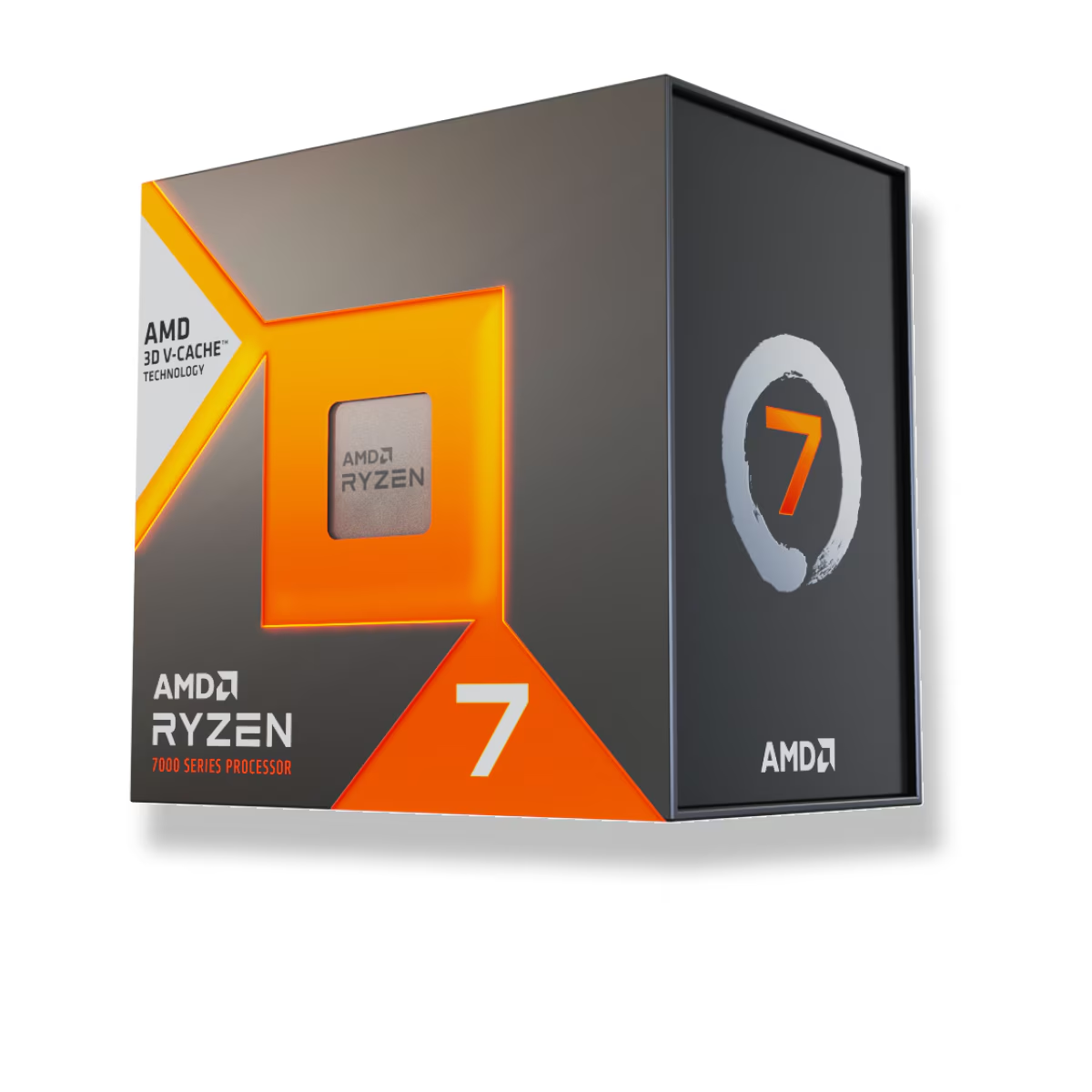
This is the one CPU that justifies spending up at 4K — but only for specific games. Its 96MB of 3D V-Cache is a gift to CPU-bound titles. In GamersNexus' RTX 5090 testing, a flagship GPU exposed CPU limits even at 4K in cache-sensitive games like Stalker 2, where large-cache chips deliver higher averages and noticeably smoother frame pacing. If you play flight sims, strategy games, or MMOs — or you are targeting 120+ FPS at 4K on a top-tier GPU — the $415.41 is money well spent.
Best for: CPU-heavy simulators, high-refresh 4K, and anyone who also drops to 1440p where the cache lead widens. Skip if: you play mostly GPU-bound AAA titles at 4K/60 — you will rarely see the difference. Our companion piece on whether the 7800X3D will bottleneck an RTX 5080 digs into exactly where the cache does and does not help.
Ryzen 9 9950X — Best if you also create or stream
The Ryzen 9 9950X ($696.10) is not a gaming upgrade over the 7600X at 4K — say that plainly. What its 16 cores buy is a machine that games at 4K and renders, compiles, or streams with a dedicated encoder without breaking stride. If your PC does real work between gaming sessions, the extra cores pay off in those workloads, not in your frame rate.
Best for: creators and streamers who game at 4K on the same box. Skip if: the machine only games — the money belongs in the GPU.
Where the CPU does still matter at 4K
Being honest about the limits of the "GPU does everything at 4K" rule: the CPU still owns your 1% lows and frame pacing, and it can become the ceiling in CPU-heavy games or once you push past 60 FPS. TechSpot makes this point directly — the claim that "CPUs don't matter at 4K" is wrong at the extremes, even if it is broadly true for 4K/60 in typical AAA games. So the buying rule is conditional: for 4K/60 in most games, buy the 7600X and put the rest in the GPU; for 120+ Hz 4K or simulators, the 7800X3D is the right splurge.
Pair whichever you pick with a solid GPU and 32GB of memory — see how much RAM you actually need for gaming — and you can check the whole combo for socket, wattage, and clearance in our PC Builder before you commit.