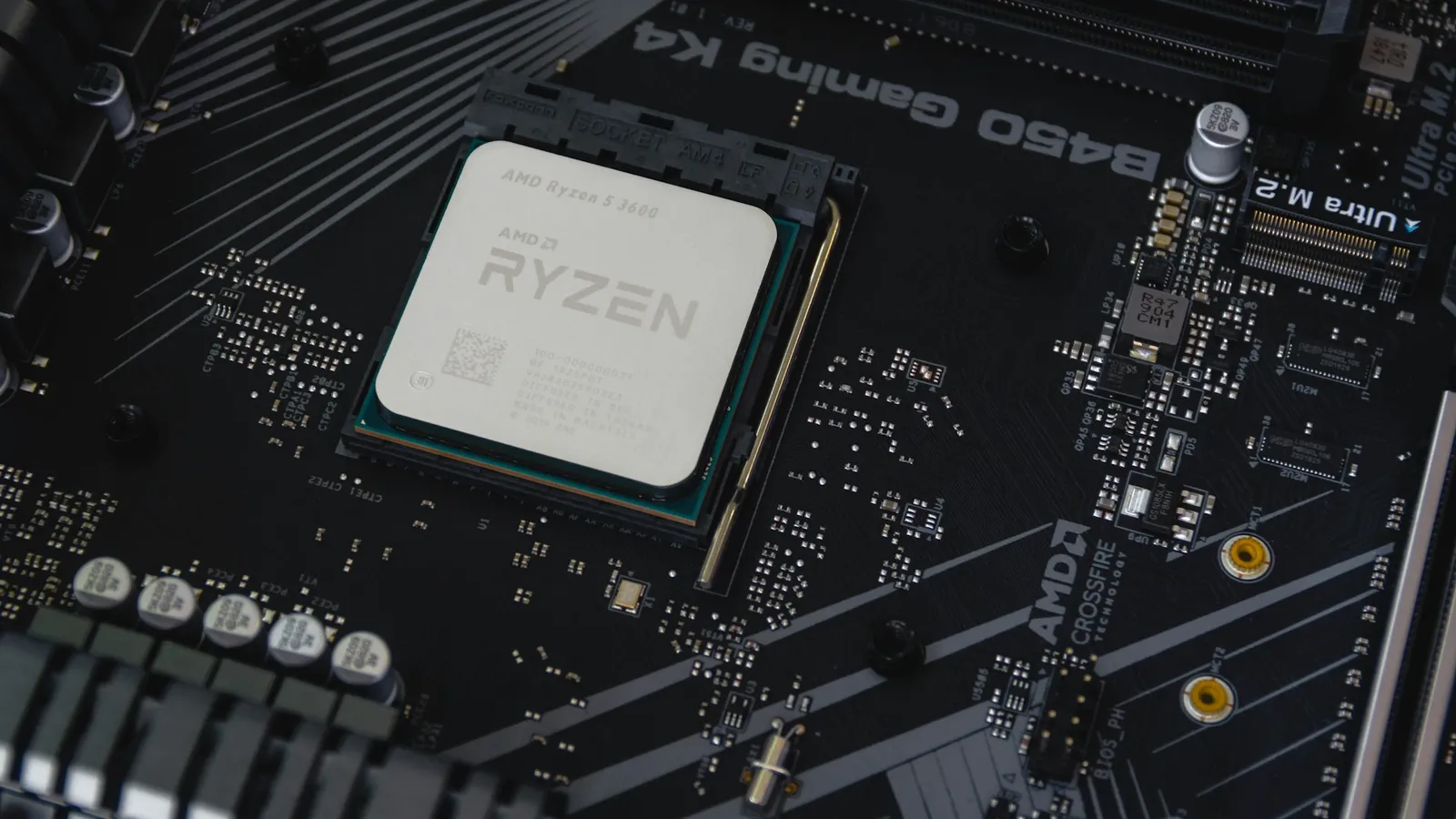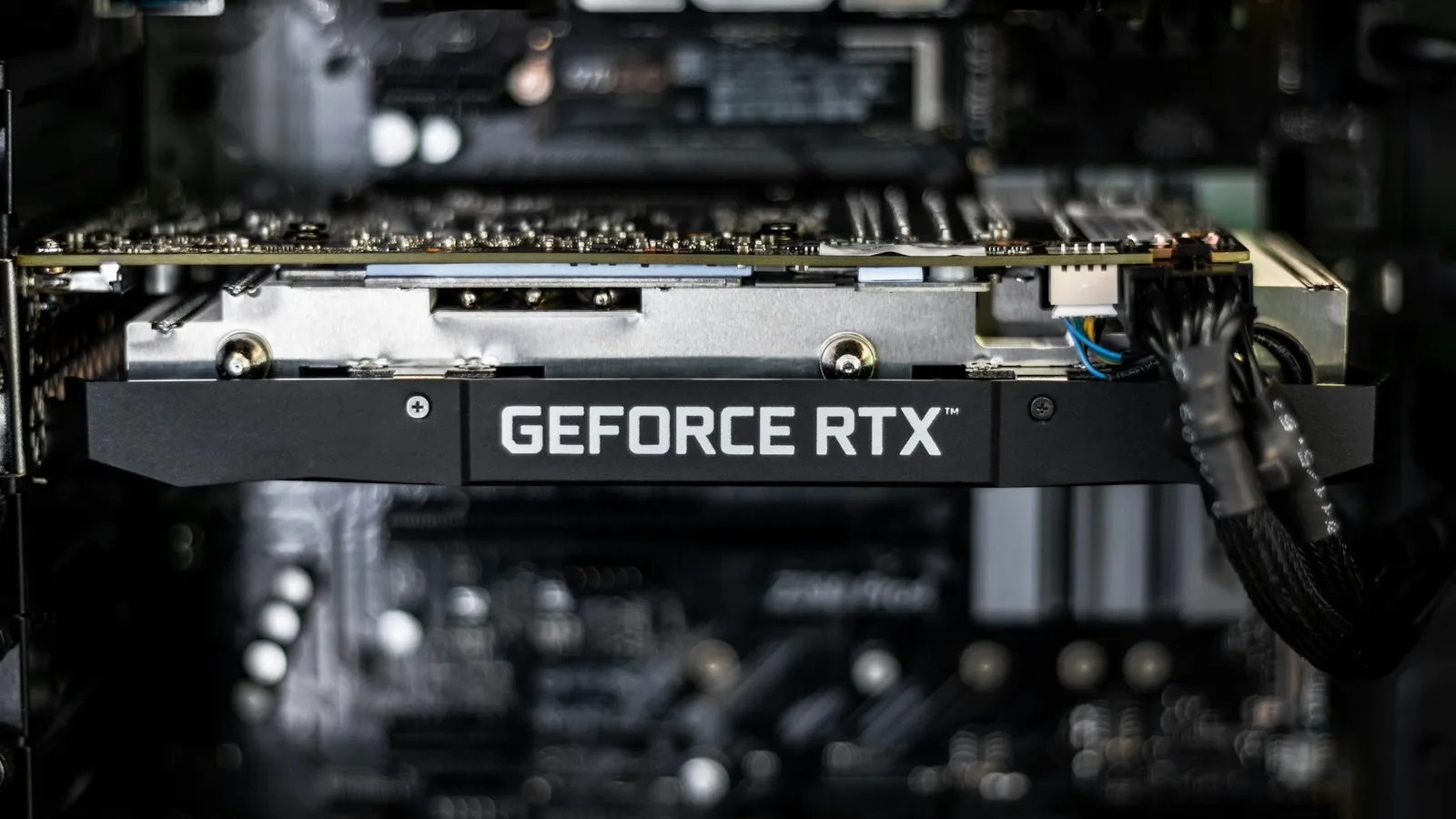

For a single-PC streaming and gaming setup in 2026, the best CPU is the AMD Ryzen 7 7800X3D ($439.77). The reason is simpler than most buying guides admit: your graphics card encodes the stream, not your processor. So the "best streaming CPU" is really just the best gaming CPU, and few chips game better for the money than the 7800X3D.
The old advice — buy a 12- or 16-core chip so you have cores to spare for encoding — came from an era when streamers ran software x264 encoding on the CPU. Modern GPUs do that job on dedicated encoder hardware instead. NVIDIA says AV1 on its RTX 40-series GPUs is 40% more efficient than H.264, with the work handled by the card's NVENC block rather than your game threads (NVIDIA). That changes the math on what a streaming CPU needs to be.
How we picked: the GPU does the encoding now
Every recommendation here assumes a single-PC setup with a modern graphics card — the kind of GPU anyone building today already owns. On those cards the encoder is a fixed-function block that works independently of the shader cores running your game and the CPU running everything else. Turn on NVENC in OBS and the processor barely notices.
This is where streaming moved. Twitch's Enhanced Broadcasting, built with OBS and NVIDIA, sends several GPU-encoded streams at once and has been testing AV1 and HEVC on top of H.264 (Twitch). YouTube now accepts AV1 live ingest through OBS as well (Tom's Hardware). The platforms are building around hardware encoders, and NVIDIA's RTX 50-series ninth-generation NVENC adds an AV1 Ultra Quality mode that squeezes out roughly 5% more compression at the same quality — a mode it also brought to RTX 40 cards (NVIDIA).
So we ranked these CPUs on one question first: how well do they game? Then we checked that each has enough cores to keep a stream, Discord, a browser, and OBS overlays running smoothly alongside the game — a bar every modern 6-core and up clears. What we deliberately did not weight is raw x264 software-encoding throughput, because almost nobody streaming on a single PC in 2026 should be using it. (The one group that should is covered at the end.)
This applies to AMD and Intel GPUs too, not just NVIDIA. Radeon RX 7000 and 9000 cards and Intel Arc both have hardware AV1 encoders that do the same job — the CPU advice does not change based on your graphics brand.
Ryzen 7 7800X3D — Best overall for streaming and gaming
The Ryzen 7 7800X3D ($439.77) is one of the fastest gaming processors you can buy, and the best value among the chips at the top of the charts — exactly what a streamer with a GPU encoder needs. Its stacked 3D V-Cache feeds the cores enough data to sit near the top of gaming benchmarks (TechPowerUp), and because your card handles the encode, its 8 cores spend their time on the game and the handful of background apps every stream runs.
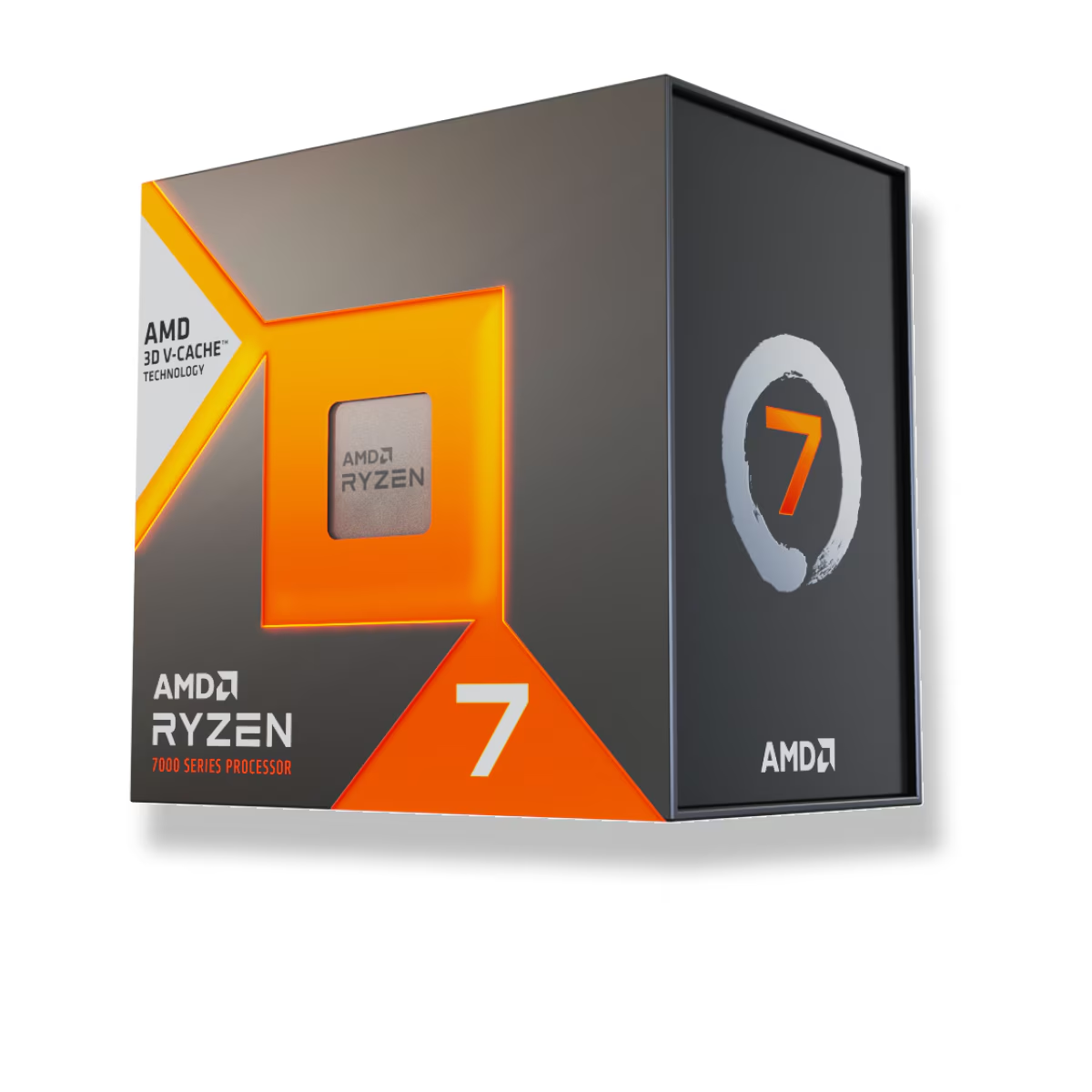
It runs on the AM5 platform, so it drops into a current B650 or B850 board and gives you a real upgrade path to future Ryzen chips. It also sips power compared to high-core-count parts, which keeps a compact streaming rig cool and quiet.
Good for: Gaming-first streamers who want the highest frame rate while NVENC or AV1 carries the broadcast. Skip it if: You stream with CPU-based x264 encoding on one PC, or you also do serious video editing and rendering — then the core count below matters more than the gaming lead.
Ryzen 7 7700X — Best value
The Ryzen 7 7700X ($286.30) is the same 8-core AM5 recipe without the 3D V-Cache, for about $150 less. In games it trails the 7800X3D, but it is still a strong gaming chip, and for a stream running on GPU encode it has every core it needs. The money you save is better spent on the GPU doing the encoding than on the CPU that is not.
Good for: Budget-conscious streamers who want 8 cores and an AM5 upgrade path and can live without the last 10–20% of gaming frames. Skip it if: You chase maximum FPS at high refresh rates — the 7800X3D is worth the premium there — or you need heavy multi-core throughput for rendering.
Intel Core i7-14700K — Best for software (x264) encoding and multitasking
If you insist on software x264 encoding on a single PC, or you run a wall of background apps while live, core count starts to matter. The Intel Core i7-14700K ($456.82) brings 20 cores (28 threads) and the headroom to encode in software while a game runs — and its integrated Quick Sync engine gives you a second hardware AV1 encoder on top of your graphics card, which is handy for multi-platform streaming.
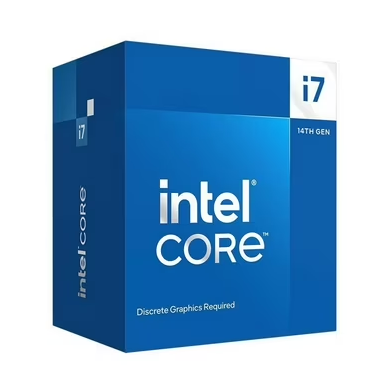
Good for: Streamers who want CPU x264 as a quality option, or who multitask aggressively and value extra threads and Quick Sync. Skip it if: You stream with GPU encode and mostly game — the 7800X3D gives you more frames for less money and far less heat.
Ryzen 9 9950X — Only if you also edit and render
Here is the honest part. The Ryzen 9 9950X ($696.10) is a superb 16-core processor, but it is the wrong buy for pure streaming and gaming. It costs more than the 7800X3D and actually loses to it in games, because games care more about cache and latency than about having 16 cores. Paying the premium to stream is spending money to go slower where it counts.
It earns its price only when streaming is part of a bigger creator workload — editing your VODs in Premiere or DaVinci Resolve, rendering, running local AI tools, or compiling. If that is you, the 16 cores pay for themselves off-stream. If it is not, the 7800X3D is the better and cheaper gaming chip.
Good for: Streamers who are also content creators and lean on multi-core rendering and editing. Skip it if: You only game and stream — you are paying more for fewer frames.
Ryzen 5 7600X — Best entry-level pick
A stream does not need a flagship. The Ryzen 5 7600X ($208.34) is a 6-core AM5 chip that games well and has the cores to run OBS with a GPU encoder, Discord, and a browser without stuttering. For a first streaming build on a tight budget, it is the sensible floor — and because it is AM5, you can move up to an X3D chip later without a new motherboard.
Good for: First-time streamers and budget builds pairing a mid-range GPU with a modest processor. Skip it if: You want high-refresh gaming performance, or you plan to run software x264 — six cores is tight for that.
When a high-core-count CPU actually helps
To be fair to the old advice, software x264 encoding is not pointless. At slower presets it can produce slightly sharper image quality at a given bitrate than hardware H.264, and some streamers still prefer it. But it runs on your CPU cores and competes directly with the game for them, so on a single PC it costs real frame rate unless you have cores to spare — which is the whole argument for a 12- or 16-core chip in a streaming build.
Two things changed that calculus. First, GPU AV1 closed most of the quality gap: NVIDIA pegs RTX 40-series AV1 at 40% more efficient than H.264 (NVIDIA), and platforms are finally accepting it. Second, if you genuinely want software-grade quality without stealing from your game, the clean answer is a separate encoding PC — at which point your gaming PC just needs the best gaming CPU again.
Building the whole system around that logic is easy to get wrong by hand. Our PC Builder checks socket, chipset, and cooler fit as you add parts, so an AM5 X3D chip lands on a compatible board the first time. If you want a second opinion on the processor itself, our pick-by-resolution breakdown in best CPU for 1080p gaming lines up closely with the gaming-first order here.