
Two sticks wins for almost everyone, and not for the reason you think. On a modern DDR5 platform, filling all four DIMM slots forces the memory to run slower: AMD officially rates an AM5 board at DDR5-5200 with one stick per channel but drops to DDR5-3600 with two sticks per channel, according to HotHardware's breakdown of AMD's spec sheet. The catch is that this speed drop barely touches gaming frame rates. The reason to run two sticks is a clean boot at full rated speed and room to upgrade later, not FPS.
The confusion comes from two true facts that point in opposite directions. Yes, four sticks run slower on paper. No, that slower speed does not cost you the frames people assume it does. Both can be true because memory speed is one of the weakest levers on gaming performance once you clear the DDR5-5000 range.
Why four sticks run slower
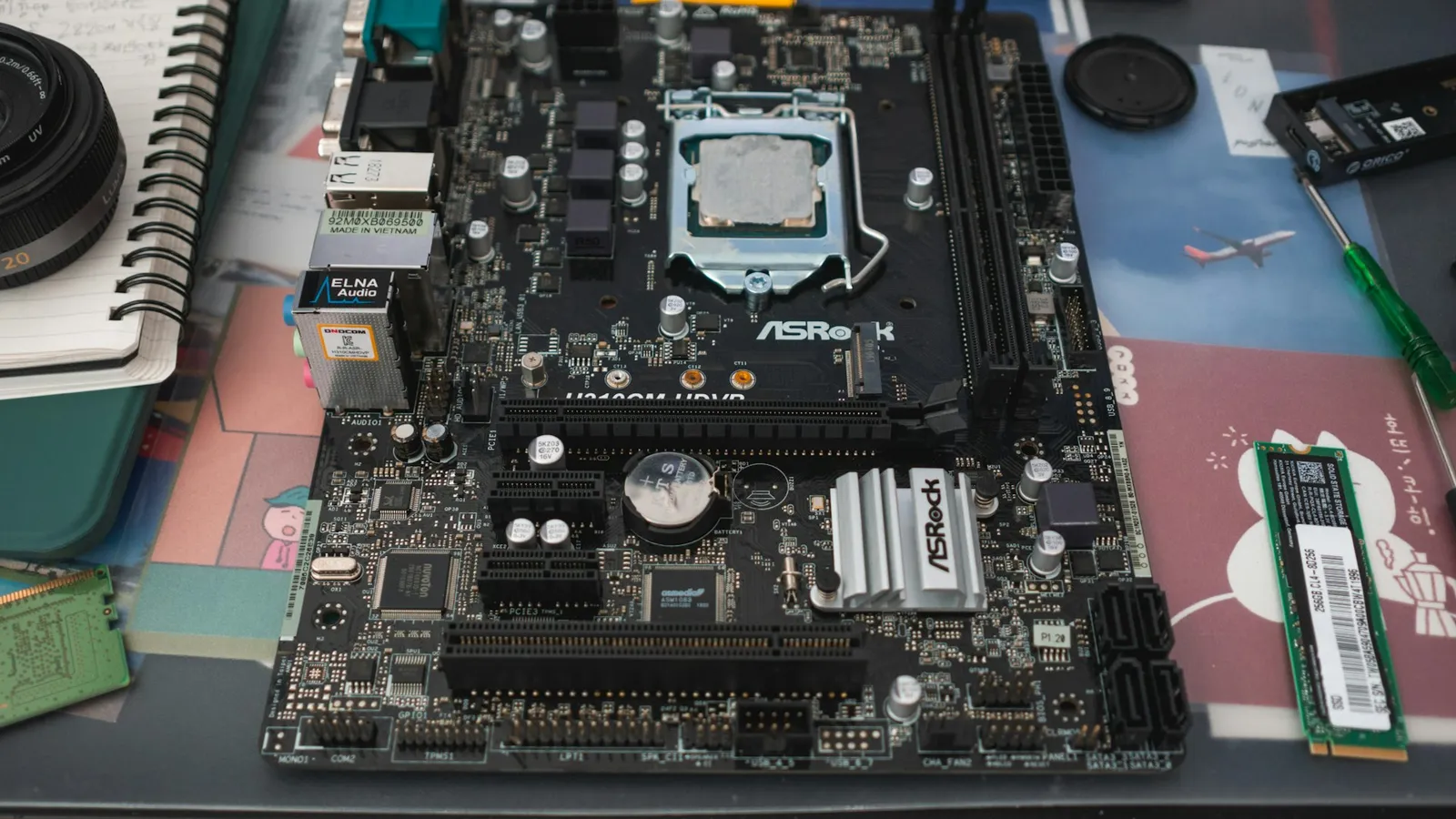
A desktop CPU has a dual-channel memory controller. Two sticks means one module per channel; four sticks means two modules per channel. That second module per channel doubles the electrical load on the controller and lengthens the signal traces the data has to travel, as XDA explains in its teardown of the problem. To keep the signal stable, the board backs the frequency off.
How far it backs off depends on ranks. A single-rank DIMM presents one set of chips to the controller; a dual-rank DIMM presents two. The controller counts ranks, so four single-rank sticks load it about the same as two dual-rank sticks, and four dual-rank sticks are the worst case. This is why two 32GB dual-rank modules can behave very differently from four 16GB single-rank modules even though both total 64GB.
The DDR5-3600 figure is AMD's guaranteed floor, not what you will actually see. On a decent board with EXPO tuning, four single-rank DDR5 sticks often boot around DDR5-5200 to 5600, and firmware keeps improving. But the gap never fully closes: for any given board and BIOS, the validated speed for two DIMMs sits above the validated speed for four. Two sticks always has more headroom than four.
What the speed drop costs in games
Almost nothing, and this is the part that surprises people. Memory frequency is a minor variable for gaming once you are past the DDR5-5000 mark, especially on CPUs with large cache.
AMD's testing on the Ryzen 7 9850X3D showed less than a 1% average FPS difference between DDR5-4800 and DDR5-6000 across more than 30 games, as reported by TechPowerUp. The X3D chips are the extreme case because their stacked L3 cache absorbs most memory stalls, but the pattern holds more broadly. TechPowerUp's DDR5 scaling review on a Core i9-12900K found memory speed moving gaming results only single digits across a wide frequency range.
So if four sticks drop you from DDR5-6000 to DDR5-5200, the frame-rate cost is in the noise at 1440p or 4K, where the GPU is the bottleneck anyway. The honest version of the warning is this: four sticks do not meaningfully slow down your games. They slow down your boot process and your overclock.
Where four sticks actually bites
The genuine pain of four DIMMs is getting the system to run them at all. Enabling EXPO or XMP on four sticks is less reliable than on two, you may need to raise voltages or loosen timings by hand, and some kits that advertise a rating simply will not post at that speed in a 2-DIMM-per-channel setup. If you want the background on why that rated profile matters, see our guide on why DDR5 runs at 4800 until you enable EXPO/XMP.
Mixing is worse than a planned four-stick kit. Dropping two new sticks next to an old pair means the controller has to find one speed and timing set that all four modules tolerate, which usually means running everything at the slowest common denominator. We covered the full picture in can you mix RAM brands and sizes, and the short version is that you lose the matched-kit validation that makes RAM boring and reliable.
None of this is a reason to panic if you already run four sticks happily. A stable four-stick system at DDR5-5200 is fine. The advice is about what to buy next, not what to rip out.
Price and availability
If you need 32GB, buy a single 2x16GB kit. If you need 64GB, buy a single 2x32GB kit rather than four 16GB sticks. You get a validated pair, two empty slots for later, and the best shot at full rated speed.
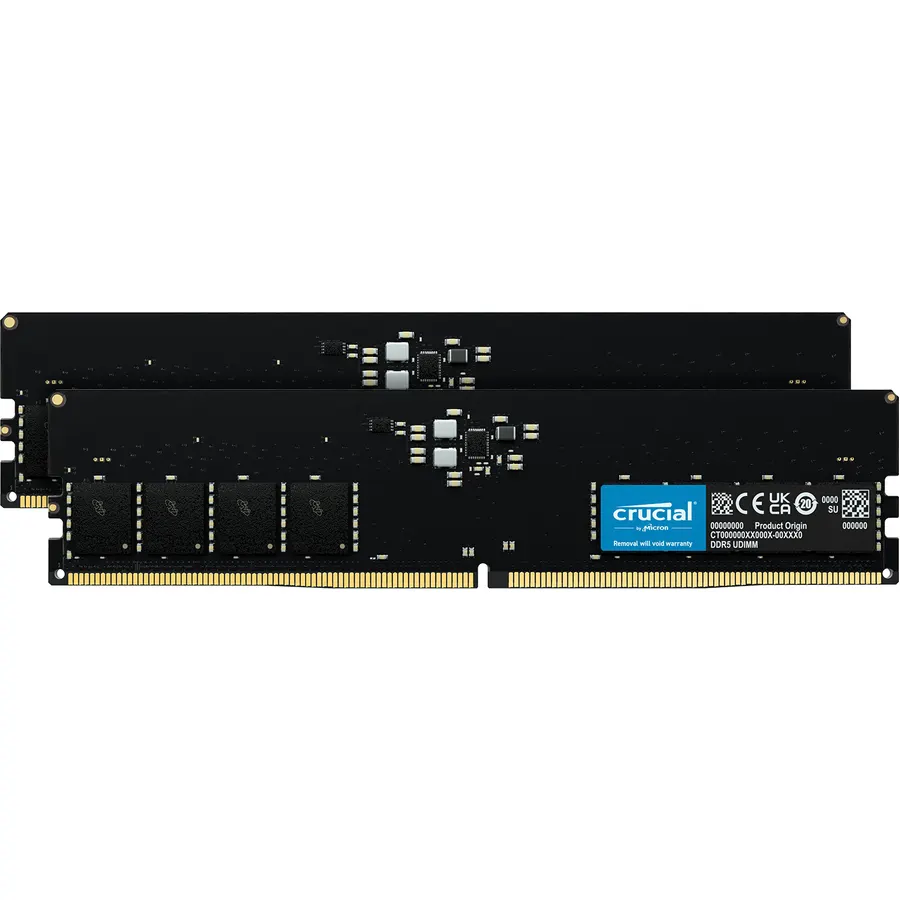
In our catalog, the Micron 64GB (2 x 32GB) DDR5 kit runs $725.07 and is the clean way to reach 64GB on two sticks. DDR5 pricing is elevated across the market right now, which makes the two-stick argument stronger: a matched pair you buy once beats paying again later to add sticks that force a speed drop. You can drop a kit into a full build and check slot and channel layout automatically in our PC Builder.
Who should buy which
- Buy a 2-stick kit if you are building new, want the rated EXPO/XMP speed with no tuning, or might add capacity later. This is almost everyone.
- Run 4 sticks if you need maximum capacity today (128GB on consumer boards), your workload is memory-hungry productivity rather than gaming, and you accept a lower frequency and some BIOS fiddling.
If you are still deciding how much memory to buy in the first place, start with 16GB vs 32GB for gaming, and if you are weighing frequencies, DDR5-6000 vs DDR5-6400 shows how little the top-end speed actually matters.