
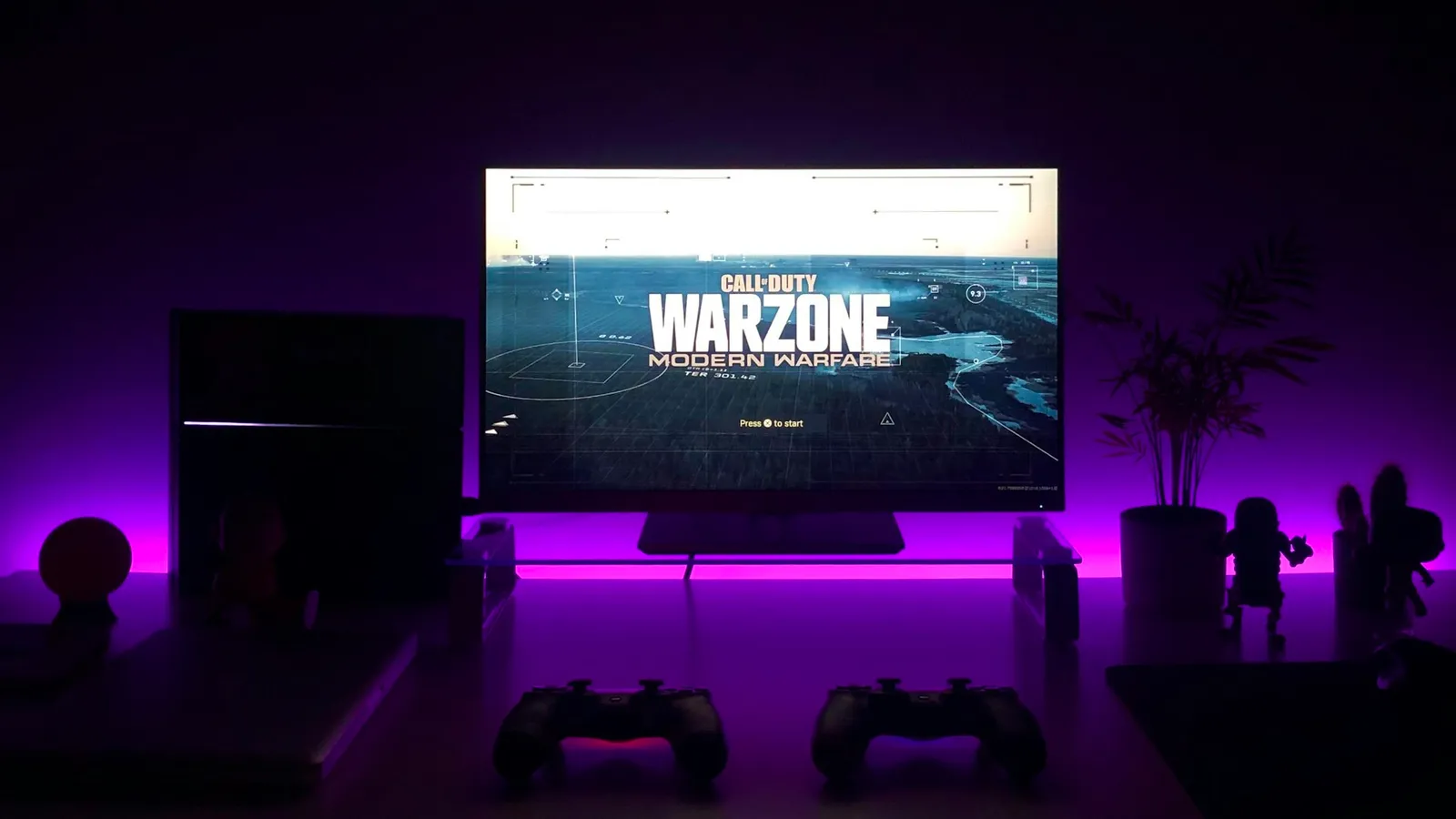
For gaming, buy the 1440p 144Hz monitor over the 4K 60Hz one. At around $330 you are really choosing between more pixels and more motion, and in a game that is moving, your eyes read smoothness before they read sharpness. The high-refresh 1440p panel also asks far less of your graphics card to hit its full frame rate. The 4K 60Hz screen only wins in one situation: you mostly play slow, visually rich single-player games and spend real time on desktop or creative work.
The reason this trade-off exists at all is that the two upgrades cost the same money but fight for the same GPU budget. A 4K monitor shows 3840×2160, or 8.29 million pixels — 2.25 times the 3.69 million in a 1440p (2560×1440) panel. Pushing 2.25x the pixels at a high frame rate is the single most expensive thing you can ask a graphics card to do, so a 4K panel that also ran at 144Hz would cost far more and demand a far stronger GPU. The budget-tier 4K monitors that sit next to 1440p gaming monitors on price get there by staying at 60Hz.
What actually changes in a moving game
Resolution and refresh rate improve different things, and games mostly reward the second one.
Higher resolution adds static detail: sharper text, finer textures, cleaner edges. You see it clearly on a still image or a slow pan. Higher refresh rate adds temporal clarity: the picture updates more often, so motion looks smoother and the image smears less when you flick the camera. TechSpot frames the 60Hz-to-144Hz step as roughly a 2.4x improvement in motion clarity, and in a shooter or a racing game the screen is almost never standing still.
That is the core mismatch. A 4K panel spends its advantage on the frames where nothing is moving, while a high-refresh panel spends its advantage on the frames where everything is. In an aim duel, a corner peek, or a fast strafe, the 144Hz screen shows you a cleaner, more current image — and 4K sharpness is mostly lost to motion blur in exactly those moments.
The honest catch on refresh rate: it only pays off if your GPU actually delivers the frames. A 144Hz monitor fed 55 fps looks like a 60Hz monitor with worse value. We break down that GPU-feeds-the-panel relationship in 60Hz vs 144Hz.
The GPU cost nobody mentions at checkout
The monitor price is only half the bill. The other half is the graphics card each resolution demands to look good.
Tom's Hardware's RTX 4070 Ti review is a clean example because it runs the same card through the same games at both resolutions: about 120 fps at 1440p, and 69 fps at 4K. Same hardware, same settings — the jump to 4K erases nearly half the frame rate. RTINGS reaches the same conclusion in plainer terms in its 1440p vs 4K explainer: 4K needs a much more powerful GPU to drive well.
Now stack that against the panels. The 1440p 165Hz screen wants a GPU that can push well past 60 fps to earn its refresh rate — a mid-range card handles that in most titles. The 4K 60Hz screen only needs 60 fps, but hitting a stable 60 fps native at 4K in demanding games is itself a job for a stronger card. Tom's Hardware's 2026 GPU guide currently calls the Radeon RX 9070 XT the cheapest way into native 4K 60 fps — and that card sits far above what a 1440p build needs. If you buy the 4K monitor and pair it with a mid-range GPU, you end up running it at 1440p or leaning on upscaling anyway, which defeats the purchase.
Price and availability
Here is why this is a real decision and not a hypothetical — the two panels land within $20 of each other in our catalog.
| 1440p high-refresh | 4K 60Hz | |
|---|---|---|
| Example | Asus TUF VG27AQ | Asus VP327Q |
| Resolution | 2560×1440 | 3840×2160 |
| Refresh rate | 165Hz | 60Hz |
| Panel | IPS, 1ms | IPS-class, HDR10 |
| Size | 27" | 31.5" |
| Price | $319.99 | $339.99 |
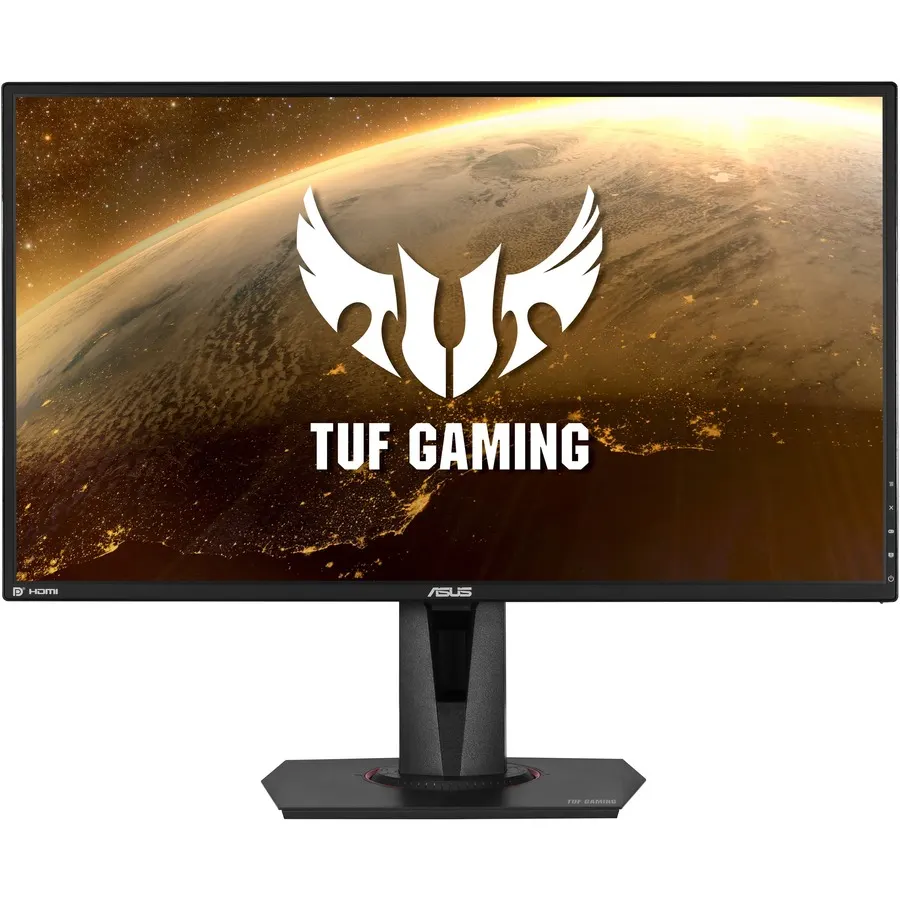
The Asus TUF VG27AQ is the 1440p pick: 27-inch IPS, 165Hz, 1ms, HDR10, at $319.99. The Asus VP327Q is the 4K pick: a larger 31.5-inch panel at 3840×2160, but capped at 60Hz, for $339.99. The extra four inches and the pixel count are what your money buys on the 4K side; the refresh rate and response time are what it buys on the 1440p side.
You can have both — for about four times the money
The trade-off only exists at this price. Spend more and you can buy a 4K panel that also runs at a high refresh rate.
The Asus ROG Swift PG32UCDM is a 32-inch 4K QD-OLED that Asus rates at 240Hz — full 4K sharpness and elite motion clarity in one screen. It is $1,359.99, roughly four times the price of either budget panel, and it needs a top-end GPU to feed 4K at high frame rates. That is the real cost of refusing to compromise: not one bill, but two.
Who should buy which
- Buy the 1440p 144Hz+ monitor if you play any fast games — shooters, racers, fighting, competitive multiplayer — or you want one screen that does everything well without a flagship GPU. This is the right call for the large majority of gamers, and it is the resolution most current mid-range cards are built for. See our best GPU for 1440p gaming picks.
- Buy the 4K 60Hz monitor if your library is mostly slow, visually rich single-player games (strategy, RPGs, city builders, story-driven titles), you want the bigger screen for a lot of desktop, reading, or creative work, and you either own a strong GPU or accept 60 fps. Our 1440p vs 4K gaming breakdown digs into the resolution question on its own.
- Buy a 4K high-refresh OLED if you want both and have the budget for the panel and the GPU behind it.
Not sure which card matches which monitor? The PC Builder checks GPU-to-resolution fit as you pick parts, so you do not overspend on a 4K screen a mid-range card cannot feed.