
For almost every PC gamer, 144Hz is worth it over 60Hz — it is the single most noticeable upgrade you can buy for the money, on one condition: your graphics card has to actually push well past 60 frames per second in the games you play. A 60Hz screen holds each frame on-screen for 16.7 ms; a 144Hz screen holds it for 6.9 ms. That shorter frame time is what makes motion look sharper, camera pans smoother, and your mouse feel more directly connected to what happens on screen.
The reason the question keeps coming up is that the number sounds like marketing. "144Hz" reads like "amazing performance," and plenty of monitors slap it on a mediocre panel. But the refresh rate itself is not hype — it changes something measurable about how motion is drawn. The catch is that a fast monitor fed slow frames just shows you slow frames, so whether the upgrade pays off depends as much on your GPU as on the screen.
What actually changes from 60Hz to 144Hz
Two things improve at once, and they are separate.
Smoothness and blur. Every modern LCD and OLED is "sample-and-hold" — each frame sits on screen, unmoving, until the next one replaces it. Your eyes track moving objects continuously, but the image on screen jumps in steps, so the longer a frame is held, the more it smears across your retina. That is why most of the blur you see in a fast game is not slow pixels — it is persistence, and it is tied directly to refresh rate (Blur Busters). Halving the time each frame is displayed roughly halves that blur. Text stays readable while you scroll; an enemy strafing across your screen stays a recognizable shape instead of a streak.
Responsiveness. A new frame can only reach your eyes when the monitor draws one. At 60Hz the next opportunity is up to 16.7 ms away; at 144Hz it is 6.9 ms. That difference sits on top of everything else in the input chain, so aiming and camera control feel more immediate. This is the part competitive players chase.
| 60Hz | 144Hz | |
|---|---|---|
| New frames per second | 60 | 144 |
| Time each frame is on screen | 16.7 ms | 6.9 ms |
| Relative motion blur (fps = Hz) | baseline | ~0.4x (less than half) |
| Best fit | single-player, 4K sharpness, tight budget | shooters, fast-paced games, esports |
You only get it if your GPU feeds the frames
This is where money gets wasted. The monitor sets the ceiling; the GPU decides how close you get to it. If your card runs a game at 60 fps, a 144Hz panel spends most of its time repeating frames it already showed — you paid for headroom you never touch.
So the order matters. If you are choosing between a faster monitor and a faster graphics card and your current card struggles to clear 60 fps, buy the GPU first. High-refresh gaming is a package: the screen and the frames to fill it. Our best GPU for 1440p gaming in 2026 guide covers what it takes to hold triple-digit frame rates, and you can check whole-system balance in the PC Builder with automatic compatibility checks.
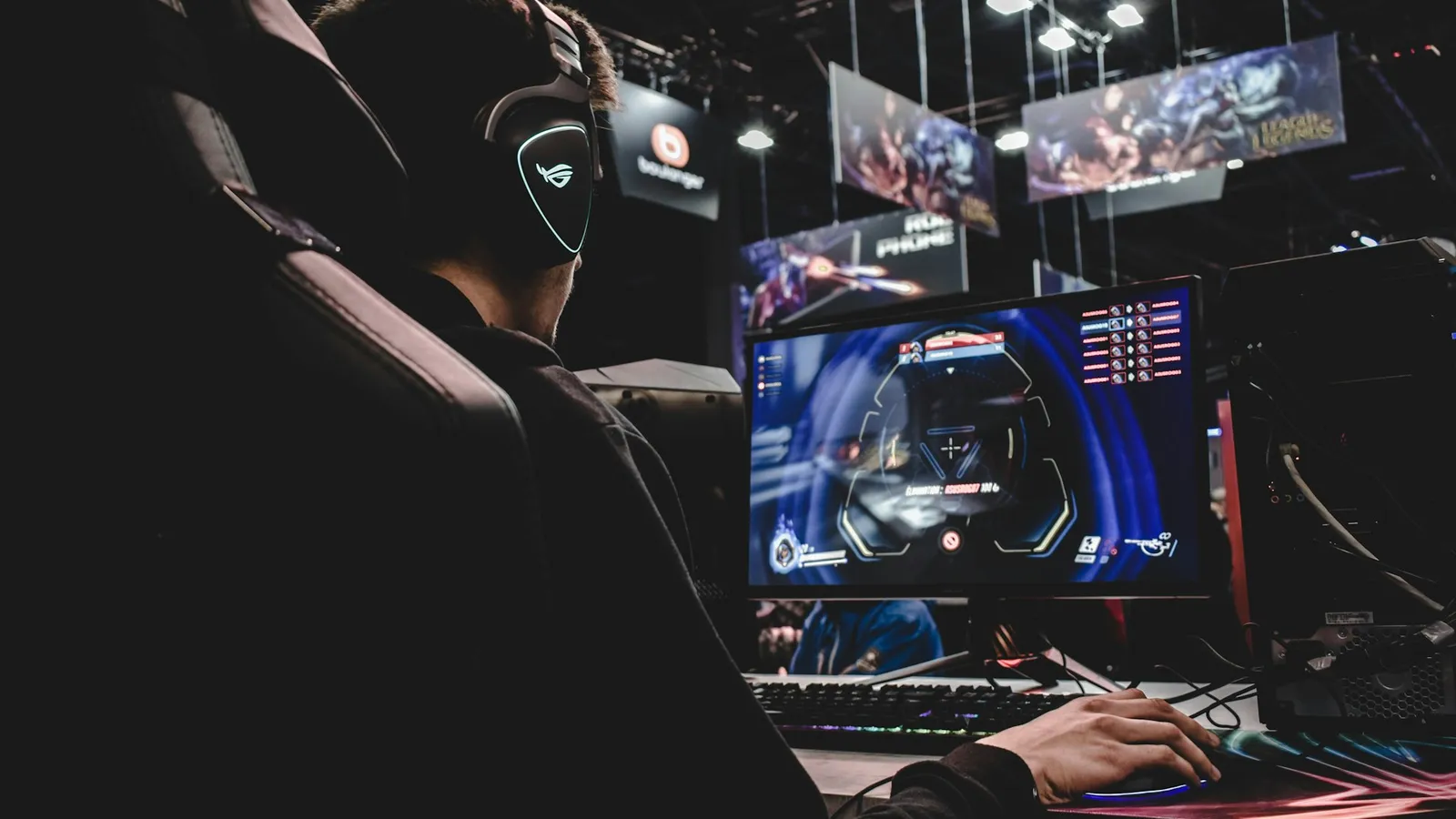
Competitive shooters make this easy — Counter-Strike 2, Valorant, and Overwatch 2 run at hundreds of fps on midrange hardware, so a cheap CPU and GPU can saturate a 144Hz panel. Heavy single-player titles are the opposite: if you play maxed-out AAA games at 4K and land around 50–60 fps, the refresh rate is not your bottleneck.
Where higher refresh stops mattering
Two honest limits, because the number is not magic.
Above 144Hz, the curve flattens. The 60→144Hz jump removes 9.8 ms of frame time. The next steps are much smaller: 144→240Hz saves 2.7 ms, and 240→360Hz only 1.4 ms. Trained esports pros can still feel those differences, and they matter when a duel is decided in milliseconds — but for most people, past 144Hz you are paying steeply more for a shrinking slice of benefit. If you are not grinding ranked FPS, 144–165Hz is the value sweet spot.
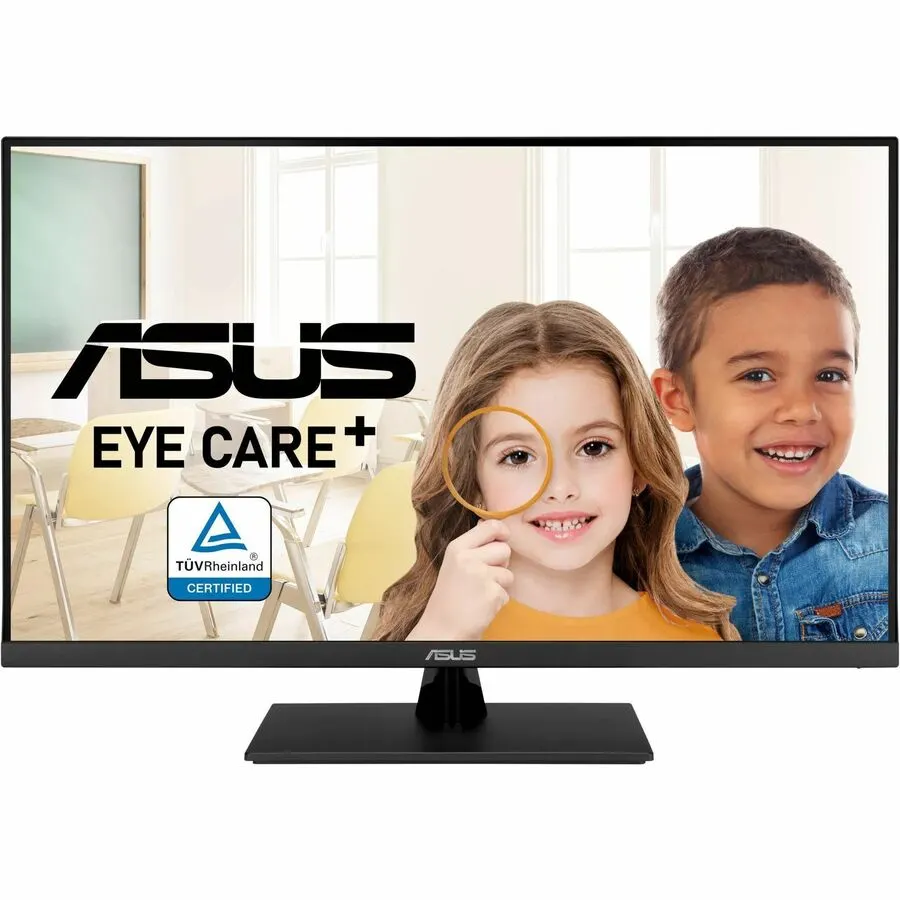
Slow games barely care. In a turn-based strategy game, an RPG you play with a controller, or anything cinematic, the smoothness upgrade is nice but far from essential. If your priority is image sharpness for those games, the pixels can be the better place to spend — a 60Hz 4K panel like the Asus VP327Q ($339.99) gives you 3840x2160 for less than a high-refresh 4K screen costs. Refresh rate and resolution pull against each other on a budget; our 1440p vs 4K breakdown walks through that trade.
The Hz number is not the whole story. A cheap high-refresh panel with slow pixel response can smear enough to eat part of the advantage. Look for a stated response time around 1 ms and, ideally, an IPS panel rather than a slow VA — a 144Hz screen that can't keep up with its own refresh rate is only half the upgrade.
Price and availability
You do not need to spend much to get the core benefit. At TechCortex, in-stock options today:
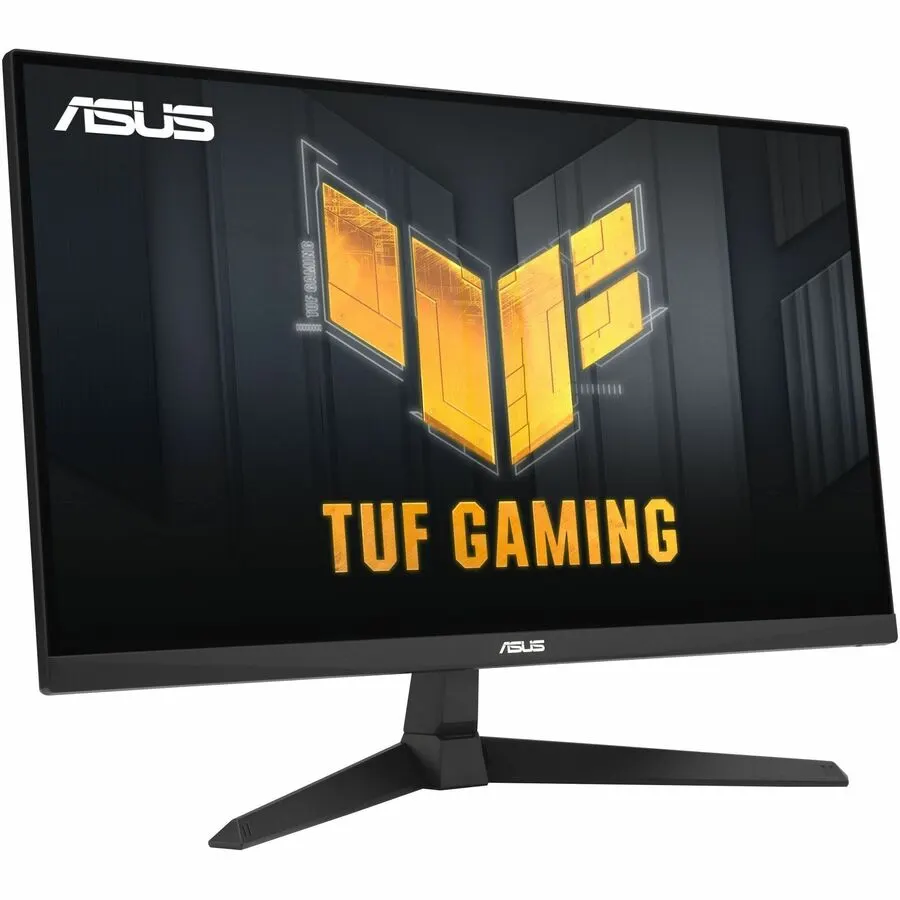
- Asus TUF VG279QE5A — $199.99. 27-inch, 1080p, 146Hz, 1 ms. The clean starting point: a true high-refresh gaming panel at a price where the upgrade over 60Hz is a no-brainer.
- Asus VA24EHF — $136.61. 23.8-inch, 1080p IPS, 1 ms, 100Hz. The budget floor. 100Hz is not full 144, but it already delivers most of the leap away from 60Hz for the least money.
- Asus TUF VG27AQ — $319.99. 27-inch, 1440p IPS, 165Hz, 1 ms. Steps up resolution and refresh together — the pick if your GPU can drive 1440p at high frame rates.
- Asus ROG Swift PG32UCDM — $1,359.99. 32-inch 4K OLED, 240Hz. This shows what the diminishing-returns end costs: the 240Hz here is bundled with a 4K OLED panel, so you are paying for the screen technology and resolution far more than for the refresh rate alone.
Who should buy which
- Buy 144Hz (or 165Hz) if you play shooters, racing, or any fast game, and your GPU already clears 100+ fps in them. This is most gamers, and the $199.99 VG279QE5A makes it cheap.
- Buy the 100Hz budget panel if money is tight — 60→100Hz still captures most of the jump, and it is the least you can spend to leave 60Hz behind.
- Stay on / buy 60Hz if you mostly play slow, single-player games, care more about 4K sharpness than motion, or your graphics card can't push much past 60 fps anyway. Spend the difference on the GPU instead.
- Only chase 240Hz+ if you play competitive FPS seriously and your system genuinely sustains those frame rates. Otherwise the money buys very little you will notice.