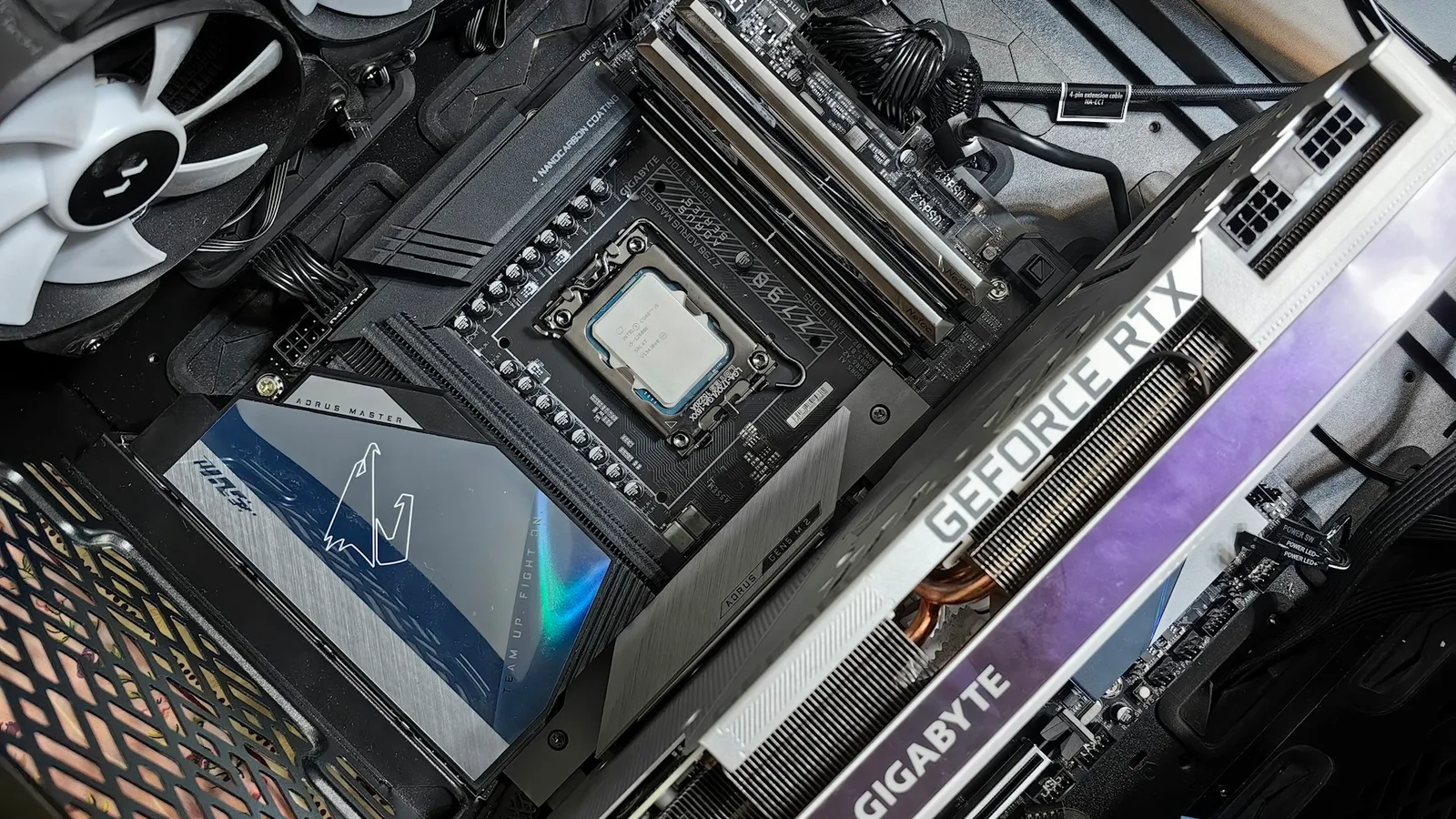

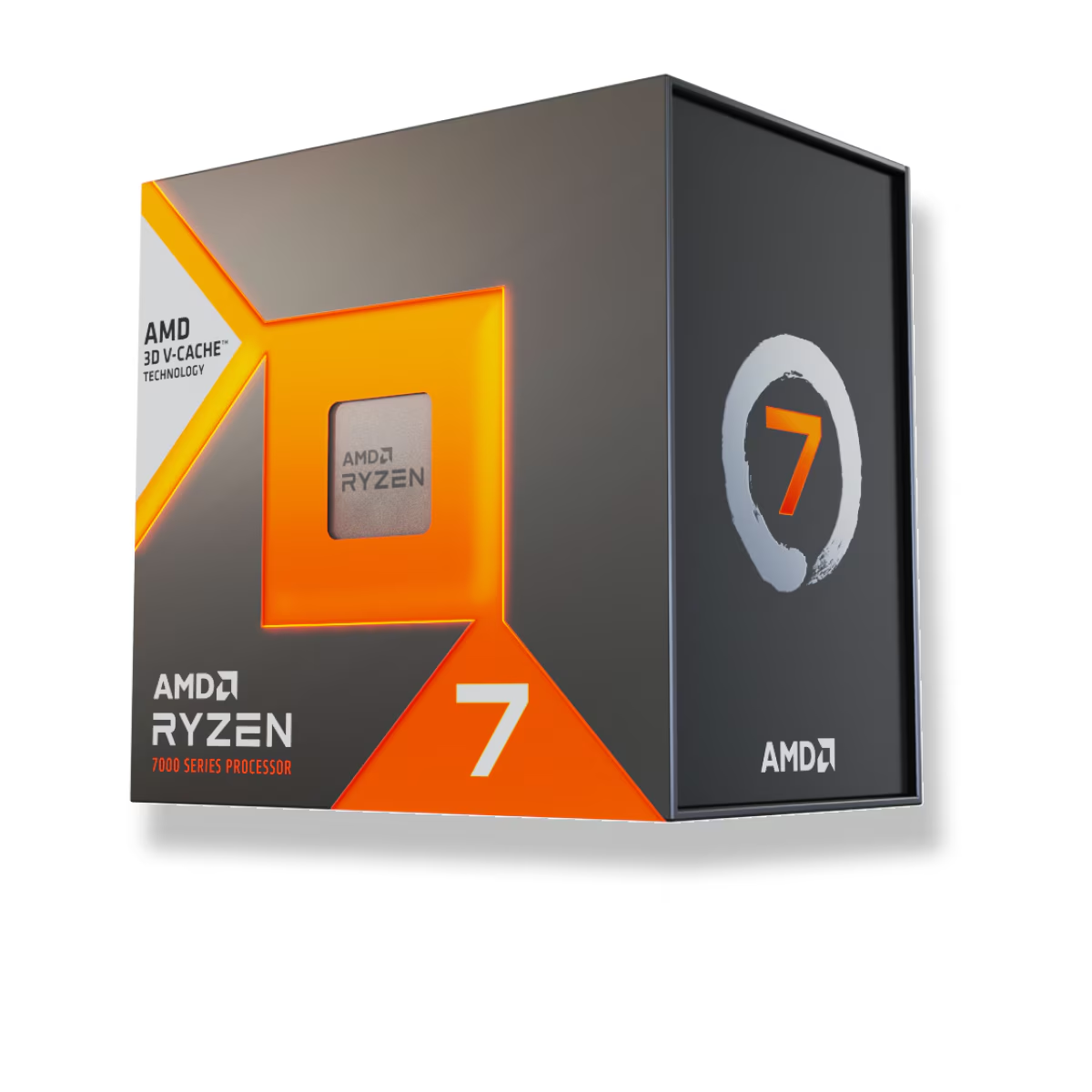
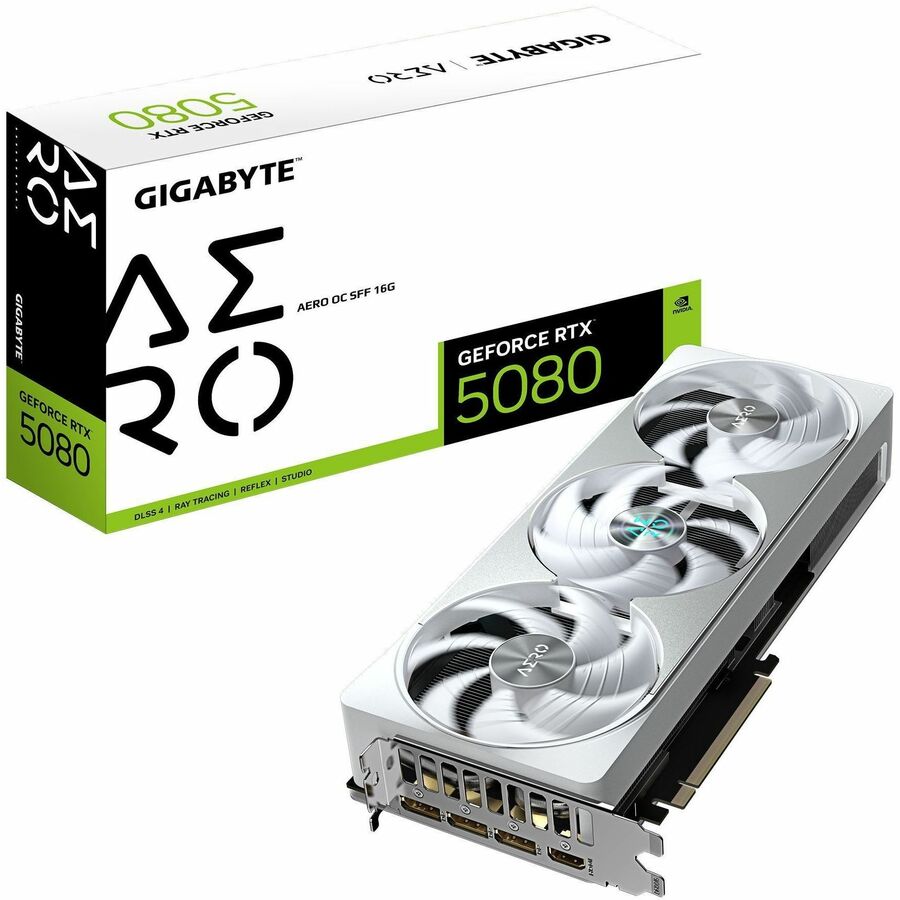
No, the Ryzen 7 7800X3D will not bottleneck an RTX 5080 in any way that should change your buy. At 1440p and 4K — the resolutions this card is built for — the graphics card sets the frame rate, and the 7800X3D is one of the fastest gaming CPUs you can put in front of it. Tom's Hardware called it a "new gaming champ" that beats pricier chips, so it is close to the least-limiting choice on the market. The only place a CPU cap shows up is high-refresh 1080p and a handful of CPU-heavy games, and even there the 7800X3D is the chip you'd want.
The question comes up because "bottleneck calculator" sites throw out scary percentages, and a $2,000 GPU next to a $400 CPU looks lopsided. Price is not how bottlenecks work. What matters is whether the CPU can feed the GPU frames fast enough at the resolution you actually play, and for this pairing the answer is yes almost everywhere.
The short answer, by resolution
Whether a "bottleneck" exists depends entirely on where you play. Here is who sets the frame rate with a 7800X3D and RTX 5080 together:
| Resolution | Who limits frame rate | 7800X3D bottleneck? |
|---|---|---|
| 4K | The RTX 5080, in nearly every game | Effectively none |
| 1440p | The RTX 5080 in most demanding titles | None worth worrying about |
| 1080p high-refresh | Can shift to the CPU in some games | Minor, and lowest with this chip |
If you bought an RTX 5080, you bought it to play at 1440p or 4K. At those resolutions the GPU is doing the heavy lifting and the CPU spends its time comfortably ahead of it. The bottleneck worry is largely a 1080p problem — and pairing a $2,000 card with a 1080p monitor is the real waste here, not the CPU.
Why 4K erases the CPU question
At 4K, the graphics card renders so many more pixels per frame that it becomes the ceiling on frame rate, and the CPU sits with headroom to spare. TechSpot's dedicated look at CPU impact on 4K gaming found that when a build is GPU-bound, average frame rates between a top CPU and a much slower one collapse to within a few percent (TechSpot). Swap the 7800X3D for a mid-range chip at 4K and your average FPS moves very little.
There is one nuance worth keeping, and it actually favors the 7800X3D: the same testing showed the 1% lows — the brief dips that you feel as stutter — still separate a fast CPU from a slow one even at 4K. The 7800X3D's large 3D V-Cache is exactly what smooths those dips, which is why it wins the metric that matters most for how a game feels, not just its average number.
Where the CPU still earns its keep
Two situations flip the script, and being honest about them is the point.
High-refresh 1080p. If you run a 240Hz or 360Hz 1080p monitor and chase the highest possible frame rate, the GPU has an easier job per frame and the CPU can become the limiter. This is the one place a 5080 might sit slightly idle waiting on the processor. Even then, the 7800X3D is the CPU you'd pick to keep that gap small — TechSpot's review named it a gaming-efficiency leader and one of the fastest gaming chips available (TechSpot).
CPU-heavy games. Simulators, grand-strategy titles, large multiplayer maps, and some poorly optimized new releases lean hard on the CPU regardless of resolution. In those, any processor can cap a 5080, and no CPU on the market fully removes that. The 7800X3D's cache helps here more than almost anything else, but it is not magic. If your library is mostly Anno, Factorio, Microsoft Flight Simulator, or heavy MMO raids, know that the ceiling is partly the engine, not your parts.
What the RTX 5080 actually wants
The RTX 5080 is a high-end 1440p and 4K card. In TechSpot's review it delivered around 131 FPS in Cyberpunk 2077 and 87 FPS in Alan Wake 2 at 1440p, and stepped down to roughly 49 FPS in Alan Wake 2 at 4K before upscaling (TechSpot). Those are GPU-bound numbers: the card, not the CPU, is deciding them. At 4K it lands about 16% ahead of the last-gen RTX 4080 Super (TechPowerUp).
A card like this pulls real power under load, so the part of your build to sweat is the power supply, not the CPU. Our guide to PSU wattage for RTX 50-series GPUs covers what headroom to leave. And if you are still deciding what monitor to feed it, 1440p vs 4K gaming is the more useful question than any bottleneck percentage.
Price and availability
Prices from our live catalog at the time of writing, both in stock:
| Component | Spec | Our price |
|---|---|---|
| Ryzen 7 7800X3D | 8C / 16T, AM5 | $415.41 |
| Gigabyte RTX 5080 16GB | 16GB GDDR7 | $2,022.00 |
The RTX 5080 launched at a $999 MSRP; like most of this generation it sells well above that on shelves, and $2,022 is the in-stock reality here. That gap is worth knowing so the price doesn't surprise you — it is a GPU-cost story, not a reason to spend more on the CPU. You can drop both parts into a compatibility-checked system in our PC Builder.
Who this pairing is right for
- Buy the 7800X3D with an RTX 5080 if you game at 1440p or 4K. This is the near-ideal match: the GPU is the limiter, and the CPU is among the fastest made, so you leave almost no performance on the table.
- You do not need a pricier CPU for this GPU at 1440p or 4K. The frame-rate ceiling is the 5080, and a costlier chip changes averages by low single digits. Put the money toward the monitor or storage instead.
- Reconsider the resolution, not the CPU, if you plan to run a 5080 at 1080p. The card is wasted there long before the 7800X3D would ever be the problem.
If you want the CPU side compared on its own, our best CPU for 1440p gaming breakdown shows where extra cores and cache stop mattering for frame rate.