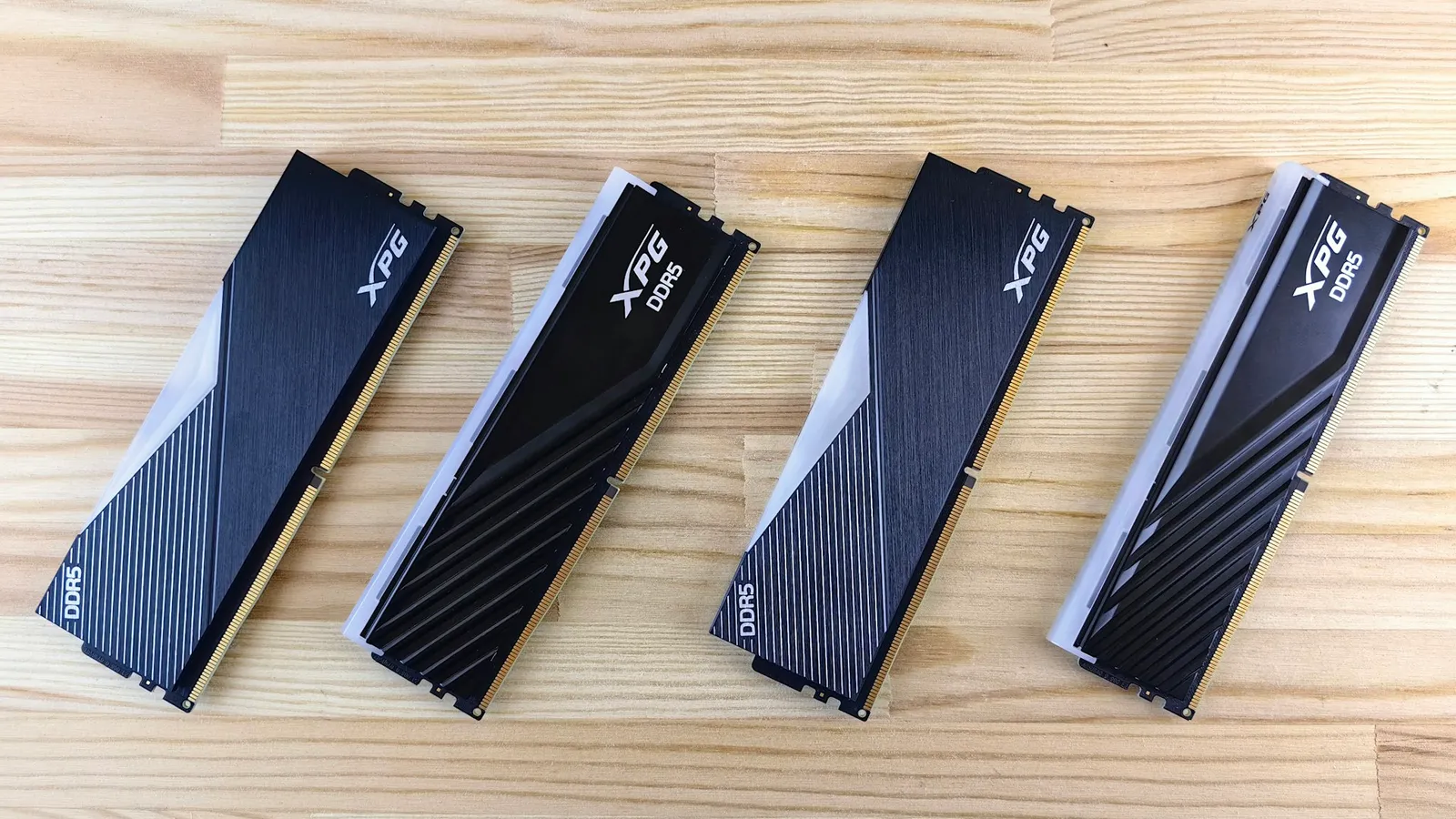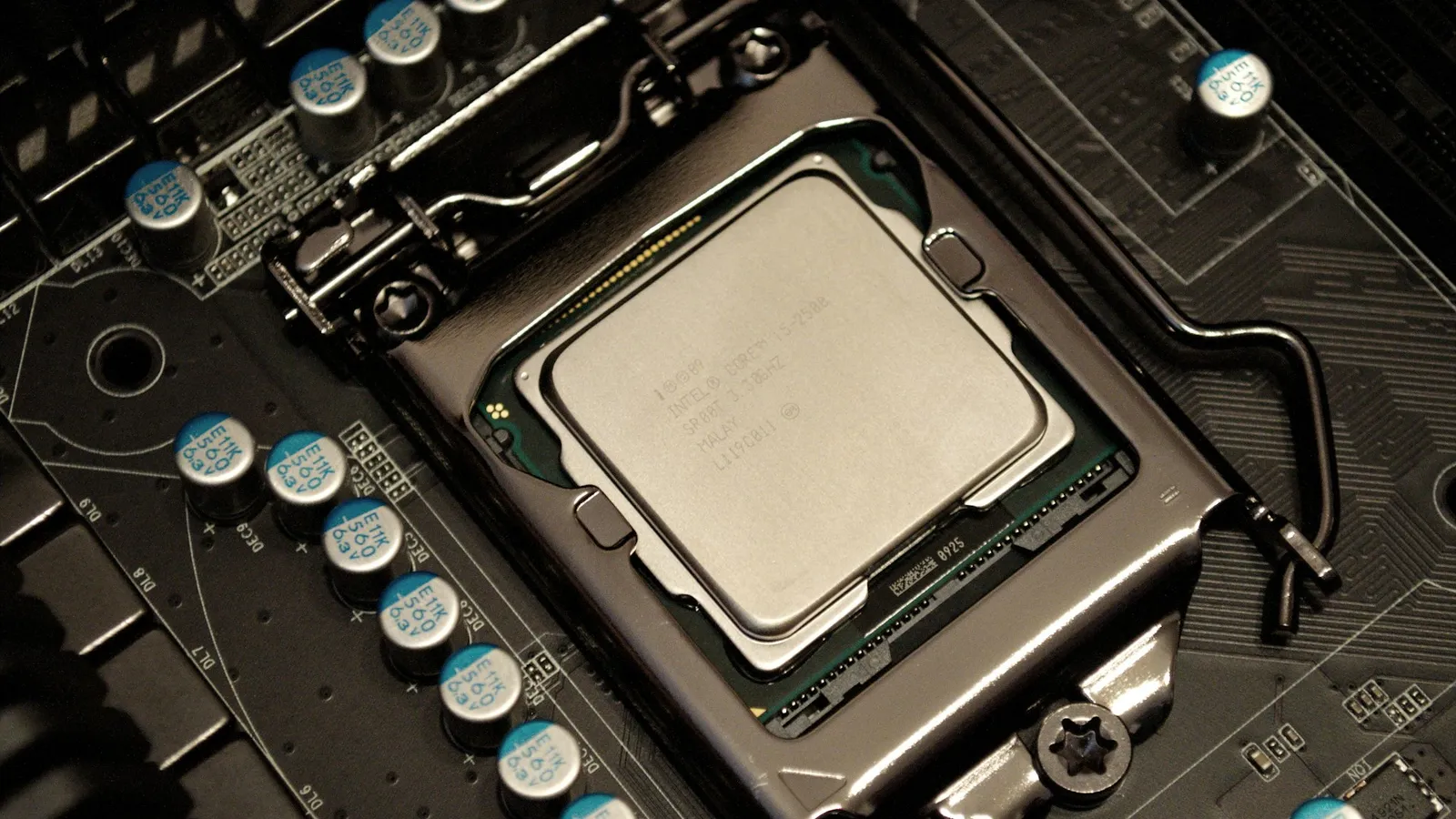

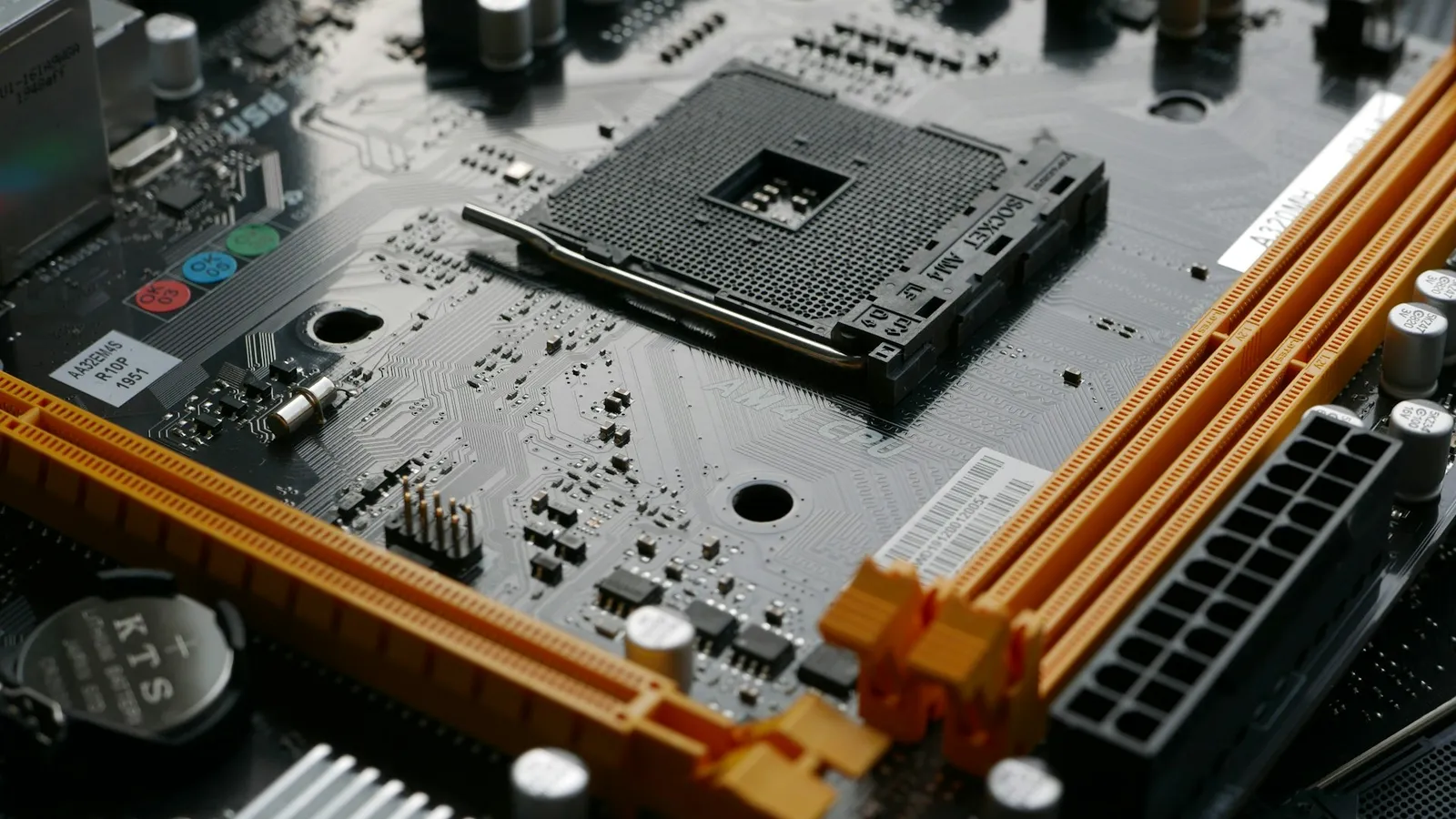
Yes, a DDR5-8000 kit will boot and run on a modern AM5 motherboard — but it almost never runs the way the box implies. Above roughly DDR5-6000, Ryzen's memory controller drops from a 1:1 ratio to 2:1, which raises latency, and in games a good DDR5-6000 CL30 kit matches or beats DDR5-8000 on the same chip. The short version: for an AM5 build, buy DDR5-6000 CL30, not DDR5-8000.
The question comes up because 8000 kits advertise a huge bandwidth number, and on paper that looks like free performance. The catch is that AM5's on-die memory controller can't keep pace with the memory at that speed without changing how it talks to the RAM — and that change costs you most of what the higher number promised.
Does DDR5-8000 actually boot on an AM5 board?
Physically, yes. A current B650/B850/X670/X870 board with a recent BIOS will POST with an 8000 kit, and you can load its EXPO profile. Reviewers do exactly this — Phoronix ran a Ryzen 7 9700X with a Corsair DDR5-8000 kit without trouble.
What you won't get is the controller running in lockstep with the memory. Load an 8000 EXPO profile and the board quietly sets a 2:1 ratio. The RAM runs at its rated speed; the memory controller does not. That single setting is why "it runs" and "it's faster" are two different questions.
Why Ryzen tops out near DDR5-6000
On AM5, the memory controller (UCLK) and the memory itself (MCLK) can run at the same clock — a 1:1 ratio — up to about DDR5-6000. That is the mode you want: the controller moves data every memory cycle, so latency stays low. Igor's Lab measured the practical 1:1 ceiling landing between DDR5-6200 and DDR5-6600 depending on the chip.
Push past that and the controller can't clock high enough to stay 1:1, so the board switches to 2:1 (Gear 2): the controller runs at half the memory clock. Bandwidth goes up, but the controller now adds latency on every access, and games — which lean on latency more than raw bandwidth — feel that trade. Tom's Hardware covered AMD's own guidance here: DDR5-6000 is the recommended sweet spot, and you leave FCLK on Auto rather than chasing the old DDR4-era 1:1:1 rule.
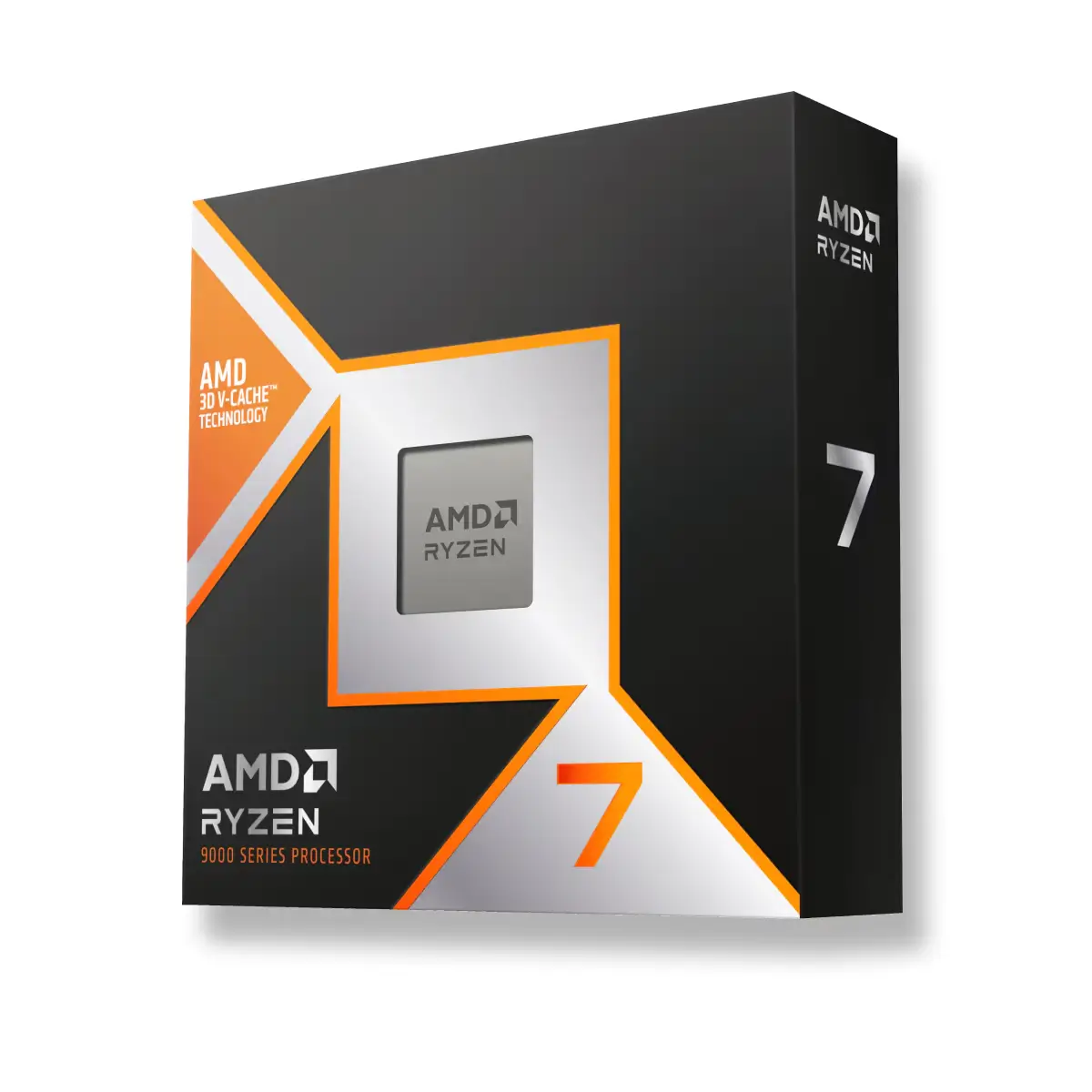
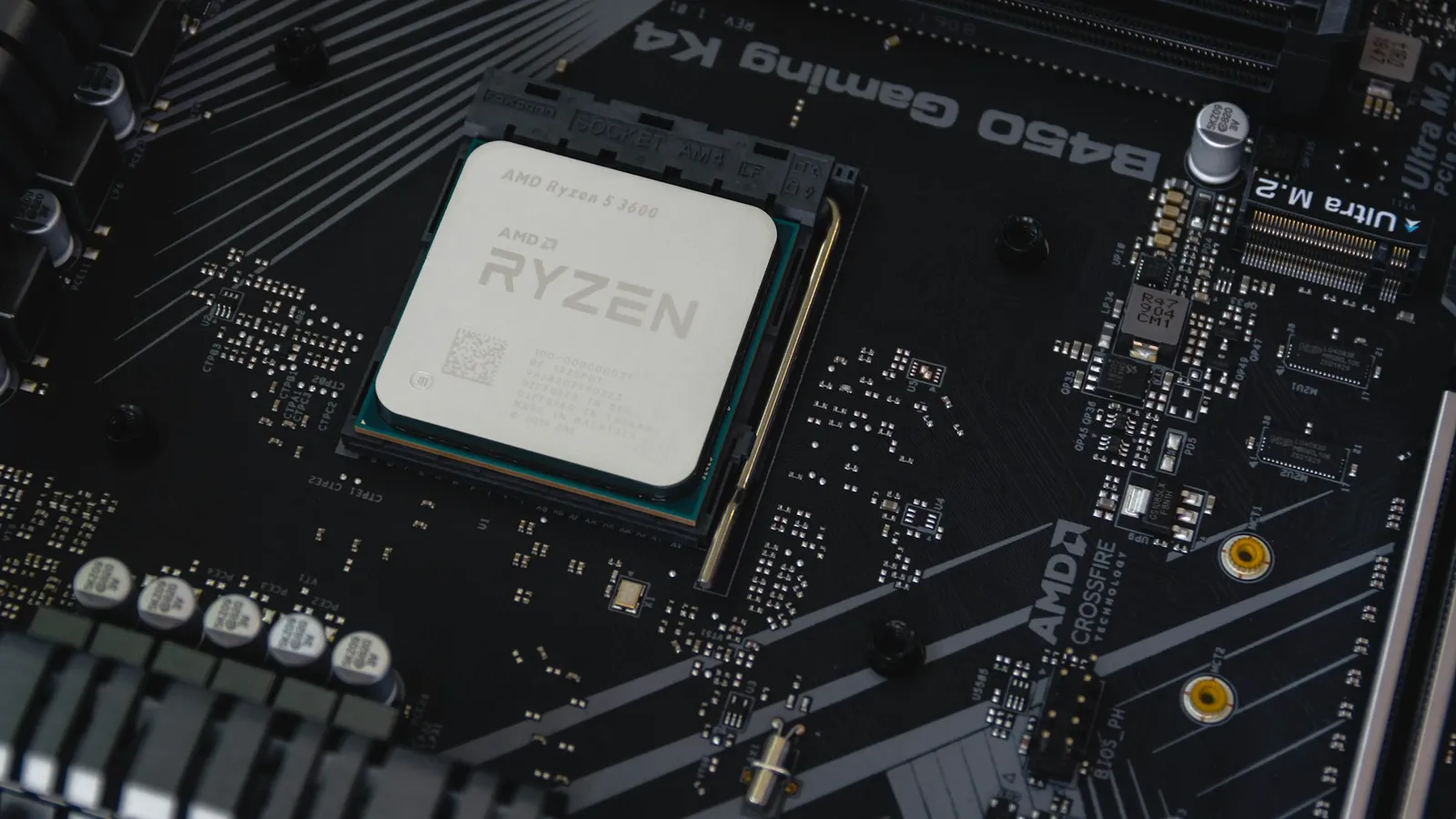
The memory controller lives on the CPU, which is why your choice of Ryzen chip matters more than the sticker on the RAM. It's also why the Ryzen 7 9800X3D barely cares about memory speed at all: its 96 MB of L3 cache (including 64 MB of stacked 3D V-Cache) absorbs most of the memory traffic a game generates, so faster RAM has little left to do.
What the benchmarks actually show
Across TechPowerUp's Zen 5 memory suite, the 9800X3D's gaming performance at 1080p sat within roughly 2% top to bottom from DDR5-4800 all the way to DDR5-8000. The 1% lows moved a little more — up to about 7% — but that is measured against slow DDR5-4800 JEDEC memory, not against a good 6000 CL30 kit. Lined up against DDR5-6000 CL30, DDR5-8000's advantage shrinks to inside the margin of error.
Non-X3D chips scale with memory a bit more, so you'd expect 8000 to pull ahead there. It doesn't, because of the 2:1 penalty. TechSpot's DDR5-8000 test on a 9700X found that tightening DDR5-6000 timings (CL30, and a newer CL26 kit) gained more than jumping to raw DDR5-8000 did. Past 6000, timings and the ratio decide the result — not the headline speed.
| DDR5-6000 CL30 | DDR5-8000 | |
|---|---|---|
| Controller ratio on AM5 | 1:1 (UCLK = MCLK) | 2:1 (UCLK = ½ MCLK) |
| AM5 status | AMD's stated sweet spot | Runs, but demoted to Gear 2 |
| Latency | Lower | Higher (extra controller step) |
| Gaming vs 6000 CL30 | Baseline | ~0–2% on average, can lose in 1% lows |
| Cost in late 2026 | Lower | Large premium, often out of stock |
When faster than 6000 is worth it on AM5
There is a narrow case. On a non-X3D chip with a strong memory controller, a DDR5-6200 or DDR5-6400 kit that still holds 1:1 can edge out 6000 — you get a little more speed without leaving the good ratio. That is the real ceiling worth chasing, and it's a world away from 8000.
For X3D chips, don't even chase that. The cache makes memory speed close to irrelevant, so a solid DDR5-6000 CL30 kit is the finish line, not the starting point. I go deeper on that in does the Ryzen 7 7800X3D need fast RAM, and on the 6000-versus-6400 question in DDR5-6000 vs DDR5-6400. If you want the full speed-versus-speed picture, DDR5-6000 vs DDR5-8000 breaks down the frame-rate data.
DDR5-8000 does make more sense on Intel. Core Ultra's memory controller handles 8000+ at a usable ratio, so there the speed can translate into real gains. It's an Intel platform feature, not an AM5 one — buying an 8000 kit for a Ryzen build is paying for a number your CPU will throw away.
The late-2026 catch: price and availability
There's a second reason to skip 8000 right now. DDR5 is expensive and hard to find in late 2026, and the fastest kits carry the steepest premium of all — when they're in stock at all. Paying extra for 8000 on a platform that demotes it to 2:1 is the worst of both: more money for the same or worse frames. If you're timing a memory purchase, I covered the market in when RAM prices will go down.
What to actually buy for AM5
Get a DDR5-6000 CL30 kit, 2x16GB for most gaming builds or 2x32GB if you also create or run a lot at once. Turn on EXPO in the BIOS so it runs at rated speed instead of a slow default — if your memory boots at 3600 or 4800, that's the fix, and I walk through it in DDR5 running slow? enable EXPO. Leave FCLK on Auto.
Match that memory to the right AM5 chip: the budget Ryzen 5 7600X for 1080p, the Ryzen 7 7800X3D, or the current Ryzen 7 9800X3D for high-refresh gaming. The PC Builder checks CPU, board, and memory compatibility as you go, so you don't end up with a kit your board won't run at its rated speed.