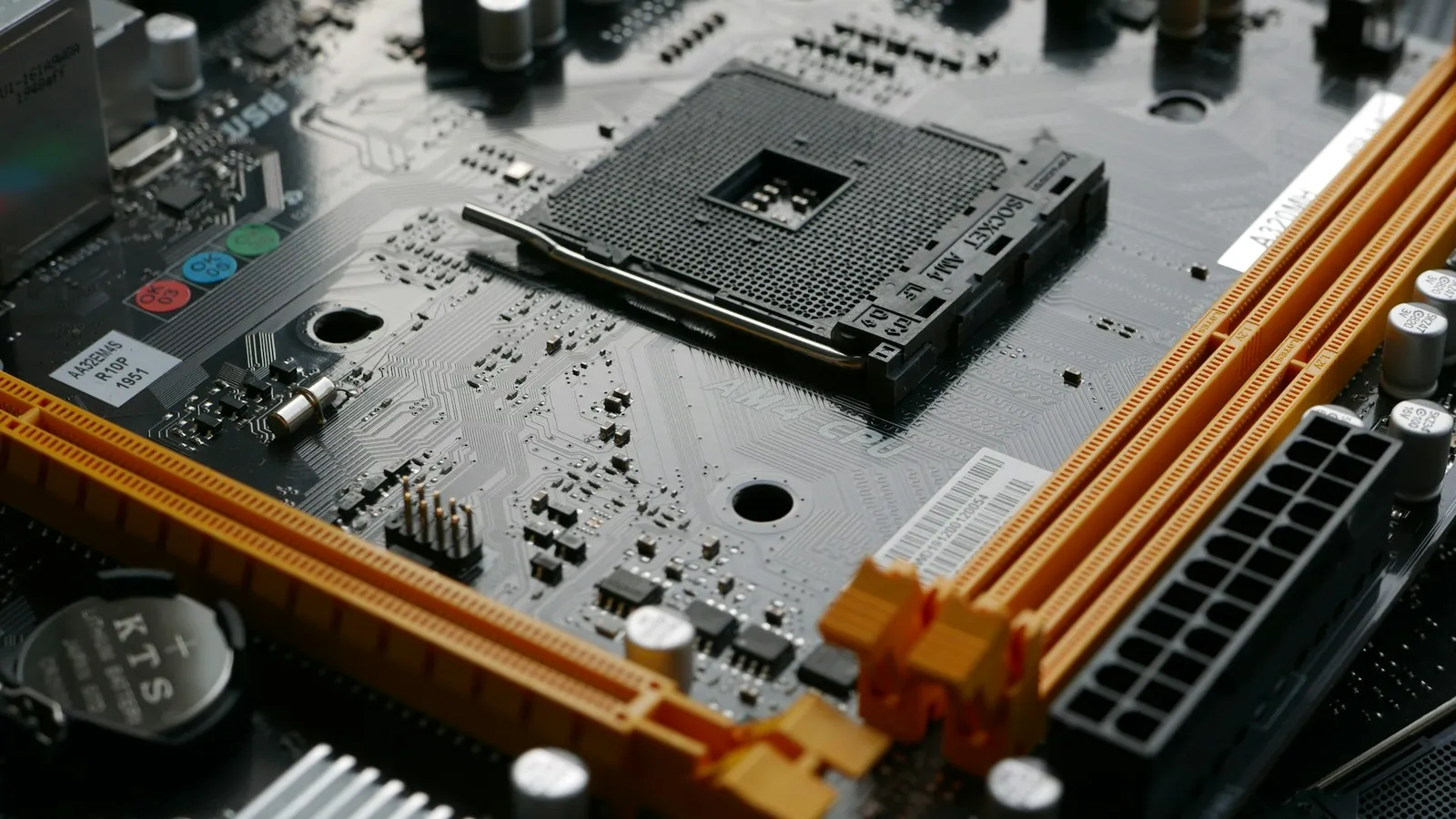

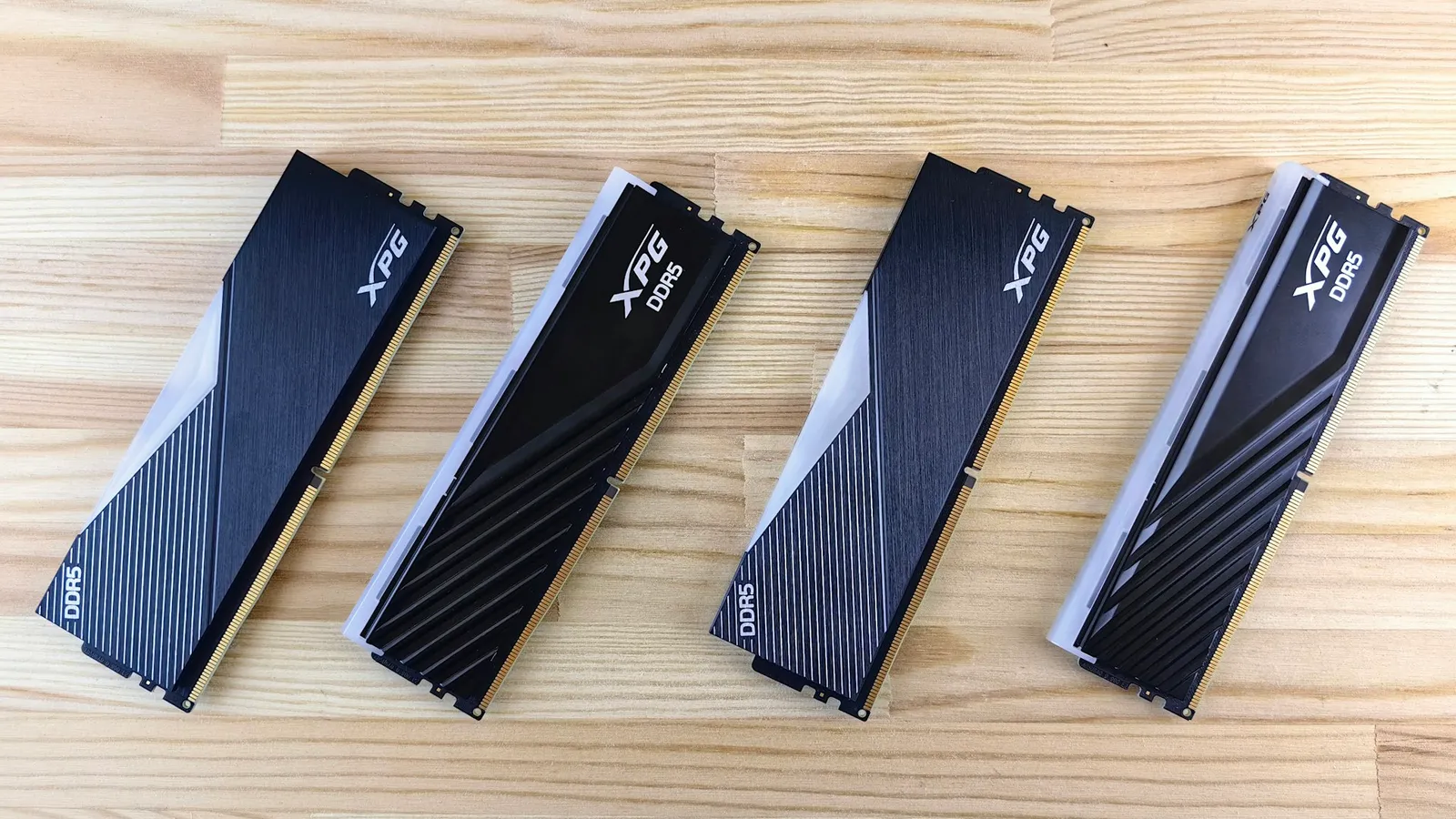
No, the Ryzen 7 7800X3D does not need fast RAM. A DDR5-6000 CL30 kit is the target, and anything faster — DDR5-7200, DDR5-8000 — gains this chip almost nothing in games. The reason is the 96MB of L3 cache stacked onto the die (AMD). That cache catches most of the memory requests a game makes, so the CPU rarely waits on your RAM in the first place, and feeding it quicker memory gives it less to do, not more.
There is one thing that matters far more than the number on the box: turning EXPO on. A DDR5-6000 kit runs at a JEDEC fallback of DDR5-4800 until you enable its EXPO profile in the BIOS, and that gap is real frames. So the honest answer is "buy a DDR5-6000 CL30 kit, switch EXPO on, and stop there" — not "buy the fastest RAM you can afford."
Why the 3D V-Cache makes RAM speed almost irrelevant
RAM speed matters when a CPU has to keep leaving the chip to fetch data from main memory — every trip costs time, and faster memory shortens the trip. The 7800X3D takes far fewer of those trips. Its 96MB of L3 cache is roughly three times what a standard Zen 4 chip carries, and that pool sits right next to the cores (AMD). A game's working set largely fits inside it, so the data the cores need is usually already on the die.
That changes what faster RAM can do for you. On a cacheless chip, quicker memory is a direct upgrade because the CPU is constantly reaching out to it. On the 7800X3D, the cache has already absorbed most of that traffic, so the RAM is handling the leftovers — and making the leftovers faster moves the needle very little. Reviewers singled this chip out as the most efficient, least memory-dependent gaming CPU of its generation for exactly this reason (Tom's Hardware).
The benchmarks match the theory. In memory-scaling tests, stepping a 7800X3D from DDR5-6000 up to a much faster kit produces a few percent in most titles and nothing you would feel in many of them. The games that do respond are the handful built around high memory bandwidth — Spider-Man Remastered is the usual poster child, and even there the gain lands near 9% (TechSpot). For the full picture of where faster memory does and doesn't pay off, see DDR5-6000 vs DDR5-8000.
DDR5-6000 is the ceiling that matters — here's why
There is a hard technical reason DDR5-6000 is the number everyone lands on, and it isn't marketing. Zen 4's memory controller and its Infinity Fabric run best when they are locked 1:1 with the memory clock. At DDR5-6000, the fabric and the memory both sit at roughly 3000 MHz, in step with each other (Club386).
Go above 6000 and most chips can no longer hold that 1:1 lock. The platform drops to a 2:1 ratio and runs the fabric at half the memory speed, which adds latency (Club386). So a DDR5-7200 kit can actually feel no faster — or slower — than a DDR5-6000 CL30 kit on this platform, because the latency penalty eats the bandwidth gain. You paid more for the kit and got a worse configuration.
This is why "faster RAM" is the wrong frame for AM5. The win is hitting DDR5-6000 with tight-ish timings (CL30) while staying in 1:1, not climbing the frequency ladder. On a cache monster like the 7800X3D, even that win is small — but it is free of downside, which is more than the 8000 kits can say.
What to actually buy
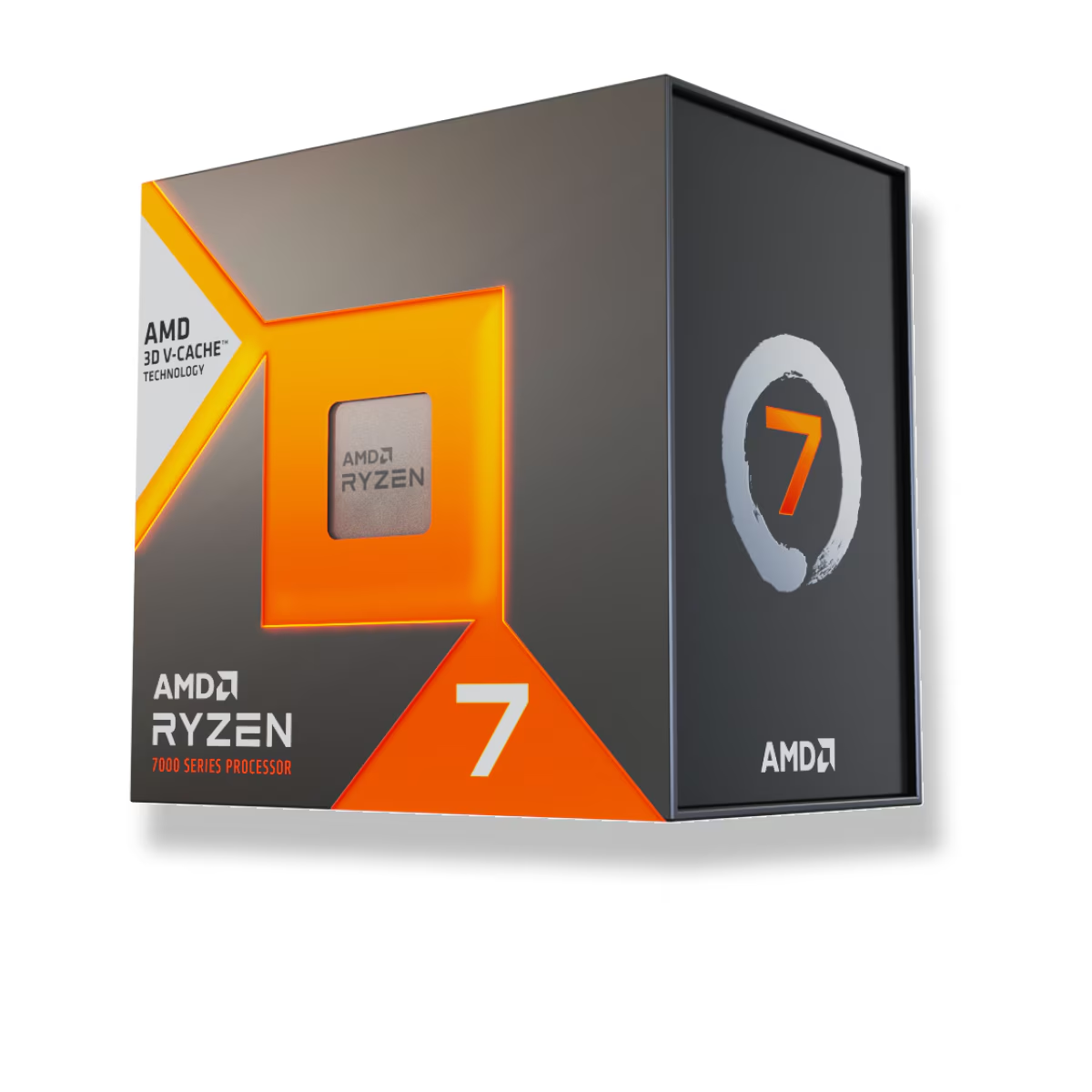
Buy the CPU, a DDR5-6000 CL30 32GB kit, and a board that will run it — then put every remaining dollar into the GPU, because that is where frames come from on this chip. The AMD Ryzen 7 7800X3D is $415.41 in our catalog.
For memory, the spec to shop for is 32GB (2×16GB) DDR5-6000 CL30 — a matched dual-channel kit, not two mismatched sticks. You do not need a 7200 or 8000 kit, and you do not need to pay a premium for CL28. One pair of 6000 CL30 sticks with EXPO enabled is the whole job.
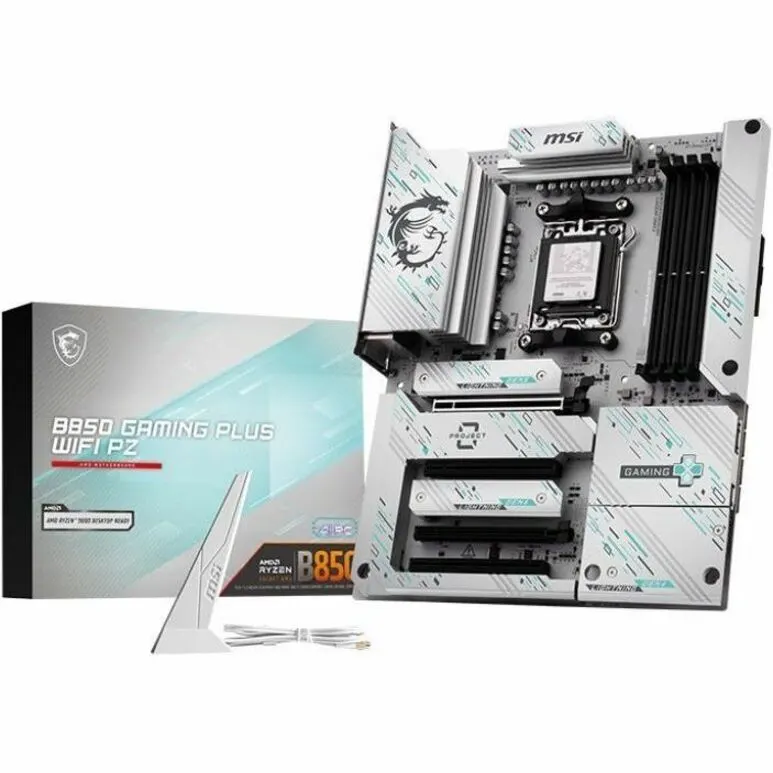
A mid-range AM5 board runs that kit without fuss. The MSI B850 GAMING PLUS WIFI is $299.22 and carries an EXPO toggle in its BIOS, which is all you need to get the kit to its rated DDR5-6000 — the B850 chipset gives you nothing extra over a cheaper B650 for a 7800X3D that can't be overclocked anyway.
To match the CPU, memory, and board with compatibility checked automatically, build the whole thing in our PC Builder. If you are still deciding on the board, the best motherboard for the Ryzen 7 7800X3D walks through the chipsets in detail.
Common mistakes
- Leaving EXPO off. This is the big one. A DDR5-6000 kit sits at the JEDEC fallback of DDR5-4800 until you flip EXPO on in the BIOS, and that single toggle is worth more than any kit upgrade (TechSpot). If your RAM feels slow, see DDR5 running slow? Enable EXPO/XMP.
- Paying for DDR5-7200 or 8000. On the 7800X3D these kits cost more, often drop you out of the 1:1 fabric ratio, and return a couple of percent at best. It is the clearest waste of money in an AM5 build.
- Buying a single 16GB stick to "upgrade later." That runs single-channel and leaves real performance on the table. Two sticks from the start is the point — see single-channel vs dual-channel RAM.
- Obsessing over CL30 vs CL32. The difference between those two timings is inside the margin of error in games. Buy whichever 6000-class kit is cheaper; don't pay a premium for the tighter number.