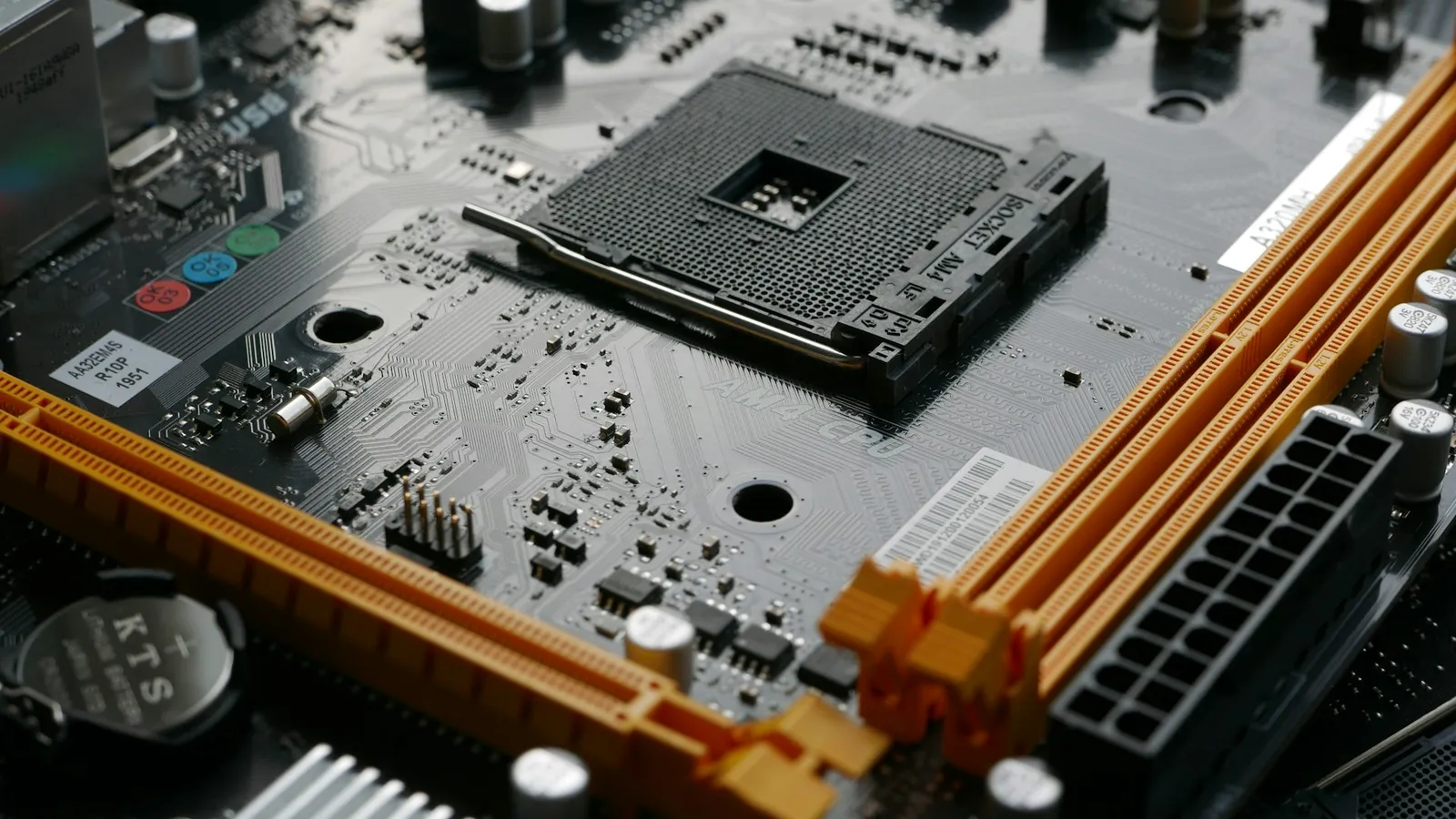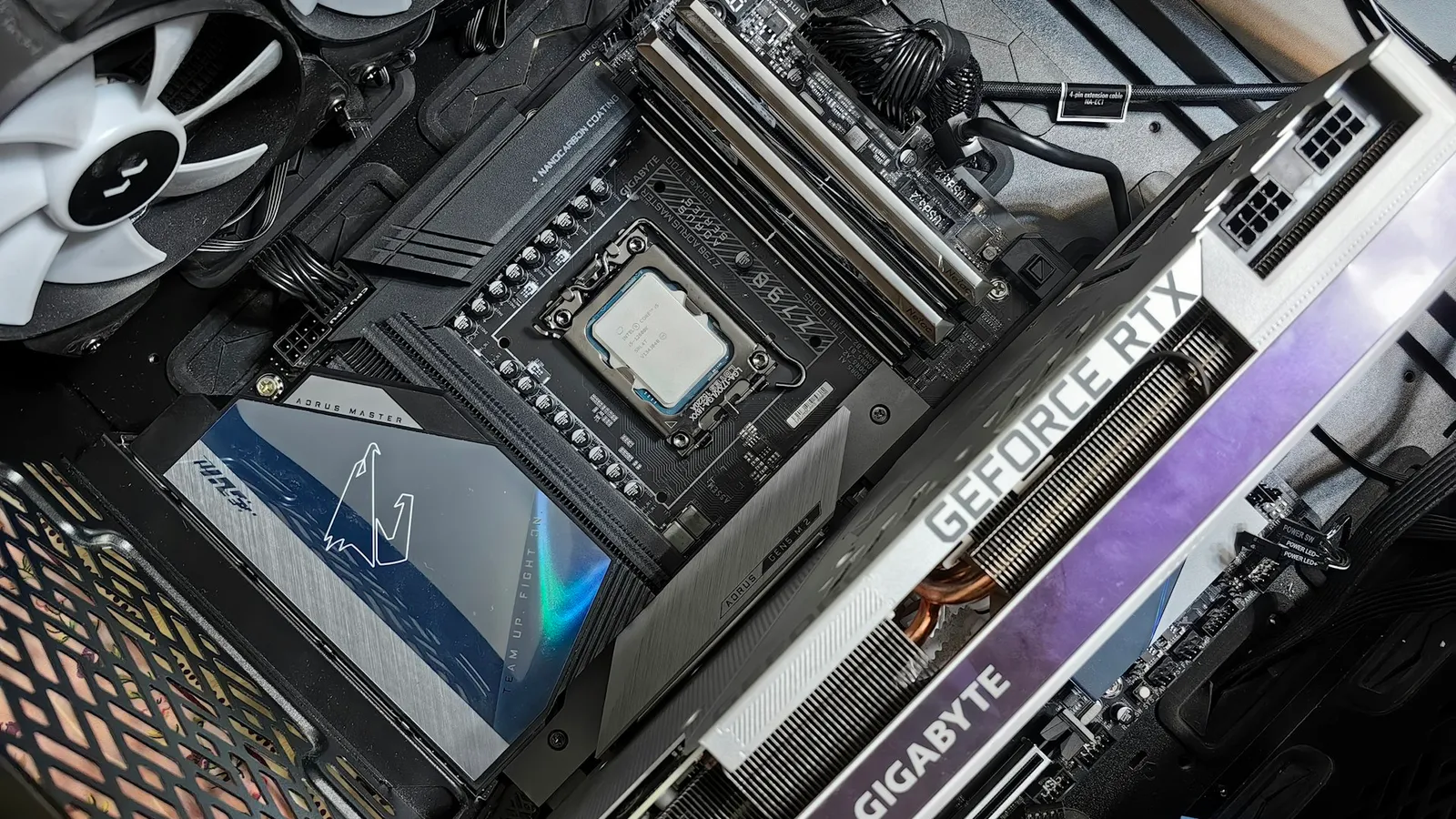

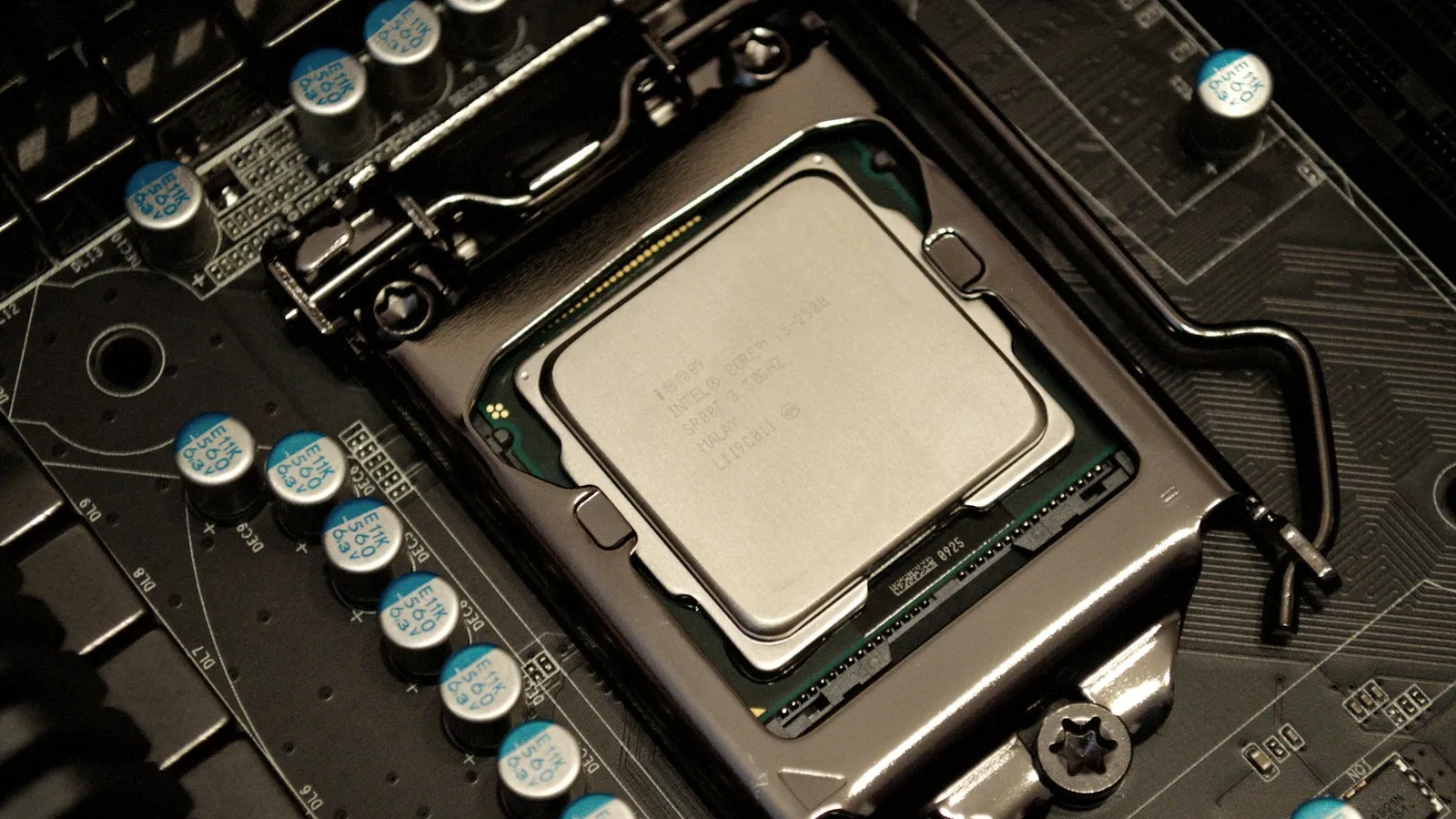
Yes, you can build and run a PC with no graphics card, as long as your processor has integrated graphics (an iGPU). Plug your monitor into the motherboard's HDMI or DisplayPort output instead of a card, and the system posts, installs Windows, and runs the desktop normally. The catch most first-time builders miss: some of the most popular budget CPUs ship with no graphics at all, and those boards output nothing without a dedicated GPU.
So the real question isn't whether a PC needs a graphics card. It's whether your specific CPU can draw a picture on its own. Get that wrong and you spend an evening troubleshooting a "dead" build that was only ever missing a part.
The one spec that decides it: does your CPU have an iGPU
An integrated GPU is a small graphics processor built into the CPU itself. It uses system RAM instead of its own VRAM and shares the chip's power budget, so it is weak compared to a real card, but it is enough to light up a monitor, play video, and run a browser.
If your CPU has one, the motherboard's video outputs are live and a graphics card is optional. If it doesn't, those outputs are dead silicon, and the machine will not produce an image until you install a card. There's no BIOS setting that creates graphics hardware that isn't there.
That single fact is why the same question — "do I need a GPU?" — has opposite answers for two CPUs that cost nearly the same.
Intel: most chips can, the "F" chips can't
Nearly every mainstream Intel desktop CPU includes integrated graphics. The Intel Core i5-14600K carries Intel UHD Graphics 770 — 32 execution units running up to 1.55 GHz, per Intel's ARK specifications. That's enough for multi-monitor desktop work, 4K video, and older or very light games.
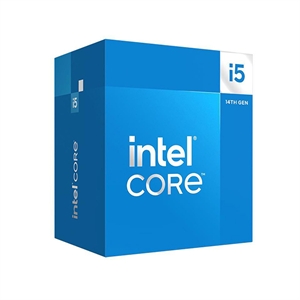
The trap is the suffix. Intel sells graphics-less versions of popular chips marked with an "F" (or "KF" for the unlocked ones). The Core i5-14600KF is the same silicon as the 14600K with the graphics fused off — Intel's own spec sheet lists its processor graphics as none. These "F" parts are usually a few dollars cheaper, which is exactly why budget builders grab them, and then discover the motherboard has no video output at all. If you're building without a dedicated card, never buy an "F" chip.
AMD: every Ryzen 7000 and newer has graphics now
AMD used to split this cleanly: regular Ryzen chips had no graphics, and you needed a "G" model (an APU) to get an iGPU. That changed with Ryzen 7000. AMD made a small RDNA 2 integrated GPU standard across the entire desktop lineup — 2 compute units (128 shaders) clocked up to 2,200 MHz, as Tom's Hardware and VideoCardz reported at launch.
That includes the gaming flagship. The Ryzen 7 7800X3D has that same 2-CU iGPU, so a 7800X3D build will post and run the desktop with no graphics card installed. Don't mistake that for a gaming solution — two compute units won't carry a modern title — but it means you can boot the system, update the BIOS, and confirm everything works before your GPU arrives.
The important exception runs the other way: older desktop Ryzen chips, the 5000 and 3000 series without a "G", have no integrated graphics. Put one of those on a board with no card and you get nothing on screen.
Can integrated graphics actually game?
For a desktop, media box, or office machine, any iGPU above is plenty. For gaming, there's a real line between the tiny "display-output" iGPUs (Intel UHD, the Ryzen 7000 2-CU unit) and AMD's full APUs.
AMD's "G" chips pair the CPU with a much larger Radeon graphics block. The Ryzen 7 5700G runs Vega 8 graphics — eight compute units up to roughly 2.0 GHz — which is a different class of iGPU entirely.
In TechSpot's testing, the 5700G landed around GeForce GT 1030 / Radeon RX 550 territory: about 33 fps in Assassin's Creed Valhalla at 1080p on the lowest preset, and 65 fps in Rainbow Six Siege at 1080p medium. That's real 1080p gaming in esports and lighter titles if you accept low settings, and a genuine slideshow in heavy AAA games. The six-core Ryzen 5 5600G uses a slightly smaller Vega 7 and sits just behind it.
One honest caveat on those APUs: they're AM4 parts. AM4 is a mature, now end-of-line socket, so an APU build is excellent value today but a dead end for future CPU upgrades. Treat it as a complete budget or esports machine, not the first step of a high-end rig.
When you still want a dedicated GPU
If your target is 1080p high settings, 1440p, or any recent AAA release, no integrated option here is enough — you need a discrete card. The cheapest real step up in gaming power is a dedicated GPU, and it's not close. For where that line sits today, see our pick of the best budget GPU for 1080p gaming, and if you're weighing memory on a card, how much VRAM you actually need.
Even in a build that will get a dedicated GPU, choosing a CPU with an iGPU is worth it. If your graphics card ever dies or goes out for warranty replacement, the iGPU keeps the PC usable instead of bricking it. It's also the fastest way to isolate a problem during a build: no image on the card but a picture from the motherboard output points straight at the GPU.
What a no-GPU build costs right now
Prices below are live from our catalog at the time of writing. CPU pricing moves with the market, so check the current listing before you buy.
| Chip | In-catalog price | Graphics | Good for |
|---|---|---|---|
| Ryzen 5 5600G | $281.43 | Vega 7 (7 CU) | Budget / esports, no card needed |
| Ryzen 7 5700G | $360.99 | Vega 8 (8 CU) | Strongest no-card gaming option here |
| Intel Core i5-14600K | $369.98 | UHD 770 | Desktop + a dedicated GPU later |
| Ryzen 7 7800X3D | $415.41 | RDNA 2 (2 CU) | Top gaming chip; iGPU for boot/backup only |
If you're not sure whether a given CPU and board will output video on their own, build the list in our PC Builder — it only pairs parts that are compatible, so you won't end up with a graphics-less chip on a board you expected to drive a monitor.
Who should skip the GPU, and who shouldn't
- Skip the dedicated card if you want a desktop, media, office, or light-esports PC on a tight budget. A 5700G or 5600G does all of that with no extra purchase.
- Buy a CPU with any iGPU if you're building a gaming rig with a dedicated card. The onboard graphics cost little and save you during a dead-GPU or RMA situation.
- You still need a dedicated GPU if you want 1080p high, 1440p, or current AAA games at playable frame rates. Integrated graphics won't get you there.