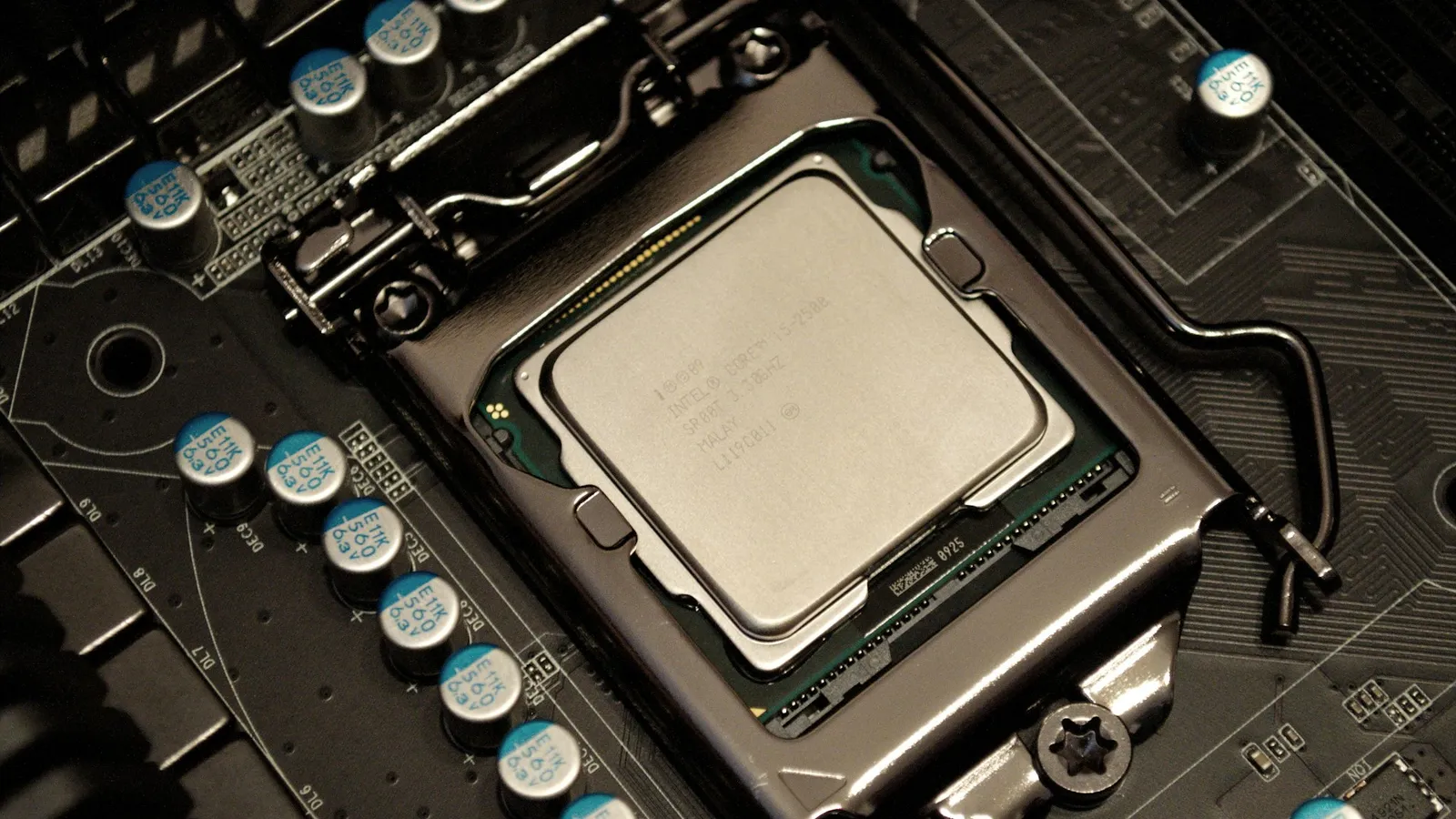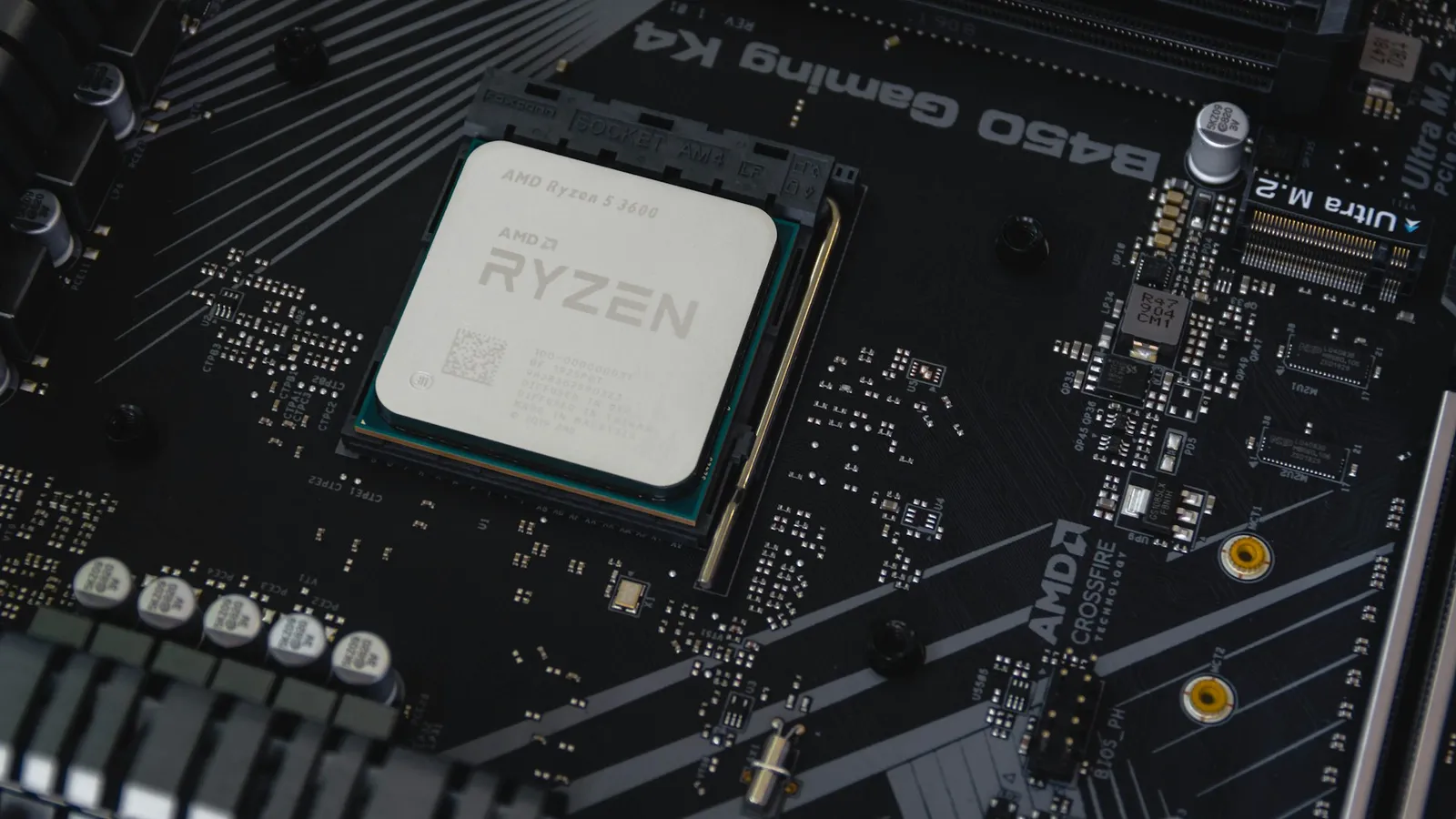

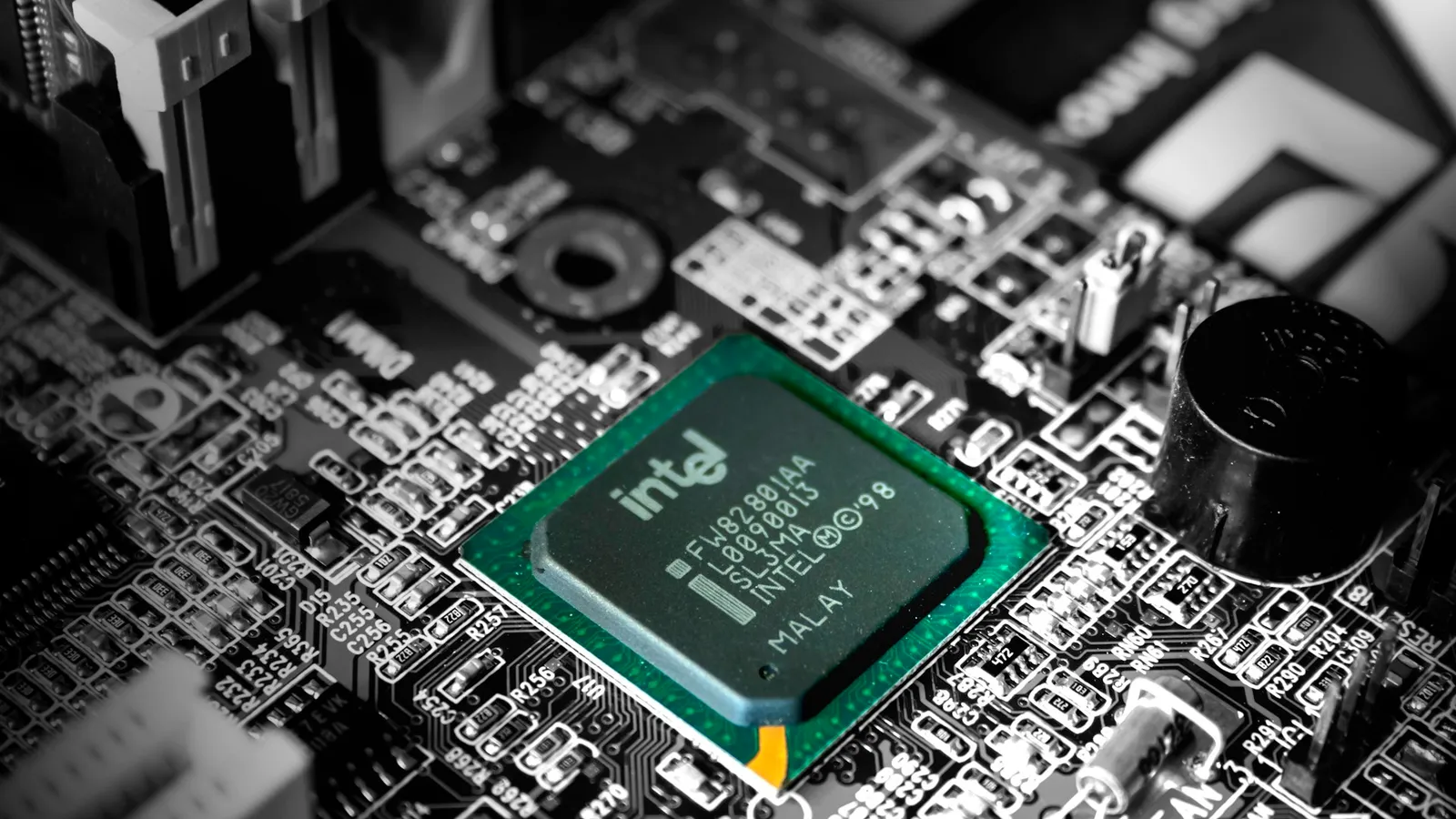
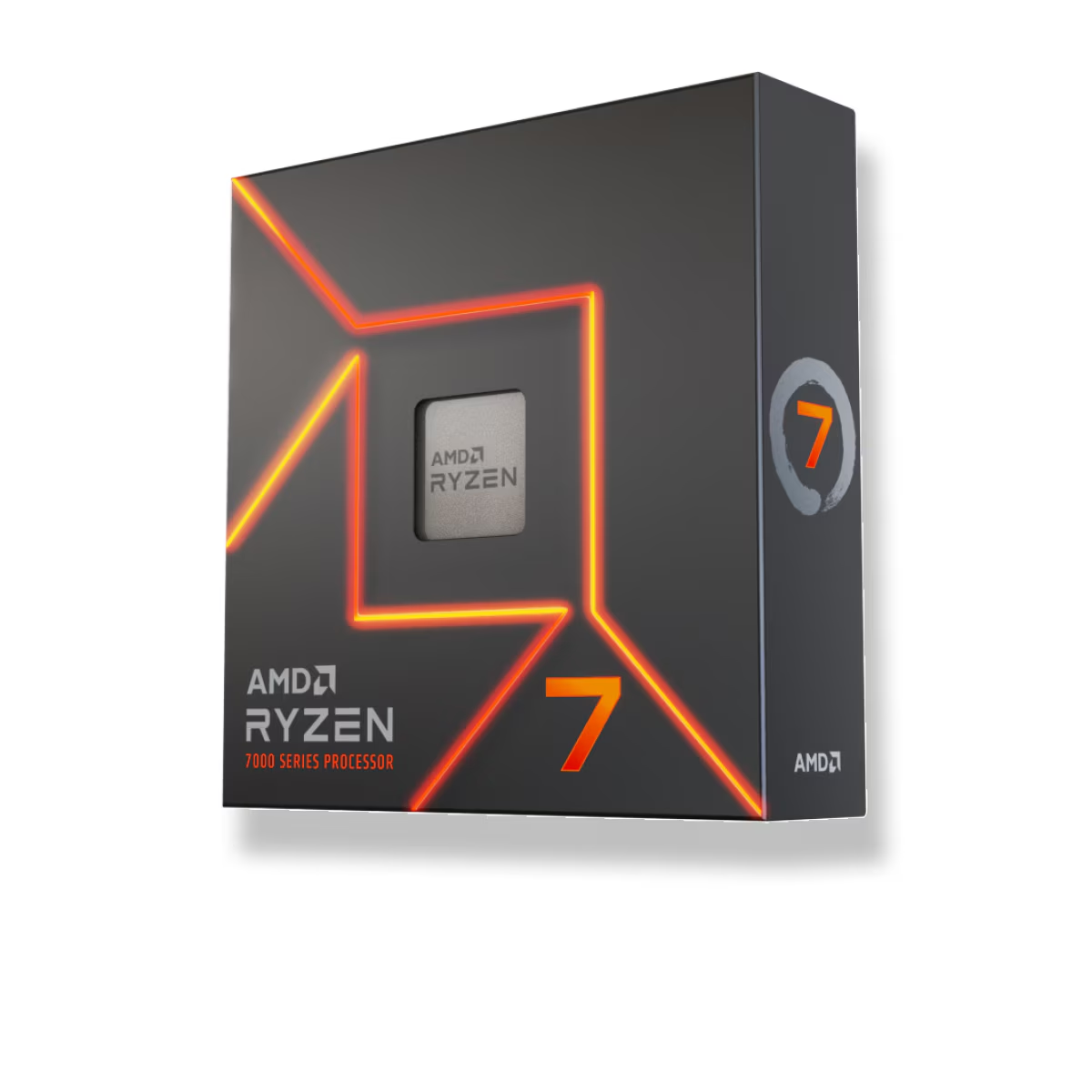
For a gaming-first build, buy the AMD Ryzen 7 7700X over the Intel Core i5-14600K. It costs $90 less at TechCortex ($279.99 vs $369.98), draws less power, and drops into AM5 — a socket AMD is still shipping new CPUs for. The 14600K is the faster chip on paper: TechPowerUp put it around 4% ahead of the 7700X in 1080p gaming and clearly ahead in multi-core work, where its 14 cores bury the 7700X's eight. But that lead comes with more heat, a higher price, and a platform (LGA1700) that Intel has already retired. Buy the 14600K only if you regularly render, compile, or stream while you game.
These two land in the same shopping cart because they're priced close and both target the mainstream builder who wants strong gaming without flagship money. They're built on opposite philosophies, though. AMD gives you eight full performance cores and a platform with a future; Intel gives you six performance cores plus eight efficiency cores for more total threads, on a socket at the end of its life. Marketing sells core counts. Frame rates, power meters, and upgrade paths tell the real story.
Gaming performance
At 1080p with a fast GPU and settings that lean on the processor, the 14600K comes out ahead — TechPowerUp measured roughly a 4% average lead over the 7700X across its 12-game suite. That's a real but small margin: on a 165 Hz screen it's the difference between, say, 240 and 250 fps in a CPU-bound esports title. You will not feel it in a single-player game that's already running at your refresh rate.
The catch is that this gap is a 1080p phenomenon. As you climb to 1440p and 4K, the load shifts from the CPU to the GPU, and CPU-to-CPU differences collapse — TechPowerUp saw the 14600K land within about 2% of the much pricier 14700K at 4K. If you game at 1440p or higher, treat the 7700X and 14600K as effectively tied on frame rate and decide on everything else.
| Ryzen 7 7700X | Core i5-14600K | |
|---|---|---|
| Cores / threads | 8C / 16T (all performance) | 14C / 20T (6P + 8E) |
| Max boost | 5.4 GHz | 5.3 GHz (P-core) |
| Socket / memory | AM5, DDR5 only | LGA1700, DDR4 or DDR5 |
| Bundled cooler | None | None |
| Upgrade path | AM5 active into 2027+ | LGA1700 retired |
| TechCortex price | $279.99 | $369.98 |
Multi-core and productivity
This is where the 14600K earns its price. Six P-cores plus eight E-cores give it 20 threads against the 7700X's 16, and in throughput work — Blender renders, video encodes, code compiles — TechSpot shows those extra cores scaling cleanly ahead of the 7700X. If your machine does paid work between gaming sessions, the 14600K finishes those jobs faster.
For gaming, though, the extra E-cores add threads, not frames. Games rarely saturate eight fast cores, so the 7700X's eight full-size Zen 4 cores keep pace with the 14600K in almost everything you play. Cores you don't use aren't a feature — they're just money.
Power, heat, and the Intel stability question
Under a full multi-core load the 14600K pulls noticeably more from the wall than the 7700X. TechPowerUp frames it kindly — the chip does more work for that power — but the absolute draw is higher, which means a beefier cooler and more heat dumped into your case. The 7700X runs hot too (it's designed to sit at 95 °C under load), but its package power ceiling is lower. Neither CPU includes a cooler, so budget for a solid air tower or a 240 mm-plus AIO on either.
There's also history to weigh on the Intel side. Some 13th- and 14th-gen chips suffered a degradation problem Intel traced to elevated voltages ("Vmin Shift Instability"). Intel shipped a final microcode fix delivered through motherboard BIOS updates that addresses the root cause with negligible performance impact — but it can't revive a chip that already degraded. A brand-new 14600K on a board with current firmware is safe; just flash the BIOS before your first boot. The 7700X was never part of that story.
Platform and the upgrade path
The 7700X sits on AM5, which is DDR5-only and still alive — AMD has committed to the socket into 2027 and beyond, so a future X3D or Zen 5 chip drops straight in without a new board. The 14600K sits on LGA1700, which Intel has moved on from; whatever you buy now is the last CPU that board will ever hold.
LGA1700 does have one money-saving trick the 7700X can't match: it runs on cheaper DDR4. A DDR4 B760 board like the MSI Pro B760-P WIFI ($187.06) lets you reuse older memory or buy the cheaper standard, trimming the platform cost that the pricier CPU adds. The 7700X gives you no such option — it's DDR5 or nothing on a board like the ASRock B650 PG Lightning ($189.77).
Price and what you actually pay for
At TechCortex the Ryzen 7 7700X is $279.99 and the Core i5-14600K is $369.98. Add a board and the picture nuances: the 7700X's AM5 platform costs more on memory (DDR5 only) but keeps its upgrade value; the 14600K's LGA1700 platform can go cheaper today on DDR4 but is a dead end tomorrow.
If your goal is purely the best frames per dollar in games, both are outclassed by the Ryzen 7 7800X3D at $409.99 — it beats each of them in gaming while using less power than the 14600K. The 7700X and 14600K make sense when you want strong all-round performance without paying the X3D premium. You can check any of these against a full parts list in our PC Builder, which flags socket and memory mismatches before you order.
Who should buy which
- Buy the 7700X if you mostly game, want lower power and heat, and value a socket you can upgrade on later. It's the cheaper chip and the safer long-term platform.
- Buy the 14600K if you render, encode, compile, or stream while gaming — the extra cores do real work — and you'd rather save on a DDR4 board now than keep an upgrade path.
- Buy neither, get the 7800X3D, if gaming is the whole point and you can spend $409.99. It's the faster gaming chip than both.