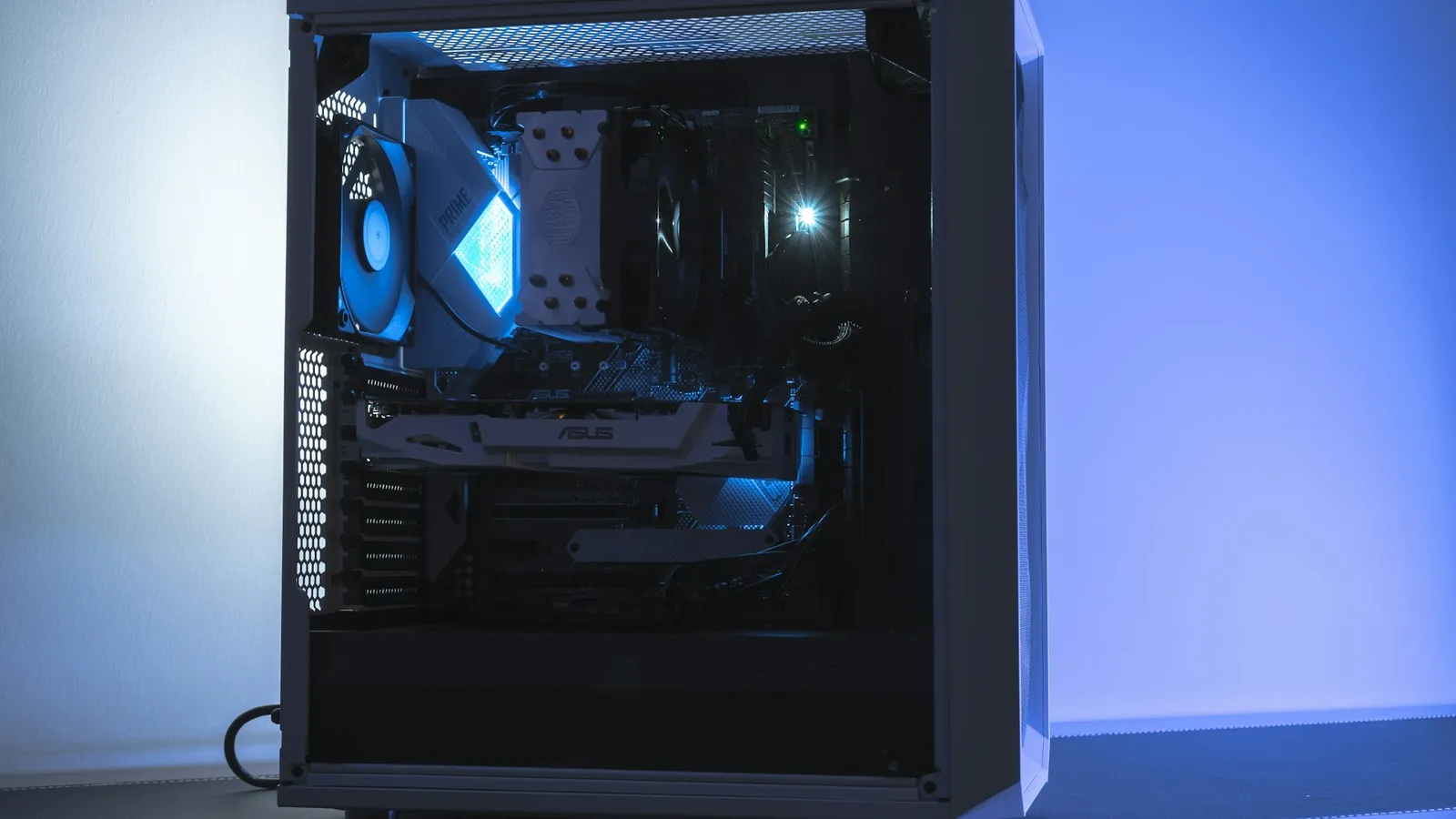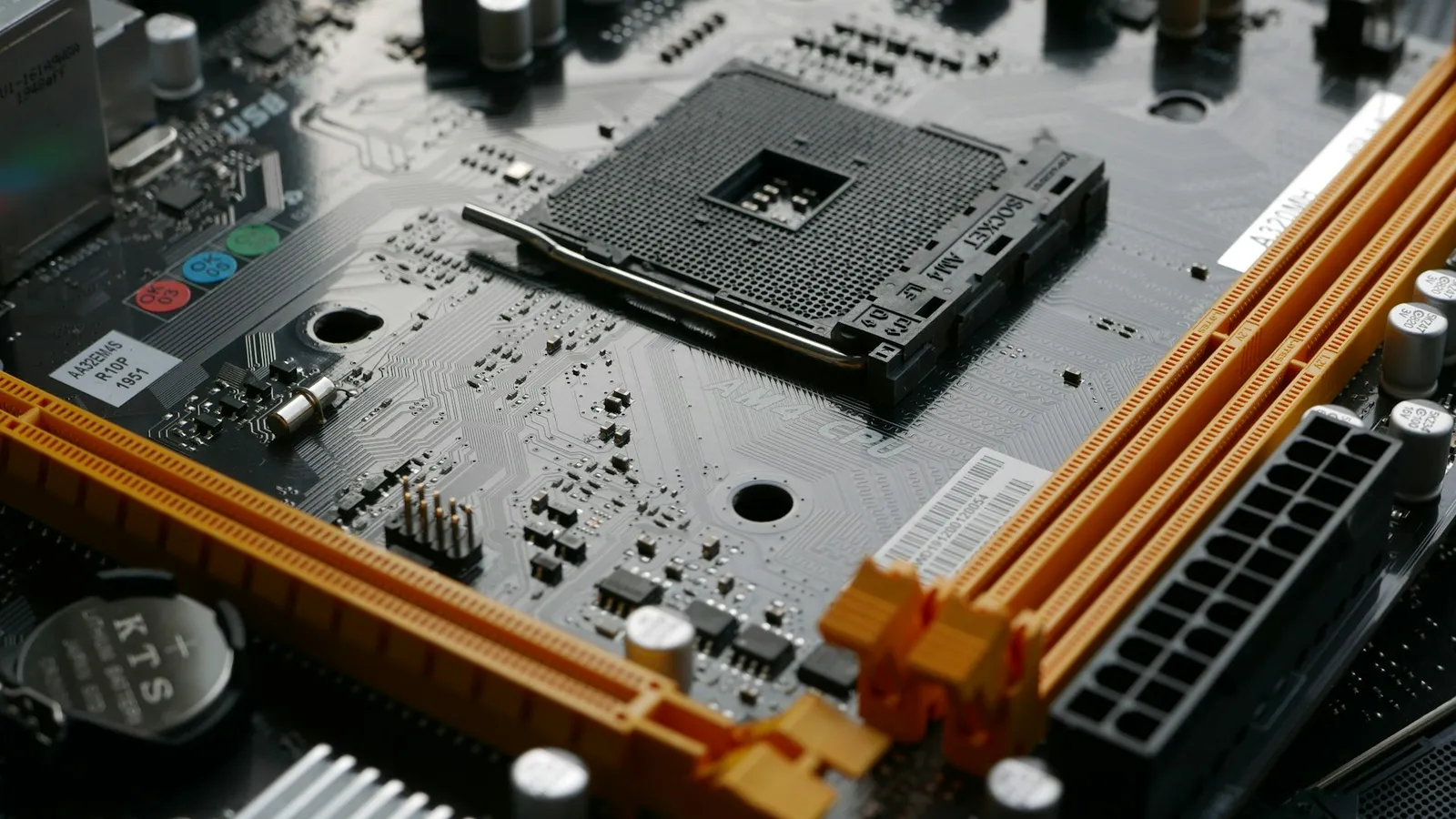

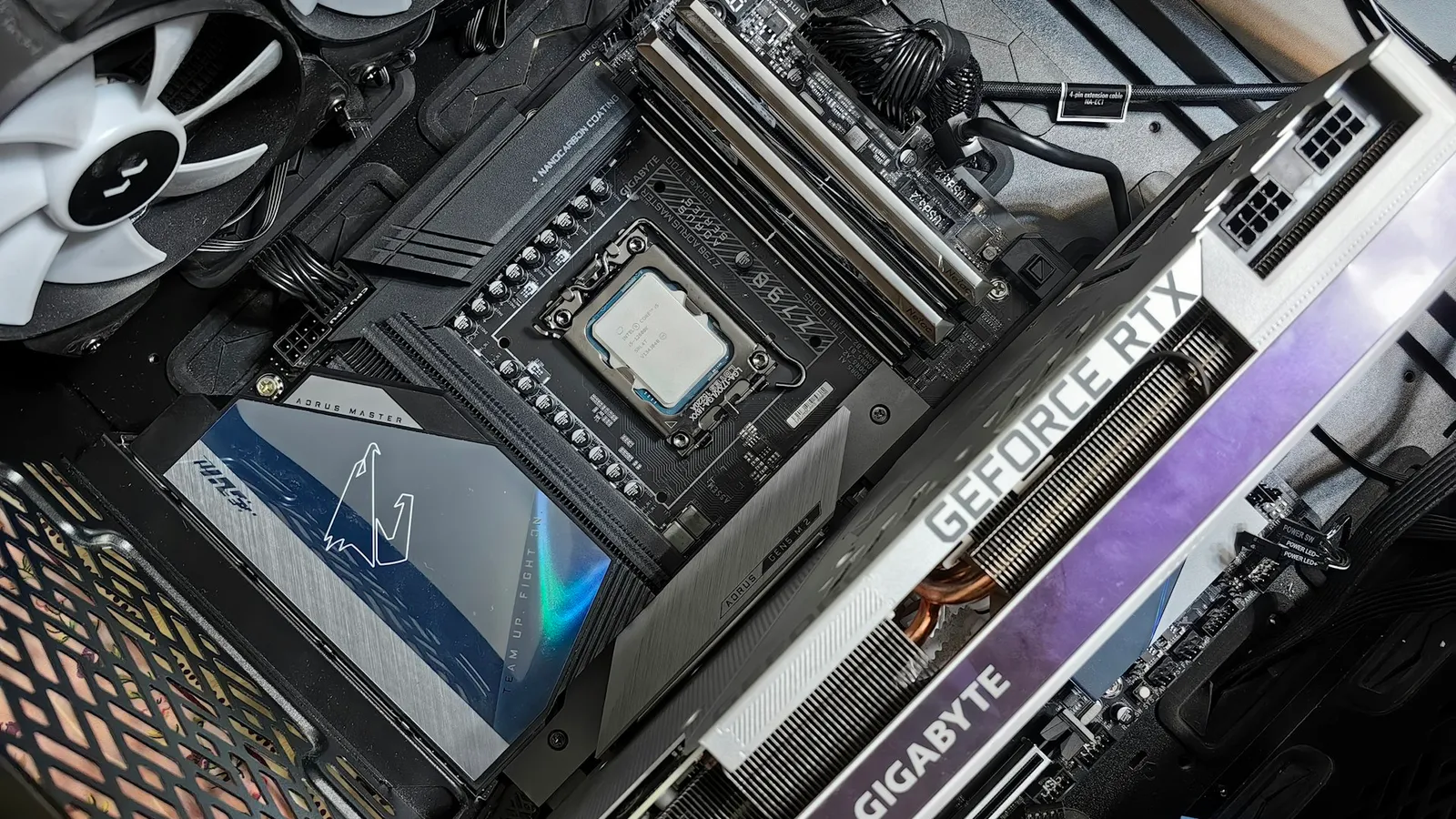
For most graphics cards, no — you do not need a PCIe 5.0 motherboard. A full-size, 16-lane card like the RTX 5080 or the RX 9070 XT loses only about 1% dropping from a PCIe 5.0 slot to a PCIe 4.0 one, so you should pick the board for its VRMs, M.2 slots, and connectivity, not to feed the GPU. There is exactly one exception, and it catches budget builders: the cheap 8GB cards that connect over only eight PCIe lanes. On an older PCIe 4.0 board, those can lose 6–10%, because their narrow link halves in bandwidth right when their small memory buffer needs it most.
The question comes up because every new GPU box now advertises "PCIe 5.0," and board makers charge a premium for the chipsets that support it. It reads like a checkbox you have to tick or lose frames. For the card most people bolt into the top slot, the frames aren't there to lose — but the width of that card's connection changes the answer, and that's the part the spec sheet hides.
A big x16 card barely notices the slot
Take the fastest consumer card there is and put it on an old slot: TechPowerUp ran an RTX 5090 across PCIe 5.0, 4.0, and 3.0 at x16 and measured about a 1% difference between Gen 5 and Gen 4, and only 1–4% all the way down to Gen 3. If the flagship shrugs it off, a mid-range x16 card does too.
The reason is bandwidth headroom. A PCIe 4.0 x16 slot moves roughly 32 GB/s; a PCIe 5.0 x16 slot doubles that to about 64 GB/s. A graphics card mostly talks to its own on-board memory — the RTX 5080's 16GB of GDDR7 runs at hundreds of gigabytes per second — and only leans on the PCIe link to stream in new assets. For a full-width card, 32 GB/s is already more than the game feeds it, so doubling to 64 GB/s changes nothing you can measure.
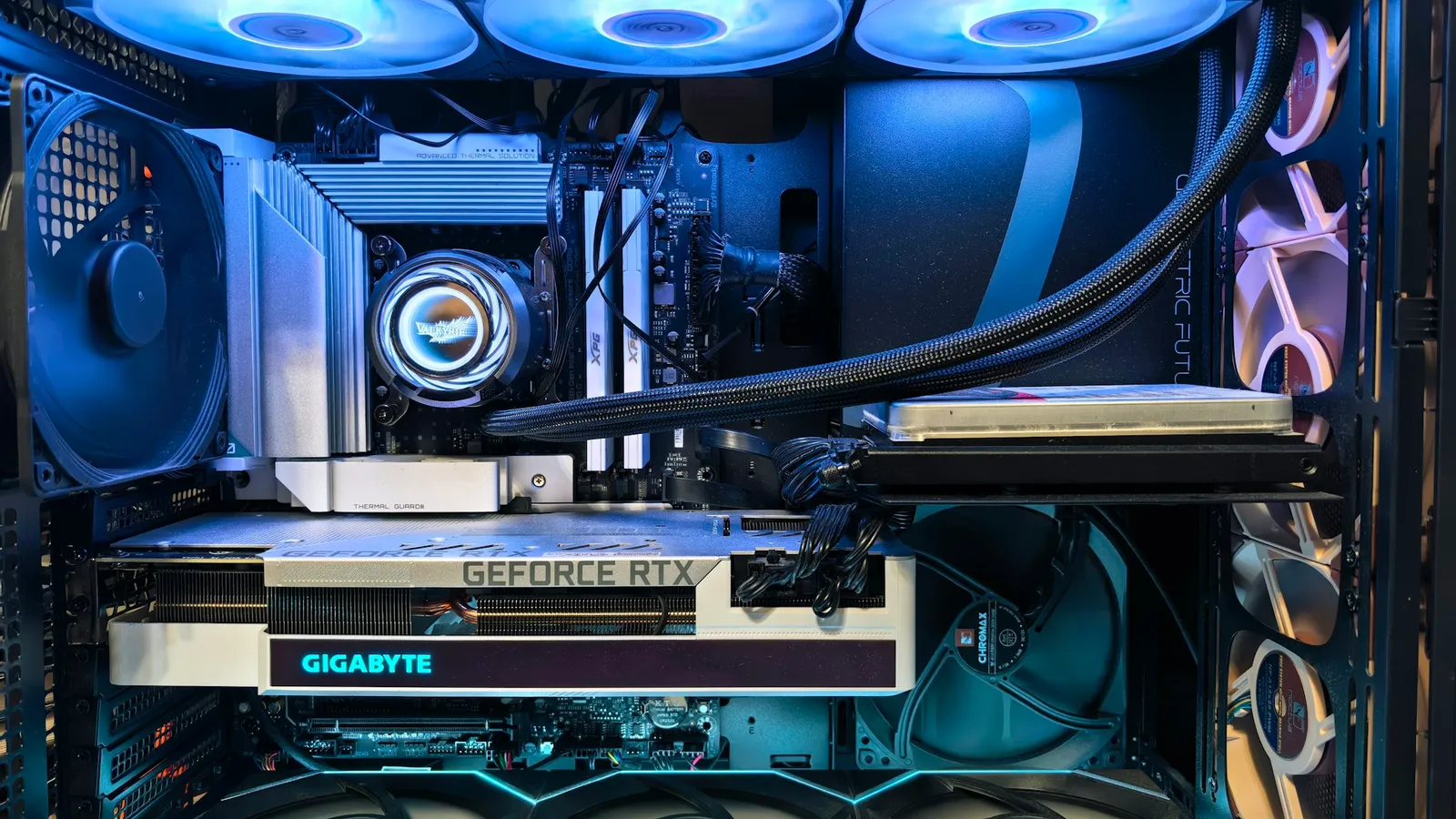
So if you're building around any full-size card — an RTX 5070, 5080, 5090, or a Radeon RX 9070 / 9070 XT — the PCIe generation of the slot is not a reason to spend more on the board. Buy the cheaper Gen 4 board and put the difference toward the GPU or the SSD, where it actually buys something.
The exception: 8GB cards that only use eight lanes
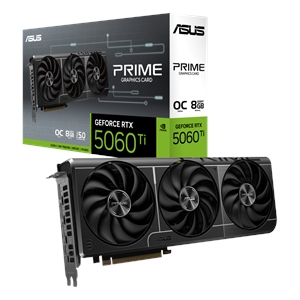
Here's the part that inverts what you'd expect. The cards that care about your board's PCIe generation are not the expensive ones — they're the cheap 8GB models. Nvidia builds the RTX 5060 Ti and RTX 5060 with a PCIe 5.0 x8 interface — half the physical lanes of a big card. On a PCIe 5.0 board that x8 link still delivers about 32 GB/s. Drop it into a PCIe 4.0 board and it halves to roughly 16 GB/s — the same bandwidth as an ancient PCIe 3.0 x16 slot.
By itself, 16 GB/s would still be enough — if the card never had to reach past its own memory. But 8GB fills up in modern games, and when it overflows, the card starts streaming textures across that halved link mid-frame. TechSpot's testing put the 8GB 5060 Ti at about 6% slower on average at 1440p on PCIe 4.0, and Tom's Hardware reported worst-case titles losing up to 10%, with the ugliest drops in the games that were already pushing past 8GB.
The tell that this is a memory problem, not just a lane problem: the 16GB version of the exact same card barely moves between PCIe 5.0 and 4.0. Same x8 link, same halving — but with headroom in the buffer, it isn't leaning on the bus, so the slower slot costs it almost nothing. If you're buying an 8GB x8 card, a PCIe 5.0 graphics slot is genuinely worth having; a 16GB card makes the whole question disappear.
Which boards give the GPU slot PCIe 5.0
The number that matters is the generation of the primary x16 slot — the top one, where the graphics card goes. Board makers list it on the spec sheet as "PCIe 5.0 x16" or "PCIe 4.0 x16." Don't be fooled by a board that advertises PCIe 5.0: many route Gen 5 only to an M.2 slot for the SSD and leave the graphics slot at Gen 4.
On AMD's AM5 platform, the pattern is consistent, per Puget Systems: plain B650 and the budget A620 boards usually run the graphics slot at PCIe 4.0, while B650E, X670E, X870, and X870E guarantee PCIe 5.0 on the primary slot. A value board like the ASRock B650 PRO RS ($206.99) keeps an x16-card build cheap; a current Asus Prime X870-P ($291.33) hands the GPU a full PCIe 5.0 slot if you're pairing it with one of those 8GB x8 cards. On Intel, the current LGA1851 boards (Z890 and the B860 tier) run the graphics slot at PCIe 5.0; older H610/H810 budget boards stay on Gen 4.
If you build in our PC Builder, the compatibility check flags the socket and physical fit for you — but the PCIe generation of the slot is a spec you'll want to read yourself when the card is a low-VRAM x8 model.
Who should actually care
- Building around a full-size x16 card (RTX 5070/5080/5090, RX 9070/9070 XT): the slot's PCIe generation is irrelevant to the GPU. Pick the board on price and features; a PCIe 4.0 board costs you about 1%.
- Building around an 8GB x8 card (RTX 5060 / 5060 Ti 8GB): prefer a board with a PCIe 5.0 graphics slot, or expect to give up 6–10% in the heaviest games on a Gen 4 board.
- On a tight budget either way: the cleaner fix for the 8GB penalty isn't a pricier board — it's more VRAM. A 16GB card sidesteps the whole issue and ages better. See how much VRAM you actually need before you decide where the money goes.
And the honest limit: this is a single-digit-percent story in almost every case. Nobody at 1080p on esports settings is going to feel the difference, and even the 8GB worst case is a handful of frames in specific memory-hungry titles, not a broken build. If a PCIe 5.0 board fits your budget, fine — just don't buy one for the GPU unless that GPU is a low-memory x8 card. The same "does the newer standard matter" logic applies to storage; we ran the numbers on that in PCIe 4.0 vs PCIe 5.0 SSDs for gaming.