
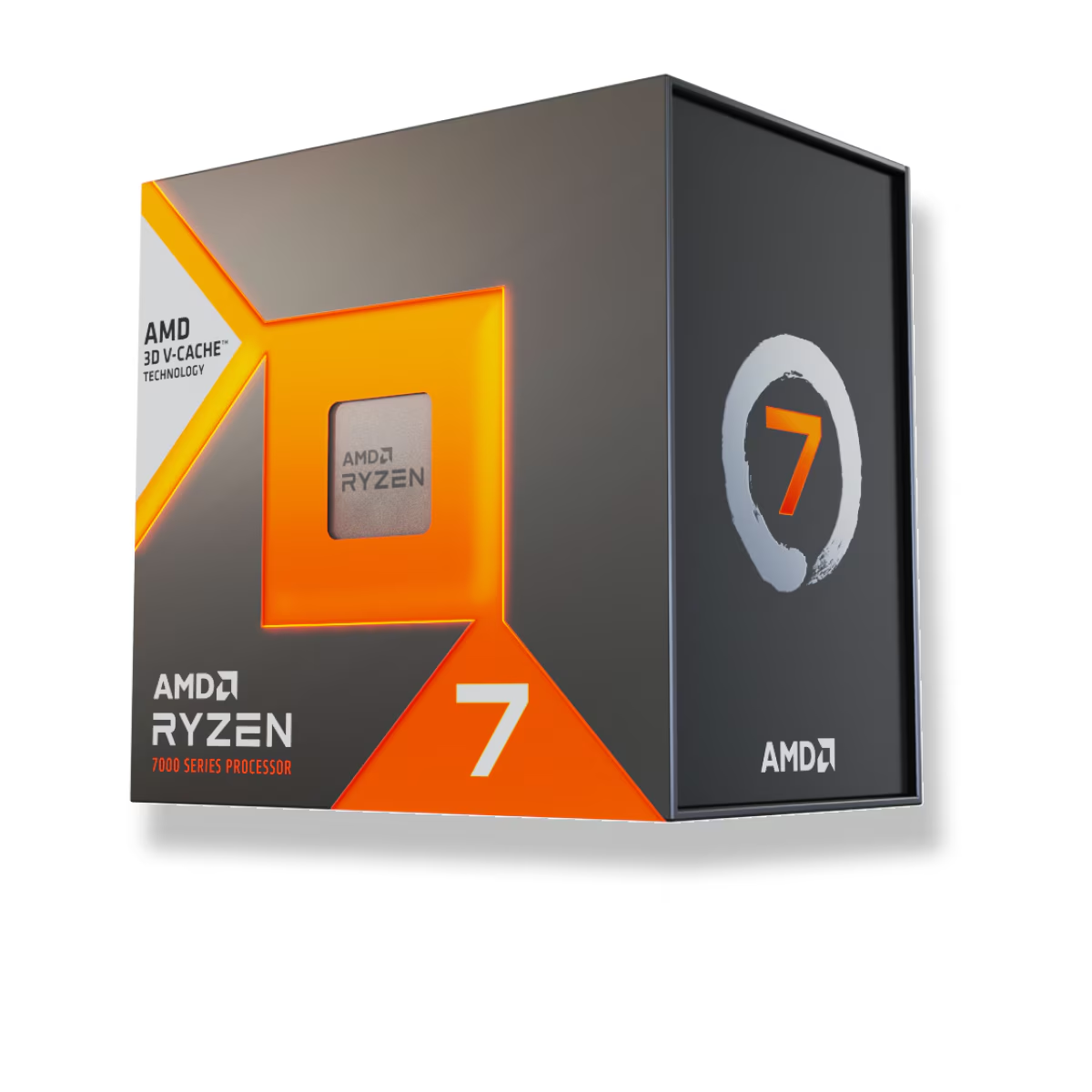
If your PC exists to play games, buy the Ryzen 7 7800X3D ($409.99). Its stacked 3D V-Cache makes it about 16% faster than the Ryzen 7 7700X ($279.99) at 1080p on a fast GPU (TechPowerUp). If the machine also renders, compiles, or streams for a living — or if you game at 4K where the graphics card sets the pace — the 7700X is the smarter $130. It is actually faster in apps and hands that money back for a better GPU.
The two chips are almost the same processor. Both are eight Zen 4 cores and 16 threads on Socket AM5, both run DDR5, both drop into the same B650 or X670 boards. AMD did not give the 7800X3D more cores. It bolted a second slab of L3 cache on top of the die and, to keep that cache cool, lowered the clocks. So this is not "faster chip vs slower chip." It is one clean trade: extra cache against extra megahertz. That trade breaks one way in games and the other way everywhere else.
Gaming performance: where the cache earns its money
Games stall waiting on data far more than they stall on clock speed. A large L3 cache keeps the data the engine needs close to the cores instead of making it wait on system memory, and the 7800X3D carries 96 MB of L3 against the 7700X's 32 MB. That is the whole story of its gaming lead.
The size of the lead depends entirely on the test. In CPU-bound conditions — 1080p with an RTX 4090 to remove the graphics bottleneck — TechPowerUp measured the 7800X3D about 16% ahead on average. KitGuru saw it win every game in its suite at 1440p on an RTX 4080. The gains are largest in cache-heavy games: simulators, strategy titles, and 1% lows in busy open worlds, where the extra cache smooths out the stutters an average FPS number hides.
Here is the honest catch. That 16% is a best case, measured with the fastest GPU on the planet at low resolution specifically to expose the CPU. Raise the resolution and the graphics card becomes the ceiling. At 4K the two chips converge to within a handful of frames, because they are both waiting on the GPU. If you play at 1440p or 4K on a mainstream card, you will see a slice of that 16%, not the whole thing — and possibly none of it in the games that already run at your monitor's refresh cap.
| Ryzen 7 7800X3D | Ryzen 7 7700X | |
|---|---|---|
| Cores / threads | 8 / 16 | 8 / 16 |
| Max boost clock | 5.0 GHz | 5.4 GHz |
| L3 cache | 96 MB | 32 MB |
| TDP | 120 W | 105 W |
| Overclocking | Locked (PBO only) | Fully unlocked |
| Price (TechCortex) | $409.99 | $279.99 |
Where the 7700X wins: everything that is not a game
Lowering the clocks to protect the cache costs the 7800X3D real performance the moment you stop gaming. In Tom's Hardware's testing the 7700X was about 7% faster in threaded applications and 15% faster in single-threaded work. Video exports, code compiles, photo batch edits, spreadsheet recalcs — the cheaper chip finishes first.
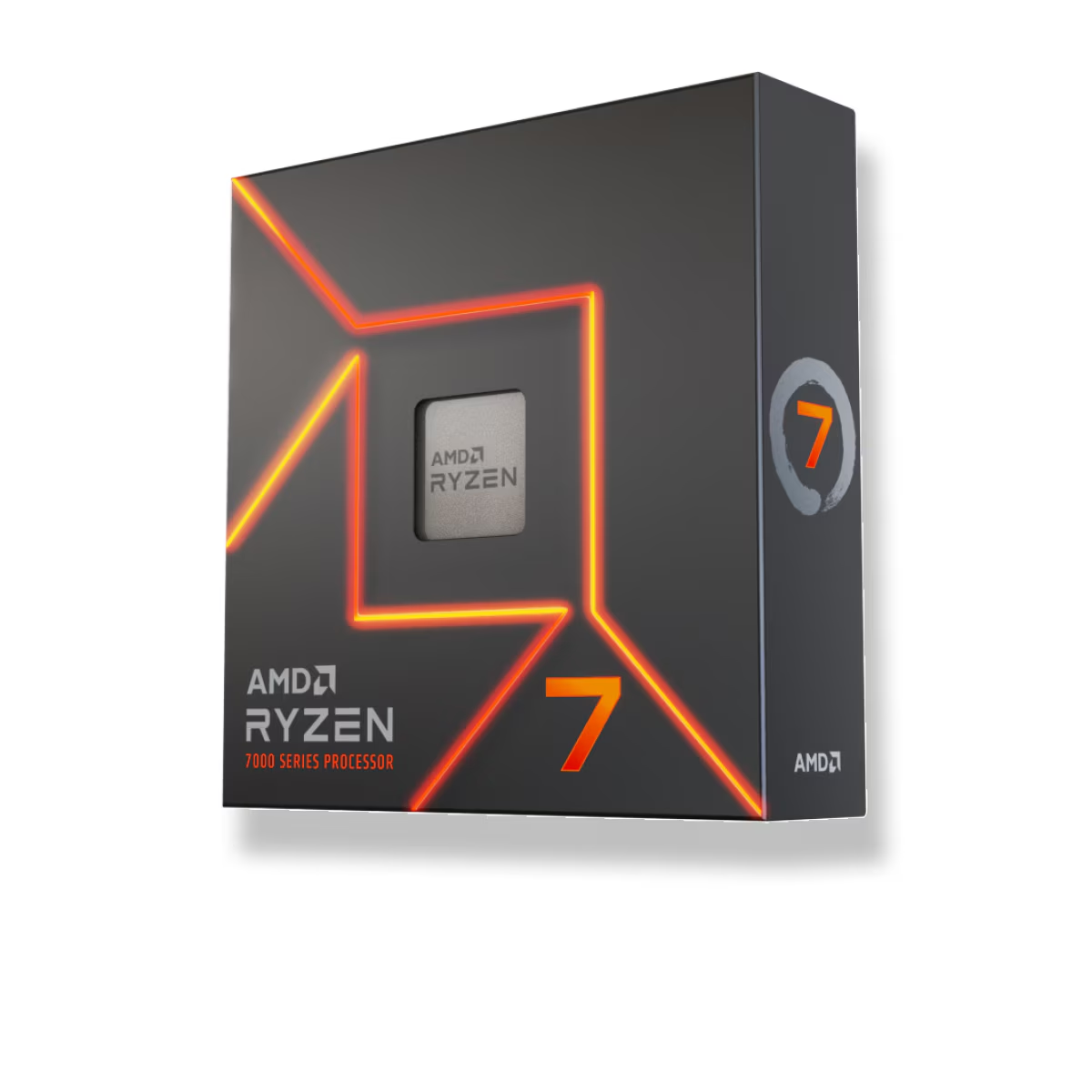
So if your PC is a mixed-use machine — you game in the evening but the daytime job is rendering, compiling, or heavy multitasking — the 7800X3D is the wrong chip. You would pay $130 extra to be slower at the work and only faster at the play. The 7700X inverts that, and the $130 you keep buys a meaningful step up the GPU stack, which does more for both jobs.
Power, heat, and overclocking
The 7800X3D is the efficiency win of this pair in games. KitGuru recorded it drawing around 95 W under load against its 120 W nominal TDP, and it runs cool and quiet because the stacked cache forces AMD to cap voltage and clocks. The trade-off is that it is locked — you cannot push all-core overclocks, only the automatic PBO boost.
The 7700X is the opposite personality: fully unlocked, higher stock clocks, and it will happily pull more power and run hotter when you load all eight cores. Neither is a problem to cool, but plan the cooler for the workload. A quality air tower handles either chip in a gaming build; if you run sustained all-core loads on the 7700X, give it more headroom. Our Air Cooler vs AIO breakdown covers where each one earns its price.
Price and what the extra $130 buys
At TechCortex the 7800X3D is $409.99 and the 7700X is $279.99 — a $130 gap. Both use the same AM5 platform, so the surrounding build costs the same either way: the same B650 board, the same DDR5, the same cooler. This is a clean CPU-only decision.
Because the 7800X3D's giant cache makes it relatively insensitive to memory speed, you do not need an exotic high-frequency kit to feed it — a solid DDR5-6000 CL30 kit is the sweet spot. Our DDR5-6000 vs DDR5-8000 article explains why faster memory buys little on these chips. When you are ready to spec the whole system with compatibility checked automatically, build it in our PC Builder.
Who should buy which
- Buy the 7800X3D if gaming is the main job, especially at 1080p or 1440p on a strong GPU, or if you play cache-heavy simulators and strategy titles and care about smooth 1% lows. It is the fastest gaming chip of the pair and sips power doing it.
- Buy the 7700X if the PC does real work as well as play, if you game at 4K where the GPU sets the pace, or if you would rather move the $130 into a faster graphics card. It is quicker in applications and the better all-rounder for the money.
For the wider lineup — where a six-core chip lands, and when Intel is the better call — see Best CPU for 1440p Gaming in 2026.