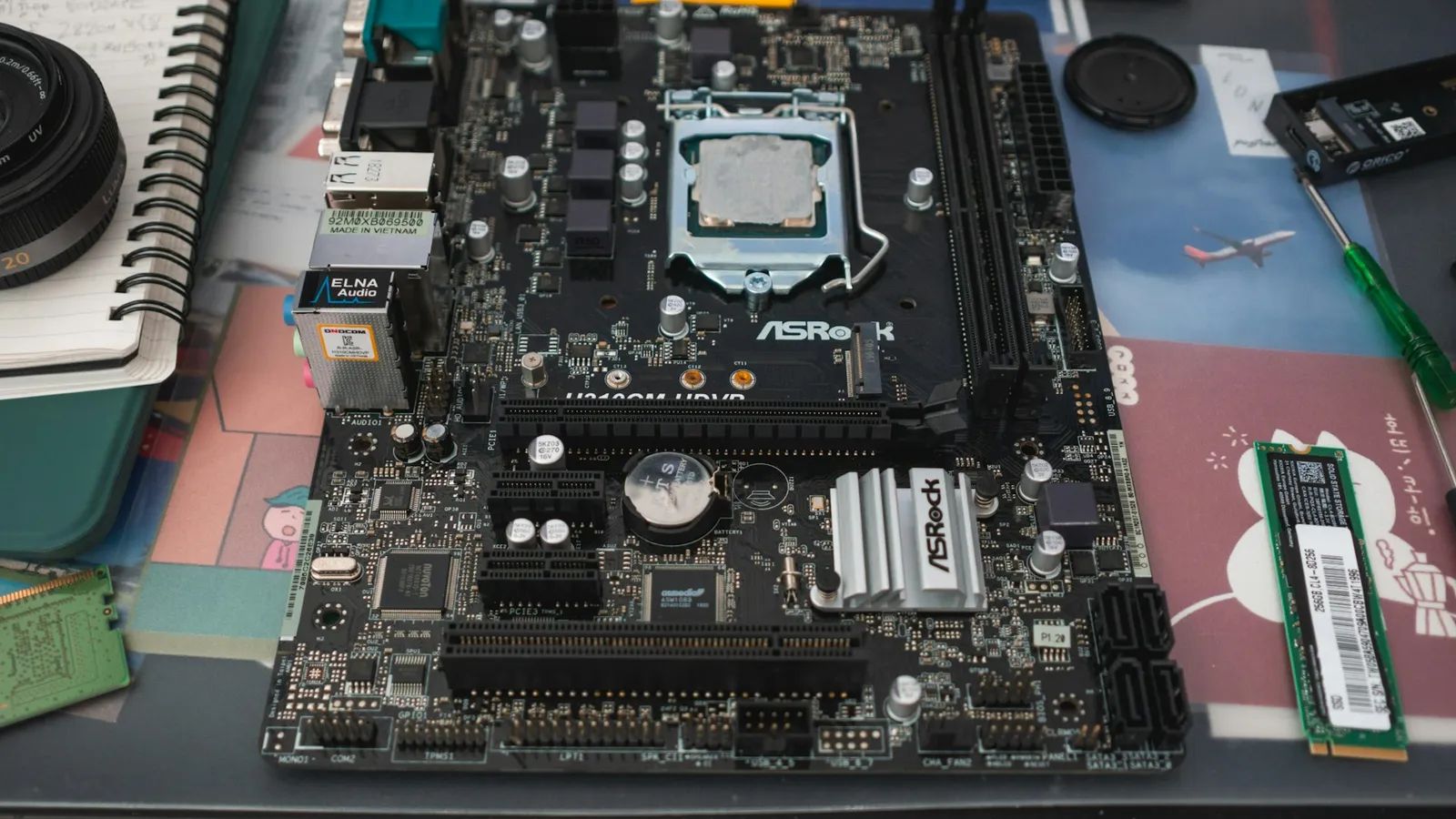

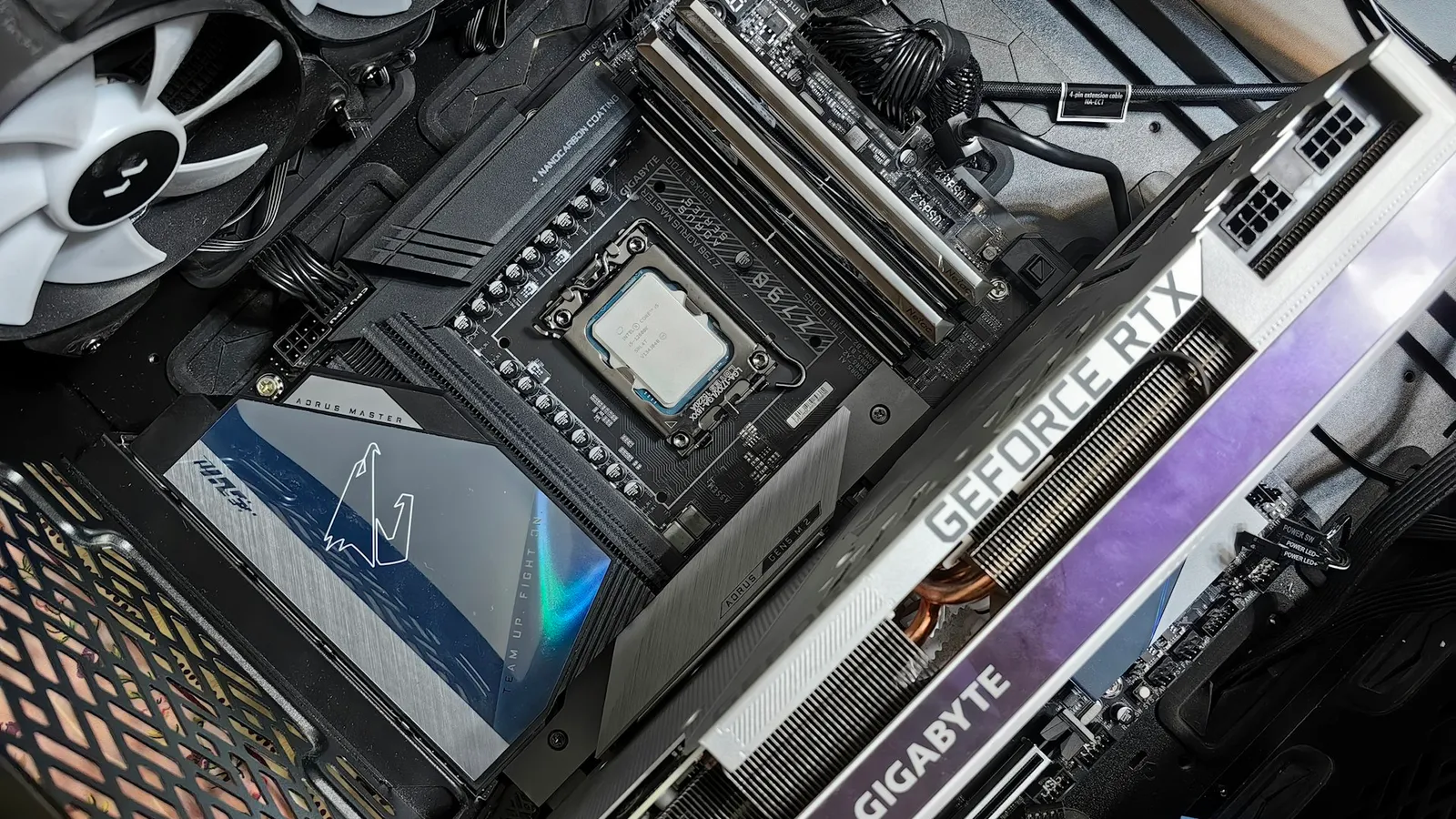
For a single-GPU gaming PC, Micro-ATX and ATX perform identically. Put the same CPU, the same graphics card, and the same chipset on either board and you get the same frame rate. The size of the PCB does not change how fast anything runs. What you actually choose between is expansion room and case size, and most gamers never use the room ATX adds.
The reason the question feels bigger than it is: ATX boards look more "serious," and the biggest, most photographed motherboards are all full ATX. But a modern gaming build uses one PCIe x16 slot for the GPU and a couple of M.2 slots for storage. A Micro-ATX board has all of that. The extra slots on an ATX board are for hardware most people building a gaming rig will never install.
Gaming performance: there is no difference
This is the part that ends the debate. Frame rate comes from the CPU, the GPU, the memory, and the chipset's feature set — none of which the board's outline touches. A Micro-ATX B650 and an ATX B650 run the same socket, the same PCIe 5.0 x16 GPU link, and the same memory support. ASUS makes the same point in its own form-factor guide: the size decision is about expansion and fit, not speed (ASUS Edge Up).
Where boards genuinely differ is VRM quality and BIOS features, and that tracks with price tier and chipset, not with physical size. A well-built Micro-ATX B850 board will feed a Ryzen 7 better than a bottom-tier ATX A620 board. If you are chasing CPU overclocking headroom, look at the VRM, not the outline. For most gamers running stock or PBO, even a mid-range Micro-ATX board has margin to spare.
What Micro-ATX actually gives up
The real trade is expansion slots. ATX supports up to seven rear expansion slots; Micro-ATX tops out at four, and in practice most Micro-ATX boards ship with one PCIe x16 slot plus one or two short secondary slots (MicroATX standard).
For a gaming build, count what you'd plug in. The GPU takes the x16 slot. Storage goes into M.2 slots, not PCIe cards. That's it. The second and third PCIe slots on an ATX board are for things like a 10GbE network card, a capture card, a sound card, or a PCIe-to-M.2 adapter — add-ins that gamers rarely stack. If you know you need two or more of those, ATX earns its size. If you don't, those slots sit empty.
| Micro-ATX | ATX | |
|---|---|---|
| Board size | 244 x 244 mm max | 305 x 244 mm |
| Expansion slots | 2-4 (usually 1 x16 + 1-2 short) | Up to 7 |
| DIMM slots | 2 or 4 (check the board) | Typically 4 |
| M.2 slots | 2-4 | 3-6 on high-end |
| Case compatibility | mATX and ATX cases | ATX cases only |
The DIMM row is the one to watch. Mainstream Micro-ATX boards keep four RAM slots and match ATX for memory capacity, but the cheapest H610 and A620 Micro-ATX boards sometimes drop to two DIMM slots. Two slots still holds a 2x16GB or 2x32GB kit, but it removes the option of adding two more sticks later. Read the spec sheet before you buy.
Price and availability
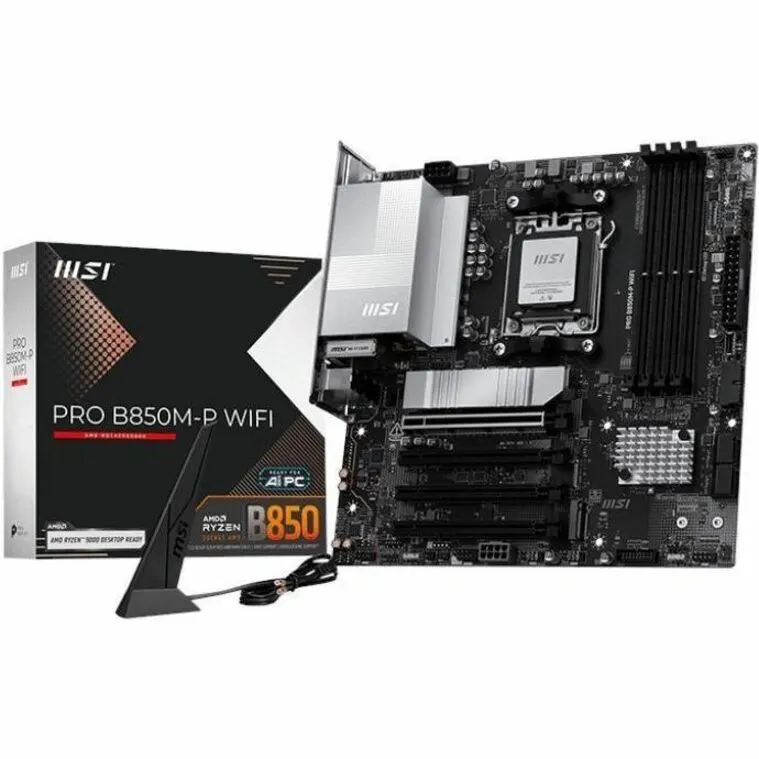
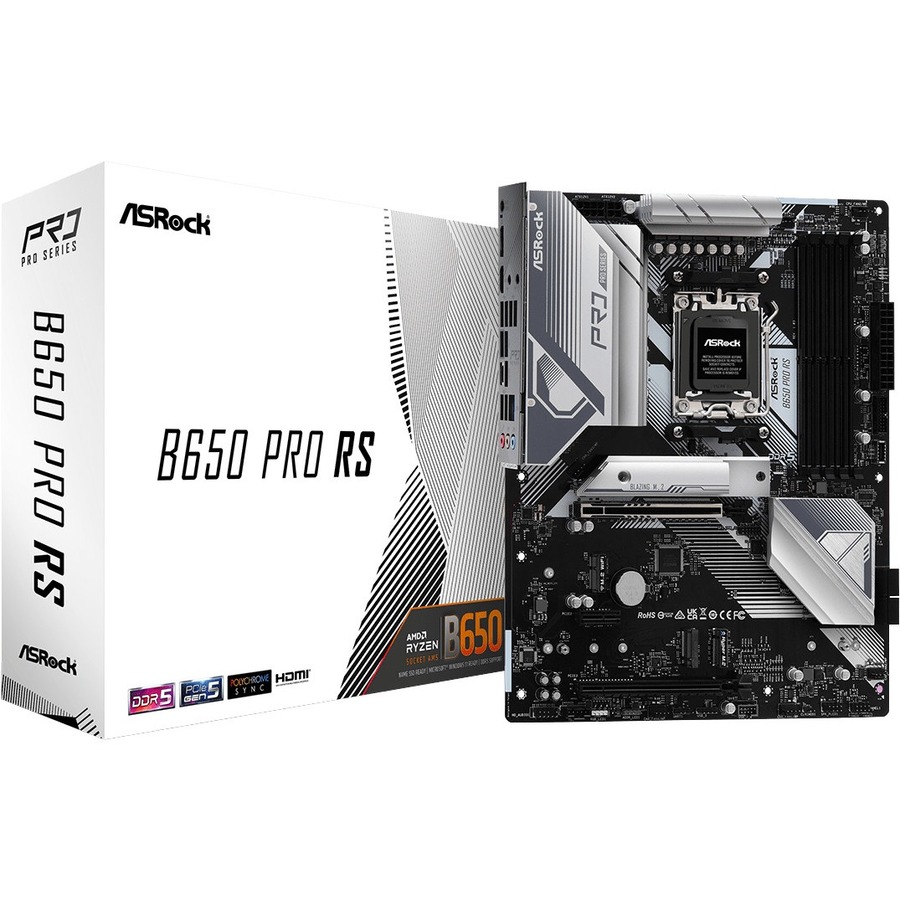
Here is the fact that surprises people: at the mainstream tier, the smaller board does not cost less because it is smaller. In our catalog, the Micro-ATX MSI B850M-P WIFI (AMD B850, Socket AM5) is $207.51, while the ATX ASRock B650 PRO RS (AMD B650, Socket AM5) is $206.99 — essentially the same money. Price follows chipset and features, not dimensions.
If your goal is the lowest-cost AM5 entry, that comes from the chipset, not the outline: the Micro-ATX ASRock A620M Pro RS (AMD A620) lands at $169.98. It is cheaper because A620 is a leaner chipset, not because it is Micro-ATX. For how the AM5 chipsets stack up, see B650 vs B850 and A620 vs B650.
The one place size does cost money is the extreme small end — covered next.
Where Mini-ITX fits, and what it costs
Mini-ITX (170 x 170 mm) is the size below Micro-ATX, and it is the only step where shrinking adds a premium (Mini-ITX standard). It has a single PCIe x16 slot and, on nearly every board, just two DIMM slots. You build it because you want a genuinely small PC, not because it is cheaper or faster.
The premium is real. The same-generation AM5 Mini-ITX board in our catalog, the Asus ROG Strix X870-I GAMING, is $489.99 — more than double the Micro-ATX B850 board above, for a board that gives up expansion, not adds it.
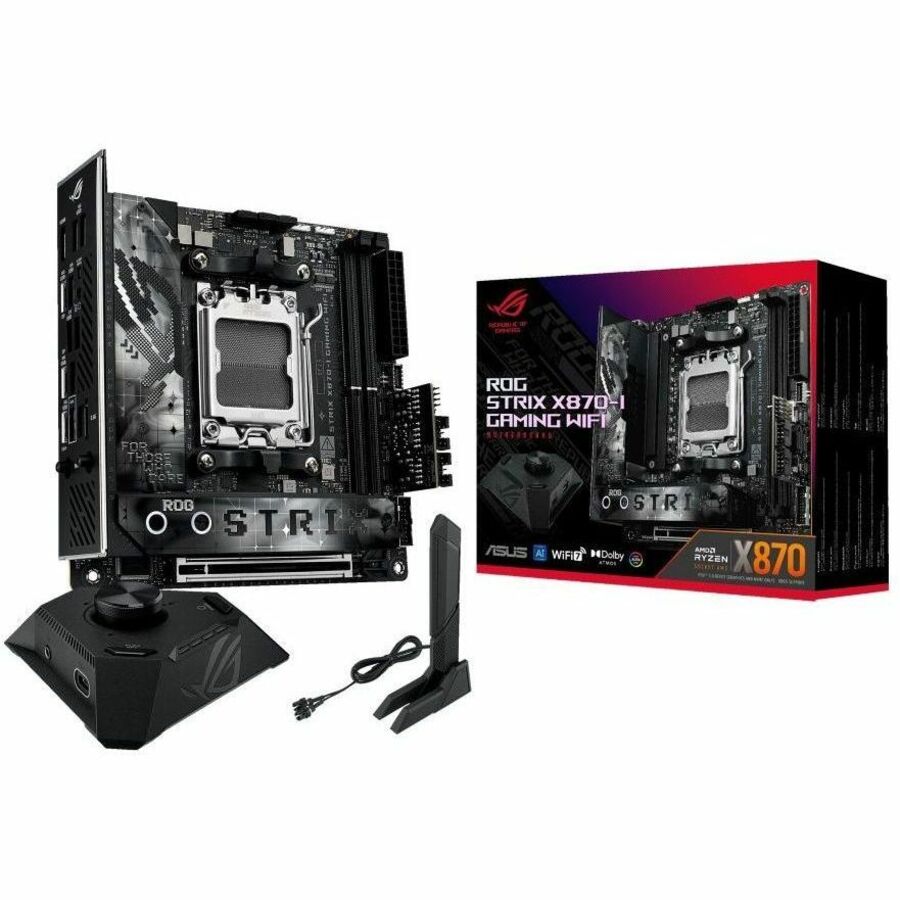
Mini-ITX also builds tighter: less room for cables, taller cooler and GPU clearance limits, and warmer components in a small case. It is the right call for a small-form-factor project and the wrong call if your only goal is saving money.
Who should build in which
- Build Micro-ATX if you're making a single-GPU gaming PC, want a smaller and cheaper case, and don't need more than one add-in card. This is the right default for the majority of gaming builds — it gives up nothing that a gamer uses.
- Build ATX if you want maximum M.2 and PCIe expansion, plan to run multiple add-in cards, want the roomier layout for cable management, or are shopping the higher-end boards where the strongest VRMs and feature sets tend to live.
- Build Mini-ITX if a genuinely small PC is the goal and you'll accept the price premium, two DIMM slots, one expansion slot, and a tighter build.
Whichever size you pick, our PC Builder checks that your board, CPU socket, RAM, and case all match before you order, so a Micro-ATX board can't end up paired with an ATX-only case.