
If you game and nothing else, the Ryzen 7 7800X3D is the faster chip — but the Ryzen 5 7600X is the one most people should actually buy. The 7800X3D's 96MB of stacked L3 cache makes it the better gaming CPU, yet its lead over the 7600X swings wildly by title: at 1080p on a CPU-unbottlenecked test bench, GamersNexus measured it just 9% ahead in Baldur's Gate 3, 19% in Starfield, and 35% in Final Fantasy XIV (GamersNexus). In our catalog that advantage costs $207.07 — the 7600X is $208.34, the 7800X3D is $415.41, roughly double. Whether that doubles your frame rate or buys you nothing depends almost entirely on your GPU and resolution.
Both are 6-and-8-core Zen 4 chips on the same AM5 socket, so the spec sheet makes them look like neighbors in a product stack. The real difference is one extra layer of silicon — AMD's 3D V-Cache — and the habit of treating it as a blanket upgrade. The benchmarks show it is a targeted one that goes idle more often than the marketing admits.
The 9%-to-35% gap at 1080p
The X3D advantage is real, but its size is set entirely by where the bottleneck sits. The numbers below come from testing at 1080p on a high-end bench — GamersNexus runs CPU reviews on an RTX 4090 specifically to remove the graphics card as a limit, which is the only way to see what a processor can actually do. Put a realistic GPU in the system and the spread shrinks.
| Ryzen 5 7600X | Ryzen 7 7800X3D | |
|---|---|---|
| Cores / threads | 6 / 12 | 8 / 16 |
| L3 cache | 32 MB | 96 MB |
| Boost clock | 5.3 GHz | 5.0 GHz |
| TDP (peak PPT) | 105 W (142 W) | 120 W (162 W) |
| Socket | AM5 | AM5 |
| Catalog price | $208.34 | $415.41 |
The per-game spread is the part most "which is faster" articles bury. In GamersNexus's 1080p testing, Final Fantasy XIV: Dawntrail ran 259 FPS on the 7600X and about 349 on the 7800X3D — a 35% jump. Starfield went 122 to 145 (+19%). But Baldur's Gate 3 moved only 116 to 126, a 9% gap you would struggle to feel. One chip, three different answers, same test bench.
Why the cache helps some games and not others
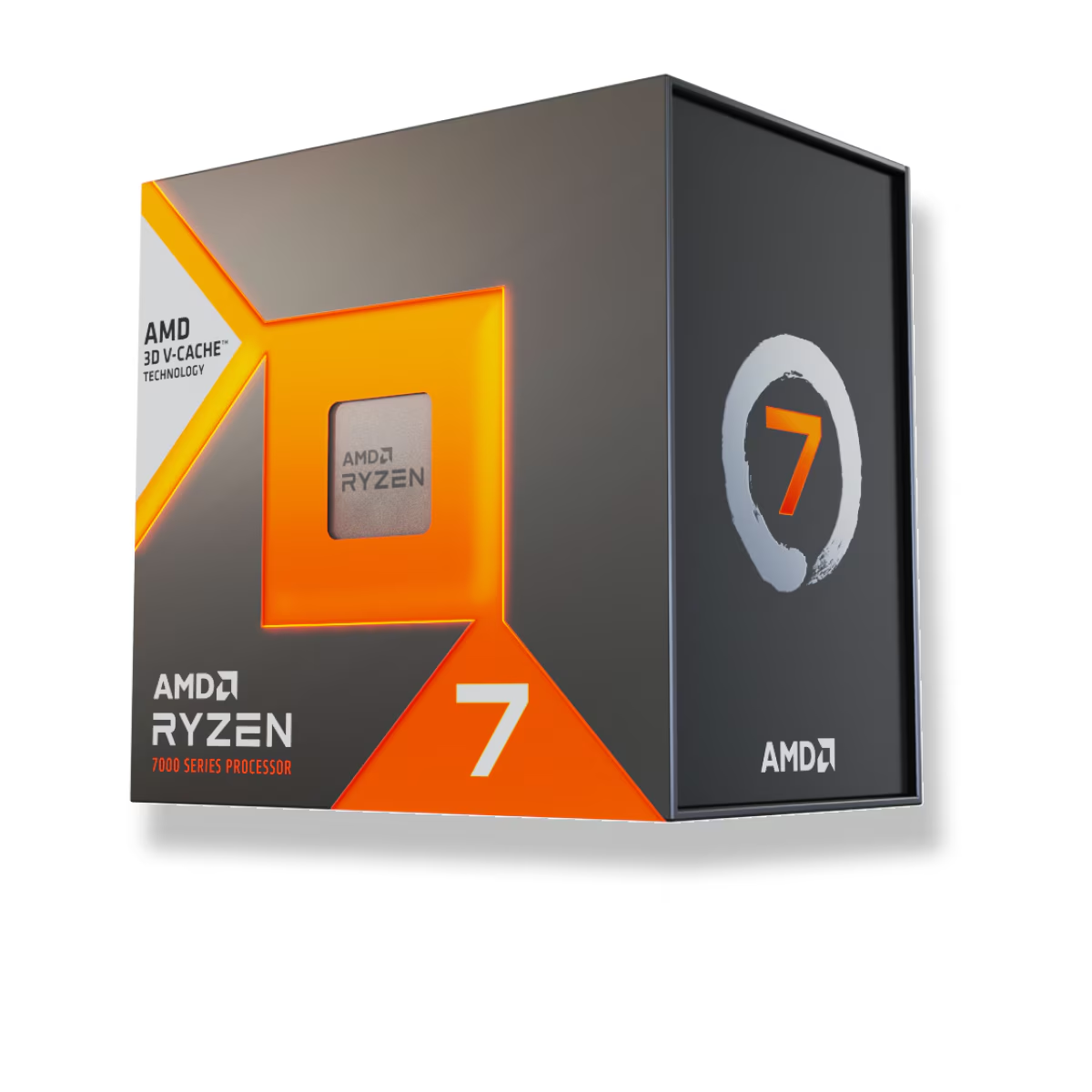
3D V-Cache works by keeping game data on the chip instead of making the CPU wait on system memory. When a game constantly re-reads large data sets — simulation state, sprawling worlds, dense AI — that saved trip is worth a lot, and the extra 64MB stays busy. When a game fits comfortably in a normal cache, or is waiting on the GPU anyway, the stacked cache has nothing to chew on and the 7600X's higher clocks close most of the gap.
That is why the biggest wins show up in MMOs, strategy, and open worlds, and why the X3D's real edge often lands in 1% lows — the stutters that come from memory stalls — more than in the average number. If you run a 144Hz-plus monitor and care about frame consistency, that matters. If your library is shooters and GPU-bound AAA titles, the cache is paying for frames you may never see.
Where the 7600X is the smarter buy
Here is the uncomfortable part for a shop that sells both: for a lot of builders, the 7800X3D is $207 spent on nothing. The 1080p-on-a-4090 numbers above are a laboratory condition. Nobody pairs a $415 CPU with a 1080p-only setup and a flagship GPU and then ignores the frames. In the real world you are usually GPU-limited, and that is exactly where the two chips converge.
Move to 1440p or 4K, or drop in a mid-range card, and the graphics card becomes the bottleneck. Both CPUs feed it all the frames it can render, so they post nearly identical numbers and the $207 gap buys you a margin you can't see. The 7600X is also the better-balanced spend: that $207 is a real step up in GPU, a 2TB NVMe drive, or a better monitor — all of which move gaming performance more than a cache upgrade when you are already GPU-bound.
Productivity: neither is the value pick
If your machine does real work — rendering, encoding, compiling — step back from both. The 7800X3D's two extra cores give it a multithreaded edge over the 7600X, but its stacked cache limits clocks and does nothing for production workloads, and GamersNexus notes the X3D consistently trails standard non-X3D parts in those tasks for that reason. A plain Ryzen 7 7700X — cheaper than the X3D in our catalog — or a higher-core Ryzen 9 is the smarter productivity buy. The 7600X's six cores, meanwhile, are enough for gaming plus light multitasking but will feel tight in heavy content creation.
Put simply: the 7800X3D is a specialist. It is a gaming chip that happens to have eight cores, not a do-everything processor.
Price, platform, and cooling
Both drop into the same AM5 boards and both run DDR5, so the platform cost is identical — you are choosing a processor, not a build. Neither includes a boxed cooler, so budget for one regardless. A solid air tower handles either; despite its 120W rating the 7800X3D draws modestly in games, while the 7600X boosts aggressively to 5.3 GHz and runs warm under all-core load, so don't under-cool it.
Memory is where you can quietly give back performance with either chip. A tuned DDR5-6000 CL30 kit is the sweet spot for Zen 4 — see DDR5-6000 vs DDR5-8000 for why faster kits rarely earn their price. You can check either CPU against a full parts list in our PC Builder, which flags socket and memory mismatches before you order, and the best budget CPUs guide covers where the 7600X sits against Intel's entry chips.
Who should buy which
- Buy the Ryzen 7 7800X3D if you game at 1080p or 1440p on a strong GPU, chase high-refresh frame rates, live in simulators, MMOs, and strategy titles, and want the best 1% lows in this tier — and you have the GPU to expose the difference.
- Buy the Ryzen 5 7600X if you game at 1440p or 4K, run a mid-range graphics card, are building to a budget, or want to put the $207 you save toward a faster GPU — where, for most setups, it buys more frames than the cache would.
The honest version: if your GPU is the bottleneck, the 7800X3D is $207 for frames you'll never see on your monitor. If you're on a 1080p high-refresh panel with a fast card and you play the right games, it's the most obvious upgrade in the build. Everyone in between should start with the 7600X and spend the difference on the GPU.