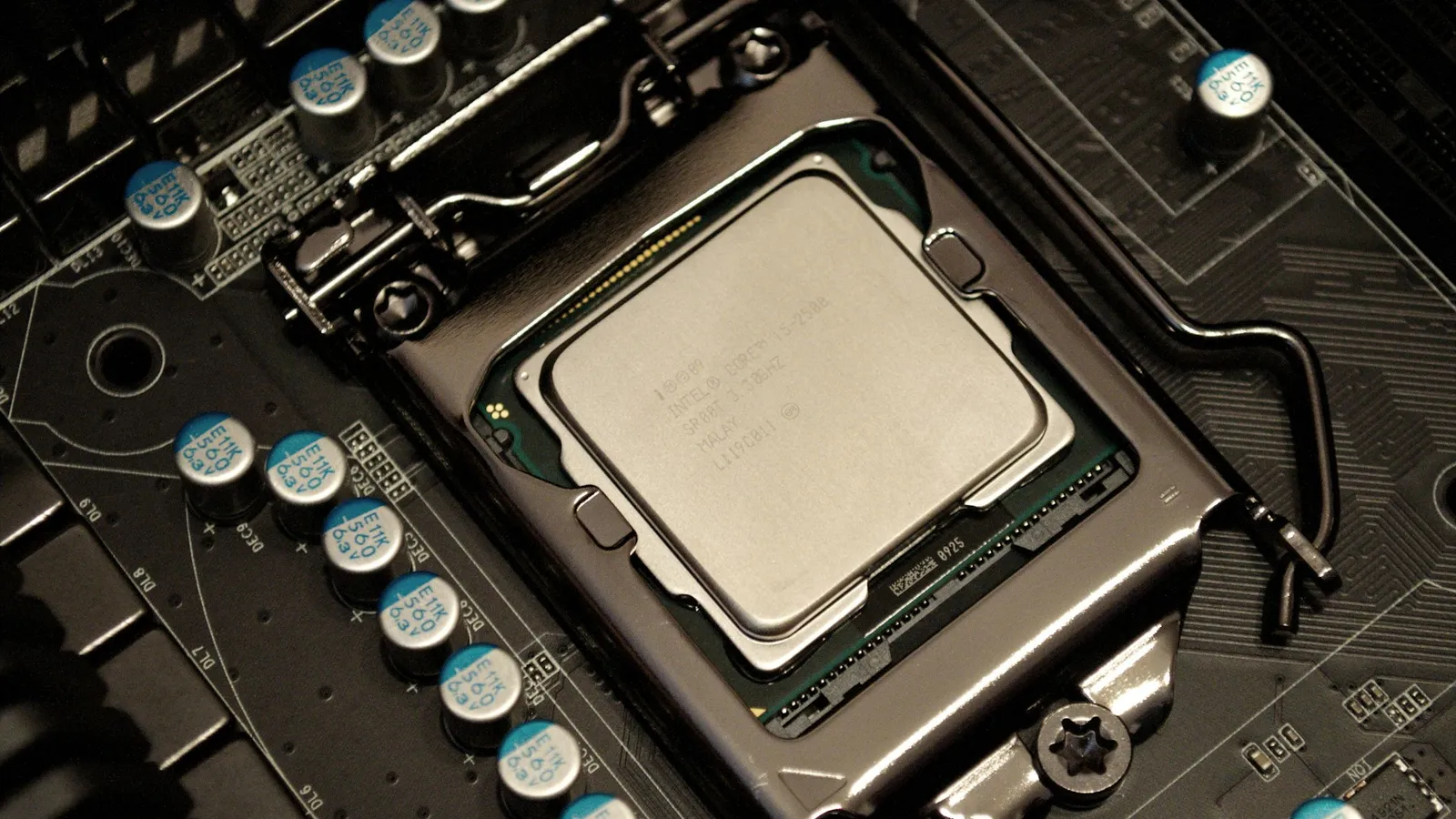

For pure gaming, the older Intel Core i7-14700K and the newer Core Ultra 7 265 are close enough that the "newer must be faster" instinct will steer you wrong. Depending on whose test suite you read, one is a few percent ahead of the other, and the winner flips from game to game. What actually separates them is not frame rate: the Core Ultra 7 265 (Arrow Lake) runs far cooler and pulls much less power, while the 14700K (Raptor Lake Refresh) is the hotter, thirstier chip that still edges ahead in a lot of hand-tested games. Buy the 265 if you want a cool, quiet, efficient system; buy the 14700K if you want maximum frames per dollar today and don't mind the heat.
The question exists because Intel launched Arrow Lake on a new socket with a new architecture, and buyers reasonably assumed the newer generation would game faster. It doesn't — Intel itself positioned the 200S series around efficiency, not gaming, and the launch reviews confirmed it.
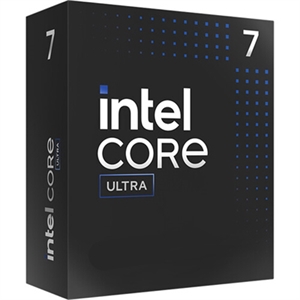
A note on the exact chips: we stock the Core Ultra 7 265F, where the "F" only removes the integrated graphics — with a discrete GPU it games identically to the 265K that reviewers benchmark. The Intel chip on the other side is the full Core i7-14700K.
Gaming performance: the older chip usually holds up
Start with the surprising part: the older 14700K wins most hand-tested game suites. In Tom's Hardware's direct faceoff, run at 1080p with an RTX 5090 to remove the GPU as a limit, the 14700K averaged 149.8 fps across 16 games against 138.8 fps for the 265K — about 8% ahead. But that average hides a lot: the 14700K was around 21% faster in A Plague Tale: Requiem and ~6% up in Hitman 3, while the 265K nudged ahead by a couple of percent in The Last of Us. This is not a chip that's uniformly faster; it's a chip that wins more often than it loses.
The reason Arrow Lake stumbled in games is architectural. Moving to a chiplet design added memory latency, and the P-cores clock lower than Raptor Lake's, so the 265's raw single-thread gaming throughput didn't jump the way its node and IPC changes suggested it might.
Now the honest counterweight. Big benchmark databases that average across a hundred-plus titles, like HowManyFPS, actually put the 265K slightly ahead. Aggregates pool wildly different test setups and lean on whatever games are in the pool, so they smooth out the big 14700K wins that show up in curated reviews. The practical read: in the games you personally play, expect these two to land within a handful of frames of each other, with the edge going to whichever chip the specific engine happens to favor.
| Core i7-14700K | Core Ultra 7 265 | |
|---|---|---|
| Architecture | Raptor Lake Refresh | Arrow Lake |
| Cores / threads | 20 (8P + 12E) / 28 | 20 (8P + 12E) / 20 |
| Socket | LGA1700 | LGA1851 |
| Memory | DDR4 or DDR5 | DDR5 only |
| Gaming (1080p, curated suite) | ~8% ahead | reference |
| Power & heat | High | Much lower |
| Price (TechCortex) | $448.97 | $413.26 |
One thing the spec sheet shows plainly: the 14700K keeps Hyper-Threading (28 threads from 20 cores), while Arrow Lake dropped SMT entirely (20 threads from 20 cores). It rarely matters for gaming, but it's part of why the 14700K stays competitive in heavily threaded scenes.
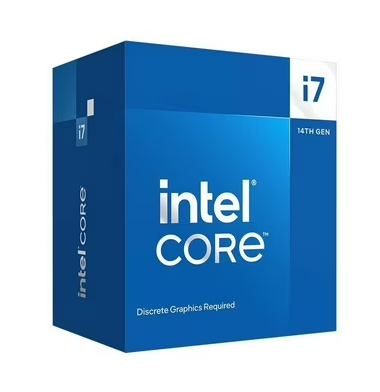
Power and heat: where the 265 clearly wins
This is the real reason to choose Arrow Lake. Intel pitched the 200S series on efficiency, and independent testing backed the claim: the 265 draws far less power and runs markedly cooler than the 14700K under the same load. PC Gamer summed the launch up as "one of the largest power reductions Intel has seen in quite some time" — with the caveat that it can fall short in some games.
That efficiency has knock-on effects a benchmark chart won't show you. A cooler chip is easier to cool quietly, tolerates a smaller air cooler or a 240 mm AIO instead of a 360 mm, and dumps less heat into a small case. The Core Ultra 7 265F ($413.26) is the sensible pick if a quiet, cool, low-power build matters to you. The Core i7-14700K ($448.97) is a genuinely hot part — it wants serious cooling to hold its clocks, and it will make your fans work.
There's also a timing wrinkle. Arrow Lake shipped rough and got better slowly — the early microcode fixes underwhelmed, but TechPowerUp found about 9% more gaming performance and 15% lower power after roughly a year of updates. If you read a launch-day review and wrote the 265 off, it's worth a second look on current firmware.
Platform and upgrade path
Here neither chip gives you much. The 14700K uses LGA1700, and 14th Gen is the last generation for that socket — a board bought for it is a dead end for CPU upgrades, though it does let you reuse DDR4 if you already own it, which can cut build cost. A budget Asus TUF Gaming B760-PLUS WIFI ($226.64) pairs well with it.
The 265 needs LGA1851 and DDR5, on an 800-series board like the MSI MAG Z890 Tomahawk WiFi ($299.99) or the cheaper Asus Prime B860M-A WiFi ($196.05). LGA1851 currently hosts only the Core Ultra 200S family, so don't buy it expecting a big drop-in upgrade later either. In short: pick the chip, not the platform's future, because neither has much of one.
Price and value at TechCortex
At TechCortex the 265F is $413.26 and the 14700K is $448.97 — a ~$36 gap that won't decide anything on its own. The trap in this matchup is assuming the newer, cheaper-looking Arrow Lake chip is the smart-money gaming pick. It's the efficiency pick, not the frame-rate pick.
If frame rate is what you're buying a CPU for, the honest answer is that neither of these is the best value in the store. The Ryzen 7 7800X3D ($409.99) — cheaper than the 14700K — beats both in CPU-bound gaming thanks to its 96 MB of 3D V-Cache, and it does it drawing a fraction of the 14700K's power. Reviews that put all three head-to-head, like TechteamGB's, consistently land the 7800X3D on top for games. We make the same case in our best CPU for 1440p gaming guide and in 7800X3D vs 7700X. Choosing between the two Intel chips is fine — just know a faster gaming option sits at the same price.
Who should buy which
- Buy the Core Ultra 7 265 if you want the cooler, quieter, far more power-efficient system, you value a modern DDR5-only platform, and you're fine trading a few percent of frame rate for a build that's easier to cool and cheaper to run.
- Buy the Core i7-14700K if you want the most gaming frames per dollar between these two today, you already own DDR4 you'd like to reuse, and you can commit to serious cooling for a hot, high-power chip.
- Skip both and get a Ryzen 7 7800X3D if gaming FPS is your top priority; it beats both in CPU-bound games, costs less than the 14700K, and sips power by comparison.
Building the whole system? Drop any of these CPUs into a compatibility-checked build in our PC Builder and it will flag the board, cooler, and memory that fit.