
For a gaming PC in 2026, buy a 2TB NVMe SSD. That is the baseline now, not the luxury tier. A single modern AAA game runs 100-150GB — Call of Duty: Black Ops 6 needs 128GB installed (The FPS Review), and Larian recommends 150GB free for Baldur's Gate 3 (Charlie Intel). Add Windows and a couple of launchers, keep some headroom so the drive stays fast, and a 1TB SSD holds only about five or six of today's big installs before you are deleting games to make room.
The reason to settle this before you buy is money. NAND flash prices are climbing hard through 2026 as AI data centers soak up supply — TrendForce expected NAND contract prices to rise 70-75% quarter-over-quarter in Q2 2026 (TrendForce), and analysts expect storage to stay elevated into 2027. Buying the capacity you will actually use now beats "I'll add another drive later" at prices that keep moving the wrong way. This guide covers how to size a drive to your library, and where the extra spending stops paying off.
What actually fills a drive: the real math
Two things eat most of the space on a gaming PC: the operating system and a handful of modern games.
Windows 11 is smaller than people expect. Microsoft lists a 64GB-or-larger drive as the minimum, and a clean install lands near 30GB (Microsoft). But feature updates stage several gigabytes of temporary files, so 50-60GB is the realistic number to reserve for the OS, drivers, and everyday apps once you account for updates.
Games are where it gets heavy. Modern open-world and shooter titles now run 100-250GB each. Black Ops 6 needs 128GB (or 78GB if you already have Call of Duty HQ and Warzone installed), and Activision suggests keeping about 102GB free for smooth season updates (TechRadar). Baldur's Gate 3 is roughly a 122GB download that Larian would rather you give 150GB. A drive full of smaller indie games tells a different story, but if you play current AAA releases, plan around 100-150GB per active title.
One more claim on the budget: SSDs slow down and wear faster when they run nearly full, so leaving 10-20% of the drive unused is a common rule of thumb (Biwin). That headroom is real capacity you do not get to use for games.
Put it together on a 1TB drive: about 930GB usable, minus ~60GB for Windows and apps, minus ~15% you leave free, leaves roughly 730GB. At 120-150GB per big install, that is five or six modern games at a time. Enough for some people. Tight for anyone who keeps a live-service shooter, a couple of single-player epics, and a rotating backlog all installed at once.
The 2026 sweet spot: a 2TB NVMe SSD
Double the space, and the pressure disappears. A 2TB drive fits Windows plus a dozen-ish modern games with room to breathe, which is why it has become the default recommendation for a gaming build this year.
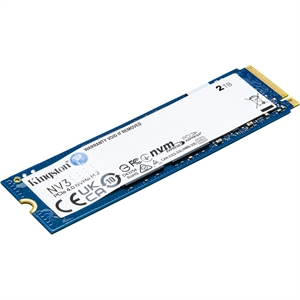
The value pick is a solid PCIe 4.0 drive. The Kingston NV3 2TB is $373.20 — and here is the number that decides it: that is about the same price as the Samsung 990 PRO 1TB at $367.98. Same Gen4 interface, twice the capacity, essentially the same money. For a boot-and-games drive, capacity you will fill beats headline speed you will never feel.
If you want the fastest Gen4 drive Samsung makes, the Samsung 990 PRO 2TB is $723. It is a genuinely excellent SSD with a full DRAM cache and top-tier sustained performance — but be honest with yourself about the workload. In games, the 990 PRO and a mainstream Gen4 drive like the NV3 load levels within a hair of each other. The 990 PRO earns its premium when you routinely move huge files, edit high-bitrate video, or run local AI models. For loading a Steam library, the extra spend buys benchmark numbers, not a faster game.
When 1TB is enough — and when it quietly isn't
A 1TB SSD still makes sense in specific cases: a secondary or budget rig, a build where you mostly play one or two games at a time, or a system where you are genuinely disciplined about uninstalling finished games. The Samsung 990 PRO 1TB ($367.98) is a fine drive for that.
Where 1TB bites is the "install everything and forget it" pattern. Keep a 128GB shooter, a 150GB RPG, and a few 60-80GB games resident and you are already managing space every time something new drops. And a 500GB or 256GB boot drive in 2026 is a false economy — a single modern AAA plus Windows can fill half of it on day one. If the budget only reaches 1TB today, buy the 1TB and add a second drive later rather than starting below 1TB.
Gen4 vs Gen5: don't pay for speed games can't use
The tempting upsell is a PCIe 5.0 drive. For gaming, it is the wrong place to spend in 2026.
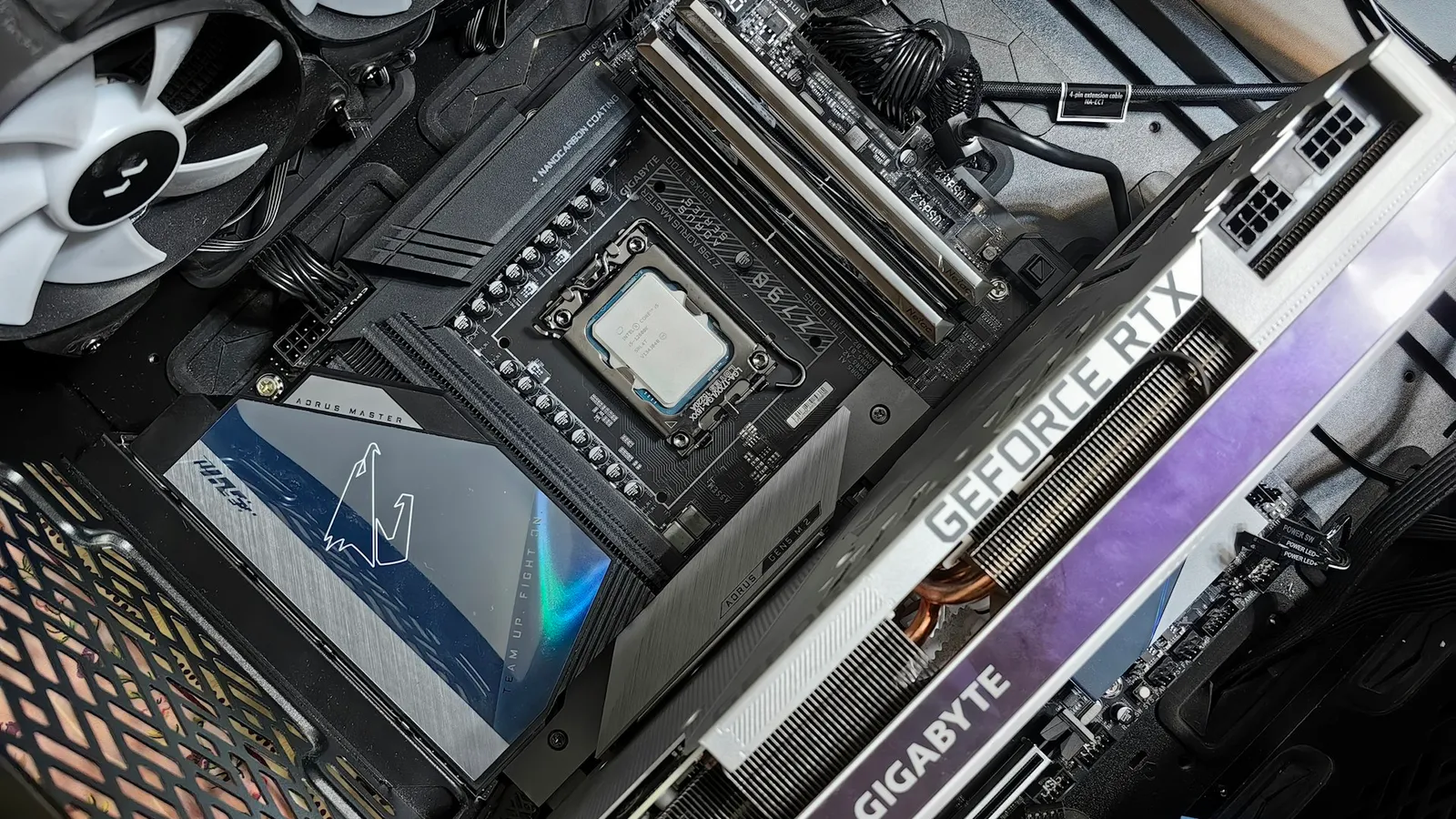
Gen5 roughly doubles sequential throughput on paper, but that is the one number games barely touch — booting Windows, launching apps, and loading levels lean on random reads and small files, where Gen4 and Gen5 land close together. Real game load times differ by a fraction of a second. We benchmarked this split in detail in Samsung 990 PRO vs 9100 PRO, and covered why game engines don't yet exploit the extra bandwidth in PCIe 4.0 vs PCIe 5.0 SSD. A PCIe 5.0 drive also only reaches Gen5 speeds in a Gen5 M.2 slot wired to the CPU — drop it in a Gen4 slot and you paid the premium for nothing.
The practical takeaway: buy a Gen4 NVMe drive, use the money you save on capacity, and revisit Gen5 only if your work involves the large sequential transfers it actually helps.
Where a hard drive still makes sense
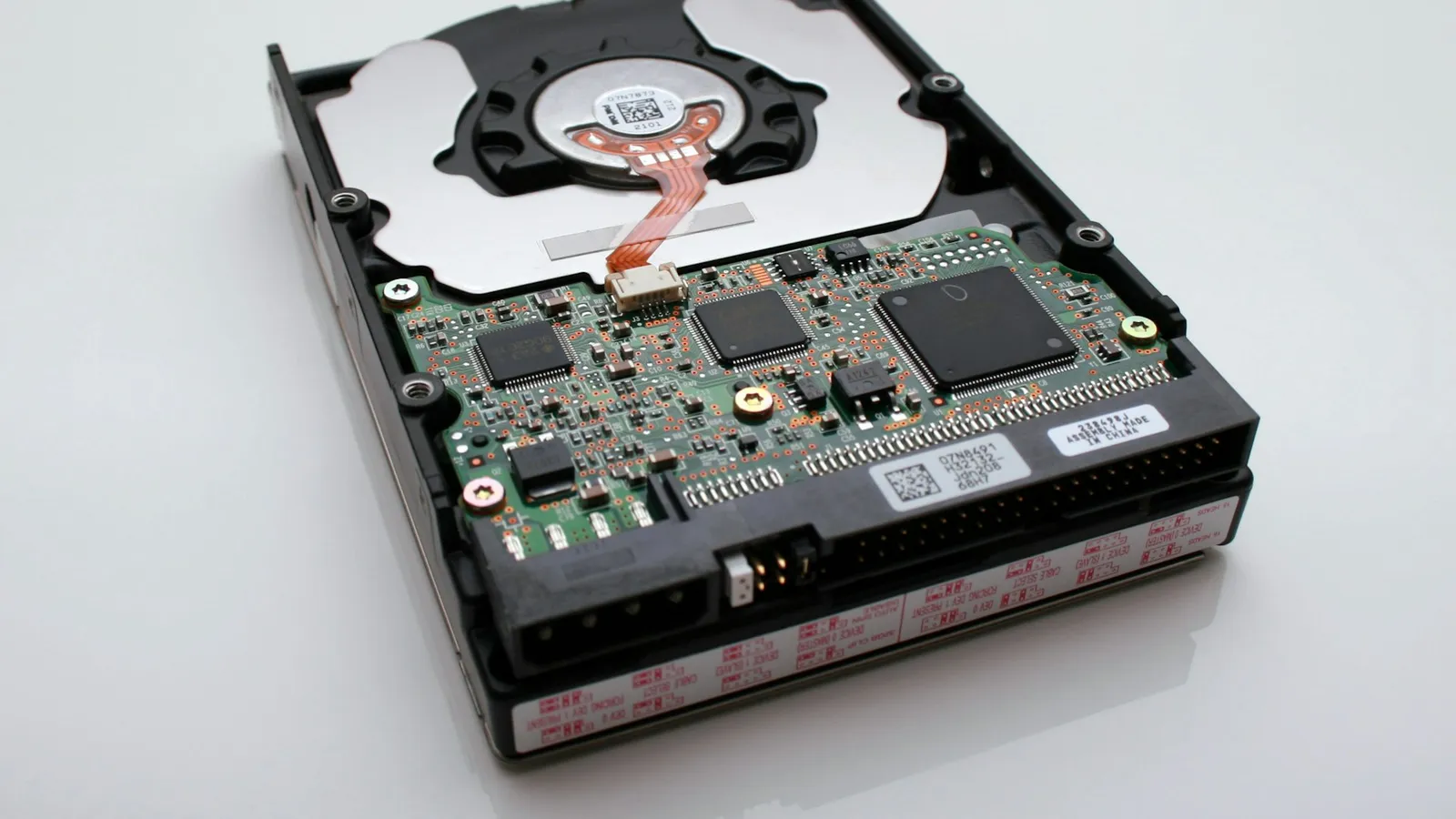
A mechanical hard drive is the cheapest storage per gigabyte by a wide margin, and it still has a job — just not the job people give it. The WD Black 10TB ($526.85) is a great place to store game recordings, downloaded media, project files, and backups, or to park games you are not actively playing.

What it is not is a drive to run modern games from. A growing list of 2024-and-later titles list an SSD as a requirement, not a recommendation, and even where an HDD "works" you will feel it in texture streaming and level loads. Treat the HDD as cold storage: keep what you actively play on the SSD, and move the rest to the HDD until you want it back.
If you want a middle option — more capacity than a boot drive without HDD-slow load times — a SATA SSD like the Kingston KC600 1TB ($294.40) is a reasonable home for a secondary game library. It is far faster than a hard drive for loading, if slower than NVMe, and it does not compete for an M.2 slot.
Speccing a full build around your storage? The PC Builder checks M.2 slot and interface compatibility as you add parts, so a Gen5 drive doesn't quietly land in a Gen4 slot.
Common mistakes
- Buying a 500GB or 256GB boot drive in 2026. One modern AAA game plus Windows can fill it immediately. Start at 1TB, aim for 2TB.
- Paying the PCIe 5.0 premium for a gaming drive. Gen5 costs more and doesn't shorten game loads in any way you will notice. Buy Gen4 and spend the difference on capacity.
- Running modern games off a hard drive to save money. Many current titles require an SSD, and the rest stutter on mechanical storage. Use the HDD for archives and media.
- Overbuying 4TB+ NVMe with prices elevated. Unless you already know you need it, a 2TB drive is the value pick in 2026 — you can add more when NAND prices ease.