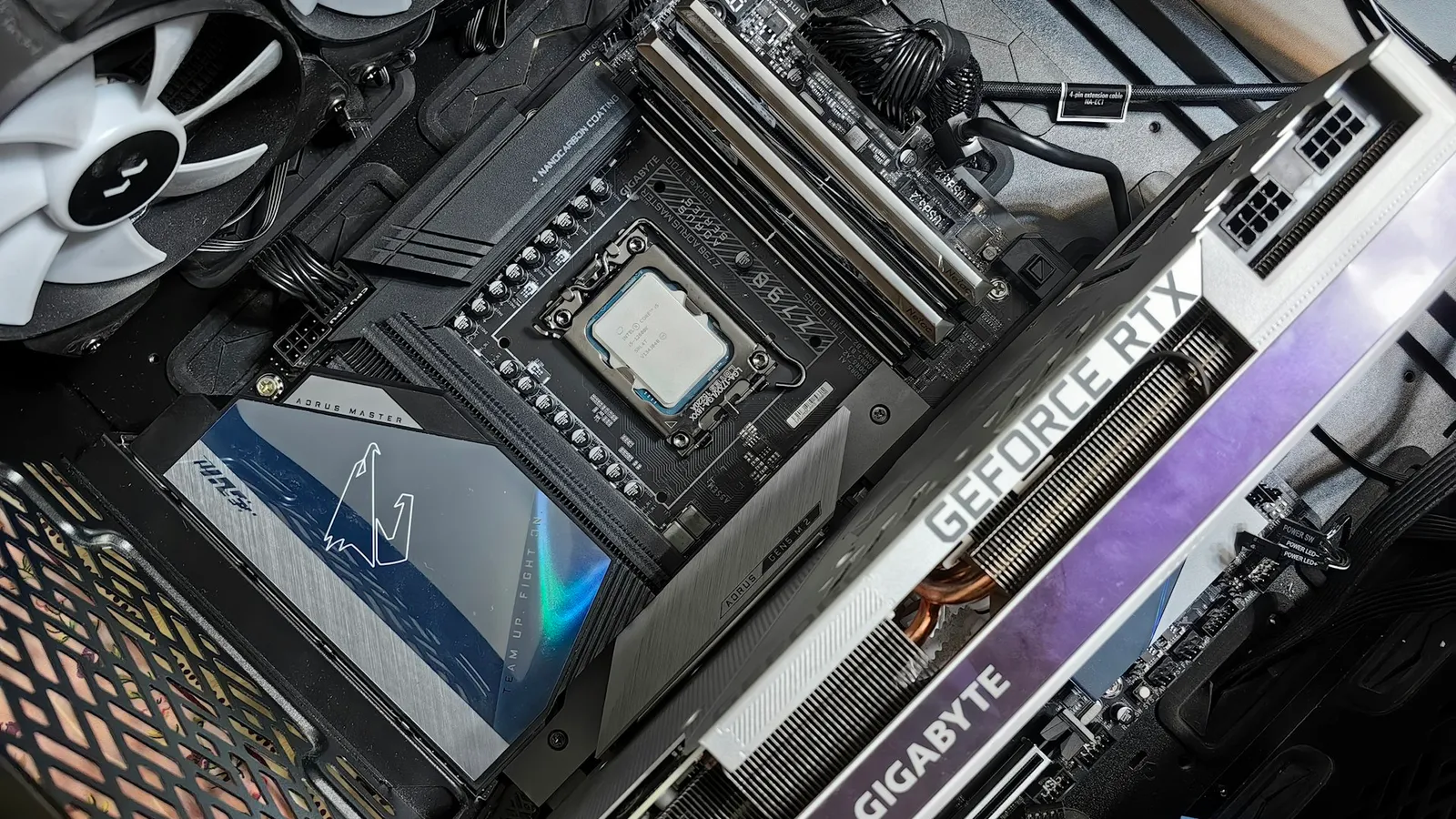

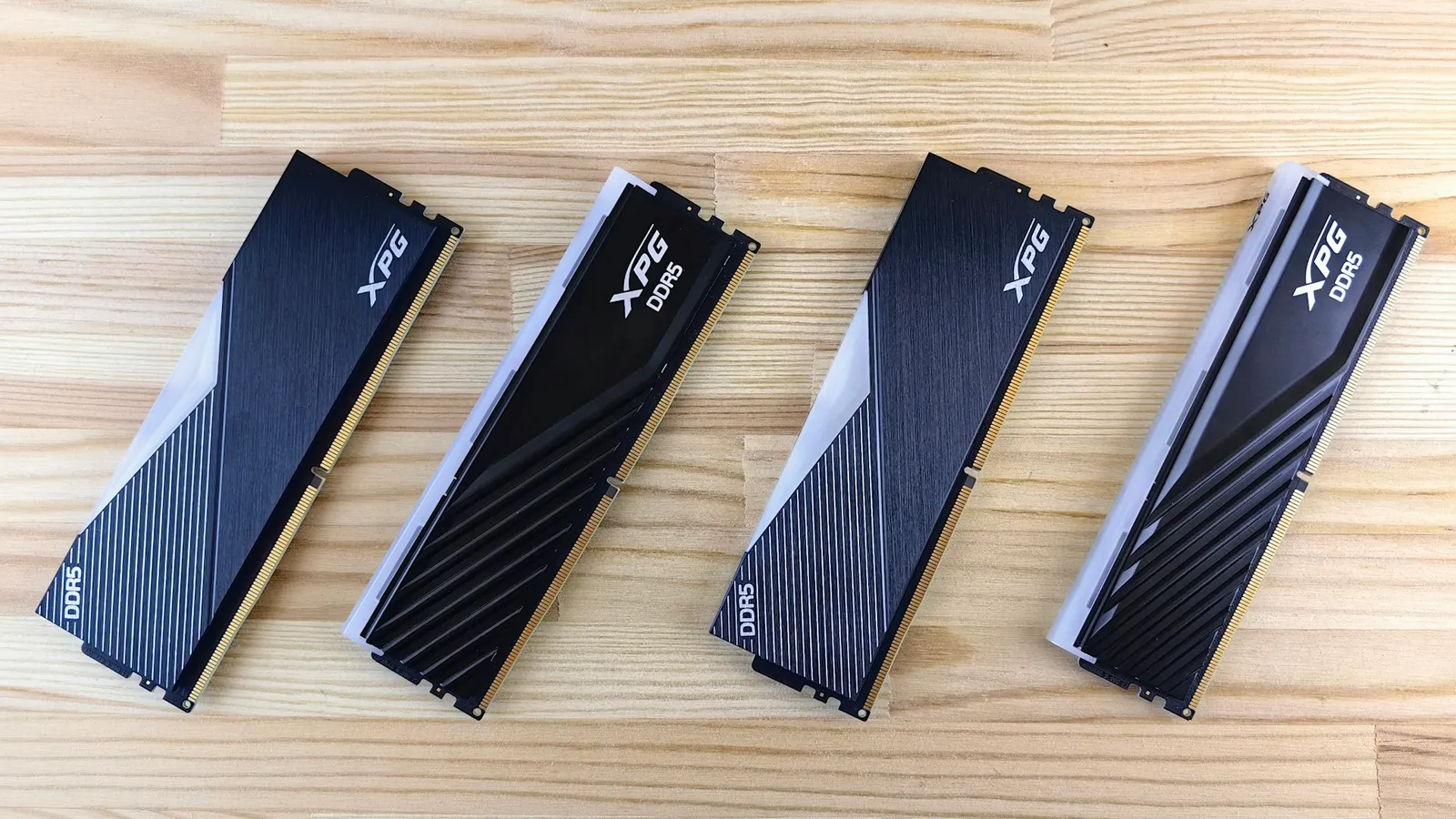
Buy your RAM as two matching sticks, not one big one. In a modern gaming PC, dual-channel memory delivers about 12% higher average frame rates and 16% better 1% lows at 1080p than the same capacity on a single stick, measured across 13 games on a Ryzen 7 9700X with DDR5-6000 (TechSpot). On a system with integrated graphics — an APU like the Ryzen 5 5600G — the gap is far larger, because the iGPU leans on system memory bandwidth to do its job. And here is the part that makes the decision easy: a two-stick kit usually costs the same or less than one large stick, so single-channel is often paying more for less.
The confusion is understandable. A single 16GB stick and a pair of 8GB sticks hold the same 16GB, cost about the same, and drop into the same board. The number that separates them is not capacity — it is how many lanes the memory controller can talk over at once. One stick uses one 64-bit channel. Two sticks light up a second channel and roughly double the width of the pipe between your RAM and CPU.
How single- and dual-channel actually differ
Your memory controller has two 64-bit channels. Populate one DIMM slot and you use one channel — a single 64-bit path to memory. Populate a matched slot on the second channel (the manual tells you which pair, usually A2/B2) and both channels run in parallel, giving the CPU a 128-bit-wide path.
That width is bandwidth. GamersNexus measured the jump directly: moving from single to dual channel raised MaxxMem copy throughput by about 31% and read by about 27% (GamersNexus). Capacity, latency (the CL number), and clock speed do not change — only how much data moves per cycle.
Bandwidth is not free performance, though. It only shows up as frame rate when something is actually waiting on memory. That is why the answer to "does it matter?" is "it depends on what is doing the work" — and the two cases that matter most are a CPU-bound game and an integrated GPU.
Gaming with a discrete GPU
This is where the honest answer lives. TechSpot's late-2025 test paired a Ryzen 7 9700X with DDR5-6000, then ran 13 games at 1080p with one 16GB stick versus a 2×8GB kit. The single-stick configuration averaged 12% lower frame rates and 16% lower 1% lows (TechSpot).
But "average" hides the shape. A few GPU-bound titles were within a frame or two. One CPU-heavy title, Marvel Rivals, collapsed from 195 FPS dual-channel to 129 single-channel at medium settings (TechSpot). The pattern is consistent: the harder your CPU works relative to your GPU, the more single-channel hurts.
Turn up the resolution and the math flips. At 1440p or 4K with a strong graphics card, the GPU becomes the bottleneck and the CPU spends more time waiting on it than on memory — so the single-versus-dual gap shrinks, sometimes to noise. If you are GPU-bound at 4K with a fast CPU, one stick costs you very little.
Where it still bites even on a discrete GPU is the 1% lows — the brief stalls during a shader-heavy scene or a crowded firefight. Those dips are more memory-sensitive than the average, which is why the 16% gap on 1% lows is wider than the 12% gap on averages.
| Single-channel (1×16GB) | Dual-channel (2×8GB) | |
|---|---|---|
| Memory paths | One 64-bit channel | Two 64-bit channels |
| Bandwidth (vs single) | Baseline | ~2× wider |
| 1080p avg FPS, 13-game | −12% | Baseline |
| 1080p 1% lows | −16% | Baseline |
| iGPU / APU gaming | Roughly half bandwidth | Full bandwidth |
Integrated graphics: where single-channel is a dealbreaker
If your build has no discrete card — an APU like the Ryzen 5 5600G and its Radeon graphics — the rules change completely. An integrated GPU has no VRAM of its own; it carves its frame buffer out of system RAM and reads textures over the same memory bus the CPU uses. Memory bandwidth is the iGPU's performance ceiling.
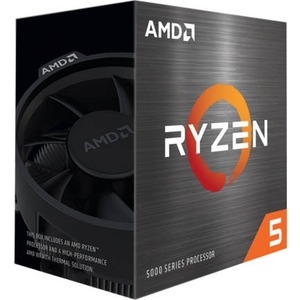
Run that APU on a single stick and you roughly halve the bandwidth feeding the graphics. Editorial APU testing has shown integrated-graphics frame rates climbing well into the double digits — commonly 20–50%+ depending on the game — simply by adding a second matched stick (GamersNexus). For an APU, dual-channel is not a tuning choice; it is the difference between a game being playable and not.
So if you are building a budget box around integrated graphics, treat a two-stick kit as mandatory.
Price and availability
Here is the argument that ends the debate for most new builds: single-channel usually costs more.
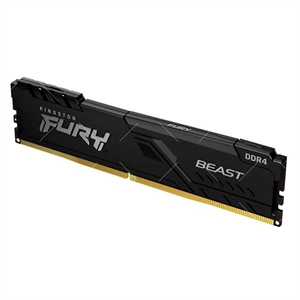
In our catalog the same Kingston FURY Beast DDR4-3200 comes both ways. The 2×8GB dual-channel kit is $263.99. The single 16GB module is $274.74 — $10.75 more for the slower configuration.
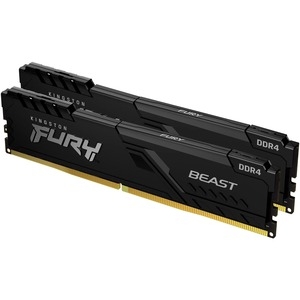
There is no scenario on a fresh build where the single 16GB stick wins here: it is more expensive, and it leaves a channel dark.
Building on DDR5? The in-catalog dual-channel option is the Micron 64GB (2×32GB) DDR5 kit at $725.07, or pair a matched two-stick kit in the PC Builder, which only offers RAM as kits so you cannot accidentally end up single-channel. (Prices are as listed at the time of writing.)
When a single stick is actually fine
Being honest cuts both ways. There are cases where one stick is a reasonable call:
- You are deliberately half-populating to upgrade later. Buying one 16GB stick now and a matching one in a few months is a valid budget path — you just run single-channel until the pair is complete. Buy the exact same model so the two pair cleanly.
- You are GPU-bound at 4K with a discrete card and a strong CPU. The gap can shrink to a couple of frames.
- The workload does not touch memory bandwidth. Plenty of desktop apps and lightly-threaded tasks will not notice.
The case where a single stick is never fine: any build leaning on integrated graphics, and any CPU-bound 1080p gaming rig where you care about smoothness.
Who should buy which
- Buy a matched two-stick kit if you are building most gaming or APU systems. It is the same money or less, and it is the single easiest way to avoid leaving FPS on the table.
- A single stick is acceptable only if you are intentionally staging an upgrade and will add an identical stick, or you are 4K GPU-bound and cash is tight this month.
If you want the capacity question settled too, see 16GB vs 32GB RAM for Gaming; for speed, DDR5-6000 vs DDR5-6400. Both matter less than getting two sticks in.